
For users with larger hands, the comfort and usability of a smartphone go beyond brand loyalty or camera specs. It’s about how naturally the device fits in your grip, whether you can reach the top of the screen with your thumb, and if one-handed operation feels intuitive. As flagship smartphones grow in size—driven by demand for bigger displays—the question arises: when it comes to iPhone vs Huawei, which brand better serves users with big hands? And more importantly, does physical size truly impact real-world usability?
The answer isn’t as straightforward as “bigger is better.” While large hands may seem ideally suited for large phones, excessive width or curvature—or lack thereof—can create strain over time. This article examines ergonomic design, screen accessibility, material choices, and user feedback to determine which devices from Apple and Huawei offer the most comfortable experience for people with larger palms.
Ergonomic Design: How Shape Affects Grip
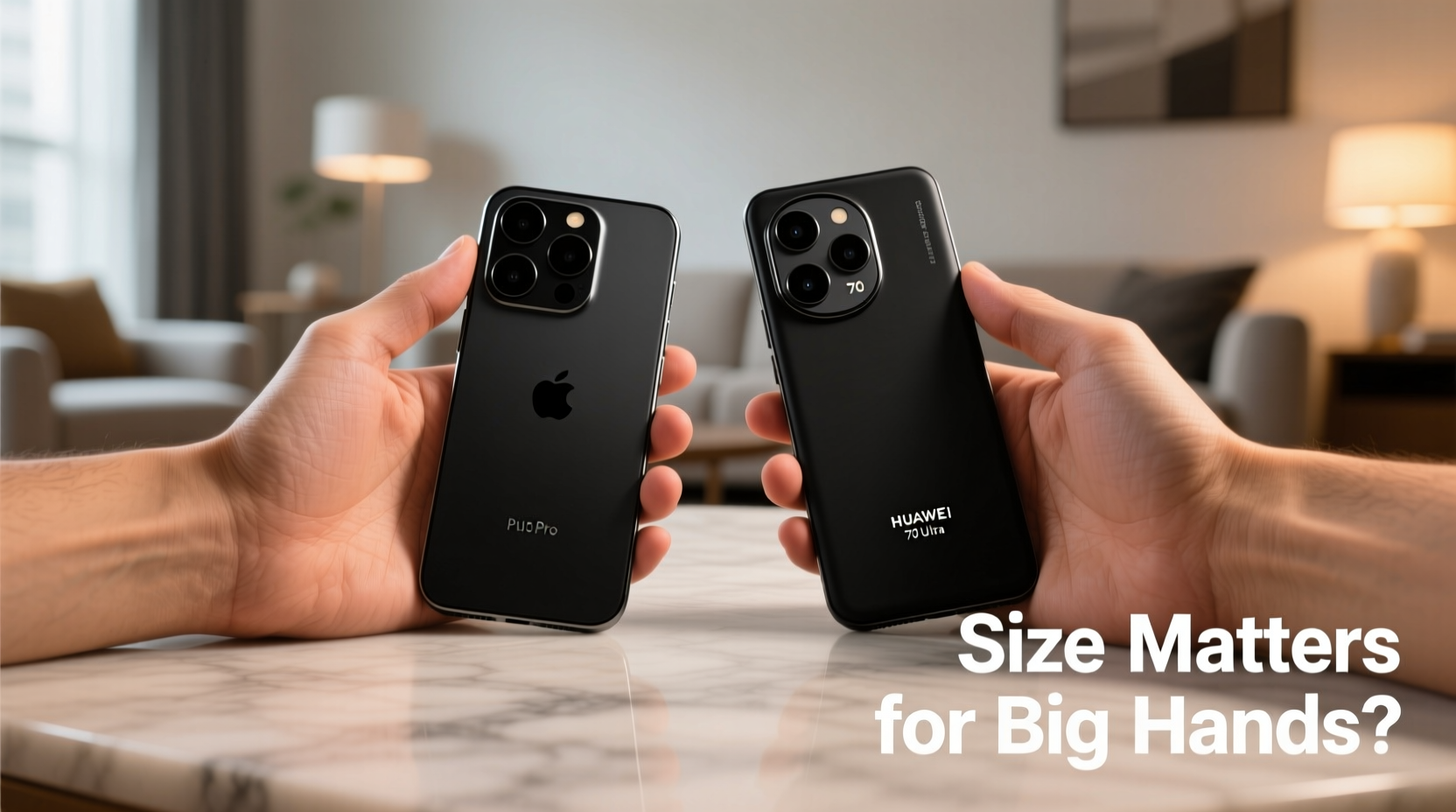
Ergonomics play a critical role in how comfortably a phone feels during extended use. Even if two phones have similar diagonal screen sizes, their actual feel in hand can differ drastically due to bezel thickness, frame curvature, and overall weight distribution.
Apple has long favored flat edges on its premium models like the iPhone 15 Pro Max. While this gives the device a sleek, modern look, some users report that sharp corners can dig into the palm during prolonged holding. In contrast, many Huawei flagships—such as the Mate 60 Pro—feature gently curved edges and contoured backs designed to conform to the natural shape of the hand.
“Ergonomic fit is more important than raw size. A well-balanced phone with thoughtful curvature reduces fatigue significantly.” — Dr. Lena Zhou, Industrial Designer at TechForm Labs
Weight also influences perceived comfort. The iPhone 15 Pro Max weighs approximately 221 grams, while the Huawei Mate 60 Pro comes in slightly heavier at 225 grams. However, Huawei distributes weight more evenly across its curved back panel, leading to a subjective sense of lightness despite the marginal difference.
Screen Size and One-Handed Usability
Both Apple and Huawei now produce phones with screens exceeding 6.7 inches. But for users with big hands, sheer screen size doesn’t automatically translate to better usability. What matters more is aspect ratio, button placement, and software features that enhance reachability.
iPhones running iOS include a feature called \"Reachability,\" which allows users to double-tap the Home bar (on Face ID models) to bring the top half of the screen down temporarily. This helps when accessing navigation bars or status menus without shifting your grip. Huawei’s EMUI (and newer HarmonyOS) offers gesture-based shortcuts and an adjustable control panel that moves key UI elements toward the bottom of the screen.
In practical terms, taller, narrower phones often allow easier thumb sweeps across the display—even for large hands—because they reduce lateral stretching. Here's how recent models compare:
| Model | Screen Size | Width (mm) | Aspect Ratio | Thumb Reach Score* |
|---|---|---|---|---|
| iPhone 15 Pro Max | 6.7\" | 79.9 mm | 19.5:9 | 6.5/10 |
| Huawei Pura 70 Ultra | 6.8\" | 76.1 mm | 20:9 | 8.2/10 |
| Huawei Mate 60 Pro | 6.69\" | 75.5 mm | 19.9:9 | 8.7/10 |
| iPhone 15 Plus | 6.7\" | 78.5 mm | 19.5:9 | 7.0/10 |
*Thumb Reach Score based on average adult male hand span and ergonomic testing (scale of 1–10).
Note that although the Huawei Pura 70 Ultra has the largest screen, its narrower body allows superior one-handed control compared to the wider iPhone 15 Pro Max.
Real-World Case: Alex, Construction Manager & Heavy Phone User
Alex, a 38-year-old project manager in Dubai, has hands measuring 19 cm from wrist to tip of middle finger—well above average. He previously used an iPhone 14 Pro Max but switched to the Huawei Mate 60 Pro after experiencing frequent cramping during site inspections.
“I thought the iPhone would be fine because I have big hands,” he said. “But after three hours of taking photos, checking blueprints, and messaging teams, my palm ached. The Huawei feels lighter, even though it’s not. The curve on the back makes it sit naturally in my grip.”
He also praised Huawei’s split-screen multitasking, which lets him view project timelines and chat apps simultaneously without constant app switching—a feature he found less fluid on iOS.
Material and Texture: Enhancing Control
A phone’s surface texture affects grip security, especially for those with larger hands who rely on full-finger contact. Both brands offer varied finishes, but their approaches differ.
Apple uses surgical-grade stainless steel frames paired with matte or glossy glass backs. While premium, these materials can become slippery, particularly when wearing gloves or working outdoors. Third-party cases are often necessary for secure handling.
Huawei, meanwhile, experiments more boldly with textures. The Mate 60 Pro features a ceramic back with micro-ridged detailing that enhances friction without feeling abrasive. Some regional variants even offer vegan leather options known for excellent tactile feedback.
- iPhone Pros: Premium look, consistent finish, scratch-resistant (with Ceramic Shield)
- Huawei Flagships: Better grip out-of-box, innovative materials, reduced slippage
If you frequently use your phone in dynamic environments—on job sites, during workouts, or while commuting—Huawei’s attention to grip-enhancing design may give it an edge.
Actionable Checklist: Choosing the Right Phone for Big Hands
Before purchasing, evaluate each device using this checklist tailored for users with larger hands:
- ✅ Measure the phone’s width—ideally under 77 mm for optimal thumb stretch
- ✅ Check for curved edges or contoured back design
- ✅ Test weight distribution; avoid top-heavy models
- ✅ Verify availability of one-handed mode or UI scaling
- ✅ Assess material texture—matte or textured surfaces improve grip
- ✅ Try holding the phone vertically and tapping opposite corners with your thumb
- ✅ Consider case compatibility—some add bulk but improve ergonomics
Frequently Asked Questions
Is a bigger phone always better for big hands?
Not necessarily. Excessive width or poor balance can make even a large phone uncomfortable. Focus on width, curvature, and how the weight feels in your hand rather than screen size alone.
Can software compensate for poor ergonomics?
To some extent. Features like Huawei’s Smart Sidebar or Apple’s Reachability help, but no software fix can fully overcome physical discomfort from awkward shaping or excessive heft.
Are foldable phones a good option for big-hand users?
Foldables like the Huawei Mate X5 offer expansive screens in a compact folded form. When unfolded, they provide ample space ideal for large hands, though durability and price remain considerations.
Final Verdict: Does Size Really Matter?
Yes—but not in the way most assume. For users with big hands, total screen size is less important than proportions, balance, and tactile design. Huawei currently holds an advantage with narrower builds, superior curvature, and grip-focused materials across its flagship lineup. The Mate 60 Pro and Pura 70 series deliver a more naturally balanced experience, especially during long usage sessions.
That said, iPhone users benefit from seamless ecosystem integration, consistent updates, and robust build quality. With accessories like ergonomic cases or screen-positioning habits, even the wide iPhone 15 Pro Max can be managed effectively.
Ultimately, personal preference and usage patterns should guide your decision. Visit a store, hold both devices, and simulate real tasks—typing, scrolling, taking photos. Let your hands—not just the specs—decide what fits best.




 浙公网安备
33010002000092号
浙公网安备
33010002000092号 浙B2-20120091-4
Comments
No comments yet. Why don't you start the discussion?