
It’s a common sight: you glance at your iPhone’s status bar and notice “4G” instead of the familiar “LTE.” A flicker of concern follows—did something go wrong? Is your connection slower now? The short answer is no, not really. But understanding why this happens—and whether it impacts your experience—can help you make informed decisions about your mobile connectivity.
The labels “4G” and “LTE” are often used interchangeably in marketing and everyday conversation, but technically, they represent different stages of mobile network evolution. Apple uses these terms dynamically based on network conditions, carrier settings, and device capabilities. So while the change from LTE to 4G might seem alarming, it usually reflects subtle shifts in signal quality rather than a broken phone or failing service.
What Do 4G and LTE Actually Mean?
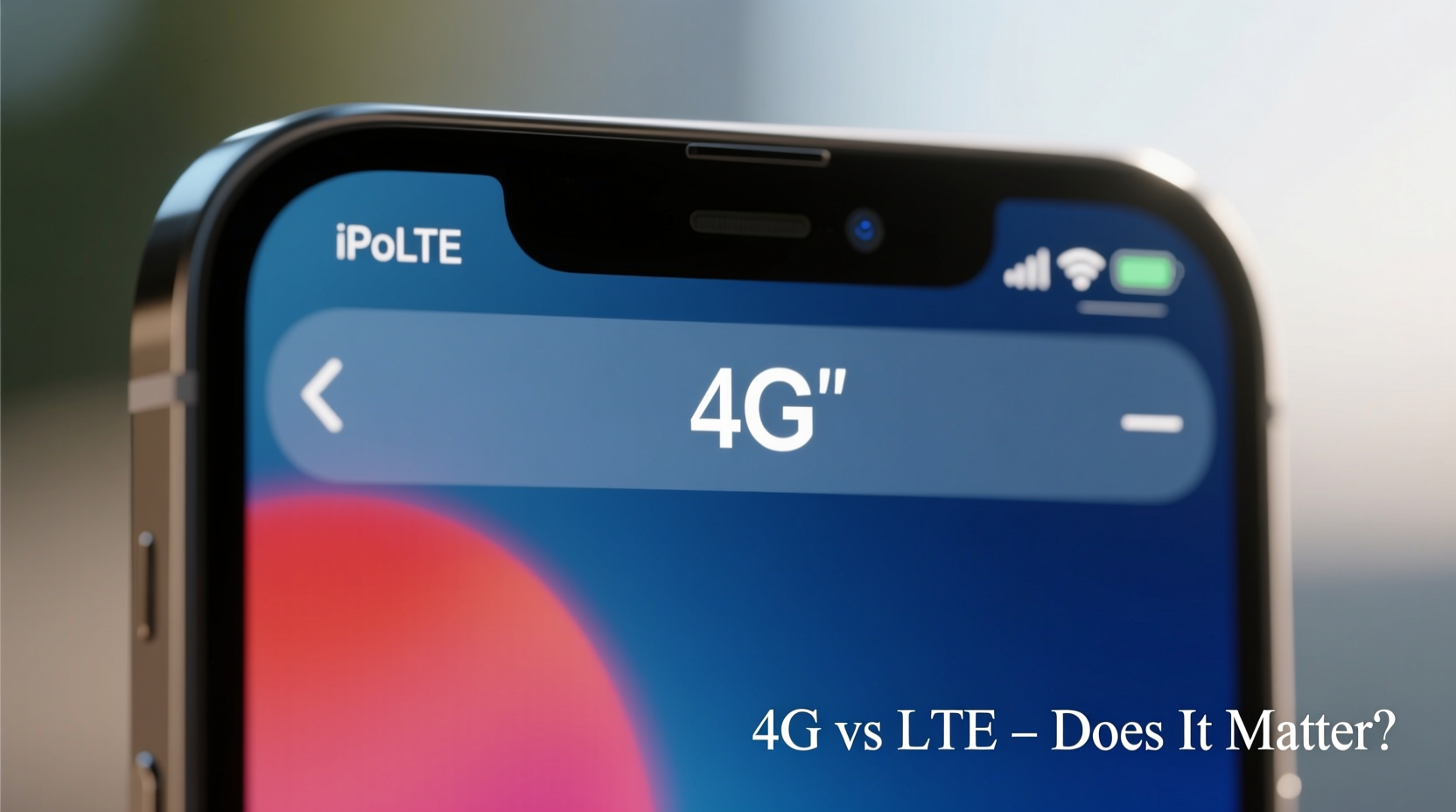
LTE stands for Long-Term Evolution, a standard introduced as a bridge between true 4G (Fourth Generation) networks and existing 3G infrastructure. When first rolled out, LTE wasn’t technically full 4G—it was faster than 3G but didn’t meet the International Telecommunication Union’s (ITU) strict definition of 4G speeds (100 Mbps for mobile, 1 Gbps for stationary).
Over time, carriers upgraded their LTE networks with technologies like Carrier Aggregation, MIMO (Multiple Input Multiple Output), and higher-frequency bands, pushing real-world speeds well into what we now consider “true” 4G territory. As a result, regulatory bodies reclassified advanced LTE as compliant with 4G standards.
In practice:
- LTE: Refers to early or mid-stage 4G networks, typically offering download speeds between 5–50 Mbps.
- 4G: Used by iPhones to indicate a strong, stable 4G connection—often on an evolved LTE network.
So when your iPhone displays “4G,” it doesn’t mean you’ve dropped down to an older technology. It may actually mean you're connected to a robust, high-performance segment of the same LTE network.
“Modern 4G and LTE are functionally equivalent for consumers. The label changes based on signal strength and carrier configuration, not capability.” — Dr. Rajiv Mehta, Wireless Network Analyst at Telecom Insights Group
Does the Label Affect Speed or Performance?
Not significantly. Whether your phone shows “LTE” or “4G,” your actual internet speed depends on several factors:
- Network congestion
- Distance from the cell tower
- Building materials blocking signals
- Carrier network upgrades and backhaul capacity
- Device model and antenna design
For example, an iPhone 13 in a dense urban area might show “4G” during peak hours due to network load balancing—even though its actual throughput remains above 30 Mbps. Meanwhile, an older iPhone 8 in a rural zone might display “LTE” but struggle to reach 10 Mbps because of weak signal reception.
Why Does My iPhone Switch Between 4G and LTE?
Apple designed iOS to reflect network conditions accurately. Your iPhone constantly evaluates signal strength, latency, and bandwidth availability. Based on this assessment, it updates the status bar accordingly:
| Status Bar Icon | Typical Meaning | Expected Conditions |
|---|---|---|
| LTE | Connected to LTE network, possibly moderate signal | Mid-range signal strength, acceptable latency |
| 4G | Strong, stable 4G/LTE connection | Good signal, low interference, high throughput |
| 3G | Fell back to 3G due to poor coverage | Weak LTE signal, tunnel or basement location |
| No label / E / G | Edge or GPRS (very slow) | Minimal coverage, emergency calls only |
This dynamic labeling varies slightly by carrier. For instance, AT&T historically branded HSPA+ as “4G,” while T-Mobile and Verizon reserved “4G” for LTE and later LTE-Advanced connections. Apple adapts its display logic based on carrier configurations, which explains why users on different networks may see inconsistent labels under similar conditions.
Real-World Example: Commuter Connectivity Shifts
Consider Sarah, a daily commuter in Chicago. On her way to work, her iPhone 14 switches between “LTE” and “4G” multiple times. Near downtown, where towers are densely packed and network optimization is strong, her phone consistently shows “4G.” During her subway ride, the signal drops to “LTE,” then briefly to “3G” underground. Once she surfaces, it returns to “4G.”
She runs periodic speed tests and notices that “4G” correlates with average download speeds of 28–42 Mbps, while “LTE” periods hover around 15–25 Mbps. There's a noticeable difference, but nothing that disrupts streaming or email syncing. The takeaway? The label shift aligns with real network performance—but both states fall within usable 4G speeds.
When Should You Be Concerned?
Occasional switching between 4G and LTE is normal. However, persistent issues may indicate deeper problems:
- Stuck on 3G or E despite being in a known good coverage area
- Frequent dropped calls or failed message delivery
- Web pages loading extremely slowly even with full bars
Step-by-Step Troubleshooting Guide
- Toggle Airplane Mode: Turn it on for 10 seconds, then off. This forces the phone to reconnect to the nearest tower.
- Check for Carrier Settings Update: Go to Settings > General > About. If an update is available, a prompt will appear.
- Restart Your iPhone: Clears temporary glitches in the baseband processor.
- Verify Date & Time Settings: Incorrect settings can interfere with network authentication. Set to “Set Automatically.”
- Update iOS: New firmware often includes modem improvements and carrier profile updates.
- Remove and Reinsert SIM Card: Ensures proper physical contact; useful after travel or case changes.
- Contact Your Carrier: They can check account status, run line diagnostics, and provision updated APN settings if needed.
FAQ: Common Questions About 4G vs LTE on iPhone
Is 4G faster than LTE on iPhone?
No. In Apple’s terminology, “4G” often indicates a stronger or more stable version of LTE. Real-world speeds depend on network conditions, not the label.
Can I force my iPhone to show LTE instead of 4G?
No. The display is controlled automatically by iOS based on signal quality and carrier settings. There is no user toggle to change this behavior.
Will turning off 5G make my iPhone show LTE again?
Possibly. If you disable 5G in Settings > Cellular > Cellular Data Options > Voice & Data, your phone will fall back to LTE or 4G depending on signal strength and carrier support.
Final Thoughts: Focus on Function Over Form
The distinction between “4G” and “LTE” on your iPhone is largely cosmetic. Both represent access to high-speed mobile broadband capable of handling video calls, HD streaming, and cloud-based apps without issue. Rather than obsessing over the status bar label, focus on actual performance: app responsiveness, page load times, and call clarity.
Carriers continue evolving their networks toward 5G, but 4G/LTE remains the backbone of mobile connectivity worldwide. Even in areas with 5G coverage, most devices spend the majority of time on LTE due to better range and penetration.




 浙公网安备
33010002000092号
浙公网安备
33010002000092号 浙B2-20120091-4
Comments
No comments yet. Why don't you start the discussion?