
When it comes to smartphone photography, few challenges are as demanding as low-light conditions. Whether capturing a candlelit dinner, cityscapes after sunset, or spontaneous moments under dim streetlights, the ability of a phone’s camera to preserve detail, color accuracy, and dynamic range becomes critical. Apple's iPhone and flagship Android devices—particularly from Google, Samsung, and OnePlus—have made significant strides in computational photography, but they take different approaches. Understanding these differences is key to knowing which platform truly excels when the lights go down.
The debate isn't just about hardware specs like sensor size or aperture. It's also about how software processes raw image data through algorithms, multi-frame stacking, noise reduction, and tone mapping. This article breaks down the low-light performance of current-generation iPhones and leading Android phones, evaluates real-world results, and provides actionable insights for photographers who rely on their phones after dark.
Understanding Low-Light Photography in Smartphones
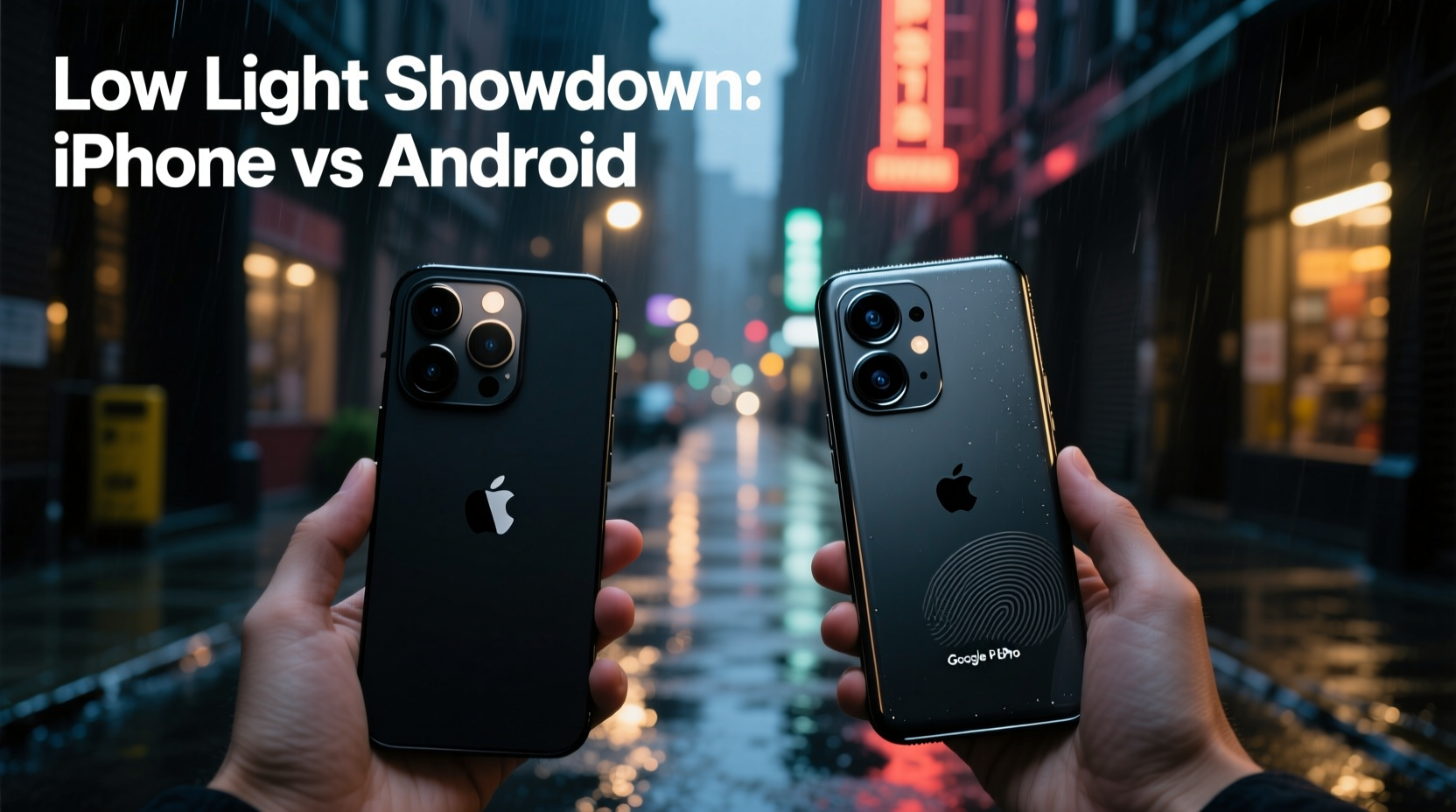
Low-light photography pushes smartphone cameras to their limits. Unlike dedicated DSLRs with large sensors and interchangeable lenses, phones must balance compact design with powerful imaging systems. To compensate, manufacturers use a combination of advanced hardware and computational photography techniques.
Key factors that influence low-light performance include:
- Sensor size: Larger sensors capture more light, reducing noise and improving dynamic range.
- Pixel binning: Combining multiple small pixels into one larger virtual pixel increases light sensitivity.
- Aperture (f-stop): A lower f-number (e.g., f/1.5) allows more light to enter the lens.
- Optical Image Stabilization (OIS): Reduces blur caused by hand movement during longer exposures.
- Computational photography: Algorithms stack multiple frames, adjust exposure, and suppress noise intelligently.
While both iPhone and Android devices leverage these technologies, their implementation varies significantly. Apple emphasizes natural color science and consistency across its ecosystem, while many Android manufacturers prioritize brightness and detail extraction—even if it means oversharpening or exaggerated contrast.
iPhone Low-Light Performance: Natural Tones and Controlled Noise
Apple has steadily improved the Night mode on iPhones since its introduction with the iPhone 11. The latest models—iPhone 15 Pro and iPhone 15 Pro Max—feature larger sensors, enhanced OIS, and smarter HDR processing. Apple’s approach prioritizes realism: colors remain true to life, shadows retain texture, and noise is managed conservatively rather than aggressively erased.
In practical terms, this means iPhone photos in low light often appear more balanced and film-like. Highlights don’t blow out easily, and skin tones stay accurate even under mixed lighting. However, some users find the images slightly darker compared to Android counterparts, especially in extremely dim environments.
Night mode on iPhones automatically activates below certain light thresholds, typically between 1–3 seconds of exposure time. The system uses machine learning to detect movement and adjusts shutter speed accordingly. On newer models, Night mode now supports all rear cameras—including ultra-wide and telephoto—offering greater flexibility.
“Apple doesn’t chase maximum brightness. They aim for perceptual accuracy—what your eyes remember seeing.” — David Kim, Mobile Imaging Analyst at DXOMARK
One trade-off is processing time. iPhones tend to take longer to save Night mode shots, especially in very dark scenes. But the result is often a well-exposed, nuanced image without artificial-looking sharpening or halos around light sources.
Android Flagships: Brightness, Detail, and Speed
Top-tier Android phones—especially the Google Pixel 8 Pro, Samsung Galaxy S24 Ultra, and OnePlus 12—take a more aggressive stance in low light. Their goal is often to make dark scenes look dramatically brighter and more detailed, sometimes at the expense of naturalism.
Google’s HDR+ with Night Sight remains one of the most refined systems in mobile imaging. By capturing up to nine frames and aligning them using AI-powered alignment, the Pixel produces stunningly clean images with minimal noise. What sets it apart is its ability to recover shadow detail without crushing blacks, preserving depth while boosting visibility.
Samsung’s approach with the Galaxy S24 Ultra leans toward high dynamic range and vivid color reproduction. Its Night mode brightens scenes aggressively, which can be impressive in social media previews but may lead to washed-out skies or unnatural skin tones. That said, the 200MP main sensor offers exceptional resolution when light permits, and pixel-binning (to 12.5MP) enhances low-light sensitivity.
OnePlus, meanwhile, collaborates with Hasselblad to tune its color science. The OnePlus 12 features a massive 1-inch-type Sony LYT-808 sensor—the same size found in premium compact cameras. This gives it a hardware advantage in light capture, allowing shorter exposure times and reduced noise.
| Device | Main Sensor Size | Aperture | Night Mode Exposure Range | Processing Style |
|---|---|---|---|---|
| iPhone 15 Pro Max | 1/1.28\" | f/1.78 | 1–3 sec | Natural, balanced |
| Google Pixel 8 Pro | 1/1.3\" | f/1.68 | 1–5 sec | Detailed, clean |
| Samsung Galaxy S24 Ultra | 1/1.3\" | f/1.7 | 2–4 sec | Bright, vivid |
| OnePlus 12 | 1\" | f/1.6 | 1–3 sec | Bright, punchy |
While Android diversity offers choice, it also introduces inconsistency. Not all Android brands invest equally in camera tuning. Mid-range devices may claim “Night mode” but deliver grainy, overprocessed images. The comparison here focuses only on premium flagships where software and hardware are optimized together.
Real-World Example: City Night Walk Comparison
To illustrate the differences, consider a scenario: a photographer walks through downtown at 9 PM, capturing street signs, neon reflections on wet pavement, and people passing under lampposts. Lighting is uneven—some areas brightly lit, others nearly dark.
The **iPhone 15 Pro Max** renders the scene with moderate exposure. Neon signs glow without flaring, and facial features in shadow retain texture. The overall mood feels authentic, close to what the human eye perceives. However, distant details in dark alleys are harder to discern.
The **Pixel 8 Pro** lifts shadows aggressively, revealing textures in previously black areas. License plates, building numbers, and clothing patterns become readable. Colors are slightly cooler, and there’s a subtle “digital clarity” that makes everything feel crisp—but not necessarily realistic.
The **Galaxy S24 Ultra** produces the brightest image. Pavement appears dry even when wet, and faces are evenly illuminated regardless of position. While visually striking, this comes at the cost of depth; the photo lacks the atmospheric contrast that gives nighttime scenes drama.
The **OnePlus 12**, thanks to its large sensor, captures the scene quickly with less motion blur. It balances brightness and shadow well, though colors lean warm. In side-by-side comparisons, it matches the Pixel in detail recovery but avoids the artificial flatness seen in Samsung’s output.
No single device \"wins\" outright—it depends on intent. For social media-ready brightness, Android leads. For authenticity and tonal gradation, the iPhone stands out.
Actionable Tips for Better Low-Light Photos
Regardless of whether you use an iPhone or Android, technique plays a crucial role in low-light photography. Even the best camera won’t compensate for poor handling. Follow this checklist to maximize results:
- Stabilize your phone: Lean against a wall, rest it on a bench, or use a pocket tripod to minimize blur during long exposures.
- Enable Night mode manually: On iPhones, tap the moon icon to adjust exposure time. On Android, ensure Night mode is active before shooting.
- Avoid digital zoom: Zooming crops the sensor, reducing light intake. Move closer instead or use optical zoom if available.
- Tap to focus and expose: Tap the brightest part of the scene (like a streetlight) to prevent overexposure, or tap shadows to lift them.
- Shoot in RAW (if supported): Both high-end iPhones and Android phones allow RAW capture, giving more flexibility in post-processing.
- Limit editing afterward: Heavy filters or brightness boosts amplify noise. Make subtle adjustments in apps like Lightroom or Apple Photos.
Frequently Asked Questions
Does iPhone have better low-light video than Android?
Yes, in most cases. The iPhone’s Cinematic mode and Dolby Vision recording maintain superior dynamic range and noise control in dim environments. Recent Android flagships have improved, but Apple’s consistent color grading and stabilization give it an edge for professional-looking footage.
Why do Android phones make my night photos look fake?
Many Android manufacturers prioritize visibility over realism. Aggressive HDR and sharpening can create an overly processed look—bright but lacking depth. You can often adjust this in Pro mode by lowering saturation, contrast, or sharpening settings.
Can software updates improve low-light performance?
Absolutely. Both Apple and Google push computational photography upgrades via OS updates. For example, iOS 17 introduced better Night mode integration with Photographic Styles, while Google’s Magic Eraser and Super Res Zoom improvements came through Pixel updates. Keeping your phone updated ensures access to the latest image-processing algorithms.
Final Verdict: Which Platform Wins?
After evaluating hardware, software, and real-world outcomes, the answer isn’t binary. Each platform excels in different aspects:
- For natural color science and cinematic mood: iPhone wins. Its restrained processing preserves atmosphere and avoids artificial enhancements.
- For maximum detail and shadow recovery: Google Pixel leads. Night Sight continues to set the benchmark for intelligent multi-frame processing.
- For speed and sensor advantage: OnePlus 12 takes the crown. The 1-inch sensor enables faster captures with excellent light gathering.
- For versatility and zoom: Samsung Galaxy S24 Ultra offers strong all-around performance, especially with its periscope telephoto lens.
If you value photographic integrity and consistency across devices, the iPhone remains a compelling choice. If you want the brightest, most detailed night photos—even if slightly stylized—Android flagships, particularly the Pixel and OnePlus, deliver impressive results.
Ultimately, the best camera is the one you have with you—and know how to use. Mastery of settings, stability, and timing matters more than marginal differences in megapixels or marketing claims.




 浙公网安备
33010002000092号
浙公网安备
33010002000092号 浙B2-20120091-4
Comments
No comments yet. Why don't you start the discussion?