
For over a decade, the debate between iPhone and Android has dominated tech conversations. While design, performance, and brand loyalty play major roles, one argument surfaces repeatedly: the number of apps. Many assume that iOS leads because of a richer app ecosystem—or that Android wins due to openness and customization. But is the sheer volume of available apps truly the driving force behind user switches? The answer is more nuanced than it appears.
While both platforms host millions of applications, the differences in availability, optimization, update frequency, and exclusivity matter far more than raw numbers. Understanding what users actually need—and how they use apps—reveals that convenience, integration, and long-term experience outweigh simple catalog size when making a platform switch.
The Myth of App Quantity
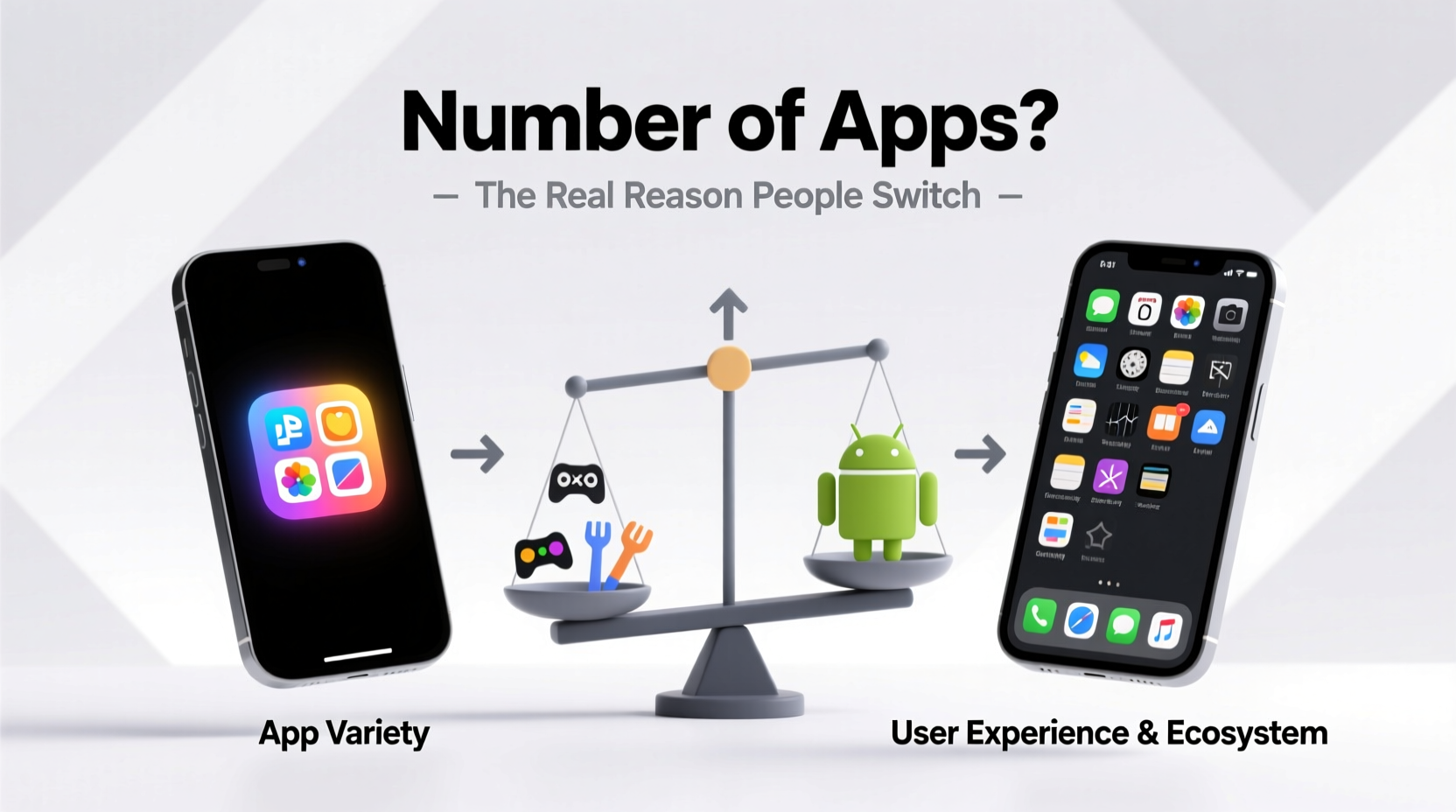
Apple’s App Store and Google Play boast over 2 million and 3.5 million apps respectively. At first glance, Android seems to win on volume. However, quantity doesn’t equate to quality or relevance. A significant portion of apps on either platform are duplicates, low-quality utilities, or abandoned projects. In reality, most users rely on fewer than 40 apps regularly, with the top five being social media, communication, navigation, shopping, and entertainment.
What matters isn’t how many apps exist, but whether the ones users care about are available, well-designed, and updated consistently. For example, banking apps, ride-sharing services, and streaming platforms like Netflix or Disney+ are nearly universally available across both systems. Where discrepancies exist, they often stem from developer priorities—not platform limitations.
App Exclusivity and Ecosystem Lock-In
True differentiation emerges in exclusive apps and deep ecosystem integration. Apple leverages its tightly controlled environment to ensure early access and superior optimization for services like Apple Music, iMessage, FaceTime, and iCloud. These aren't just apps—they're core components of an interconnected experience spanning iPhone, iPad, Mac, and Apple Watch.
iMessage, for instance, remains a powerful retention tool. Its blue bubbles, read receipts, and seamless syncing create a social inertia that discourages switching. When someone moves from iPhone to Android, they lose rich messaging features unless contacts adopt third-party apps like WhatsApp—something not all users do.
On the other hand, Android benefits from deeper integration with Google services: Gmail, Google Photos, Google Drive, and Assistant. Power users who live within the Google ecosystem may find Android offers smoother workflows, especially with Chrome OS devices or smart home setups.
“The app ecosystem isn’t about counting downloads. It’s about cohesion, reliability, and how seamlessly tools fit into daily life.” — Dr. Lena Patel, Mobile UX Researcher at Stanford HCI Group
Performance, Updates, and Developer Support
Another overlooked factor is how apps behave on each platform. Due to hardware standardization, iOS apps are typically optimized more efficiently. Developers can target a limited range of devices, ensuring consistent performance and faster bug fixes. This results in smoother animations, quicker load times, and better battery management for many premium apps.
Android faces fragmentation. With hundreds of device models, screen sizes, and OS versions in use, developers must prioritize which devices to support. As a result, some apps arrive later on Android or lack certain features initially. High-end Samsung or Pixel phones usually get full functionality, but mid-range or older devices may miss out.
Moreover, iOS receives major OS updates for up to six years, while most Android devices are supported for only three. Long-term users benefit from sustained app compatibility on iPhones, reducing the need to upgrade hardware frequently.
Real-World Case: Why Sarah Switched from iPhone to Android
Sarah, a freelance photographer in Portland, used an iPhone for nearly a decade. She relied heavily on Adobe Lightroom, Instagram, and Apple Notes. In 2023, she switched to a Google Pixel 7 Pro—not because of more apps, but because of workflow improvements.
She found that Google Photos offered superior AI-powered search (\"show me pictures of dogs at sunset\") and unlimited full-resolution backup (via her Google One subscription). The native integration with her Chromebook streamlined file sharing. Additionally, Android’s support for RAW photo editing in third-party apps gave her more creative control.
Despite losing iMessage, Sarah adapted by encouraging close contacts to use WhatsApp. Her decision wasn’t driven by app count—it was about specific capabilities and cross-device synergy that better aligned with her professional needs.
Comparison: Key App Ecosystem Factors
| Factor | iOS (iPhone) | Android |
|---|---|---|
| Total Apps Available | ~2 million | ~3.5 million |
| Exclusive Core Apps | iMessage, FaceTime, AirDrop, Find My | Google Assistant, Google Messages (RCS), Nearby Share |
| Update Speed & Consistency | Faster, longer support (5–6 years) | Varies by manufacturer (typically 3–4 years) |
| App Optimization | High (limited hardware variation) | Moderate to high (best on flagship devices) |
| Customization & Sideloading | Restricted (limited to TestFlight or enterprise) | Full support for APKs and alternative stores |
| Cloud Integration | iCloud (tight with Apple devices) | Google Drive/Photos (works across platforms) |
Actionable Checklist Before Switching Platforms
- ✅ List your top 10 essential apps and verify availability and feature parity on the other platform.
- ✅ Test messaging continuity—especially if you rely on iMessage or group chats.
- ✅ Check cloud storage options and file transfer methods between your devices.
- ✅ Evaluate customer support and repair accessibility for the new brand.
- ✅ Consider data migration tools (e.g., Move to iOS app or Google’s switcher tools).
- ✅ Assess long-term software update promises for the target device.
FAQ: Common Questions About App Ecosystems
Do some apps launch first on iPhone?
Yes, many developers release apps on iOS first. This is often due to higher average spending per user, simpler testing environments, and stronger monetization opportunities. TikTok, Uber, and Snapchat all launched on iOS before coming to Android.
Can I install iOS-only apps on Android?
No, unless through unofficial emulators (which are unreliable and risky). However, many popular iOS-exclusive functions have alternatives: Signal replaces iMessage security, Dropbox mirrors iCloud, and Zoom works across both.
Is sideloading apps safer on Android than iOS?
Android allows direct APK installation, offering flexibility but increasing exposure to malware. iOS restricts this to protect security and privacy. While sideloading can be safe with precautions, it requires technical awareness most casual users lack.
Conclusion: It’s Not the Number—It’s the Experience
The idea that people switch from iPhone to Android—or vice versa—because one has more apps is largely a myth. Users don’t count app store listings; they evaluate real-world usability, personal workflows, and emotional attachment to ecosystems. The strength of iMessage circles, the speed of app updates, the reliability of cloud sync, and even small details like emoji rendering influence decisions far more than headline numbers.
Ultimately, switching platforms is less about app quantity and more about fit: Does the system adapt to your life, or do you have to change your habits to accommodate it? Whether you value Apple’s polish or Android’s openness, the best choice depends on how you use technology—not how many apps are technically available.




 浙公网安备
33010002000092号
浙公网安备
33010002000092号 浙B2-20120091-4
Comments
No comments yet. Why don't you start the discussion?