
For years, high-refresh-rate monitors were the exclusive domain of professional esports athletes and hardcore PC gamers. Today, 144Hz displays have become more affordable and widely available, leading many casual and non-competitive gamers to wonder: is it worth upgrading from a standard 60Hz screen? While competitive players benefit directly from faster frame delivery and reduced motion blur, the advantages for those who play at a relaxed pace—exploring open worlds, enjoying story-driven adventures, or casually playing online games—are less obvious. Yet, the experience of smoother visuals and improved responsiveness can subtly enhance even leisurely gameplay. The real question isn’t just about frames per second; it’s about how much that improvement matters when winning isn’t the goal.
Understanding Refresh Rates and Frame Delivery
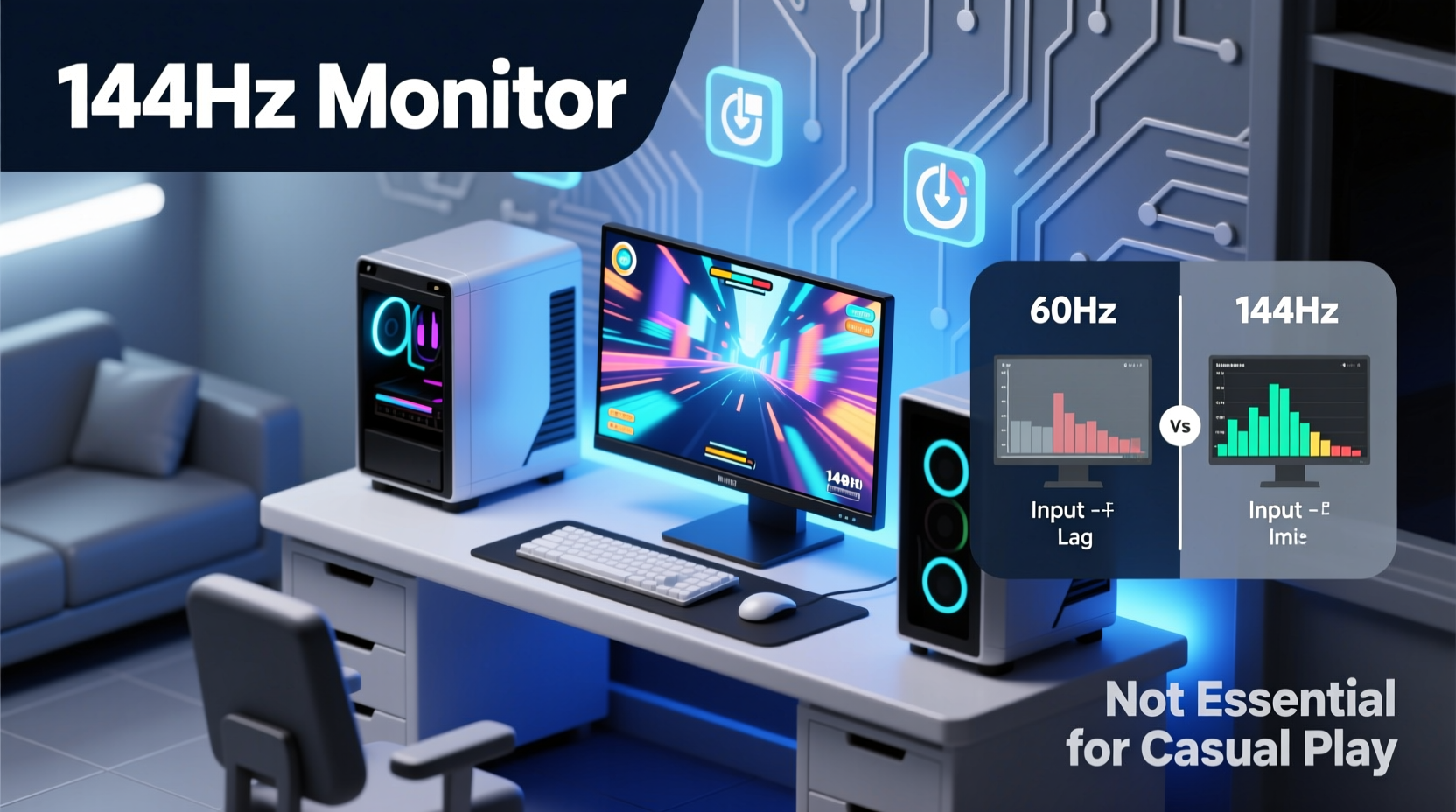
The refresh rate of a monitor, measured in hertz (Hz), indicates how many times per second the display updates with new image data. A 60Hz monitor refreshes the image 60 times per second, while a 144Hz model does so 144 times. This doesn’t automatically mean your game runs faster—it depends on your GPU’s ability to deliver consistent frame rates. However, when your system can maintain 100+ FPS, a 144Hz monitor ensures those frames are actually displayed, reducing stutter and creating a noticeably smoother visual flow.
Even in graphically demanding single-player titles like The Witcher 3 or Elden Ring, where frame rates may fluctuate between 45–70 FPS, a 144Hz panel still offers benefits through technologies like AMD FreeSync or NVIDIA G-Sync. These synchronize the monitor’s refresh rate with the GPU’s output, eliminating screen tearing and minimizing input lag. The result is a more fluid experience, even if peak performance doesn’t reach 144 FPS consistently.
Visual Comfort and Immersion in Casual Gaming
One of the most underrated aspects of higher refresh rates is visual comfort. Scrolling through menus, navigating expansive environments, or simply moving the camera in a first-person adventure feels more natural at 144Hz. The increased smoothness reduces eye strain during long sessions—a significant factor for players who enjoy marathon playthroughs of narrative-rich RPGs or simulation games like Stardew Valley or Microsoft Flight Simulator.
Consider this: in a slow-paced exploration game such as Death Stranding, there are no headshots to land or enemies to dodge in real time. But the act of walking across vast, detailed landscapes benefits from smoother motion rendering. Subtle details—like swaying grass, dynamic weather transitions, or vehicle movement—appear more lifelike because the animation steps between frames are smaller and more frequent. This contributes to immersion, making the world feel more cohesive and responsive.
“Even in non-competitive scenarios, higher refresh rates improve perceived responsiveness and reduce cognitive load. It’s not about reaction speed—it’s about comfort and continuity.” — Dr. Lena Torres, Human-Computer Interaction Researcher, MIT Media Lab
Performance vs. Practicality: Do You Need 144Hz?
The necessity of a 144Hz monitor depends heavily on your hardware setup, gaming habits, and expectations. If your graphics card struggles to push beyond 60 FPS in modern titles, upgrading the monitor alone won’t unlock higher frame rates. In such cases, investing in a better GPU might yield more noticeable improvements than switching panels.
However, if your system regularly delivers 80–100+ FPS—even in AAA games—a 144Hz monitor allows you to take full advantage of that performance. And unlike competitive gamers who demand every millisecond of advantage, non-competitive players often appreciate the aesthetic refinement: crisper animations, smoother panning shots, and more fluid UI interactions.
| Factor | 60Hz Monitor | 144Hz Monitor |
|---|---|---|
| Motion Smoothness | Adequate for basic navigation | Noticeably smoother camera and object movement |
| Input Lag | Typically 16.7ms | Reduced to ~6.9ms |
| Adaptive Sync Support | Available on many models | More common and effective due to wider range |
| Value for Non-Competitive Use | High – sufficient for most single-player experiences | Moderate to high – enhances comfort and fluidity |
| Cost Difference (as of 2024) | $100–$180 | $160–$250 |
The table shows that while 144Hz monitors come at a premium, the gap has narrowed significantly. For an additional $50–$70, you gain measurable improvements in display performance. Whether that translates into meaningful gains depends on personal sensitivity to motion quality.
Real-World Example: Upgrading a Story-Focused Gamer’s Setup
Take Mark, a 32-year-old software developer who plays games primarily on weekends. His rig includes an NVIDIA RTX 3060 and an older 60Hz 1080p monitor. He enjoys cinematic single-player games like God of War Ragnarök, Horizon Forbidden West, and episodic adventures like Life is Strange. After reading about refresh rates, he upgraded to a 144Hz IPS panel with FreeSync support.
Initially, he didn’t expect dramatic changes since none of his games required quick reflexes. But within hours, he noticed differences: menu navigation felt snappier, camera turns in third-person view were less jerky, and fast travel sequences appeared more seamless. During a rainy sequence in Ghost of Tsushima, the falling droplets and wind effects flowed more naturally. “It’s not flashy,” he said, “but everything just feels… lighter. Like the game breathes better.”
Mark didn’t become a better player—he wasn’t trying to. But his enjoyment deepened because the interface between him and the game world became less intrusive. That subtle shift exemplifies what 144Hz offers beyond competition: enhanced perceptual clarity and emotional engagement.
When a 144Hz Monitor Makes Sense for Non-Competitive Players
Not every casual gamer needs a high-refresh display, but certain usage patterns make the upgrade worthwhile. Consider these scenarios:
- You play a mix of genres, including occasional multiplayer titles (e.g., co-op modes in It Takes Two or light PvP in Fortnite Creative).
- Your PC consistently outputs above 60 FPS in your favorite games.
- You spend extended periods gaming and notice eye fatigue on your current monitor.
- You also use your monitor for general tasks like browsing, video editing, or streaming, where smoother motion improves overall usability.
- You plan to keep your monitor for 3–5 years and want future-proofing against rising standards.
Step-by-Step: Evaluating Whether to Upgrade
- Assess Your Current Performance: Use tools like MSI Afterburner or NVIDIA GeForce Experience to monitor average FPS in your most-played games. If you’re consistently hitting 80+ FPS, a 144Hz monitor can utilize that headroom.
- Check GPU Compatibility: Ensure your graphics card supports DisplayPort 1.2 or HDMI 2.0+, which are required for 144Hz at 1080p.
- Determine Panel Type Preference: IPS offers better color accuracy and viewing angles—ideal for cinematic games. VA provides deeper blacks but slightly slower response times. TN is cheaper but has poor colors and narrow viewing angles.
- Enable Adaptive Sync: Match your monitor’s technology (FreeSync for AMD, G-Sync Compatible for NVIDIA) and enable it in both driver and in-game settings.
- Test for One Week: If buying online, choose a retailer with a generous return policy. Use the monitor extensively across games and desktop tasks before deciding.
Frequently Asked Questions
Can I notice the difference between 60Hz and 144Hz in single-player games?
Yes, especially during camera movement, fast pans, or scrolling through menus. While the impact isn’t as critical as in fast-paced shooters, many users report that once accustomed to 144Hz, 60Hz feels choppy and unresponsive—even in slow games.
Do I need a powerful PC to benefit from a 144Hz monitor?
You don’t need to run games at 144 FPS to benefit. Even at 70–90 FPS, a 144Hz monitor with adaptive sync reduces screen tearing and stutter, resulting in a cleaner image. However, to fully exploit the panel’s capabilities, a mid-to-high-end GPU is recommended.
Are 144Hz monitors worse for watching videos or productivity?
No. Most 144Hz monitors handle standard 24Hz, 30Hz, and 60Hz content without issues. Modern panels include features like black frame insertion or motion interpolation that preserve cinematic intent. For productivity, the smoother cursor movement and scroll response can actually improve comfort during prolonged use.
Final Recommendation: Value Beyond Competition
A 144Hz monitor is not strictly *necessary* for non-competitive gaming—but it is increasingly *justifiable*. The leap from 60Hz to 144Hz isn’t just about performance; it’s about refinement. It transforms the way games feel, making interactions more immediate and visuals more coherent. For players who value immersion, comfort, and long-term satisfaction, the upgrade pays dividends even without chasing leaderboards.
Technology should serve the user experience, not just technical benchmarks. In that light, a 144Hz monitor isn’t a luxury reserved for elite gamers. It’s a tool for enhancing presence, reducing fatigue, and deepening connection with digital worlds—whether you're scaling a mountain in Avatar: Frontiers of Pandora or quietly fishing in Stardew Valley.




 浙公网安备
33010002000092号
浙公网安备
33010002000092号 浙B2-20120091-4
Comments
No comments yet. Why don't you start the discussion?