
In recent years, 4K streaming has transitioned from a niche luxury to a standard feature on most major platforms like Netflix, Disney+, Amazon Prime Video, and Apple TV+. With sharper images, richer colors, and HDR enhancements, the visual leap from 1080p to 4K is undeniable. But does that improvement justify the higher data consumption and potential premium fees? For many viewers, the answer isn’t straightforward—it depends on screen size, viewing distance, internet reliability, and personal priorities.
This article examines the tangible benefits of 4K streaming, breaks down its impact on data usage and monthly costs, and helps you determine whether upgrading your streaming habits makes sense for your lifestyle and budget.
The Real Difference: 4K vs. 1080p Streaming
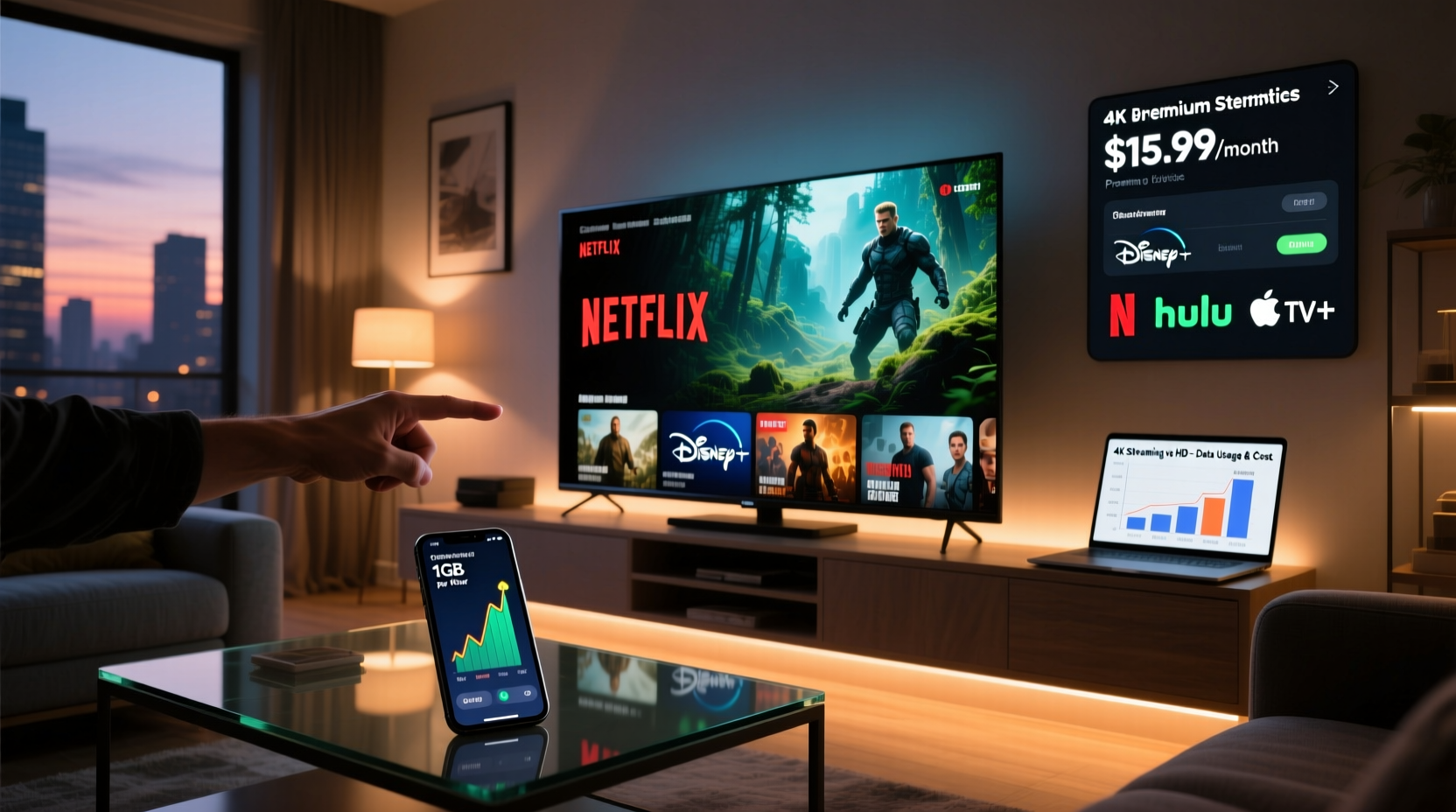
At its core, 4K resolution—also known as Ultra HD (UHD)—offers 3840 x 2160 pixels, four times the number found in Full HD (1920 x 1080). This increased pixel density results in crisper details, especially noticeable on larger screens or when sitting closer to the display.
However, not all 4K content is created equal. True value comes from a combination of resolution, high dynamic range (HDR), wide color gamut (WCG), and proper mastering. HDR, in particular, enhances contrast and brightness, making dark scenes more detailed and bright areas more vivid. Without HDR, 4K can look impressive but may not deliver the full immersive experience.
“Resolution alone doesn’t define picture quality. It’s the synergy of 4K, HDR, and bit depth that creates a cinematic feel at home.” — David Lin, Senior Video Engineer at AVTest Labs
The human eye's ability to perceive detail also plays a role. On a 55-inch TV viewed from 8 feet away, the difference between 1080p and 4K may be subtle. But on a 75-inch screen or in a dedicated home theater setup, 4K becomes far more impactful.
Data Consumption: How Much Does 4K Really Use?
Streaming in 4K significantly increases bandwidth demands. Most services use adaptive bitrate streaming, but average estimates provide a clear picture:
| Streaming Quality | Average Data per Hour | Monthly Estimate (30 hrs) |
|---|---|---|
| SD (480p) | 0.7 GB | 21 GB |
| HD (720p–1080p) | 3 GB | 90 GB |
| 4K UHD (with HDR) | 7 GB | 210 GB |
As shown, watching just 30 hours of 4K content per month consumes over 200GB of data—nearly triple that of HD streaming. For households with data caps (common with cable internet providers), this can quickly lead to overage fees or throttled speeds.
Consider a family of four where two members regularly watch 4K content. At 15 hours each per month, they’d consume 210GB just from streaming—before accounting for video calls, gaming, or software updates. In such cases, unlimited internet plans become almost essential.
Subscription Costs: Is 4K Access Always Free?
While some platforms include 4K at no extra charge, others require premium tiers. Here's how major services handle it:
- Netflix: 4K available only on the Premium plan ($15.49/month as of 2024).
- Disney+: 4K included in the standard $8.99/month plan (ad-free) or $5.99/month with ads.
- Amazon Prime Video: 4K access is free for Prime members—no additional fee.
- HBO Max: 4K available on the ad-free tier ($15.99/month); not offered on the cheaper ad-supported version.
- Apple TV+: All content streams in 4K HDR at $6.99/month, regardless of device.
If you’re already paying for a mid-tier plan without 4K access, upgrading could add $5–$7 per month. Over a year, that’s an extra $60–$84. The question then becomes: does the improved picture quality deliver enough value to justify that annual expense?
For casual viewers who mostly watch on laptops or small tablets, the return on investment is minimal. But for home theater enthusiasts with large, high-end TVs, that same cost might feel trivial compared to the enhanced viewing experience.
Who Should Upgrade to 4K Streaming?
Not every viewer benefits equally from 4K. The decision hinges on several key factors:
- Screen Size and Viewing Distance: On TVs 65 inches or larger, 4K delivers visible improvements. If you sit within 6–10 feet of a large screen, detail clarity becomes apparent.
- Internet Speed and Stability: 4K requires consistent speeds of at least 25 Mbps. Lower speeds cause buffering, reducing enjoyment and negating quality gains.
- Content Preferences: Fans of nature documentaries, action films, or visually rich series (e.g., *Planet Earth II*, *Dune*, *Stranger Things*) gain more from 4K than those watching talk shows or sitcoms.
- Hardware Compatibility: Your TV, sound system, and HDMI cables must support 4K HDR. Older models may not pass the signal properly, resulting in downgraded playback.
- Budget Constraints: Households monitoring monthly expenses may find better value in allocating funds elsewhere—like faster internet or a better soundbar—rather than a pricier streaming tier.
Mini Case Study: The Thompson Family’s Streaming Upgrade
The Thompsons, a family of five in Austin, Texas, recently upgraded their living room TV to a 75-inch LG OLED with full 4K HDR support. They were using Netflix’s Standard plan ($13.99/month), which limited them to 1080p.
After researching, they switched to the Premium plan at $15.49/month—an extra $1.50. Their internet plan already offered 100 Mbps, so bandwidth wasn’t an issue. They began watching movies like *Avatar: The Way of Water* and *Top Gun: Maverick* in 4K HDR.
Within weeks, both parents and their teenage son reported a “cinema-like” experience at home. The younger kids, who mostly watched cartoons on tablets, didn’t notice a difference. Still, the overall household satisfaction increased. Given the small price bump and significant visual upgrade, the Thompsons concluded that 4K was worth it—for their main TV.
They did, however, disable 4K on mobile devices and secondary accounts to conserve data, showing a balanced approach to optimization.
Practical Checklist: Is 4K Right for You?
Before upgrading, ask yourself the following:
- ✅ Do I own a 4K-compatible TV (65” or larger recommended)?
- ✅ Am I seated close enough to appreciate the added detail?
- ✅ Does my internet speed consistently exceed 25 Mbps?
- ✅ Am I on a data-limited plan that could incur overages?
- ✅ Do I frequently watch content mastered in HDR or with high visual complexity?
- ✅ Am I willing to pay $5–$10 extra per month across platforms for 4K access?
If you answered “yes” to most of these, 4K streaming is likely a worthwhile upgrade. If not, sticking with HD may offer better value.
Frequently Asked Questions
Does 4K streaming drain my phone or tablet battery faster?
Yes. Decoding 4K video requires more processing power, which increases energy consumption. On mobile devices, this can reduce battery life by up to 30% compared to 1080p playback. For longer viewing sessions, consider lowering resolution manually.
Can I stream 4K over Wi-Fi, or do I need Ethernet?
You can stream 4K over Wi-Fi if you have a strong 5 GHz connection and are near the router. However, Ethernet is more stable and less prone to interference, making it ideal for consistent 4K playback, especially in multi-device households.
Do all 4K TVs show the same picture quality?
No. While all 4K TVs have the same resolution, picture quality varies widely based on panel type (OLED vs. QLED), HDR support (Dolby Vision, HDR10+), peak brightness, and color accuracy. A high-end 4K TV will outperform a budget model even at the same resolution.
Optimizing Your Setup: A Step-by-Step Guide
If you’ve decided to adopt 4K streaming, follow these steps to maximize performance and minimize issues:
- Verify your internet speed: Run a speed test via Fast.com or Speedtest.net. Ensure download speeds are above 25 Mbps.
- Check your plan’s data cap: Contact your ISP or review your bill. If you’re near the limit, consider upgrading your internet package.
- Upgrade your streaming plan: Switch to the tier that supports 4K on your preferred platforms.
- Enable 4K in app settings: Open Netflix, Disney+, etc., and confirm 4K/HDR is turned on under video quality settings.
- Use compatible hardware: Ensure your HDMI cables are High-Speed or Premium High-Speed rated. Older cables may not support 4K HDR.
- Limit 4K to primary devices: Disable auto-play in 4K on phones, tablets, and secondary TVs to save bandwidth.
- Monitor data usage: Check your router or ISP portal weekly during the first month to avoid surprises.
Following this sequence ensures a smooth transition without unexpected costs or technical hiccups.
Conclusion: Balancing Quality, Cost, and Practicality
4K streaming offers a genuinely superior viewing experience—but only under the right conditions. For those with large, modern TVs, fast internet, and a passion for high-quality visuals, the upgrade is often justified despite higher data usage and subscription costs. The immersion of watching a meticulously filmed documentary or blockbuster in 4K HDR can transform movie night into something truly special.
Yet for many, especially those on limited data plans, smaller screens, or tighter budgets, the practical benefits are marginal. In such cases, investing in better audio, lighting, or seating may yield greater enjoyment than chasing higher resolution.
The key is intentionality. Evaluate your actual viewing habits, equipment, and constraints—not just the marketing promise of “Ultra HD.” By doing so, you’ll make a choice rooted in real value, not hype.




 浙公网安备
33010002000092号
浙公网安备
33010002000092号 浙B2-20120091-4
Comments
No comments yet. Why don't you start the discussion?