
For years, the debate between mechanical and membrane keyboards has divided typists, gamers, and office workers alike. While high-end mechanical keyboards have long been praised for their tactile feedback and durability, many assume they come with a premium price tag. But what about budget mechanical keyboards—those priced under $50? Are they genuinely worth switching from a traditional membrane model, or are they just a compromise in disguise?
The answer isn't straightforward. It depends on your usage, expectations, and how much you value typing experience over time. Today’s market offers surprisingly capable budget mechanical keyboards that challenge outdated assumptions. At the same time, modern membrane keyboards have improved significantly, especially in ergonomics and quiet operation.
This article breaks down the real differences, evaluates actual performance, and helps you decide whether investing in an affordable mechanical keyboard is a smart upgrade—or if sticking with membrane still makes sense for your needs.
Understanding the Core Differences
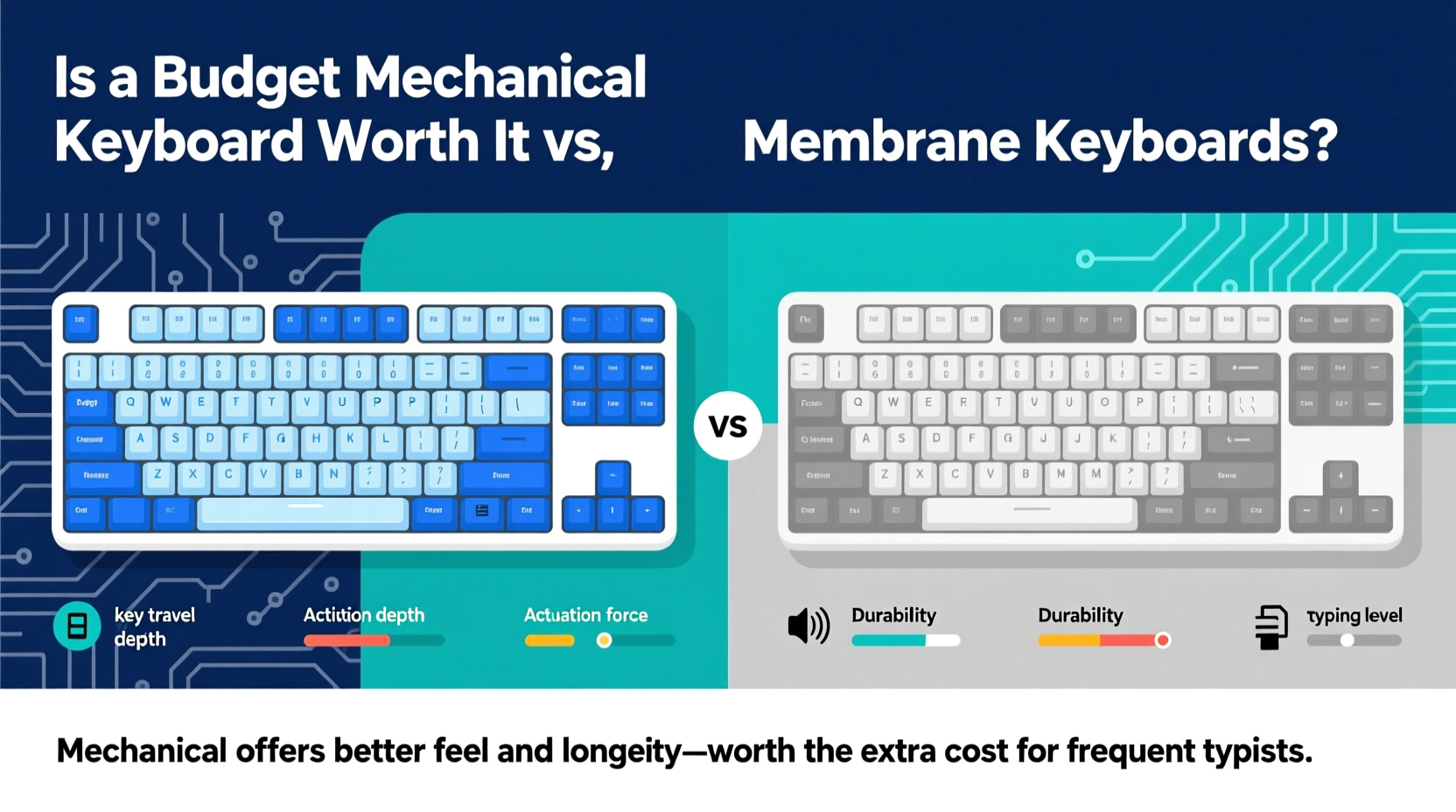
The fundamental distinction lies in how each keyboard registers keystrokes. Membrane keyboards use a layered rubber or silicone sheet beneath the keys. When you press a key, it pushes down on this membrane, completing a circuit and registering the input. Mechanical keyboards, by contrast, use individual physical switches for each key—typically built with springs, metal contacts, and moving parts designed to provide precise actuation.
This structural difference affects everything: feel, sound, responsiveness, and longevity.
Typing Feel and Feedback
Membrane keyboards are known for their mushy, uniform feel. There's little tactile differentiation between key presses, and many users report finger fatigue during extended typing sessions due to the lack of clear actuation feedback.
Budget mechanical keyboards, even at lower price points, offer consistent switch behavior. Whether you choose linear (smooth), tactile (bump on press), or clicky (audible click) variants, the response is immediate and predictable. This can reduce errors and improve typing speed over time.
Durability and Lifespan
Most membrane keyboards are rated for around 5–10 million keystrokes per key. In practice, wear often manifests earlier due to material degradation in the rubber dome layer. Keys may become unresponsive or require excessive force.
Budget mechanical keyboards typically use switches rated for 50 million keystrokes or more. Even when manufactured by lesser-known brands, the modular nature of mechanical switches means individual components can often be replaced or lubed to extend life.
“Switch longevity is one of the most underrated advantages of mechanical keyboards—even budget ones outlast premium membranes.” — David Lin, Peripheral Hardware Analyst at TechGear Weekly
Performance Comparison: Real-World Use Cases
To evaluate true value, we need to examine how these keyboards perform across different scenarios: office work, gaming, programming, and casual browsing.
| Use Case | Membrane Keyboard | Budget Mechanical Keyboard |
|---|---|---|
| Office Typing | Quiet, low-profile, but fatiguing over time | Louder, more responsive; tactile models improve accuracy |
| Gaming | Slower response, prone to ghosting in budget models | Faster actuation, better anti-ghosting, N-key rollover common |
| Programming | Adequate for basic coding, less feedback on fast inputs | Precise keystroke registration reduces typos in syntax-heavy tasks |
| Portability | Thinner, lighter, often wireless | Heavier, bulkier; fewer compact wireless options under $50 |
| Noise Level | Nearly silent | Noticeable clack; varies by switch type |
The table reveals a trade-off: mechanical keyboards excel in precision and responsiveness, while membranes win in discretion and portability. For someone working in a shared space or frequently traveling, noise and size matter. For those prioritizing typing efficiency, mechanical models—even budget ones—deliver measurable gains.
Are Budget Mechanical Keyboards Reliable?
One common concern is whether inexpensive mechanical keyboards cut corners on quality. The short answer: some do, but not all.
In recent years, manufacturers like Redragon, Tecware, and Royal Kludge have flooded the sub-$50 market with well-designed boards using Gateron, Kailh, or proprietary switches. These aren’t Cherry MX clones in the literal sense, but they offer comparable performance at a fraction of the cost.
Build quality varies. Some budget models use ABS plastic keycaps that shine over time, while others now include PBT keycaps—a more durable material usually found in higher-end boards. Frame rigidity is another factor; flimsy plastic cases can flex during intense typing, reducing stability.
What to Look for in a Budget Mechanical Model
- Switch Type: Gateron Reds or Browns are excellent for balanced typing and gaming.
- Keycap Material: Prioritize PBT over ABS for longer-lasting texture and appearance.
- Rollover & Polling Rate: Full N-key rollover and 1000Hz polling rate ensure no missed inputs.
- Customization: Software support or hot-swappable switches add long-term value.
- Cable: Braided cables resist fraying; USB-C is preferable for future-proofing.
Mini Case Study: From Membrane to Mechanical on a Budget
Jamie, a freelance writer and part-time streamer, used a standard membrane keyboard for three years. She upgraded to a $45 mechanical board with Gateron Brown switches after noticing frequent typos and wrist discomfort during long writing sessions.
Within a week, she reported a noticeable improvement in typing rhythm. “I don’t have to press as hard, and I can feel when a key registers,” she said. “It’s reduced my editing time because I make fewer mistakes.”
She initially worried about noise disturbing her roommate but chose a tactile (non-clicky) switch and placed the keyboard on a foam pad, which dampened sound effectively. After eight months of daily use, the keyboard shows no signs of wear, and Jamie says she’d never go back.
Her experience reflects a growing trend: users who prioritize input quality find that even modestly priced mechanical keyboards deliver lasting benefits.
Step-by-Step Guide to Choosing Your First Budget Mechanical Keyboard
If you're considering making the switch, follow this practical sequence to avoid buyer’s remorse:
- Assess Your Primary Use: Will you mostly type, game, or do both? This determines ideal switch type.
- Choose Switch Characteristics:
- Linear (e.g., Red) – Smooth, quiet, good for gaming.
- Tactile (e.g., Brown) – Slight bump, balanced for typing and gaming.
- Clicky (e.g., Blue) – Audible feedback, satisfying but loud.
- Decide on Form Factor: Full-size (100%), TKL (80%), 75%, or 60%? Smaller sizes save desk space but sacrifice function keys.
- Check Build Quality Indicators: Metal plate, PBT keycaps, detachable cable, and switch brand.
- Read Verified User Reviews: Focus on comments about wobble, double-taps, or early failures.
- Test If Possible: Some local electronics stores let you try keyboards in person.
- Buy from a Reputable Retailer: Ensure return policy in case the feel isn’t right.
Following these steps minimizes risk and ensures your first mechanical keyboard meets both functional and ergonomic expectations.
FAQ
Can a budget mechanical keyboard last as long as an expensive one?
Yes, in terms of switch lifespan—many budget models use switches rated for 50–70 million keystrokes, matching premium brands. However, build materials (like plastic frames or thinner PCBs) may degrade faster under heavy use. With proper care, a well-chosen budget board can easily last 5+ years.
Are mechanical keyboards louder than membrane ones?
Generally, yes—but it depends on the switch. Linear and tactile switches are moderately loud; clicky switches are noticeably noisy. Membrane keyboards are almost silent in comparison. If noise is a concern, opt for linear switches and consider adding O-rings or using a desk mat to dampen sound.
Do I need software or drivers for a budget mechanical keyboard?
Not necessarily. Many entry-level mechanical keyboards are plug-and-play. However, models with RGB lighting or programmable keys often include basic software for customization. Check product details before assuming advanced features are supported.
Final Verdict: Is It Worth the Switch?
The decision ultimately hinges on your relationship with your keyboard. If you spend several hours a day typing, coding, or gaming, then yes—a budget mechanical keyboard is absolutely worth it compared to a membrane alternative. The improvements in responsiveness, accuracy, and long-term comfort are tangible and cumulative.
That said, membrane keyboards still have their place. They remain ideal for environments where silence is critical, for users with limited desk space, or for those who only use a keyboard occasionally. Some modern hybrid designs even blur the line, offering mechanical-like feel with quieter operation.
But for anyone seeking a meaningful upgrade in input quality without breaking the bank, today’s budget mechanical keyboards represent one of the best values in personal computing peripherals. You’re not just buying a tool—you’re investing in a more efficient, enjoyable, and sustainable way to interact with your computer every single day.




 浙公网安备
33010002000092号
浙公网安备
33010002000092号 浙B2-20120091-4
Comments
No comments yet. Why don't you start the discussion?