
For decades, professionals have relied on paper notebooks to capture ideas, decisions, and action items during meetings. But with the rise of smartphones, tablets, and note-taking apps like Notion, Evernote, and OneNote, the digital notebook has become a serious contender. The question isn’t just about preference—it’s about effectiveness. Does switching from paper to digital actually improve clarity, retention, collaboration, and long-term utility? Or does it introduce distractions and complexity that undermine its benefits?
The answer depends on context: your workflow, team dynamics, personal cognitive style, and the nature of your meetings. A one-size-fits-all solution doesn’t exist, but by examining the strengths and weaknesses of each medium, you can determine which tool—paper or digital—serves your goals best.
Speed, Flexibility, and Cognitive Load
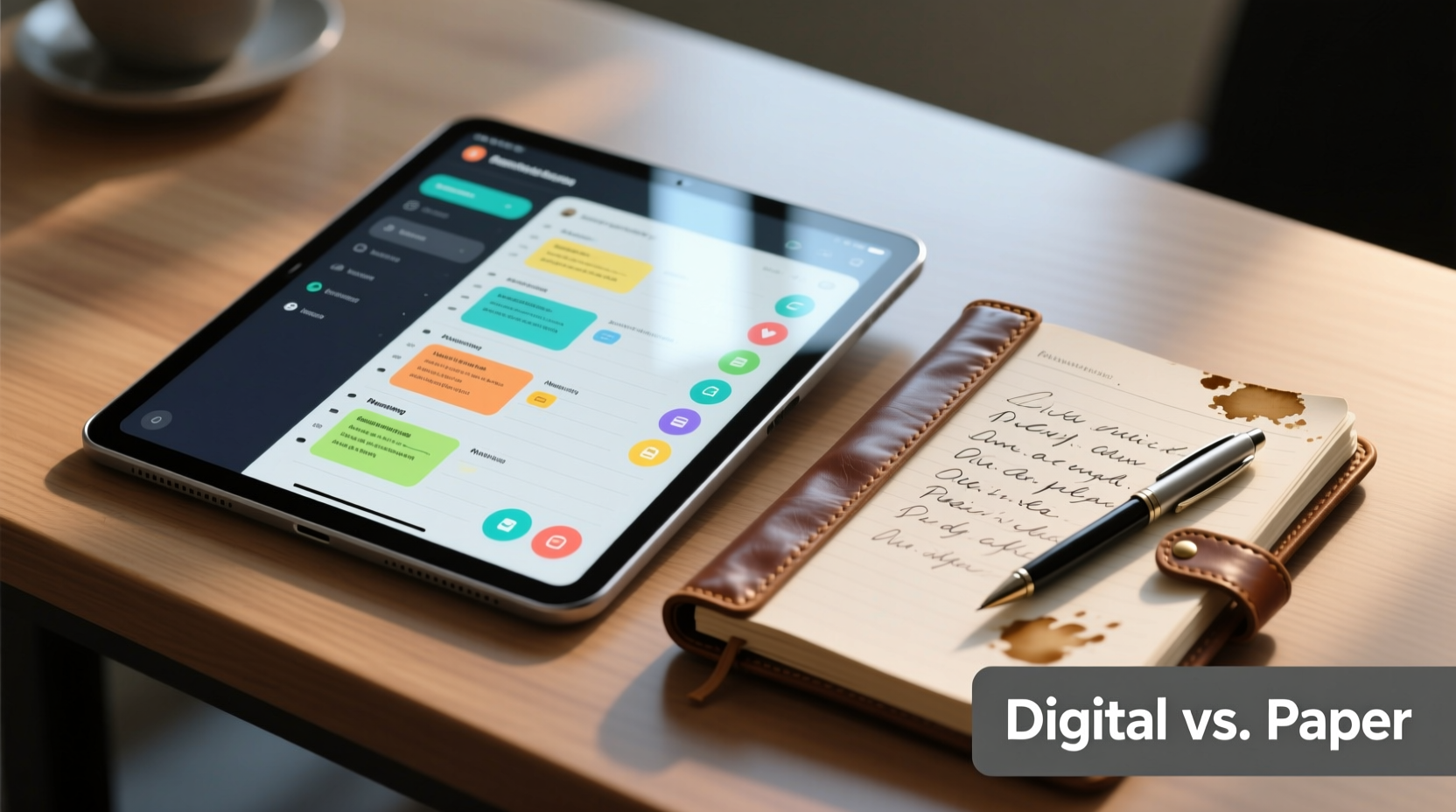
One of the most cited advantages of paper is speed. There's no boot-up time, no password entry, no syncing delays. Open a notebook, pick up a pen, and you’re ready. This immediacy reduces friction, especially in fast-paced discussions where ideas emerge rapidly and need to be captured instantly.
Handwriting also engages different parts of the brain than typing. Research from Princeton and UCLA suggests that writing by hand improves comprehension and memory retention because it forces summarization and processing, rather than verbatim transcription. In meetings, this means you're more likely to internalize key points when using paper.
Digital tools, however, offer unmatched flexibility. You can edit, reorganize, search, and hyperlink content. If someone corrects a figure mid-meeting, you can update it without scribbling over ink. Tags, folders, and full-text search allow you to retrieve specific notes weeks later with precision. For recurring project meetings, this structured access becomes invaluable.
Collaboration and Accessibility
Paper is inherently private unless shared physically. While this offers focus, it limits real-time collaboration. Passing around a notebook for input slows momentum, and not everyone reads cursive well. Digital notes, by contrast, can be shared instantly via cloud links, edited collaboratively in real time, and accessed across devices and time zones.
In hybrid or remote teams, digital notebooks are often essential. Tools like Google Docs or Microsoft OneNote allow multiple participants to contribute simultaneously. Action items can be assigned with @mentions, deadlines added, and follow-ups tracked—all within the same document. This integration with task management systems (like Asana or Trello) creates a seamless flow from discussion to execution.
Yet accessibility cuts both ways. Poor internet connectivity, device battery issues, or app crashes can disrupt digital note-taking. Paper requires no power source and survives technical failures gracefully. It’s also universally accessible—no learning curve, no login required.
“Digital tools amplify collaboration, but only if everyone is equipped and aligned. Sometimes, the simplest tool is the most inclusive.” — Dr. Lena Patel, Organizational Psychologist at Stanford
Comparison: Paper vs. Digital Notebooks
| Feature | Paper Notebook | Digital Notebook |
|---|---|---|
| Setup Time | Instant | Requires device & app launch |
| Editing Flexibility | Limited (crossing out, marginalia) | Full editing, formatting, restructuring |
| Searchability | None (unless manually indexed) | Full-text search across all notes |
| Battery/Power Dependence | None | High (device must be charged) |
| Distraction Risk | Very low | High (notifications, multitasking) |
| Sharing & Collaboration | Manual (photocopy, scan) | Instant cloud sharing, real-time edits |
| Long-Term Archiving | Physical storage, prone to loss/damage | Cloud backups, version history |
| Cognitive Engagement | High (slower processing aids retention) | Variable (can encourage passive transcription) |
A Real-World Example: Tech Startup Team Adopts Hybrid Approach
A mid-sized software development team in Austin initially switched entirely to digital notes using Notion for sprint planning and client meetings. While documentation improved, engineers reported feeling less engaged during brainstorming sessions. Ideas felt “flat” when typed, and spontaneous sketches were harder to create on a tablet stylus compared to whiteboards and notebooks.
After three months, they adopted a hybrid model: individual ideation and freeform thinking happened on paper during meetings. At the end of each session, designated note-takers digitized key outcomes—decisions, action items, deadlines—into Notion. Sketches were photographed and attached. This preserved the creative energy of analog while ensuring accountability and traceability through digital records.
Within six weeks, meeting efficiency scores rose by 32% in internal surveys. Team members felt more present during discussions and more confident that follow-ups were tracked. The experiment demonstrated that combining the strengths of both mediums could outperform either used in isolation.
Step-by-Step Guide to Choosing Your Meeting Note System
Follow this decision framework to determine whether paper, digital, or a hybrid approach suits your needs:
- Assess the meeting type: Is it strategic brainstorming, status updates, client negotiations, or project planning? Creative sessions favor paper; operational ones benefit from digital structure.
- Evaluate team size and location: Remote or hybrid teams gain more from digital sharing. Co-located teams may find paper sufficient for daily standups.
- Consider retention needs: Will these notes be referenced months later? Legal, compliance, or audit-sensitive meetings demand searchable, timestamped digital logs.
- Test distraction levels: Observe whether laptops or tablets lead to multitasking. If so, revert to paper for core participants.
- Implement a sync process: Even if you use paper, ensure critical outcomes are transferred to a shared digital space within 24 hours.
- Review quarterly: Reassess what’s working. Technology evolves, and team dynamics shift.
Common Pitfalls to Avoid
- Over-reliance on memory: Assuming you’ll remember what was discussed without thorough notes—whether digital or paper—is risky. Capture decisions and owners explicitly.
- Digital hoarding: Saving every note without organizing leads to clutter. Use consistent naming conventions and folder structures.
- Ignoring legibility: On paper, messy handwriting defeats the purpose. Practice clear script or use bullet journal techniques.
- Underutilizing features: Many users treat digital notebooks like paper—typing linearly without leveraging tags, templates, or linked tasks. Explore advanced functions to maximize value.
- Failing to close the loop: Notes should drive action. Always assign next steps and review previous notes at the start of the next meeting.
FAQ
Can I effectively use both paper and digital notebooks?
Yes—and many professionals do. Use paper for live capture during meetings, then transfer key points digitally for sharing and tracking. This combines cognitive benefits with organizational efficiency.
Are digital notebooks secure enough for sensitive meetings?
Most enterprise-grade tools (e.g., OneNote with Microsoft 365, Evernote Business, Notion with SSO) offer encryption, access controls, and audit logs. Always verify compliance requirements before storing confidential data.
What if my handwriting is poor?
Focus on structure over style. Use bullet points, capital letters for headers, and leave margins for additions. Alternatively, consider a digital stylus like Apple Pencil with iPad, which supports natural handwriting with searchability.
Checklist: Optimizing Your Meeting Notes Workflow
- ☑ Define the primary purpose of the meeting (decision-making, brainstorming, reporting)
- ☑ Choose note format based on purpose and audience
- ☑ Assign a dedicated note-taker (rotating role works well)
- ☑ Structure notes with clear sections: agenda, decisions, action items, owners, deadlines
- ☑ Share digital notes within 1 hour of meeting end
- ☑ Review previous notes at the start of each new meeting
- ☑ Archive completed project notes systematically
- ☑ Solicit feedback from team members on note quality and usefulness
Conclusion
Whether a digital notebook is better than paper for meeting notes isn’t a binary question. Each has distinct advantages: paper enhances focus and cognitive engagement, while digital enables searchability, collaboration, and integration with modern workflows. The most effective professionals don’t choose one over the other—they strategically combine both.
The goal isn’t to eliminate paper or fully digitize, but to match the tool to the task. High-stakes strategy sessions might begin with pen and paper to foster deep thinking, then transition to digital for distribution. Routine check-ins may thrive entirely in a shared doc. What matters is intentionality—designing a note-taking system that supports clarity, accountability, and progress.




 浙公网安备
33010002000092号
浙公网安备
33010002000092号 浙B2-20120091-4
Comments
No comments yet. Why don't you start the discussion?