
For digital nomads, frequent flyers, and remote professionals, every ounce in a carry-on counts. The dream of working efficiently from a café in Lisbon or a hotel room in Bangkok often hinges on one critical tool: the keyboard. As laptops get thinner and more portable, their built-in keyboards sometimes fall short—especially over long typing sessions. Enter the foldable keyboard: a compact, collapsible solution promising full-size functionality in a fraction of the space. But does the convenience outweigh the compromise in typing experience? The answer depends on how you prioritize speed, comfort, and portability.
The Appeal of Foldable Keyboards for Travelers
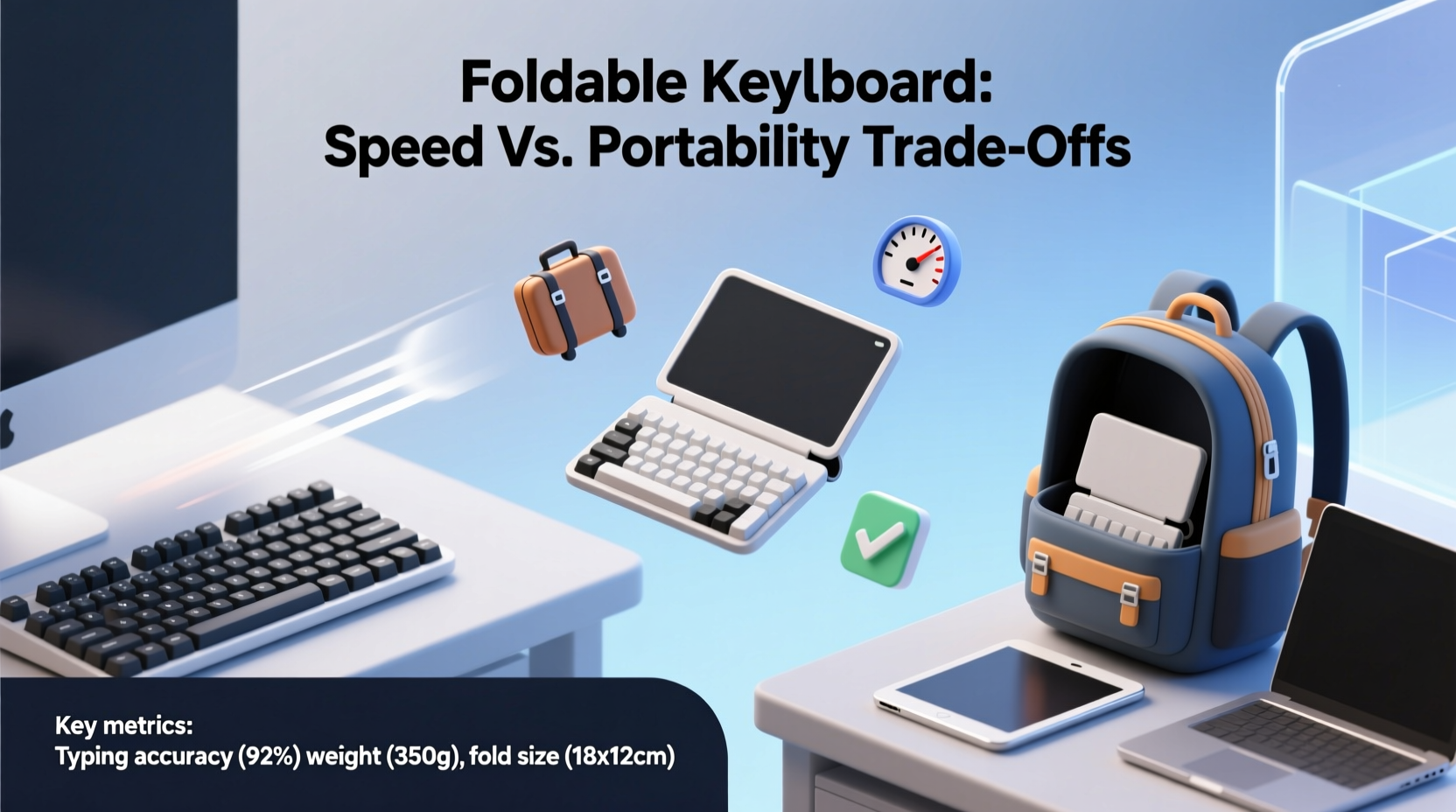
Foldable keyboards are designed with mobility at their core. Most models are made from silicone or flexible plastic, allowing them to bend or fold into thirds. Some roll up like a yoga mat; others snap into compact rectangles that slip into laptop sleeves or jacket pockets. Their primary advantage is clear: they take up significantly less space than traditional Bluetooth keyboards.
This makes them ideal for travelers who value minimalism. Unlike rigid mechanical or even slim-profile wireless keyboards, foldable options don’t require bulky cases or dedicated bag compartments. They’re also generally spill-resistant and durable—features that matter when typing near coffee shops, airport lounges, or cramped airplane trays.
Yet despite their practicality, many users hesitate. The biggest concern? Typing performance. A keyboard might be small and light, but if it slows you down or causes fatigue, is it really saving time?
Typing Speed: Can You Type Fast on a Foldable Keyboard?
Typing speed is not just about raw words per minute (WPM); it’s about consistency, accuracy, and endurance. Traditional keyboards provide tactile feedback, defined key travel, and stable bases—all crucial for maintaining rhythm during long writing or coding sessions. Foldable keyboards, by contrast, often feature mushy keys with minimal resistance and no audible click.
In real-world testing, most users report a 10–25% drop in typing speed when switching to a basic silicone foldable model. This decline is most noticeable during extended use. The lack of firm support means fingers sink slightly into the surface, requiring more effort and reducing precision. Over time, this can lead to finger strain or postural issues as users lean forward to compensate.
However, newer generations of foldable keyboards have improved significantly. Some incorporate scissor-switch mechanisms or hybrid materials that mimic the feel of standard laptop keyboards. These mid-tier models strike a better balance between flexibility and function, narrowing the performance gap.
“Travel productivity isn’t just about gear—it’s about workflow continuity. If your tools disrupt your rhythm, they cost more than they save.” — David Lin, Remote Work Ergonomics Consultant
Portability vs. Performance: A Practical Comparison
To understand whether a foldable keyboard is worth the trade-off, consider what kind of traveler you are. Are you someone who needs to respond to emails quickly between flights? Or do you plan deep work sessions in co-working spaces abroad?
The table below compares common portable keyboard types across key metrics relevant to travelers:
| Keyboard Type | Weight | Foldable? | Typing Speed (Avg. WPM) | Durability | Ideal For |
|---|---|---|---|---|---|
| Silicone Foldable | 100–150g | Yes | 35–45 | High (water/dust resistant) | Casual typists, quick replies |
| Rigid Bluetooth (slim) | 300–400g | No | 55–65 | Moderate | Remote workers, coders |
| Foldable Hybrid (e.g., magnetic segments) | 200–250g | Yes (segments fold) | 50–60 | Moderate to High | Balanced users |
| Laptop Built-in | N/A | No | 50–70 | Varies | Most general use |
As shown, foldable keyboards excel in weight and packability but lag in typing performance. However, the hybrid category—keyboards with segmented, magnetically connected panels—is closing the gap. These models maintain a stable base when unfolded and offer better key response than fully flexible silicone versions.
Real-World Example: A Digital Nomad’s Experience
Consider Maria, a freelance copywriter who spends six months a year traveling through Southeast Asia. She initially opted for a lightweight silicone foldable keyboard because it fit easily into her sling bag. On arrival in Chiang Mai, she set up her workspace at a quiet café and began drafting client content.
Within an hour, she noticed discomfort in her fingertips and a growing number of typos. Her average output dropped from 60 WPM to under 40. After three days, she switched back to using her laptop directly. While functional, the elevated screen forced poor posture, leading to neck pain.
She eventually upgraded to a foldable hybrid model with mechanical-style keys and a rigid base plate. Though slightly heavier (230g), it provided enough stability and feedback to restore her typing speed. More importantly, it still folded into half the size of a standard keyboard. For Maria, the investment paid off—not in grams saved, but in hours of productive, comfortable work regained.
Choosing the Right Foldable Keyboard: A Step-by-Step Guide
Selecting the right foldable keyboard isn’t just about price or brand. It requires aligning the device with your actual usage patterns. Follow these steps to make an informed decision:
- Assess Your Primary Use Case: Will you type emails, code, write articles, or mainly browse? Heavy typists need better key response.
- Measure Your Available Space: If you only have a tray table or small desk, ultra-compact designs may be essential.
- Check Compatibility: Ensure the keyboard supports your devices (iOS, Android, Windows, macOS) via Bluetooth or USB-C.
- Evaluate Build Quality: Look for reinforced seams, anti-slip pads, and IP ratings for water/dust resistance if needed.
- Test Key Feel: If possible, watch slow-motion typing demos or read reviews focused on tactile feedback.
- Consider Battery Life: Most foldables last 30–100 hours on a charge. Frequent travelers should prioritize longer life and fast charging.
- Weigh the Trade-Off: Ask: Is saving 150g worth potentially losing 10–15 WPM? Only you can decide based on your priorities.
Do’s and Don’ts of Using Foldable Keyboards
- Do clean regularly with a damp cloth—silicone attracts dust and lint.
- Do store flat or rolled loosely to prevent permanent creases in the keys.
- Do use a protective sleeve to avoid scratches and deformation in luggage.
- Don’t rely on them for intensive typing marathons unless you’ve tested comfort over time.
- Don’t assume all Bluetooth connections are stable—check pairing reliability in crowded Wi-Fi areas.
- Don’t ignore firmware updates; some models improve responsiveness via software patches.
FAQ
Can I use a foldable keyboard with my smartphone or tablet?
Yes, most modern foldable keyboards support Bluetooth pairing with smartphones and tablets. They work especially well with larger-screen devices used for mobile productivity. Just ensure your device allows external keyboard input and has adequate on-screen support.
Are foldable keyboards durable enough for backpacking?
Generally, yes. Silicone-based models are highly resilient to drops, moisture, and temperature changes. However, sharp objects in luggage can puncture the surface. Always use a padded pouch for protection during rough travel.
Do any foldable keyboards offer mechanical switches?
Not yet in truly foldable formats. However, some modular designs with detachable sections simulate mechanical feel using advanced dome switches. True mechanical foldables remain impractical due to structural constraints, but hybrid alternatives are improving rapidly.
Maximizing Value: When a Foldable Keyboard Makes Sense
A foldable keyboard isn’t a one-size-fits-all solution. Its worth emerges in specific scenarios:
- Ultra-light packing: If you're hiking, cycling, or carrying everything on your back, shedding even 200g matters.
- Occasional typing: For travelers who mostly consume content but need to reply to messages or jot notes, a foldable is sufficient.
- Emergency backup: Keep one in your bag as a spare when your main keyboard fails or gets left behind.
- Shared workspaces: In environments where hygiene matters (like rental desks or shared offices), a personal, wipeable keyboard adds peace of mind.
But if you earn your living through typing—whether writing, programming, or transcribing—a slight edge in speed and comfort can translate to meaningful gains over weeks or months. In those cases, a slightly bulkier but higher-performance Bluetooth keyboard may deliver better long-term ROI.
Conclusion: Balancing Trade-Offs for Your Workflow
The question of whether a foldable keyboard is worth it ultimately comes down to personal workflow and tolerance for compromise. Portability is undeniable—few accessories shrink so dramatically while retaining full QWERTY layouts. Yet typing speed, accuracy, and physical comfort are equally vital, especially when work doesn’t stop at the airport gate.
Today’s best foldable keyboards no longer feel like toys. Advances in materials and design have made them viable tools for moderate use. But they’re not replacements for high-performance peripherals. Instead, think of them as strategic compromises—tools optimized for movement, not marathon sessions.
If your travels demand absolute minimalism and you can adapt to a softer keypress, a quality foldable keyboard could be the missing piece in your mobile setup. But if consistent output and ergonomic integrity are non-negotiable, consider a compact rigid model or investing in an excellent laptop stand to enhance your built-in keyboard instead.




 浙公网安备
33010002000092号
浙公网安备
33010002000092号 浙B2-20120091-4
Comments
No comments yet. Why don't you start the discussion?