
Coders spend hours every day typing—navigating complex syntax, debugging logic, and writing clean, efficient code. Given that context, the tools they use matter. Among those tools, few spark as much debate as the mechanical keyboard. Enthusiasts swear by them; skeptics call them overpriced noise machines. But beneath the clatter lies a practical question: is a mechanical keyboard truly necessary for coding, or is it just a luxury accessory for tech aficionados?
The answer isn’t binary. It depends on workflow, environment, physical comfort, and personal preference. While no one can argue that a mechanical keyboard magically improves code quality, its influence on typing efficiency, long-term comfort, and even mental focus can be significant. This article examines the tangible benefits and drawbacks of mechanical keyboards in programming environments, drawing from ergonomic research, developer testimonials, and hands-on experience.
The Mechanics Behind Mechanical Keyboards
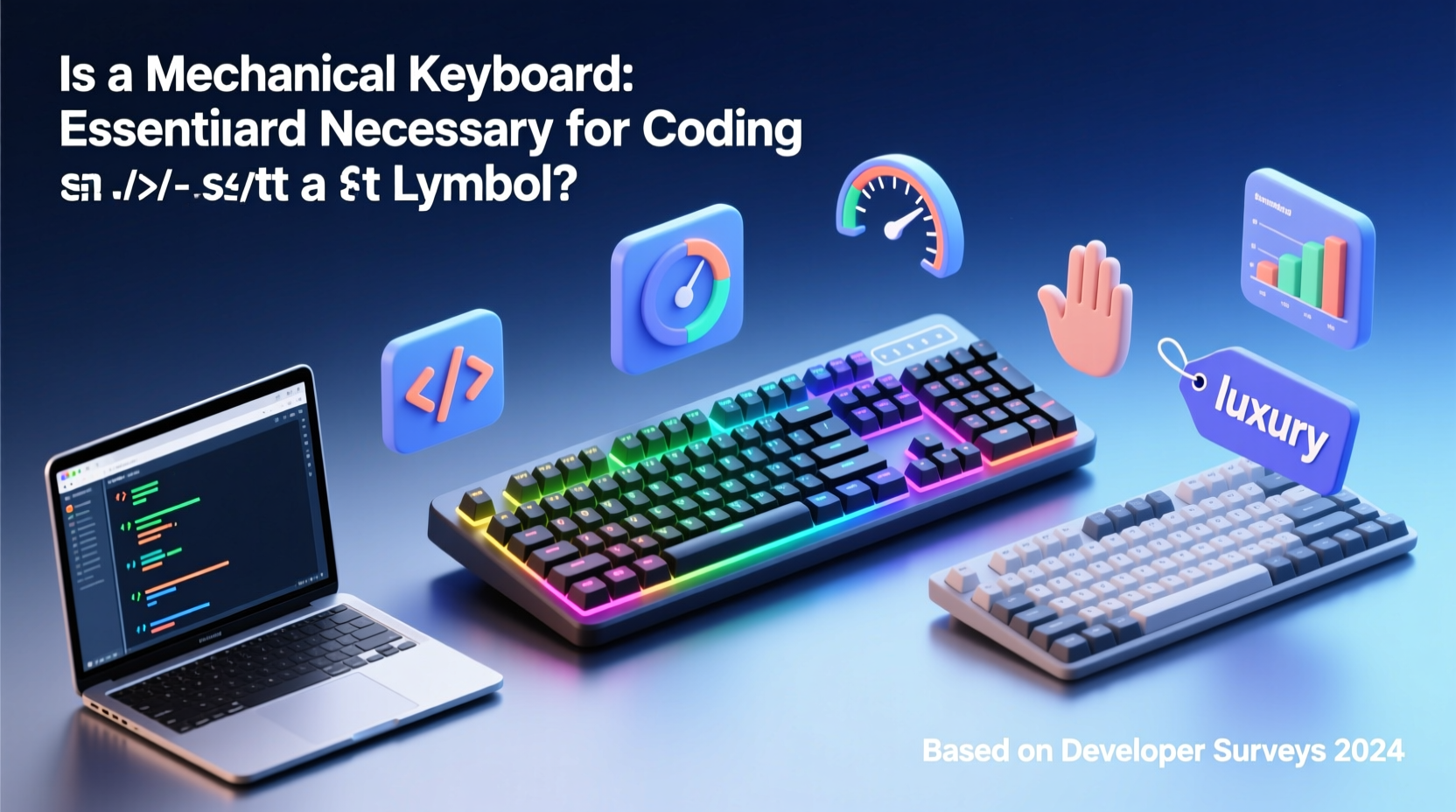
Mechanical keyboards differ from membrane or scissor-switch keyboards (commonly found in laptops and budget peripherals) in how each key registers input. Instead of relying on rubber domes or flat circuits, mechanical keyboards use individual mechanical switches under each keycap. These switches contain metal contacts and springs that provide tactile feedback and consistent actuation force.
This design leads to several advantages:
- Precision: Each keystroke is registered with minimal ambiguity due to defined actuation points.
- Durability: Most mechanical switches are rated for 50 million keystrokes or more—far exceeding typical membrane lifespan.
- Customizability: Users can swap switches, keycaps, and even reprogram keys based on their needs.
- Tactile Feedback: Different switch types offer varying levels of resistance and feedback, allowing coders to choose what feels best.
Ergonomics and Long-Term Comfort
One of the most compelling arguments for mechanical keyboards isn't speed—it's sustainability. Programmers often work 8–12 hours a day at a keyboard. Over months and years, poor ergonomics contribute to repetitive strain injuries (RSI), carpal tunnel syndrome, and chronic discomfort.
Mechanical keyboards, especially when paired with ergonomic designs like split layouts or tented angles, can mitigate these risks. The reduced finger effort required to actuate keys means less strain over time. Additionally, many mechanical keyboards support wrist rests and adjustable feet, further improving posture.
A study published in the Journal of Occupational Rehabilitation found that typists using tactile-feedback keyboards reported lower muscle strain and improved typing accuracy compared to those using flat membrane models. While not exclusively about mechanical keyboards, the findings align with user reports favoring tactile response during extended coding sessions.
“After switching to a low-actuation mechanical board, my wrist pain dropped significantly. It’s not just about feel—it’s injury prevention.” — David Tran, Senior Backend Developer
Performance Impact: Speed, Accuracy, and Focus
Does a mechanical keyboard make you code faster? Not directly. No keyboard writes your algorithms for you. But indirect gains in speed and accuracy are well-documented.
The distinct tactile bump or audible click of many mechanical switches helps prevent missed keystrokes and typos. For example, Cherry MX Blue switches provide both tactile and auditory feedback, making double-taps or skipped inputs easier to catch. In contrast, shallow laptop keys often require visual confirmation to ensure registration—a distraction during deep focus.
Consider this scenario:
Mini Case Study: Debugging Under Pressure
Jamal, a full-stack developer at a fintech startup, spent two days chasing a bug caused by a single missing semicolon. He later realized his ultrabook’s keyboard had failed to register the keystroke due to light pressure. After switching to a mechanical keyboard with tactile switches, he noticed fewer syntax errors creeping in during late-night coding marathons. “It’s subtle,” he says, “but now I *feel* every character go in. That confidence matters when you’re fatigued.”
While anecdotal, Jamal’s experience reflects a broader trend: mechanical keyboards enhance input certainty, reducing cognitive load associated with proofreading trivial mistakes.
Do All Developers Need One? A Balanced Comparison
Not every coder benefits equally from a mechanical keyboard. The decision should factor in work environment, coding style, and budget. Below is a comparison highlighting key considerations:
| Factor | Mechanical Keyboard | Membrane/Laptop Keyboard |
|---|---|---|
| Typing Accuracy | High – tactile/audible feedback reduces missed inputs | Moderate – shallow travel may lead to undetected misses |
| Noise Level | High (especially clicky switches) – may disturb coworkers | Low – suitable for quiet offices or shared spaces |
| Durability | Excellent – 50M+ keystroke lifespan common | Fair – typically 5–10M keystrokes |
| Portability | Poor – bulkier, heavier, less travel-friendly | Excellent – integrated into laptops, compact designs |
| Cost | Higher – $80–$250+ for quality models | Lower – often included with devices |
| Ease of Maintenance | Good – keycaps removable, switches replaceable | Poor – difficult to clean or repair |
This table illustrates that mechanical keyboards excel in durability and precision but come with trade-offs in noise and portability. For remote workers or freelancers coding from home, noise may not be an issue. In open-plan offices, however, a loud keyboard could become a point of friction.
When a Mechanical Keyboard Becomes Necessary
For some developers, a mechanical keyboard transitions from luxury to necessity. This shift typically occurs under specific conditions:
- High-volume typing: Writing thousands of lines of code weekly increases wear on both fingers and equipment. Mechanical keyboards handle this better.
- Existing hand or wrist issues: Those with RSI, tendonitis, or carpal tunnel often benefit from lighter actuation forces and ergonomic layouts.
- Preference for customization: Some developers map macros, use multiple layers, or require backlighting for low-light environments—features more robust on mechanical boards.
- Long-term investment mindset: Spending $150 once every 7–10 years beats replacing flimsy keyboards every 1–2 years.
Moreover, certain programming domains amplify the need. Competitive programmers in timed challenges value every millisecond saved through reliable input. Similarly, system-level developers working in terminals appreciate the crisp feedback of each command entered.
Step-by-Step Guide: Choosing the Right Mechanical Keyboard for Coding
If you're considering a switch, follow this process to find the best fit:
- Assess Your Environment: Will you use it in a quiet office, home setup, or co-working space? Noise-sensitive areas call for quieter switches.
- Identify Switch Type Preferences:
- Tactile: Noticeable bump (e.g., Cherry MX Brown) – good balance for coding.
- Clicky: Audible snap (e.g., Cherry MX Blue) – satisfying feedback but noisy.
- Linear: Smooth press (e.g., Cherry MX Red) – fast, quiet, preferred by gamers and rapid typists.
- Choose Form Factor: Full-size (100%), TKL (80%), 75%, or 60% layouts affect desk space and functionality. TKL removes the numpad but keeps arrows—ideal for many coders.
- Check Build Quality: Look for aluminum frames, PBT keycaps (resist shine), and programmable firmware (QMK/VIA support).
- Test Before You Buy (If Possible):strong> Visit electronics stores or try switch testers online to sample different feels.
- Budget Accordingly: Entry-level options like the Redragon K552 offer solid value. Premium choices include the Keychron Q Series or Drop ALT.
FAQ
Can a mechanical keyboard improve my coding speed?
Not dramatically, but it can reduce errors and increase typing consistency, which indirectly boosts productivity. Fewer backspaces mean smoother flow during intense coding sessions.
Are mechanical keyboards bad for office environments?
It depends on the switch and office culture. Clicky switches can be disruptive, but silent or linear variants are much quieter. Consider office norms before choosing a loud model.
Do I need a mechanical keyboard if I mostly use a laptop?
Not necessarily. However, pairing a laptop with a mechanical external keyboard at a desk setup can greatly improve comfort and accuracy during prolonged use.
Conclusion: Necessity or Luxury? The Verdict
A mechanical keyboard is not strictly necessary for coding—but for many developers, it evolves into an essential tool. Its value lies not in flashy aesthetics or social status, but in cumulative gains: fewer typos, reduced physical strain, longer device life, and enhanced typing satisfaction.
For beginners, a standard keyboard suffices. But as coding becomes a core part of daily life, upgrading to a mechanical model offers measurable returns in comfort and reliability. It’s less about luxury and more about sustainability—supporting a career that demands precision and endurance.
If you spend four or more hours a day writing code, consider trying a mechanical keyboard. Start with a mid-range model, test different switches, and pay attention to how your hands feel after a full workday. The difference might surprise you—not because it makes you a better programmer, but because it lets you focus on programming, not typing.




 浙公网安备
33010002000092号
浙公网安备
33010002000092号 浙B2-20120091-4
Comments
No comments yet. Why don't you start the discussion?