
For years, mechanical keyboards were considered niche tools—beloved by hardcore typists, programmers, and competitive gamers. The rest of the world made do with quiet, flat membrane keyboards that came bundled with laptops or desktops. But as mechanical models have become more affordable and widely available, a new question has emerged: are they actually worth it for someone who just wants to type emails, write documents, or browse the web?
The short answer is yes—for many casual typists, a mechanical keyboard can be a significant upgrade in comfort, durability, and even long-term productivity. But like any tool, it depends on how you use it, what kind you choose, and what you value in your daily workflow.
Understanding Mechanical vs. Membrane Keyboards
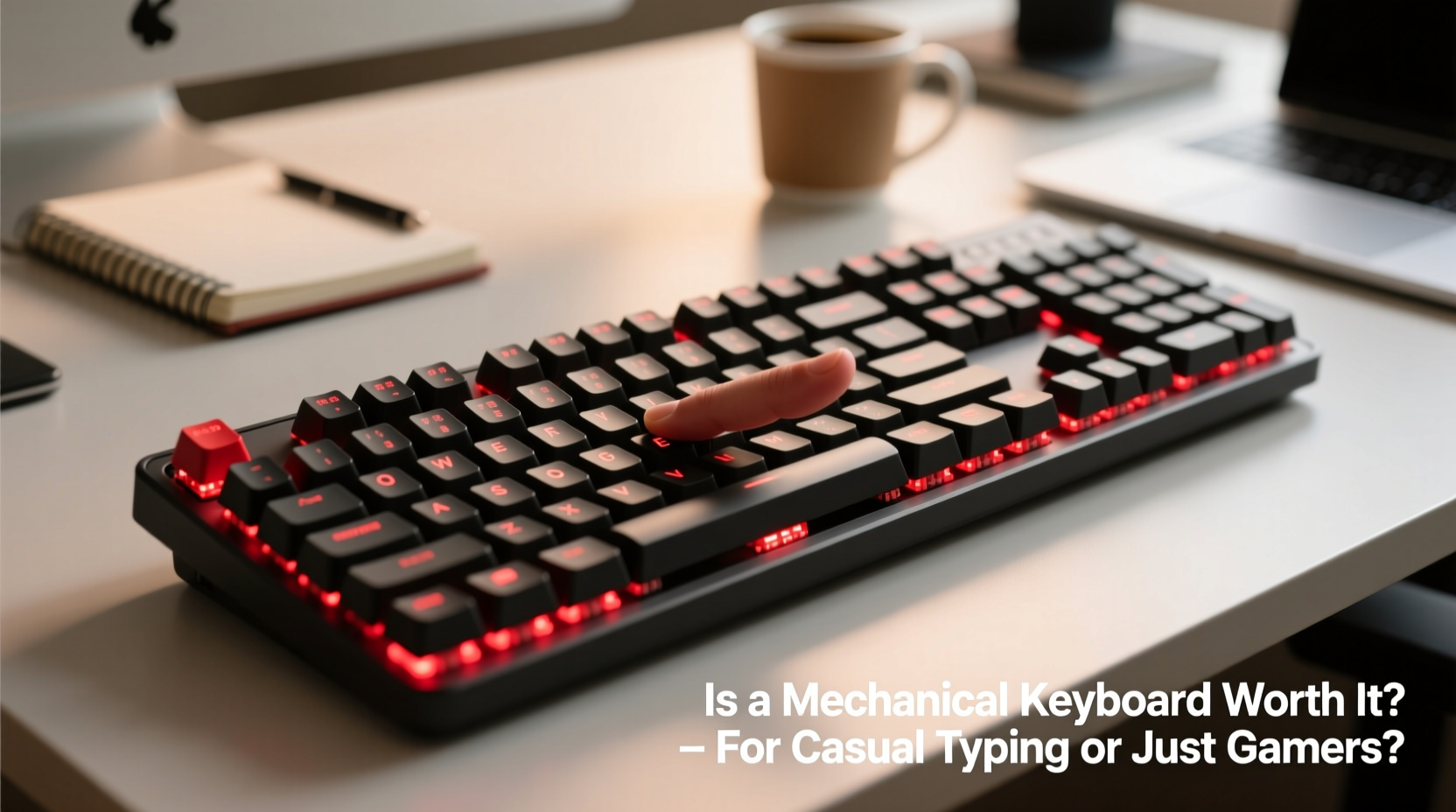
To determine whether a mechanical keyboard makes sense for casual use, it's essential to understand how they differ from traditional membrane keyboards.
Membrane keyboards rely on a single rubber dome beneath each keycap. When pressed, the dome collapses and completes an electrical circuit, registering the keystroke. These keyboards are typically cheaper to produce, quieter (though not always), and thinner—but they often feel mushy and lack tactile feedback.
Mechanical keyboards, on the other hand, use individual mechanical switches under each key. Each switch contains metal contacts and a spring mechanism that provides consistent actuation force and distinct feedback—whether tactile, clicky, or linear. This design leads to greater precision, longer lifespan, and a more satisfying typing experience.
“Switch quality directly impacts typing endurance and accuracy. A good mechanical board reduces finger fatigue over hours of use.” — Daniel Ruiz, Ergonomic Design Consultant at Typewise Labs
Benefits Beyond Gaming: Why Casual Users Should Consider Mechanical Keyboards
While gaming was the early driver of mechanical keyboard popularity, their advantages extend far beyond fast-paced shooters or MMO raids. For casual typists, the benefits include:
- Improved typing accuracy: Tactile and auditory feedback helps confirm keystrokes without looking at the keyboard.
- Greater durability: Most mechanical switches are rated for 50 million keystrokes or more—compared to 5–10 million for membrane keys.
- Better ergonomics: Many mechanical keyboards offer adjustable angles, wrist rests, and layouts that reduce strain during prolonged use.
- Customization options: From switch types to keycap materials, lighting, and programmable keys, users can tailor the device to their preferences.
- Louder satisfaction, less fatigue: Counterintuitively, the audible click of certain switches can improve rhythm and reduce errors over time.
Even if you're not coding or gaming, these features contribute to a smoother, more enjoyable interaction with your computer. Writing a grocery list might not require high-performance input, but writing journal entries, drafting personal emails, or managing spreadsheets benefits from reliable, responsive keys.
A Real-Life Example: Sarah’s Upgrade from Laptop to Mechanical
Sarah, a freelance writer and part-time blogger, spent most of her days working on a slim laptop with a shallow keyboard. After six months, she began experiencing finger fatigue and occasional typos due to missed keystrokes. She didn’t consider herself a “power user,” but typing was central to her work.
On a friend’s recommendation, she bought a compact mechanical keyboard with quiet linear switches. Within days, she noticed fewer errors and less discomfort. “It felt like my fingers could finally keep up with my thoughts,” she said. “I didn’t realize how much I was compensating for a bad keyboard until I had a good one.”
Her experience isn’t unique. Many non-gamers report similar improvements simply because mechanical keyboards respond more predictably to touch.
Choosing the Right Switch for Casual Use
One of the biggest misconceptions about mechanical keyboards is that they’re all loud and clacky. That’s not true. Switch selection plays a crucial role in determining noise level, feel, and suitability for different environments.
| Switch Type | Feel | Noise Level | Best For |
|---|---|---|---|
| Clicky (e.g., Cherry MX Blue) | Tactile bump + audible click | High | Quiet home offices, enthusiasts who enjoy feedback |
| Tactile (e.g., Cherry MX Brown) | Noticeable bump, no click | Medium | General typing, shared spaces |
| Linear (e.g., Cherry MX Red) | Smooth press, no bump | Low to medium | Gaming, fast typists, minimal noise preference |
| Low-Profile Linear (e.g., Kailh Low Profile Red) | Short travel, smooth | Low | Modern aesthetics, compact builds |
For casual typing—especially in shared environments like living rooms, coffee shops, or open-plan homes—tactile or linear switches are often ideal. They provide enough feedback to prevent bottoming out (pressing too hard) without disturbing others.
Common Misconceptions About Mechanical Keyboards
Despite growing popularity, several myths still deter casual users from trying mechanical keyboards:
- Myth: They’re only for gamers. While performance matters in gaming, mechanical switches enhance any activity involving typing precision and speed.
- Myth: All mechanical keyboards are loud. Linear and silent variants exist specifically for office or shared settings.
- Myth: They’re too expensive. Entry-level mechanical keyboards now start around $50—comparable to premium membrane models.
- Myth: They’re bulky and ugly. Modern designs include sleek, minimalist boards in compact 60%, 75%, and TKL (tenkeyless) layouts.
The reality is that mechanical keyboards have evolved into versatile tools suited for diverse lifestyles—not just intense gaming marathons.
Step-by-Step Guide: How to Decide If a Mechanical Keyboard Is Right for You
Follow this practical timeline to evaluate whether upgrading makes sense for your needs:
- Assess your current pain points: Do you frequently mistype? Experience finger strain? Wish your keyboard lasted longer?
- Determine your primary use case: Are you mostly browsing, writing, coding, or gaming? Even light usage adds up over time.
- Evaluate your environment: Will noise be an issue? Choose quieter switches if sharing space with others.
- Set a budget: Expect to spend $60–$120 for a quality entry-to-mid-tier model. Premium custom builds cost more.
- Test or research switches: Read reviews, watch sound tests, or order a sample plate.
- Pick a layout: Full-size (104 keys), tenkeyless (TKL), 75%, or 60%—smaller sizes save desk space.
- Buy and adapt: Allow 1–2 weeks to adjust. Most users report improved comfort after the break-in period.
Cost vs. Long-Term Value: Is It Worth the Investment?
At first glance, spending $80 on a keyboard when your laptop already has one may seem excessive. But consider the long-term math:
- A typical membrane keyboard lasts 3–5 years with moderate use.
- A mechanical keyboard often lasts 10–15 years due to durable switches and replaceable parts.
- You can swap keycaps, repair switches, or reuse the board with future computers.
This means that even at double the upfront cost, a mechanical keyboard can offer a lower cost per year—and better performance throughout its life. Plus, many users find they enjoy using their computers more once typing feels effortless.
Checklist: Before Buying Your First Mechanical Keyboard
- ✅ Identify your main use: typing, gaming, both?
- ✅ Decide on preferred switch type (quiet vs. feedback-rich)
- ✅ Choose a size that fits your desk and workflow
- ✅ Confirm compatibility (USB-C, wireless, Bluetooth, OS support)
- ✅ Read user reviews focused on daily comfort, not just specs
- ✅ Check return policy in case the feel isn’t right
Frequently Asked Questions
Do mechanical keyboards really last longer?
Yes. Most mechanical switches are rated for 50 million keystrokes or more. In contrast, membrane keyboards degrade faster due to worn-out rubber domes. With proper care, a mechanical keyboard can serve reliably for over a decade.
Can I use a mechanical keyboard in an office setting?
Absolutely—but choose the right switch. Opt for linear (like Red or Black) or silent tactile switches to minimize noise. Some brands also offer dampened housings or O-rings to further reduce sound.
Are wireless mechanical keyboards reliable for typing?
Modern wireless models using Bluetooth or 2.4GHz RF connections offer near-zero latency and strong battery life. Brands like Logitech, Keychron, and Durgod make excellent hybrid options that balance portability and performance.
Final Thoughts: Who Should Make the Switch?
A mechanical keyboard isn’t just for gamers. Anyone who values precision, comfort, and longevity in their typing experience stands to benefit. Whether you're jotting down notes, managing finances, blogging, or sending weekly updates to family, the quality of your input device shapes how smoothly those tasks flow.
The investment pays off not in flashy features, but in subtle improvements: fewer typos, less finger fatigue, and a sense of control over your digital interactions. And unlike trend-driven gadgets, mechanical keyboards age gracefully—many vintage models from the 1980s still function perfectly today.
If you've ever wished your laptop keyboard felt more responsive, or if you’ve grown tired of replacing flimsy peripherals every few years, it’s time to reconsider what a keyboard can be.




 浙公网安备
33010002000092号
浙公网安备
33010002000092号 浙B2-20120091-4
Comments
No comments yet. Why don't you start the discussion?