
For years, mechanical keyboards were seen as niche peripherals—beloved by typists, coders, and competitive gamers, but dismissed by casual users as unnecessarily loud or overpriced. Today, they’ve entered the mainstream. But if you’re not gaming late into the night or typing 80 words per minute for a living, is a mechanical keyboard still worth it? Or is it just an expensive way to make more noise?
The answer isn’t binary. While mechanical keyboards do produce more audible feedback than their membrane counterparts, that doesn’t mean they’re only for show—or only suitable for specific use cases. The real value lies in how they affect your daily work, comfort, and long-term typing experience. Let’s break down what matters beyond the click.
Understanding Mechanical vs. Membrane Keyboards
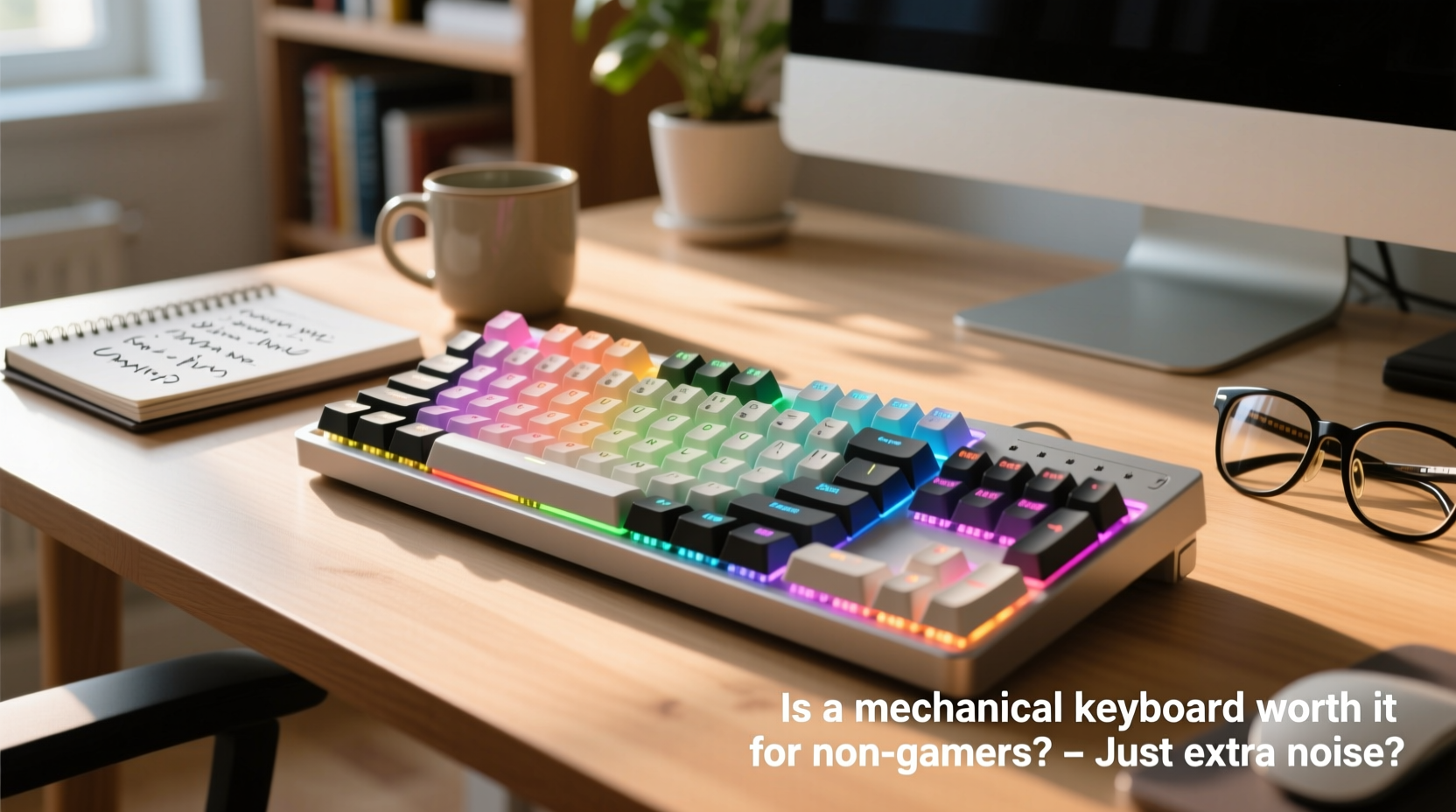
The core difference between mechanical and membrane keyboards lies in how each key registers input.
- Mechanical keyboards use individual mechanical switches under each keycap. Each switch contains metal contacts and a spring that physically actuate when pressed. This design allows for tactile feedback, consistent keystrokes, and longer lifespans—typically rated for 50 million keystrokes per switch.
- Membrane keyboards, on the other hand, rely on a layered rubber or silicone sheet beneath the keys. Pressing a key pushes through this layer to complete a circuit. These are quieter and cheaper to produce but often feel mushy and wear out faster.
Because of their construction, mechanical keyboards offer greater precision, durability, and customization. But they also come with trade-offs: higher cost, increased noise, and steeper learning curves for some users.
Benefits Beyond Gaming: Why Non-Gamers Should Consider Mechanical Keyboards
While gaming performance gets much of the spotlight, mechanical keyboards shine in productivity environments too. Here’s why professionals from writers to programmers find them valuable—even without playing a single game.
Improved Typing Accuracy and Speed
Mechanical switches have a defined actuation point—the distance at which the keystroke is registered. Most require only 2mm of travel before registering, compared to 3–4mm on membrane keyboards. This means you don’t have to press all the way down to type, reducing finger fatigue and increasing typing speed over time.
A study published in the *International Journal of Human-Computer Interaction* found that participants using mechanical keyboards made fewer errors and reported higher satisfaction during prolonged typing sessions. The tactile bump in switches like Cherry MX Brown helps users know exactly when a key has been pressed, minimizing double-taps and missed inputs.
Durability That Lasts Years
If you're someone who uses a keyboard daily—whether responding to emails, writing reports, or coding—a durable tool matters. Mechanical keyboards are built to last. Unlike membrane models that degrade over time (often becoming unresponsive after 5–7 million keystrokes), quality mechanical switches are engineered for tens of millions of presses.
This longevity translates into long-term savings. A $100 mechanical keyboard used daily for five years costs less per year than replacing a $40 membrane model every 18 months.
Ergonomic Advantages and Reduced Fatigue
Many mechanical keyboards support ergonomic layouts—like split designs, tenting options, or low-profile switches—that align better with natural hand positioning. Even standard full-size models tend to promote better posture due to responsive keypresses requiring less force.
Users with repetitive strain injuries (RSI) or carpal tunnel syndrome often report improvement after switching. As Dr. Lena Torres, occupational therapist and ergonomics consultant, explains:
“Reduced actuation force and consistent key response can significantly decrease muscle strain during extended typing. For people working from home or doing data entry, that small change adds up.” — Dr. Lena Torres, Occupational Therapist
Noise Concerns: Are Mechanical Keyboards Too Loud?
Yes, some mechanical keyboards are loud. But “mechanical” doesn’t automatically mean “ear-splitting.” There’s wide variation in sound levels depending on the switch type, keycap material, and even desk surface.
Clicky switches like Cherry MX Blues or Kailh Box Whites produce sharp, audible clicks designed to give auditory feedback. These may not be ideal in quiet offices or shared living spaces. However, quieter alternatives exist:
- Tactile switches (e.g., Cherry MX Brown): Offer subtle feedback without loud clicks.
- Linear switches (e.g., Cherry MX Red): Smooth press with no bump or click—great for fast typists.
- Silent switches (e.g., Zilent, Gateron Silent V3): Engineered with dampeners to reduce both sound and vibration.
Additionally, adding O-rings to keycaps or placing the keyboard on a padded mat can further reduce noise output by up to 30%, according to acoustic tests conducted by peripheral reviewers at DeskFeed Labs.
Real-Life Example: Remote Worker Transitions to Mechanical
Take Sarah Kim, a freelance copywriter based in Portland. She spent two years using her laptop’s built-in keyboard while working from coffee shops and her home office. After developing wrist pain and frequent typos, she invested in a mid-range mechanical keyboard with Gateron Brown switches.
Within weeks, she noticed fewer backspaces needed during drafting, and her average typing speed increased from 58 WPM to 71 WPM. More importantly, her wrist discomfort diminished. “I was skeptical about the hype,” she admits, “but now I can’t imagine going back. It’s not flashy—it just works better.”
Her only adjustment? Using earbuds during Zoom calls so her partner wouldn’t hear constant tapping. “It’s not disruptive,” she says. “Just present.”
Choosing the Right Mechanical Keyboard for Non-Gamers
Not all mechanical keyboards are created equal. Gamers often favor RGB lighting, macro keys, and aggressive aesthetics. For non-gamers, functionality, comfort, and subtlety matter more. Here’s a checklist to guide your decision:
- Switch type: Opt for tactile or linear (Brown, Red, or Silent variants).
- Form factor: Choose compact sizes (60%, TKL) if space is limited.
- Build quality: Aluminum frames and PBT keycaps resist wear better.
- Noise level: Test audio samples or read user reviews focused on sound.
- Layout: Ensure compatibility with your OS (Mac/Windows) and preferred language.
- Ease of cleaning: Removable keycaps and spill resistance add practicality.
Consider minimalist models like the Ducky One 2 Mini, Keychron Q1, or Anne Pro 2. These prioritize clean design, high-quality components, and wireless connectivity—ideal for writers, students, or remote workers.
Comparison Table: Mechanical vs. Membrane Keyboards
| Feature | Mechanical Keyboard | Membrane Keyboard |
|---|---|---|
| Lifespan | 50+ million keystrokes | 5–10 million keystrokes |
| Typing Feel | Precise, tactile, customizable | Mushy, inconsistent over time |
| Noise Level | Varies by switch (clicky to silent) | Generally quiet |
| Price Range | $70–$250+ | $15–$60 |
| Customization | High (switches, keycaps, firmware) | Very limited |
| Best For | Heavy typists, coders, remote workers | Casual use, shared spaces, budget needs |
Common Misconceptions About Mechanical Keyboards
Several myths persist about mechanical keyboards, especially among non-technical users. Let’s clarify them:
- Myth: They’re only for gamers.
Reality: Many developers, writers, and transcriptionists prefer them for accuracy and endurance. - Myth: All mechanical keyboards are loud.
Reality: Silent and linear switches are nearly as quiet as membrane keyboards. - Myth: They’re too expensive to justify.
Reality: When amortized over 5–10 years of use, they’re often more cost-effective. - Myth: You can’t use them on laptops.
Reality: Most modern mechanical keyboards connect via USB-C or Bluetooth, making them perfect companions for MacBooks and ultrabooks.
FAQ: Your Top Questions Answered
Are mechanical keyboards bad for shared workspaces?
Not necessarily. If you choose silent or linear switches and avoid heavy-handed typing, noise levels are manageable. In open offices, consider using a desk mat or foam pad underneath to dampen sound. Some companies even provide mechanical keyboards to employees who request them for accessibility reasons.
Do I need to maintain a mechanical keyboard?
Yes, but maintenance is simple. Dust and debris can accumulate under keycaps, affecting performance. Remove keycaps every few months and clean with compressed air or a soft brush. Avoid liquid cleaners unless specified by the manufacturer. Regular upkeep ensures consistent function and extends lifespan.
Can a mechanical keyboard improve my typing skills?
Indirectly, yes. The immediate feedback and consistency help train muscle memory. Over time, many users develop cleaner typing habits—fewer errors, reduced finger strain, and improved rhythm. However, skill still depends on practice; the keyboard enhances, not replaces, effort.
Final Verdict: Is It Worth It?
For non-gamers, a mechanical keyboard isn’t about spectacle—it’s about sustainability, comfort, and performance. If you spend more than an hour a day typing, editing, or navigating digital workflows, upgrading makes sense. The initial investment pays off in reliability, reduced physical strain, and a more enjoyable interaction with your computer.
Noise is a valid concern, but it’s solvable. With the right switch choice and setup, you can enjoy the benefits of mechanical typing without disturbing others. And unlike fleeting tech trends, mechanical keyboards remain functional and repairable for years—some enthusiasts still use models from the early 2000s.
Ultimately, this isn’t about joining a subculture or chasing specs. It’s about choosing tools that support your daily life. If your current keyboard feels sluggish, unreliable, or uncomfortable, trying a mechanical alternative could be one of the simplest upgrades you make this year.




 浙公网安备
33010002000092号
浙公网安备
33010002000092号 浙B2-20120091-4
Comments
No comments yet. Why don't you start the discussion?