
For decades, keyboards were an afterthought—functional peripherals buried beneath monitors, dismissed as utilitarian tools. But in recent years, mechanical keyboards have surged from niche hobbyist gear into mainstream workspaces, gaming setups, and even coffee shop desks. With their satisfying clicks, customizable switches, and retro aesthetic, they’ve become symbols of both productivity and personal expression. Yet, amid the clatter and chatter, a critical question emerges: Is a mechanical keyboard actually better for typing, or is its popularity driven more by nostalgic flair than functional superiority?
The answer isn’t binary. While some users swear by the tactile feedback and durability of mechanical switches, others find them unnecessarily loud, expensive, or overhyped. To cut through the noise, we need to examine real-world typing performance, ergonomic impact, longevity, cost, and psychological factors that influence user satisfaction.
The Typing Experience: Tactile Feedback vs. Membrane Mush
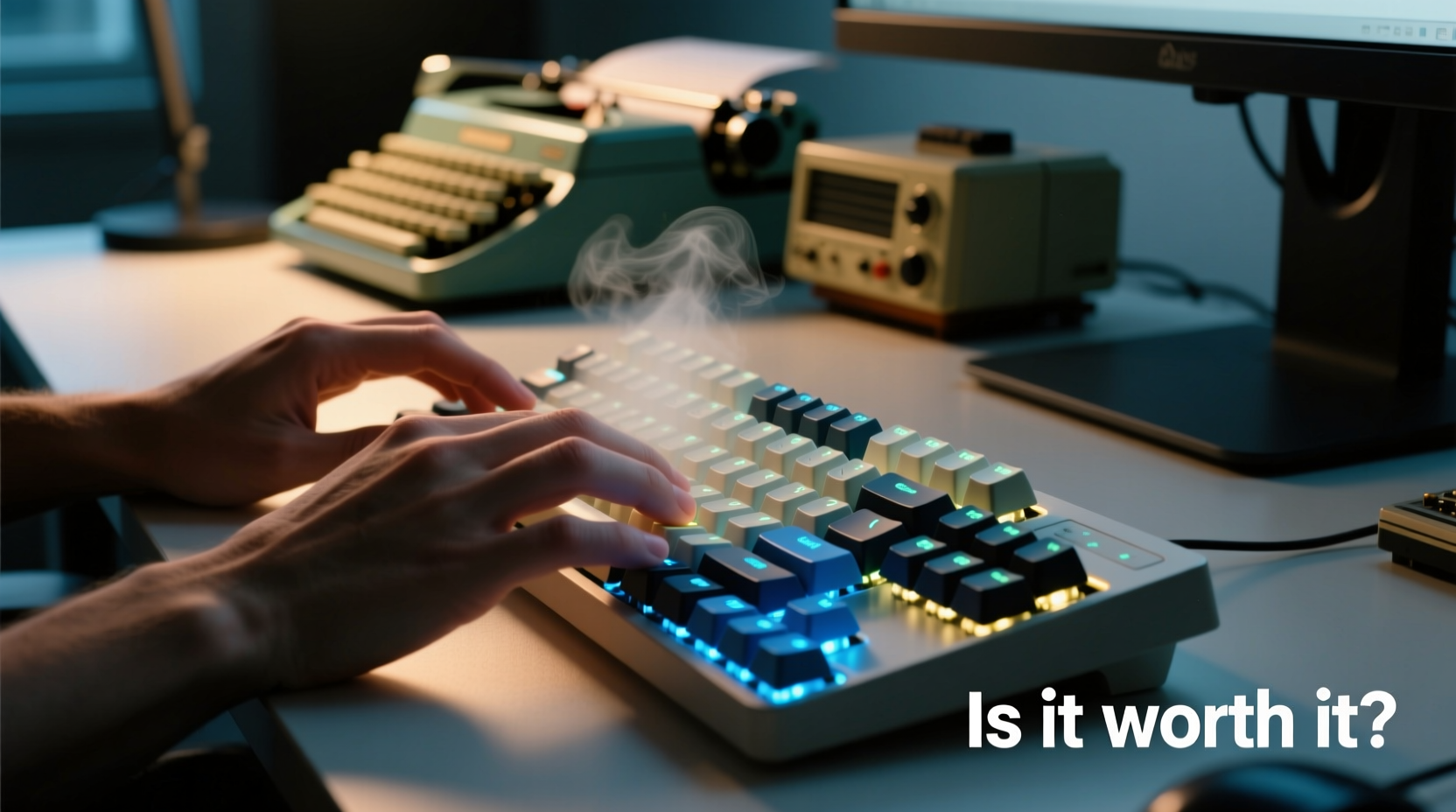
At the heart of the mechanical keyboard debate is the typing experience. Unlike membrane keyboards—common on most laptops and budget desktops—mechanical keyboards use individual physical switches under each key. These switches contain springs and metal contacts that register keystrokes with precision. The result is a distinct actuation point, audible click (in some models), and consistent resistance.
This design offers several tangible advantages:
- Precision: Mechanical switches have a defined actuation point—the moment the keystroke is registered—typically around 2mm down. This allows typists to type faster with fewer errors because keys don’t need to be fully pressed.
- Consistency: Every keypress feels the same across the board, reducing finger fatigue and improving rhythm during long typing sessions.
- Tactile feedback: Many mechanical switches provide a bump or click when actuated, giving immediate sensory confirmation without needing to bottom out the key.
In contrast, membrane keyboards rely on rubber domes that collapse under pressure. Over time, these domes degrade, leading to a “mushy” feel and inconsistent responsiveness. For writers, coders, or anyone spending hours at a keyboard, this difference can significantly affect comfort and efficiency.
Switch Types Matter: Not All Mechanical Keyboards Are Created Equal
One common misconception is that all mechanical keyboards are the same. In reality, switch choice dramatically alters the typing experience. The three primary categories are linear, tactile, and clicky—each suited to different preferences and environments.
| Switch Type | Feel | Noise Level | Best For |
|---|---|---|---|
| Linear (e.g., Cherry MX Red) | Smooth press, no bump or click | Low to moderate | Gaming, fast typists who prefer quiet operation |
| Tactile (e.g., Cherry MX Brown) | Slight bump at actuation | Moderate | General typing, balanced performance |
| Clicky (e.g., Cherry MX Blue) | Pronounced bump and audible click | Loud | Typists who enjoy feedback; not ideal for shared spaces |
Choosing the right switch is crucial. A writer working in a quiet office might find MX Blues distracting—even obnoxious—while a remote worker in a home office could thrive on their rhythmic feedback. Meanwhile, gamers often prefer linear switches for rapid inputs, but many hybrid users opt for tactile switches like Browns for a middle ground.
“After switching from a laptop keyboard to a mechanical one with tactile switches, my typing speed increased by nearly 15 words per minute within two weeks.” — Daniel Park, Technical Writer & Keyboard Enthusiast
Durability and Long-Term Value
Most mechanical keyboards are built to last. Individual switches are typically rated for 50 million keystrokes or more—compared to 5–10 million for membrane keyboards. This means a well-maintained mechanical board can serve reliably for a decade or longer, especially if it features high-quality materials like aluminum frames and PBT keycaps.
Beyond lifespan, mechanical keyboards offer repairability and customization. Unlike most membrane keyboards, which are disposable when keys fail, mechanical models allow for switch replacement, keycap swaps, and even firmware updates via open-source tools like QMK or VIA. This modularity extends usability and reduces electronic waste.
However, durability comes at a price. Entry-level mechanical keyboards start around $70, with premium models exceeding $200. That said, when amortized over years of daily use, the cost per year can be lower than replacing multiple cheap membrane keyboards.
Cost Comparison Over 5 Years
- Membrane Keyboard: $30 x 2 replacements = $60
- Mechanical Keyboard: $120 (one-time purchase)
Even at double the initial cost, the mechanical option wins on longevity and consistent performance.
Ergonomics and Physical Comfort
While mechanical keyboards aren’t inherently ergonomic, their design supports better posture and reduced strain when paired with proper setup. Because less force is required to actuate keys (typically 45–60 grams depending on switch), fingers don’t need to press as hard, lowering the risk of repetitive strain injuries over time.
Additionally, many mechanical keyboards come in compact layouts (60%, 75%, TKL) that free up desk space, allowing mice to sit closer to the body and reducing shoulder extension. Some models also support adjustable tilt, split designs, or even ortholinear layouts for users prioritizing ergonomics.
Still, poor placement—such as elevating the keyboard too high or angling it incorrectly—can negate these benefits. Pairing a mechanical keyboard with an ergonomic chair, monitor at eye level, and wrist rest (used lightly, not leaned on) maximizes comfort.
Nostalgia vs. Functionality: Why the Clack Endures
No discussion about mechanical keyboards is complete without addressing the cultural and emotional appeal. The sound of a clicking mechanical keyboard evokes images of 1980s offices, vintage computers, and typewriters. For many, it’s not just about input—it’s about ritual, focus, and identity.
Studies in cognitive psychology suggest that sensory feedback—including auditory cues—can enhance concentration and task engagement. The rhythmic sound of typing on a mechanical board may serve as a form of “flow trigger,” helping users enter deep work states more easily. In this sense, the noise isn’t a bug—it’s a feature.
But this benefit has limits. In shared environments—open offices, libraries, co-working spaces—the same sounds can disrupt others. A 2022 survey by *The Keyboard Guild* found that 68% of mechanical keyboard users loved the sound, while 61% of their coworkers reported it as distracting. This disconnect underscores the importance of context.
“The mechanical keyboard renaissance isn’t just about function—it’s about reclaiming agency over our digital tools. People want devices that feel intentional, not disposable.” — Dr. Lena Torres, Human-Computer Interaction Researcher, MIT Media Lab
Real-World Example: From Doubt to Devotion
Jamila Chen, a freelance editor based in Portland, spent years using her laptop’s built-in keyboard. She assumed external keyboards were unnecessary until chronic finger fatigue began affecting her deadlines. Skeptical of the mechanical hype, she borrowed a friend’s Tenkeyless (TKL) board with Brown switches for a week-long trial.
Within three days, she noticed fewer typos and less discomfort after eight-hour editing sessions. By day five, she was researching models. Six months later, she upgraded to a custom-built 65% keyboard with silent red switches for quieter nighttime work. Her productivity improved, and she reported feeling more “connected” to her writing process.
“I didn’t realize how much mental energy I was wasting compensating for a bad keyboard,” she said. “It wasn’t nostalgia. It was relief.”
How to Decide: A Practical Checklist
Before investing in a mechanical keyboard, consider your specific needs. Use this checklist to evaluate whether one makes sense for you:
- ✅ Do you type for more than 2 hours daily?
- ✅ Have you experienced hand or finger fatigue from prolonged typing?
- ✅ Are you willing to spend $80–$150 for a long-term upgrade?
- ✅ Do you work in a private or quiet environment where noise won’t disturb others?
- ✅ Are you interested in customizing your setup (keycaps, lighting, layout)?
- ✅ Do you value build quality and device longevity?
If you answered yes to three or more, a mechanical keyboard is likely worth the investment. If not, a high-quality scissor-switch keyboard (like those on premium laptops) or a low-profile mechanical model might be a better compromise.
Frequently Asked Questions
Are mechanical keyboards louder than regular keyboards?
Some are, especially models with clicky switches like Cherry MX Blues or tactile feedback. However, many mechanical keyboards use quieter linear switches (e.g., Reds or Silent Blacks), and sound-dampening mods like O-rings or foam lining can reduce noise significantly. Volume depends heavily on switch type and case design—not all mechanical boards are loud.
Can mechanical keyboards help with typing speed and accuracy?
Yes, for many users. The consistent actuation point, tactile feedback, and reduced need to bottom out keys allow faster, more accurate typing once adapted. Users commonly report improvements of 10–20% in speed and error reduction after a few weeks of use.
Do I need to maintain a mechanical keyboard?
Minimal maintenance is required, but recommended. Dust and debris can accumulate under keycaps, affecting performance. Remove keycaps every 1–3 months and clean with compressed air or a soft brush. Avoid eating over the keyboard to minimize crumb buildup. Lubricating switches is optional but enhances smoothness over time.
Final Verdict: More Than Just Nostalgia
The rise of mechanical keyboards isn’t merely a wave of retro sentiment. While aesthetics and sound play a role, the core value lies in superior typing mechanics, durability, and long-term comfort. For professionals, writers, programmers, and anyone who types extensively, the benefits are measurable: fewer errors, less fatigue, and greater enjoyment of the craft.
That said, they’re not universally ideal. Shared workspaces, budget constraints, or personal preference for silence may make alternative options more suitable. The key is alignment between tool and task.
If you spend significant time at a keyboard, treating it as an instrument of your work—not just an accessory—is a small change with outsized returns. Whether you choose clicky, tactile, or silent linear, the right mechanical keyboard can transform typing from a chore into a deliberate, satisfying act.




 浙公网安备
33010002000092号
浙公网安备
33010002000092号 浙B2-20120091-4
Comments
No comments yet. Why don't you start the discussion?