
For many writers, the keyboard is more than just an input device—it’s the primary tool of expression. Whether you're drafting novels, composing emails, or blogging daily, the tactile experience of typing shapes your workflow, rhythm, and even mental clarity. In recent years, mechanical keyboards have surged in popularity beyond gaming circles, catching the attention of professionals, coders, and writers alike. But is the switch truly worthwhile? For those who spend hours at the keyboard, the answer often leans toward yes—but not without caveats.
The appeal of mechanical keyboards lies in their individual mechanical switches under each key, offering distinct feedback, durability, and customization. Unlike the flat, mushy feel of most laptop or membrane keyboards, mechanical variants provide a responsive, precise keystroke that can enhance both comfort and efficiency. Yet, before investing time and money into a new setup, it's essential to understand how these devices align with the specific needs of writers.
Why Writers Type Differently Than Other Users
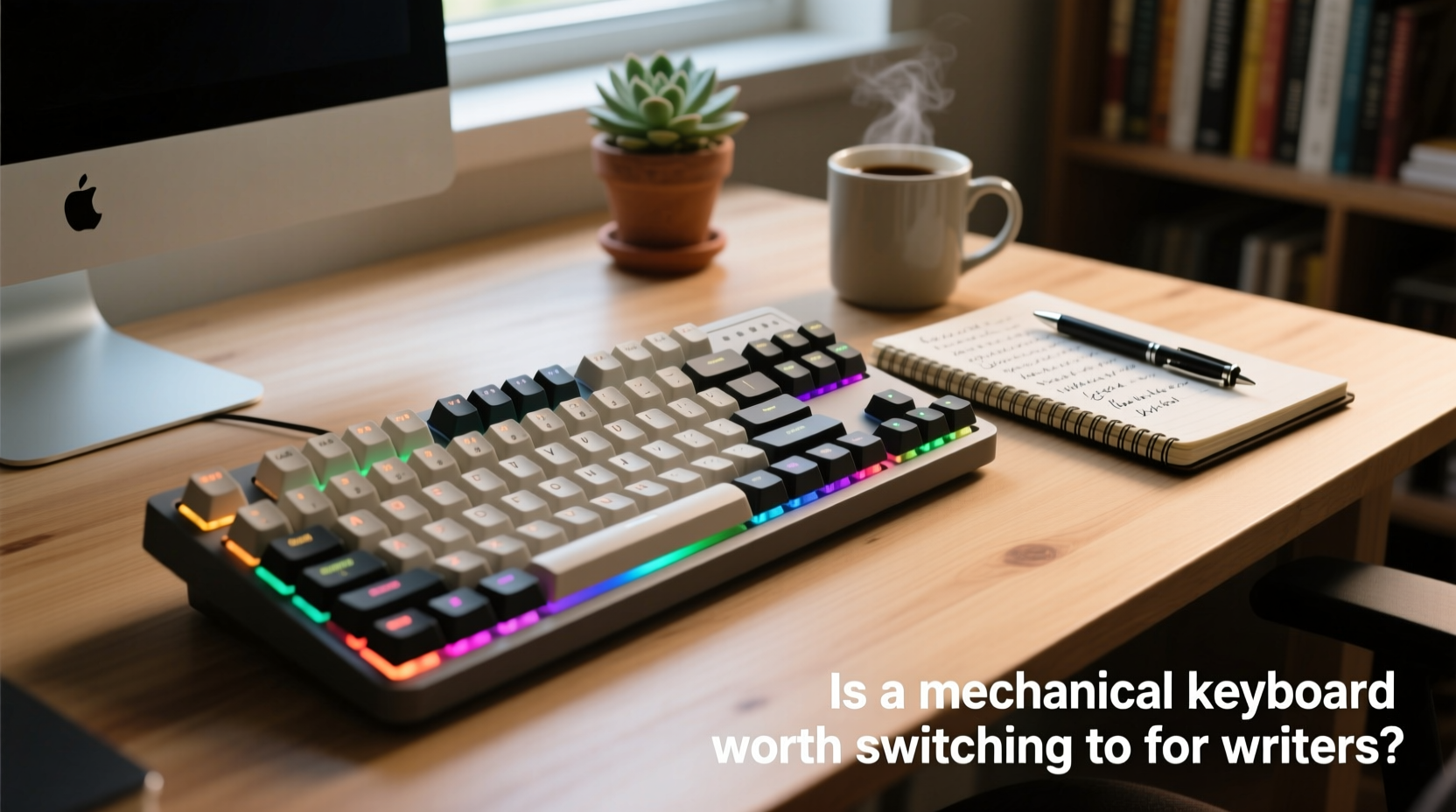
Writers engage with keyboards in a uniquely sustained way. While casual users might type intermittently, writers often face prolonged sessions where ergonomics, sound, and tactile feedback play crucial roles in focus and fatigue management. The goal isn’t speed alone—it’s endurance, accuracy, and minimizing distractions during creative flow.
Membrane keyboards, commonly found on laptops and budget desktops, rely on rubber domes beneath the keys. These require full depression to register a keystroke and tend to wear out faster. Over time, they develop inconsistent responsiveness, which can lead to typos and frustration. Mechanical keyboards, by contrast, use individual mechanical switches that actuate earlier and more consistently, reducing finger strain and increasing typing precision.
This distinction becomes especially relevant for writers producing 2,000+ words per day. A keyboard that supports smooth, reliable input can reduce physical fatigue and help maintain momentum during deep writing sessions.
Types of Mechanical Switches and Their Impact on Writing
Not all mechanical keyboards are created equal. The choice of switch significantly affects typing experience. Switches vary by actuation force (how hard you must press), tactile feedback, and noise level—all of which influence writing comfort and environment suitability.
Here’s a breakdown of common switch types ideal for writers:
| Switch Type | Tactile Feedback | Noise Level | Best For |
|---|---|---|---|
| Cherry MX Brown | Moderate bump | Medium | Balanced typing; quiet enough for shared spaces |
| Cherry MX Red | Linear (smooth) | Low | Faster typists who prefer light resistance |
| Zilent V2 (Quiet) | Tactile, dampened | Very low | Writers in libraries or shared offices |
| Matias Quiet Click | Pronounced bump | Medium-click (quieter than Blue) | Those who love feedback but want moderate noise |
| Gateron Ink Black | Heavy linear | Low | Typists seeking a premium, typewriter-like feel |
For most writers, tactile switches like Browns or Matias Clicks offer a sweet spot—providing confirmation of keystrokes without excessive noise. Linear switches like Reds or Blacks suit those who prioritize speed and fluid motion. Avoid loud clicky switches like Cherry MX Blues in shared environments unless sound isn't a concern.
“After switching from a laptop to a mechanical keyboard with Brown switches, my typing accuracy improved within a week. I make fewer backspaces, and my hands don’t cramp as quickly.” — Sarah Lin, freelance journalist and novelist
Long-Term Benefits for Writers
The initial cost of a quality mechanical keyboard ranges from $80 to $200, sometimes more for custom builds. However, this investment pays off over time through longevity and performance.
- Durability: Most mechanical switches are rated for 50 million keystrokes, compared to 5–10 million for membrane keyboards. This means a single mechanical board can last a decade or longer with regular use.
- Ergonomic Flexibility: Many mechanical keyboards support detachable cables, split layouts, and adjustable tilt feet. Some models even offer hot-swappable switches, allowing writers to experiment without soldering.
- Customization: Writers can personalize keycaps for better feel (e.g., PBT doubleshot for texture) or layout (e.g., 60% compact boards to reduce mouse reach).
- Reduced Typos: Consistent actuation and tactile feedback help prevent missed or double-tapped keys, improving first-draft accuracy.
Moreover, the psychological effect of using a dedicated writing tool should not be underestimated. Just as a musician values a well-tuned instrument, a writer may find increased motivation and focus when working with a keyboard that feels intentional and high-quality.
A Real Writing Workflow Transformation
Consider James Holloway, a technical writer based in Portland. For years, he used his laptop on the couch, suffering from wrist discomfort and frequent editing due to missed keystrokes. After researching ergonomic setups, he invested in a tenkeyless mechanical keyboard with Gateron Browns and a padded wrist rest.
Within three weeks, he noticed changes: his average typing speed increased from 68 to 82 words per minute, largely due to fewer corrections. More importantly, he reported less shoulder tension and could write for four consecutive hours without breaks. “It’s not magic,” he said, “but the keyboard removed friction I didn’t realize was there.”
This case illustrates how a hardware upgrade can subtly yet significantly elevate productivity—not by adding features, but by removing obstacles.
Practical Steps to Transition Smoothly
Switching to a mechanical keyboard doesn’t require technical expertise, but a thoughtful approach ensures optimal results. Follow this timeline to integrate the change effectively:
- Week 1: Research and Select – Identify your primary writing environment. Choose a switch type accordingly (quiet for shared spaces, tactile for home office). Decide on size: full-size, TKL (tenkeyless), or compact.
- Week 2: Purchase and Setup – Buy from a reputable brand (e.g., Logitech, Ducky, Keychron, Anne Pro). Connect via USB-C or Bluetooth if wireless. Position the keyboard at elbow height with wrists straight.
- Week 3: Adaptation Period – Expect a slight learning curve. Typing may feel louder or stiffer initially. Focus on form: use light touches, avoid bottoming out keys.
- Week 4: Evaluate and Optimize – Assess comfort, noise, and typing accuracy. Consider adding a wrist rest or adjusting keyboard angle. Explore firmware customization if supported.
Most writers adapt fully within 10–14 days. During this phase, stick to familiar tasks like journaling or email to build muscle memory without pressure.
Common Myths About Mechanical Keyboards Debunked
Despite growing adoption, misconceptions persist. Addressing these helps writers make informed decisions:
- Myth: They’re only for gamers. Reality: Gamers popularized them, but professionals across fields—from programmers to authors—now use them for precision and comfort.
- Myth: All mechanical keyboards are loud. Reality: While some switches are noisy, many models use silent or dampened mechanisms suitable for quiet environments.
- Myth: They’re too expensive to justify. Reality: At $1–$2 per month over five years, the cost is minimal compared to potential gains in output and health.
- Myth: You need to learn special typing techniques. Reality: No retraining is required. Most users adapt naturally within days.
Checklist: Is a Mechanical Keyboard Right for You?
Use this checklist to determine if upgrading makes sense for your writing routine:
- ✅ Do you write for more than 1 hour daily?
- ✅ Do you frequently experience hand or wrist fatigue?
- ✅ Are you frustrated by unresponsive or mushy keys on your current keyboard?
- ✅ Do you value tools that last and perform consistently?
- ✅ Can you invest $75–$150 in a long-term writing tool?
- ✅ Are you open to a short adaptation period for potential long-term gain?
If you answered “yes” to three or more, a mechanical keyboard is likely a worthwhile upgrade.
Frequently Asked Questions
Can a mechanical keyboard improve my typing speed?
Indirectly, yes. While no keyboard teaches you to type faster, mechanical switches reduce actuation effort and increase consistency, allowing skilled typists to maintain higher speeds with fewer errors. Most users see modest improvements within weeks due to reduced correction time.
Are wireless mechanical keyboards reliable for writing?
Yes, modern wireless models from brands like Keychron, Logitech, and NuPhy offer stable Bluetooth connections with minimal latency. Battery life typically lasts 2–4 weeks per charge. For uninterrupted long sessions, ensure the model supports pass-through charging.
Will my housemates or coworkers hate me for the noise?
It depends on the switch. Opt for linear or quiet tactile switches (e.g., Gateron Silent Reds, Zilents) if noise is a concern. You can also add O-rings or use a desk mat to dampen sound. In shared spaces, avoid clicky switches unless everyone is comfortable with the noise.
Final Thoughts: A Tool That Respects Your Craft
A mechanical keyboard isn’t a shortcut to better writing—but it is a gesture of respect toward your process. When you commit to writing seriously, every element of your environment matters. A responsive, durable, and thoughtfully designed keyboard reduces friction between idea and execution. It minimizes physical strain, enhances accuracy, and fosters a sense of craftsmanship in your daily work.
The transition may seem minor, but its cumulative effect is profound. Over months and years, fewer typos, less fatigue, and greater typing satisfaction translate into more words written, more ideas captured, and a healthier relationship with your craft.




 浙公网安备
33010002000092号
浙公网安备
33010002000092号 浙B2-20120091-4
Comments
No comments yet. Why don't you start the discussion?