
For many urban dwellers, the modern home is compact—a studio, one-bedroom, or two-bedroom apartment under 1,000 square feet. In these spaces, the idea of installing a mesh Wi-Fi system might seem like using a sledgehammer to crack a nut. After all, traditional routers have improved dramatically in recent years. Yet, as smart devices multiply and video calls dominate daily routines, even small living areas can suffer from frustrating dead zones and inconsistent speeds.
The question isn’t just about size—it’s about usage, construction materials, interference, and future-proofing. While mesh networks are often marketed as the ultimate solution for large homes, their value in smaller environments is less clear-cut. This article examines whether investing in a mesh system for a small apartment makes practical sense or if it’s simply technological overreach.
Understanding Mesh Networks vs. Traditional Routers
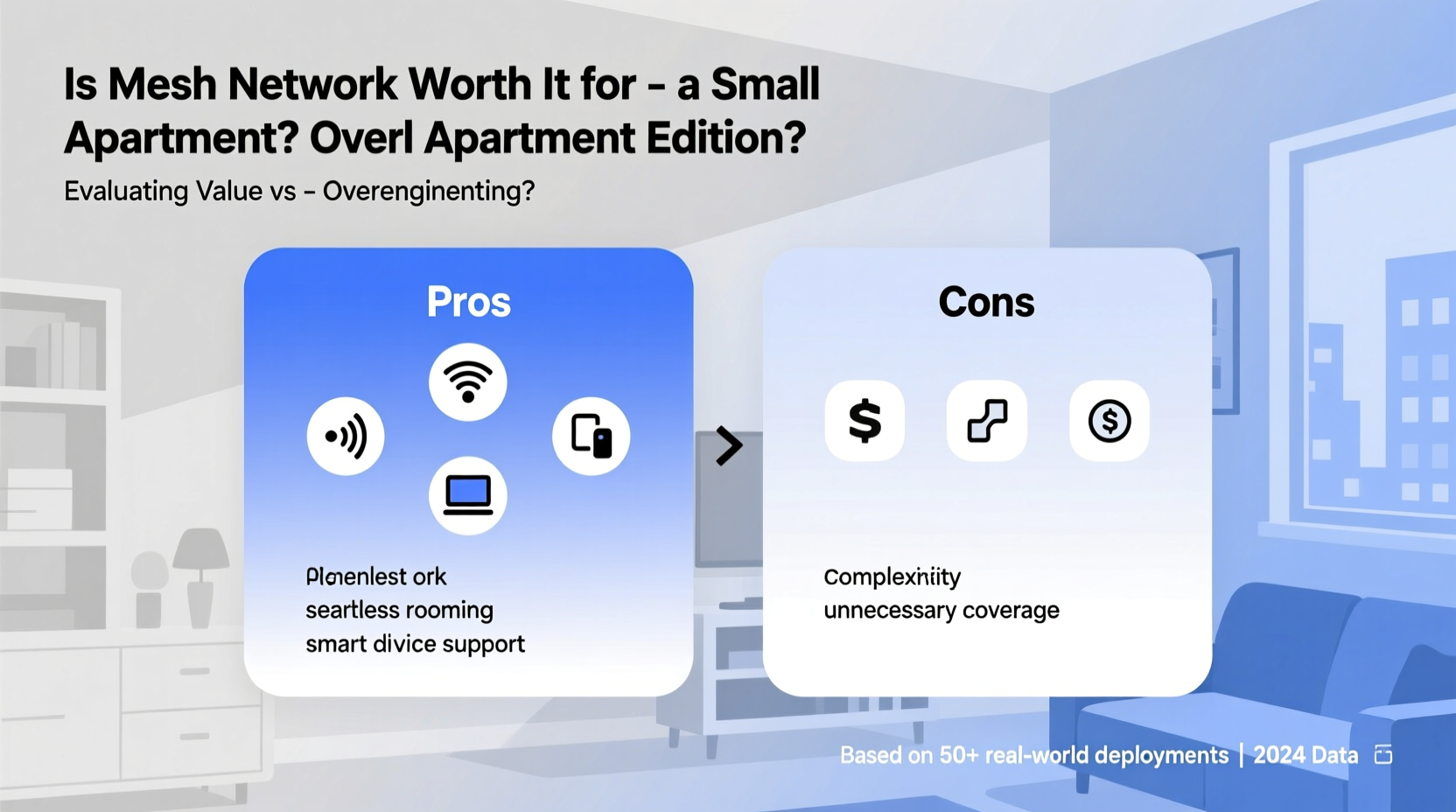
A traditional wireless router broadcasts Wi-Fi from a single point. Its signal strength diminishes with distance and is easily disrupted by walls, appliances, and other electronic interference. Most standard routers work well within a radius of 150–200 feet in open space, but interior walls—especially those made of concrete, brick, or metal—can cut that range significantly.
In contrast, a mesh network consists of multiple nodes (a main unit and satellite units) that work together to blanket an area with seamless Wi-Fi. These nodes communicate with each other, creating a unified network that allows devices to automatically connect to the strongest available signal. Unlike older range extenders, which often create separate networks and degrade bandwidth, mesh systems offer smooth roaming and consistent performance.
Mesh networks shine in larger homes, multi-story buildings, or layouts with complex wall structures. But does this technology translate into meaningful benefits for someone living in a modestly sized apartment?
When a Single Router Still Works
In a typical 500–800 sq ft apartment with drywall partitions and minimal obstructions, a high-quality dual-band or tri-band AC or AX router can provide full coverage. If your internet plan is under 300 Mbps and you don’t have more than 10 connected devices, a modern standalone router—such as the TP-Link Archer A7, ASUS RT-AX55, or Netgear Nighthawk R6700—will likely meet your needs without requiring additional hardware.
Moreover, placing the router centrally, elevated, and away from appliances like microwaves and cordless phones maximizes its effectiveness. For many renters and owners in compact units, optimizing placement and upgrading firmware is often enough to eliminate connectivity issues.
Signs You Might Need More Than a Single Router
Even in small apartments, certain conditions can undermine a single router’s performance. Recognizing these red flags helps determine whether a mesh system is justified:
- Dead zones in key areas: No signal in the bedroom or bathroom despite proximity.
- Frequent buffering during streaming: Netflix or YouTube stutters despite strong plan speeds.
- Weak signal on upper floors: In duplex or loft-style units where vertical separation matters.
- High device density: Over 15 smart devices (phones, tablets, cameras, speakers, thermostats).
- Thick internal walls: Older buildings with plaster, lath, or concrete partitions block signals.
- Interference from neighbors: Crowded 2.4 GHz bands in dense apartment complexes.
If several of these apply, then signal degradation isn't due to size alone—but to environmental challenges that a mesh network could resolve.
Real-World Example: The Studio Apartment Struggle
Take Sarah, a remote worker living in a 600 sq ft pre-war studio in Brooklyn. Her building has thick plaster-and-lath walls, and her router sits near the front door, far from her desk in the back corner. Despite having a gigabit fiber connection, her laptop consistently shows speeds below 50 Mbps when working from her usual spot.
She tried a Wi-Fi extender, but it created a second network name (SSID), forcing manual switching. Video calls dropped frequently, and her Ring camera lagged. After testing a two-node mesh system (Google Nest Wifi), she noticed immediate improvements: full-speed connectivity across the unit, stable Zoom meetings, and seamless roaming as she moved around.
In Sarah’s case, physical barriers—not floor area—were the issue. A mesh system solved a localized problem efficiently, proving that apartment size alone doesn’t dictate networking needs.
“Signal penetration through dense materials is one of the biggest hidden causes of poor Wi-Fi performance—even in small spaces.” — David Lin, Senior Network Engineer at Urban Broadband Solutions
Cost-Benefit Analysis: Is It Worth the Investment?
Mesh systems typically cost between $150 and $400 for a starter kit (main node + one satellite). Compare that to $80–$150 for a high-end standalone router. That price difference raises a valid concern: are you paying for features you won’t use?
To assess value, consider both tangible and intangible returns:
| Factor | Single Router | Mesh System |
|---|---|---|
| Upfront Cost | $80–$150 | $150–$400 |
| Coverage in Small Space | Good (if unobstructed) | Excellent |
| Roaming & Handoff | Poor (single point) | Seamless between nodes |
| Setup Complexity | Low | Moderate (app-based) |
| Scalability | Limited | Easy to expand with more nodes |
| Ideal For | Simple setups, low interference | Dense walls, high device count, reliability-critical uses |
The data suggests that while mesh systems are more expensive, they deliver superior reliability and flexibility. If you work from home, stream 4K content regularly, or rely on smart home automation, the investment may pay off in reduced frustration and downtime.
When Mesh Becomes Overkill
On the flip side, mesh networks aren’t always necessary—even in problematic setups. Consider these scenarios where simpler, cheaper alternatives suffice:
- You live in a studio with no internal walls and get decent signal everywhere.
- Your ISP-provided gateway already includes a capable built-in router.
- You only use Wi-Fi for basic browsing and occasional streaming.
- You’re renting and can’t modify infrastructure (e.g., drilling for Ethernet backhaul).
In such cases, upgrading to a better single router or using a powerline adapter (which transmits data through electrical wiring) may be smarter choices.
Step-by-Step: How to Decide What’s Right for Your Apartment
Follow this logical process to make an informed decision without overspending:
- Map your current Wi-Fi performance: Walk through each room with your phone or laptop and note signal strength and download speeds (use Speedtest.net).
- Identify pain points: Are there specific rooms with disconnections? Does video calling fail in bed or bathroom?
- Assess construction factors: Are walls made of concrete, brick, or thick plaster? These materials block signals more than drywall.
- Count connected devices: Include smartphones, laptops, TVs, smart lights, cameras, etc. High counts strain single routers.
- Test alternative placements: Move your existing router to a central, elevated location. Re-test performance.
- Consider wired options: Can you run an Ethernet cable to a secondary access point? This avoids reliance on wireless backhaul.
- Evaluate budget vs. benefit: If a $200 mesh system eliminates hours of frustration per month, it may be worth it.
- Start small: Buy a two-node mesh system. You can add more later if needed, but begin with minimal setup.
Expert Recommendations and Alternatives
While mesh systems offer elegance and scalability, they aren’t the only solution. Experts suggest evaluating hybrid approaches:
- Ethernet backhaul: Connecting mesh nodes via wired Ethernet improves speed and stability, especially in interference-heavy environments.
- Access point mode: Some users install a second router in AP mode, connected via Ethernet, to extend coverage without mesh complexity.
- Wi-Fi 6 optimization: Newer standards improve efficiency in congested areas, making single routers more resilient.
According to Lin, “In dense urban settings, channel congestion is often a bigger issue than range. A mesh system with intelligent band steering and automatic channel selection can outperform even powerful single routers simply by managing traffic better.”
Checklist: Should You Buy a Mesh System for Your Apartment?
Answer yes to three or more of the following? A mesh network may be worth considering:
- ✅ Do you experience Wi-Fi dead zones in any room?
- ✅ Are your walls made of concrete, brick, or thick plaster?
- ✅ Do you work from home and depend on stable video conferencing?
- ✅ Do you have 15+ connected smart devices?
- ✅ Is your current router more than 3 years old?
- ✅ Have you already optimized router placement with no improvement?
- ✅ Are you planning to stay in the apartment long-term?
Frequently Asked Questions
Can a mesh network improve speed in a small apartment?
Not necessarily raw speed, but consistency. If your main router struggles to reach certain areas, a mesh node placed strategically can deliver full-speed connectivity where it previously dropped off. Additionally, mesh systems reduce latency and packet loss, improving real-world performance for gaming and video calls.
Do I need multiple nodes in a one-bedroom apartment?
Typically, no. Most small apartments function well with a two-node system—one main unit connected to the modem, and one satellite placed halfway through the space. Adding a third node is rarely beneficial unless dealing with extreme interference or metallic framing.
Are mesh networks hard to set up?
Modern systems are designed for simplicity. Brands like Eero, Google Nest Wifi, and TP-Link Deco use intuitive mobile apps that guide you through setup in under 15 minutes. No technical expertise is required, though accessing advanced settings may involve a learning curve.
Final Verdict: Practical Advice for Real Users
So, is a mesh network worth it for a small apartment? The answer depends not on square footage, but on lived experience. A 700 sq ft loft with open layout and few devices likely doesn’t need mesh. But a similarly sized unit with thick walls, remote work demands, and a dozen smart gadgets might benefit greatly.
Think of mesh networking not as a luxury upgrade, but as a tool for solving specific problems. If your current Wi-Fi interrupts calls, buffers videos, or forces you to huddle near the router, then the investment makes sense. However, if your connection is mostly reliable, focus instead on optimizing what you already have.
Technology should serve convenience, not complicate it. In small apartments, simplicity often wins—unless evidence shows otherwise. Test, measure, and let real-world performance—not marketing—guide your decision.




 浙公网安备
33010002000092号
浙公网安备
33010002000092号 浙B2-20120091-4
Comments
No comments yet. Why don't you start the discussion?