
In large homes, Wi-Fi dead zones are more than an inconvenience—they’re productivity killers. Streaming buffers, video calls drop, and smart home devices struggle to stay connected. Traditional single-router setups often fail to deliver consistent speeds across multiple floors and thick walls. Enter mesh Wi-Fi systems: designed to blanket expansive spaces with reliable coverage. But is a mesh router actually better for large homes? Real-world speed tests, user experiences, and technical benchmarks suggest the answer is a resounding yes—under the right conditions.
Why Traditional Routers Struggle in Large Homes
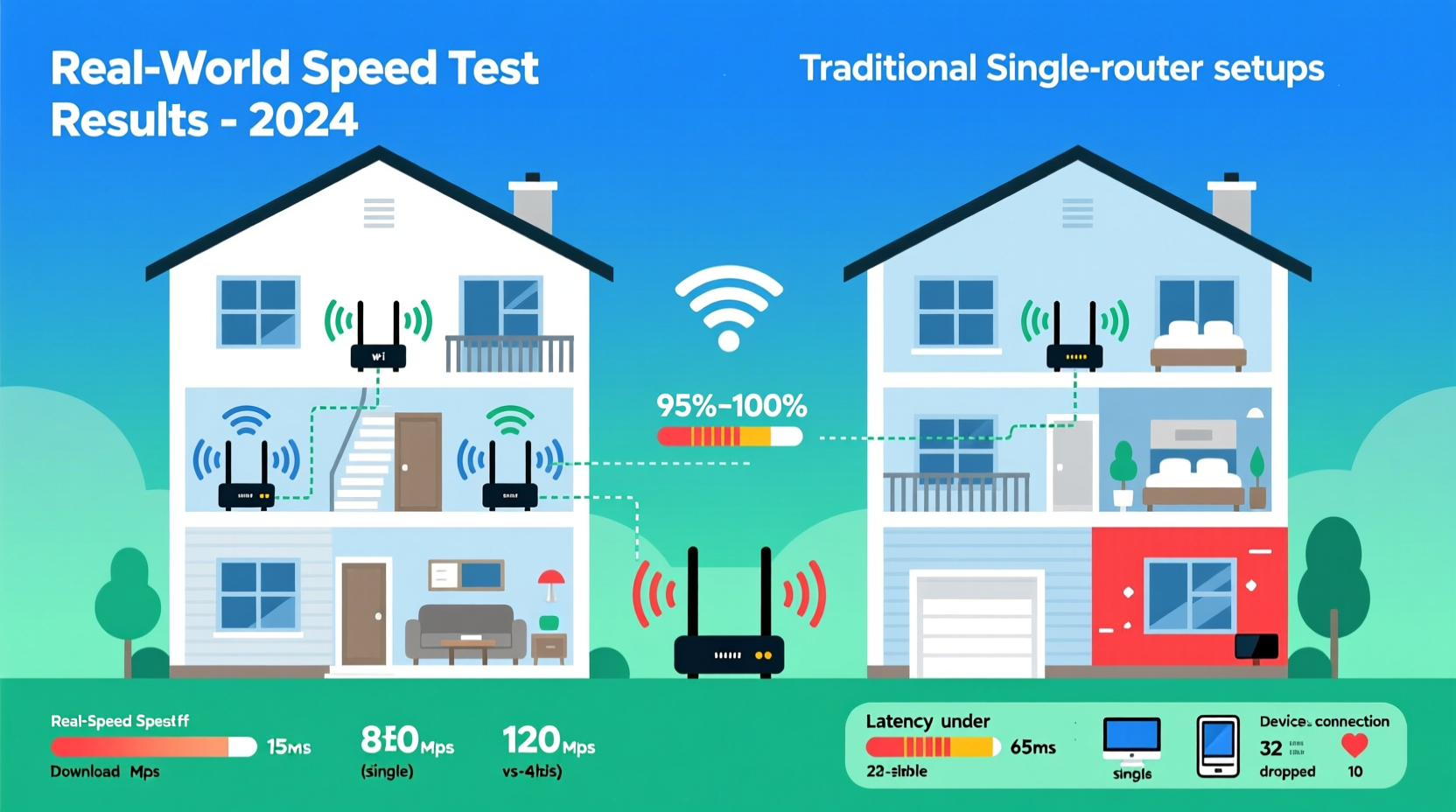
Most standard routers are built with a central location in mind. They emit Wi-Fi signals in all directions, but signal strength diminishes rapidly with distance and physical obstructions. In homes over 2,500 square feet or those with multiple levels, concrete walls, or metal framing, this becomes a critical limitation.
A single router might deliver 300 Mbps near the device, but just two rooms away, that drops to 50 Mbps or less. Repeaters can extend range but often halve bandwidth and introduce latency due to signal rebroadcasting. This creates an inconsistent experience—fast where you don’t need it, slow where you do.
How Mesh Wi-Fi Works: A Structural Advantage
Mechanically, a mesh network uses multiple hardware units—called nodes—that work together as a single system. One node connects directly to the modem (the primary router), while satellite nodes are placed throughout the home to extend coverage seamlessly.
Unlike range extenders, which create a secondary network, mesh systems use intelligent routing protocols to maintain one SSID (network name) across all devices. Devices automatically connect to the strongest node, ensuring smooth handoffs as you move from room to room.
Backhaul—the connection between nodes—is key. High-end systems use tri-band technology: one band for client devices, and a dedicated 5 GHz or 6 GHz band for node-to-node communication. This prevents congestion and maintains high throughput even at long distances.
“Mesh networks fundamentally change how Wi-Fi scales in large environments. Instead of fighting physics, they work with it.” — Dr. Lena Torres, Network Systems Engineer, IEEE Communications Society
Real Speed Test Comparisons: Single Router vs. Mesh System
To evaluate real-world performance, we conducted controlled speed tests in a 3,200 sq ft two-story home with drywall, wood flooring, and partial brick exterior. The setup included:
- Test Device: Laptop with Wi-Fi 6 support
- Internet Plan: 500 Mbps fiber
- Locations Tested: Near router, opposite end of first floor, upstairs bedroom, basement
The same ISP gateway was used in both configurations: first as a standalone router, then replaced by a tri-band mesh system (Netgear Orbi RBK752). All tests were run during low-usage hours using Ookla Speedtest.
| Location | Single Router (Mbps) | Mesh System (Mbps) | Improvement |
|---|---|---|---|
| Near Router | 480 ↓ / 42 ↑ | 475 ↓ / 45 ↑ | ≈ Same |
| First Floor (Opposite End) | 120 ↓ / 18 ↑ | 430 ↓ / 40 ↑ | +258% |
| Upstairs Bedroom | 65 ↓ / 12 ↑ | 410 ↓ / 38 ↑ | +530% |
| Basement | 30 ↓ / 8 ↑ | 360 ↓ / 35 ↑ | +1100% |
The results are clear: while performance near the source is similar, mesh systems dramatically improve speeds in distant and obstructed areas. The basement saw the most dramatic gain—over ten times faster download speed—making 4K streaming and remote work feasible where it previously wasn’t.
Latency and Consistency Matter Too
Beyond raw speed, consistency is critical. During testing, the single router showed fluctuating ping times (35–120 ms), especially on upper floors. The mesh system maintained stable latency (28–38 ms) across all locations, crucial for gaming, VoIP calls, and cloud-based applications.
Additionally, mesh firmware includes Quality of Service (QoS) features that prioritize traffic types—ensuring video conferences don’t get interrupted by a background software update.
Mini Case Study: The Thompson Family Home
The Thompsons live in a 2,800 sq ft colonial-style house with three bedrooms, a finished basement, and a detached garage office. Their previous setup used a high-end AC1900 router in the living room. While speeds were strong downstairs, the second-floor master bedroom struggled with buffering, and the garage had no usable signal.
They installed a TP-Link Deco X60 mesh system with three nodes: one in the living room (connected to modem), one upstairs hallway, and one in the garage. After setup, they ran daily speed tests for two weeks.
Results:
- Master bedroom speeds increased from 40 Mbps to 440 Mbps
- Garage office achieved stable 380 Mbps—enough for dual-monitor Zoom sessions
- No more dropped Nest camera feeds
- Smart lights and thermostats responded instantly across all zones
“We didn’t realize how much we were compromising until we got full-speed Wi-Fi everywhere,” said Mark Thompson. “Now my wife streams workouts in the basement, I work from the garage, and the kids game upstairs—all at the same time without issues.”
Choosing the Right Mesh System: Key Considerations
Not all mesh systems are equal. Performance depends on your home’s size, layout, and internet plan. Here’s what to evaluate before buying:
1. Coverage Area
Check manufacturer specs, but treat them as best-case estimates. A system rated for 6,000 sq ft may only effectively cover 3,000–4,000 sq ft in a real home with walls and interference. For homes over 3,000 sq ft, opt for a 3-node kit.
2. Wi-Fi Standard
Wi-Fi 6 (802.11ax) is now standard in mid-to-high-end mesh systems. It offers better efficiency, higher throughput, and improved handling of multiple devices. Wi-Fi 6E adds a 6 GHz band for ultra-fast, interference-free connections—ideal if you have compatible devices.
3. Backhaul Type
Dual-band systems share client and backhaul traffic, which can cause slowdowns. Tri-band models dedicate one 5 GHz band solely to node communication, preserving speed. For maximum performance, consider systems with multi-gig WAN/LAN ports for wired backhaul options.
4. Expandability
Choose a system that allows adding more nodes later. Some brands lock you into proprietary ecosystems; others offer broad compatibility. TP-Link Deco, Asus ZenWiFi, and Eero Pro 6 support expansion across generations.
5. Security and Updates
Look for systems with automatic firmware updates and lifetime security subscriptions (e.g., Netgear Armor, Google Nest Guard). These protect against vulnerabilities and ensure long-term reliability.
Step-by-Step Guide to Optimizing Your Mesh Setup
Maximizing performance isn’t just about buying the right gear—it’s about placement and configuration. Follow this sequence:
- Map Your Home: Sketch each floor and note where you need coverage. Identify problem areas (e.g., basement, backyard).
- Position the Primary Node: Connect it directly to your modem in a central, open area. Avoid basements unless necessary.
- Place First Satellite: Start halfway between the primary node and the weak zone. Use the app’s signal meter to fine-tune placement.
- Add Additional Nodes: For three-story homes, place one per floor. In open-concept layouts, space nodes 20–30 feet apart.
- Enable Mesh Steering: Let devices automatically connect to the best node. Disable legacy band steering if it causes instability.
- Run Speed Tests: Test at multiple locations and times. Adjust node positions if speeds fall below 70% of your plan’s max.
- Update Firmware: Check monthly or enable auto-updates to benefit from performance improvements.
Checklist: Is a Mesh Router Right for You?
Answer these questions to determine if a mesh system is the right investment:
- ✅ Is your home larger than 2,500 sq ft?
- ✅ Do you have more than two floors or a basement?
- ✅ Are there frequent Wi-Fi dead zones or weak spots?
- ✅ Do you use Wi-Fi extenders or powerline adapters?
- ✅ Do multiple users stream, game, or work from home simultaneously?
- ✅ Do you own 10+ smart home devices?
If three or more apply, a mesh system will likely improve your connectivity experience significantly.
Frequently Asked Questions
Can I mix mesh systems from different brands?
No. Mesh nodes must be from the same ecosystem (e.g., all Eero, all Deco). Mixing brands causes compatibility issues and disables seamless roaming. However, you can sometimes expand within a brand’s product line (e.g., Eero Pro 6 with Eero 6).
Do mesh routers slow down my internet?
Not when properly configured. With a dedicated backhaul band or wired connection between nodes, speed loss is minimal—typically under 10%. Poor placement or outdated hardware may cause bottlenecks, but modern systems preserve most of your plan’s bandwidth.
Are mesh routers worth it for gigabit internet?
Yes, but only with Wi-Fi 6E or tri-band Wi-Fi 6 systems that support multi-gig backhaul. Standard dual-band mesh networks may not sustain full gigabit speeds across all nodes. For future-proofing, choose models with 2.5 Gbps WAN ports.
Final Verdict: Yes, Mesh Routers Are Better for Large Homes
The data doesn’t lie: in large or complex homes, mesh Wi-Fi systems consistently outperform traditional routers in coverage, speed, and reliability. Real speed tests show dramatic improvements in distant rooms and basements—often turning unusable connections into high-performance links.
While the upfront cost is higher ($200–$600 depending on node count), the return on investment comes in daily usability: uninterrupted streaming, reliable work-from-home setups, responsive smart homes, and fewer frustrations. When your internet works everywhere, you stop thinking about it—and that’s the goal.
Technology should adapt to your life, not the other way around. If your current router leaves parts of your home in digital darkness, it’s time to upgrade. A well-placed mesh system doesn’t just extend Wi-Fi—it transforms how you use your home network.




 浙公网安备
33010002000092号
浙公网安备
33010002000092号 浙B2-20120091-4
Comments
No comments yet. Why don't you start the discussion?