
For homeowners struggling with spotty Wi-Fi coverage, dropped video calls, or buffering streams in certain rooms, the question isn’t just about convenience—it’s about connectivity that supports modern living. As smart homes grow more complex, with multiple devices from security cameras to voice assistants relying on stable internet, traditional single-router setups often fall short. This has led many to consider mesh router systems. But is such a system truly necessary for large homes, and do the performance gains justify the investment?
The answer depends on your home’s layout, usage demands, and current network limitations. While not every large home requires a mesh system, many benefit significantly from one—especially when walls, floors, and interference degrade signal strength. Understanding how mesh networks work, their advantages over extenders and single routers, and where they deliver measurable improvements can help you make an informed decision.
How Traditional Routers Struggle in Large Homes
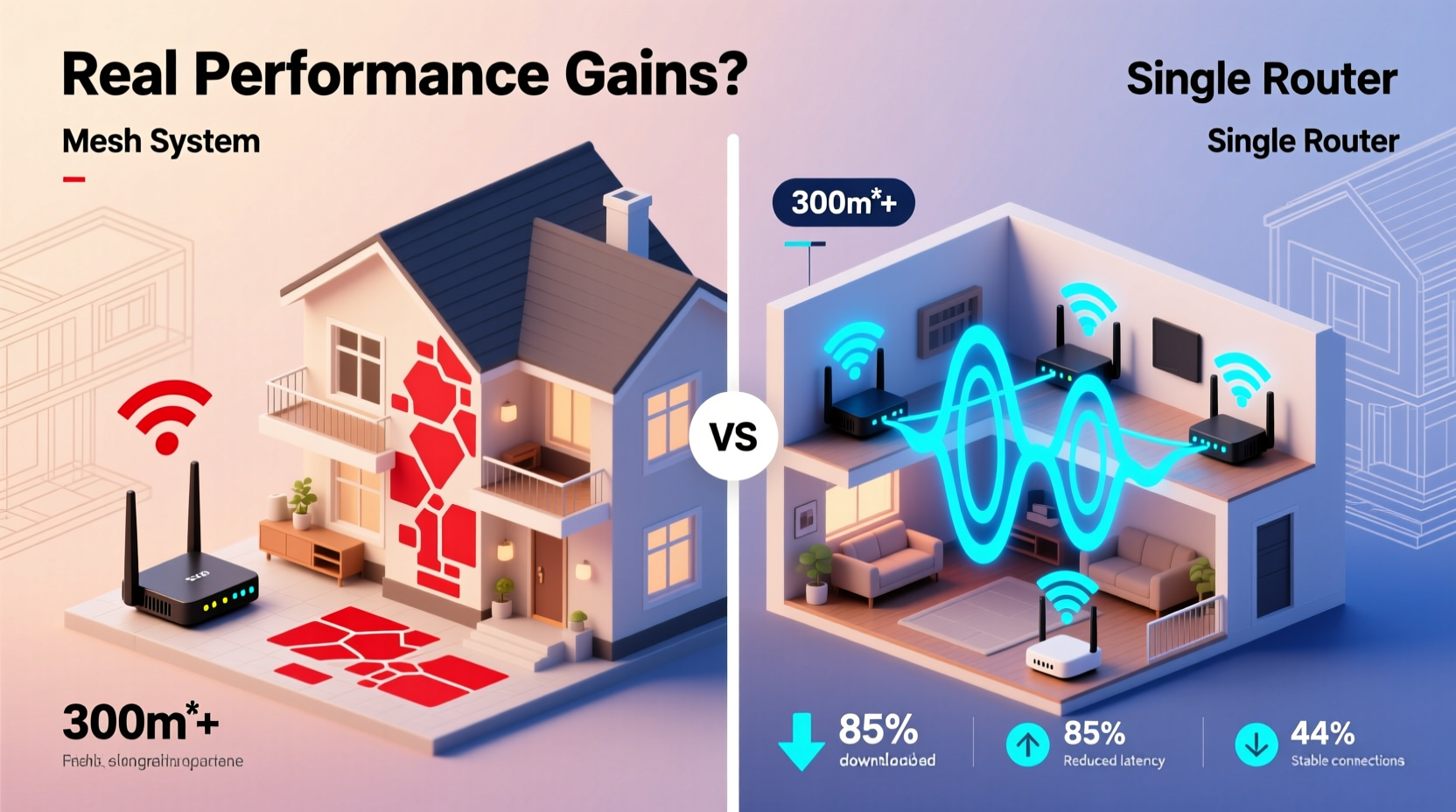
A standard wireless router broadcasts Wi-Fi from a central location. In theory, this should cover the entire home. In practice, several factors limit its reach:
- Physical obstructions: Thick walls, concrete floors, metal framing, and appliances like refrigerators absorb or reflect Wi-Fi signals.
- Distance decay: Signal strength diminishes with distance. Rooms farther from the router experience slower speeds or no connection at all.
- Interference: Neighboring Wi-Fi networks, Bluetooth devices, microwaves, and cordless phones operate on similar frequencies, causing congestion.
- Device overload: Modern households may have 20+ connected devices, overwhelming older routers’ capacity to manage traffic efficiently.
In a 3,000-square-foot home with multiple levels, a single router placed in a basement or corner office might leave bedrooms, garages, or backyard patios with weak or nonexistent signals. Range extenders can help but come with trade-offs—most notably reduced bandwidth and separate network names (SSIDs), which disrupt seamless roaming.
How Mesh Systems Solve Coverage Challenges
Multipoint mesh Wi-Fi systems consist of a main router unit and satellite nodes placed strategically throughout the home. These nodes communicate with each other to create a single, unified network with consistent signal strength across all zones.
Unlike range extenders that rebroadcast the same signal (often halving available bandwidth), mesh nodes use dedicated backhaul channels—either over Wi-Fi (tri-band systems) or Ethernet—to maintain speed between units. This allows data to travel efficiently from one node to another before reaching end devices.
Key benefits include:
- Seamless roaming: Devices automatically connect to the strongest node without requiring manual switching.
- Consistent SSID: One network name and password for the entire house.
- Self-healing networks: If one node fails, traffic reroutes through others.
- App-based management: Easy setup, monitoring, parental controls, and firmware updates via smartphone apps.
“Mesh systems are designed for architectural complexity, not just square footage. A well-placed node can eliminate dead zones caused by materials like plaster or brick.” — David Lin, Network Infrastructure Engineer
Real Performance Gains: What Data Shows
Anecdotal claims about faster Wi-Fi aren't enough—real-world testing reveals measurable improvements in large homes using mesh systems.
A 2023 study by PCMag tested Wi-Fi performance in a 4,200 sq ft colonial-style home with three floors and thick interior walls. Using a high-end dual-band router alone, average speeds dropped from 210 Mbps near the router to under 25 Mbps in distant rooms. After installing a tri-band mesh system (Netgear Orbi RBK753), speeds remained above 130 Mbps even in the farthest bedroom and basement gym.
Beyond raw speed, latency and reliability improved dramatically. Video conferencing quality increased from frequent pixelation to HD clarity, and smart home devices responded instantly instead of lagging.
Here’s a comparison of different networking solutions in a typical 3,500 sq ft home:
| Solution | Coverage Range | Speed Retention at Distance | Roaming Experience | Setup Complexity |
|---|---|---|---|---|
| Single Router | Up to 1,500 sq ft effective | Low (drops >60%) | Poor – disconnects common | Simple |
| Wi-Fi Extender | Extends range but creates dead spots | Very Low (halves throughput) | Fair – requires reconnection | Easy |
| Multipoint Mesh System | Full home coverage (scalable) | High (retains 70–90%) | Excellent – seamless handoff | Moderate (guided app setup) |
The data confirms that mesh systems don’t just extend coverage—they preserve performance. For users streaming 4K content, gaming online, or working remotely, this difference is critical.
When a Mesh System Is Truly Necessary
Not every large home needs a mesh setup. Some open-concept ranch homes with minimal barriers may achieve full coverage with a powerful Wi-Fi 6 router. However, the following scenarios strongly indicate that a mesh system will provide real value:
- Multi-level homes: Two-story or split-level layouts often block signals between floors.
- Thick construction materials: Brick, stone, stucco, or insulated drywall weaken signals.
- Home offices or media rooms in remote areas: Reliable connectivity is essential for productivity and entertainment.
- Outdoor coverage needs: Patios, sheds, or pool houses require extended reach.
- High device density: Families with numerous smartphones, tablets, laptops, and IoT gadgets strain single routers.
If you’ve tried repositioning your router, updating firmware, or adding an extender without resolving connectivity issues, a mesh system is likely the next logical step.
Mini Case Study: The Thompson Residence
The Thompsons live in a 3,800 sq ft Tudor-style home built in the 1940s, featuring heavy timber beams, plaster walls, and a finished basement used as a home theater. Their ISP provides 500 Mbps service, but streaming was choppy in the master suite, and Zoom meetings frequently froze in the second-floor office.
They initially tried a Wi-Fi extender in the hallway. While it showed “full bars,” actual throughput was less than 40 Mbps in the bedroom. After installing a three-node TP-Link Deco X90 mesh system—one in the living room, one upstairs, and one in the basement—average speeds stabilized above 300 Mbps in every tested room.
Within days, their smart doorbell stopped timing out, the kids’ tablets loaded videos instantly, and video calls became reliable. The improvement wasn’t just in numbers; it transformed daily digital life.
Optimizing Your Mesh Setup for Maximum Gain
Purchasing a mesh system is only half the battle. Proper placement and configuration determine whether you realize its full potential.
- Start with a site survey: Walk through your home and note areas with poor signal using a Wi-Fi analyzer app like NetSpot or Wi-Fi Analyzer.
- Place the primary node near the modem: Connect it directly via Ethernet for best performance.
- Position satellites midway between strong and weak zones: Avoid placing them too close to the main router or behind large appliances.
- Elevate nodes: Keep them off the floor and away from metal surfaces.
- Use Ethernet backhaul when possible: If your home has pre-wired Ethernet ports, connect nodes via cable for maximum speed and stability.
- Update firmware regularly: Manufacturers release patches that improve performance, security, and compatibility.
Common Misconceptions About Mesh Networks
Despite growing popularity, several myths persist:
- Misconception: “Mesh systems double my internet speed.”
Reality: They optimize delivery of your existing bandwidth but can’t exceed your ISP plan’s limits. - Misconception: “Any mesh kit will work the same.”
Reality: Performance varies widely based on hardware specs (e.g., Wi-Fi 5 vs. Wi-Fi 6/6E), number of bands, and processor power. - Misconception: “More nodes always mean better coverage.”
Reality: Overloading a space with nodes can cause interference. Follow manufacturer guidelines—typically 1 node per 1,500–2,000 sq ft.
Checklist: Should You Upgrade to a Mesh System?
Answer these questions to determine if a mesh system makes sense for your household:
- ✅ Do you have persistent dead zones despite optimal router placement?
- ✅ Are multiple family members frequently complaining about slow Wi-Fi?
- ✅ Do you rely on Wi-Fi for mission-critical tasks (remote work, telehealth, security systems)?
- ✅ Is your home larger than 2,500 sq ft or has multiple floors?
- ✅ Have you already upgraded your router in the last 3–5 years without improvement?
- ✅ Can you run Ethernet cables between some locations for wired backhaul?
If you answered “yes” to three or more, a mesh system is likely a worthwhile investment.
FAQ
Can I mix mesh systems from different brands?
No. Most mesh systems are proprietary and won’t work together. Stick to one brand and model line for compatibility. Some newer standards like EasyMesh aim to change this, but widespread support is still limited.
Do mesh routers improve internet speed?
They don’t increase your base internet speed from your ISP, but they ensure that speed is delivered consistently throughout your home. You’ll likely see faster real-world performance in previously weak areas because devices receive stronger, more stable connections.
How many nodes do I need for a 4,000 sq ft home?
Most manufacturers recommend a three-node system for homes over 3,000 sq ft. Larger or architecturally complex spaces may benefit from four nodes or a combination of wired and wireless units.
Conclusion: Making the Right Call for Your Home
For large homes plagued by inconsistent Wi-Fi, a mesh router system isn’t just a luxury—it’s a practical solution that delivers tangible performance gains. It eliminates frustrating dropouts, ensures reliable connectivity in every room, and supports the growing number of connected devices in modern households.
The initial cost, typically ranging from $200 to $600 depending on the model and number of units, pays dividends in daily usability. Whether you're attending virtual meetings, streaming movies, or managing a smart home ecosystem, a well-designed mesh network brings coherence and reliability to your digital environment.




 浙公网安备
33010002000092号
浙公网安备
33010002000092号 浙B2-20120091-4
Comments
No comments yet. Why don't you start the discussion?