
Smartphones today are built with advanced materials designed to withstand the rigors of daily use. Among the most celebrated advancements is Corning® Gorilla® Glass, featured in countless flagship and mid-range devices. Marketed for its scratch resistance and improved durability, Gorilla Glass has led many users to question whether adding a screen protector is still necessary—or if it's merely padding the pockets of accessory manufacturers.
The short answer: while Gorilla Glass is highly resilient, it’s not invincible. Whether a screen protector is essential depends on your usage patterns, environment, and risk tolerance. This article breaks down the science, real-world performance, and practical considerations to help you decide whether a screen protector adds value or just cost.
Understanding Gorilla Glass: What It Can (and Can’t) Do
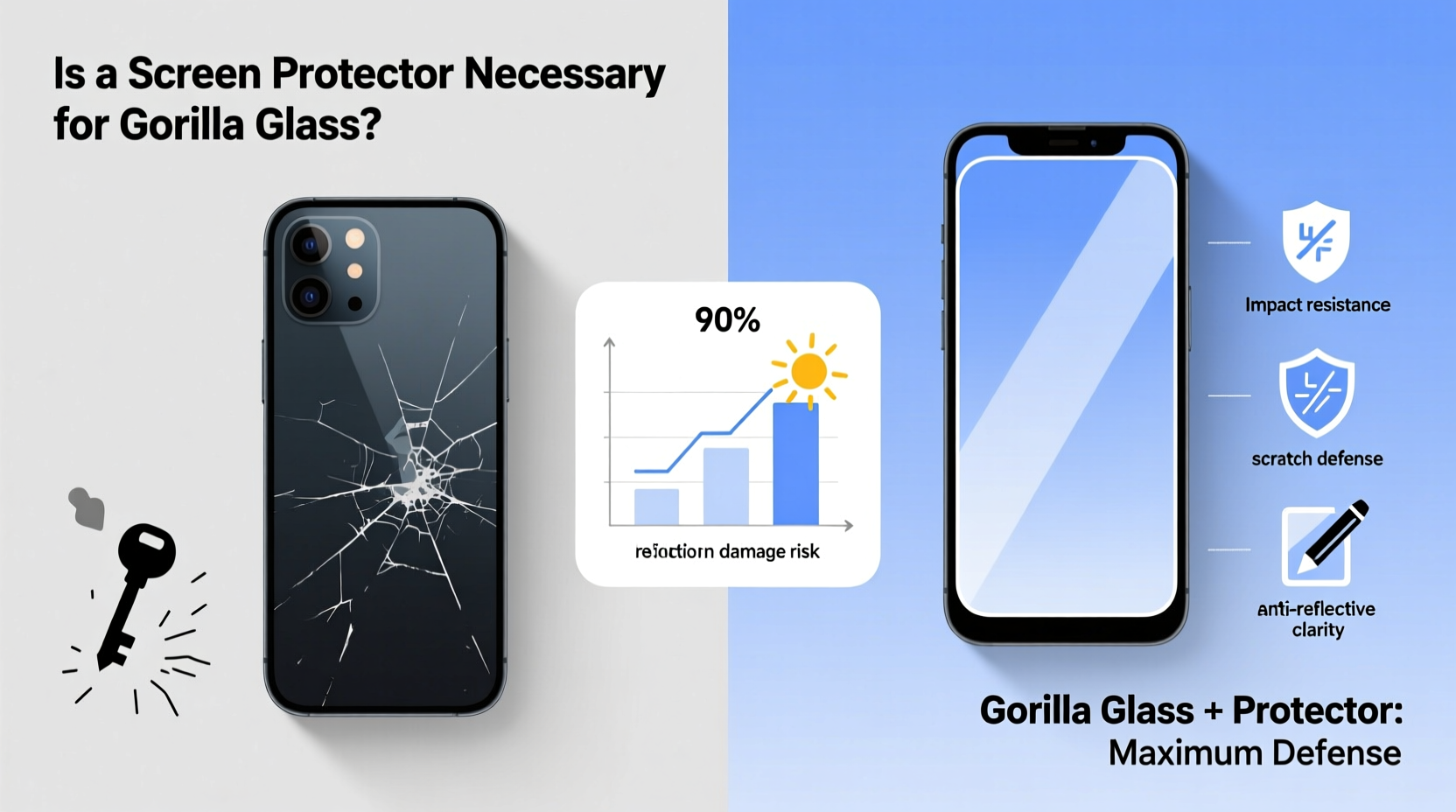
Gorilla Glass is engineered to resist scratches and survive drops better than standard soda-lime glass. Since its debut in 2007, Corning has released multiple generations—Gorilla Glass 3, 5, Victus, and now Victus 2—each improving on drop performance, scratch resistance, and optical clarity.
According to Corning, Gorilla Glass Victus can survive drops onto rough surfaces from up to 2 meters and resists scratches from materials up to Mohs hardness level 6. For context, a steel knife scores around 5.5 on the Mohs scale, while sand (a common abrasive) is about 7. This means that while everyday keys or coins won’t scratch it, exposure to gritty environments—like pockets with loose sand or construction dust—can still cause micro-scratches over time.
“Gorilla Glass is designed for real-world durability, but no glass is completely scratch-proof. Users should consider their lifestyle when deciding on additional protection.” — Dr. Sean Ross, Senior Materials Scientist at Corning Incorporated
It’s important to note that “scratch-resistant” doesn’t mean “scratch-proof.” And while modern versions handle vertical drops well, lateral impacts—like sliding off a table edge onto tile—still pose a high risk of cracking.
Real-World Risks vs. Lab Conditions
Manufacturers test Gorilla Glass under controlled lab conditions: standardized drop heights, specific surface textures, and clean environments. Real life, however, is far less predictable. Consider these scenarios:
- Dropping your phone on concrete at an angle, causing a corner impact.
- Leaving your phone in a bag with keys, coins, or tools that rub against the screen.
- Using your device outdoors where fine sand or gravel may settle on the display.
- Accidentally placing your phone face-down on a rough wooden or stone surface.
In each case, the forces involved exceed what Gorilla Glass is optimized for. A screen protector acts as a sacrificial layer, absorbing minor abrasions and impacts that would otherwise degrade the original glass over time.
Types of Screen Protectors: Which One Makes Sense?
If you decide a screen protector is worth it, the next step is choosing the right type. Not all protectors offer the same benefits. Here’s a breakdown of the most common options:
| Type | Pros | Cons | Best For |
|---|---|---|---|
| Film (TPU) | Cheap, flexible, easy to apply | Poor scratch resistance, yellowing over time | Budget users who want basic smudge protection |
| Tempered Glass | High scratch resistance, smooth touch response, durable | Can shatter on hard impact, slightly increases thickness | Most users seeking reliable daily protection |
| Hydrogel | Thin, self-healing, nearly invisible | Moderate scratch protection, pricier than film | Users who dislike bulk but want some defense |
Tempered glass remains the most popular choice due to its balance of durability and usability. Modern versions are only 0.3mm thick and maintain excellent clarity and touch sensitivity. Some even include oleophobic coatings to repel fingerprints and oils.
A Case Study: Two Phones, Same Fall, Different Outcomes
Consider the experience of Mark T., a field engineer who uses his smartphone daily across job sites. He owns two identical models—one with a tempered glass screen protector, the other without. Both phones were dropped from waist height onto a gravel-covered concrete floor during separate site visits.
The unprotected phone developed a hairline crack near the bottom edge, which eventually spiderwebbed after a second minor bump a week later. The protected phone survived the same fall with a shattered screen protector—but the underlying display remained intact. Mark replaced the $12 protector and saved over $250 in potential repair costs.
This isn’t an isolated incident. Repair shops report that phones with screen protectors are significantly less likely to require full display replacements after drops, even when the protector itself cracks.
Cost-Benefit Analysis: Is It Worth the Investment?
Let’s break down the numbers. A high-quality tempered glass screen protector typically costs between $8 and $20. Most last 6–12 months with regular use. In contrast, replacing a cracked display on a flagship phone can cost anywhere from $150 to over $400, depending on brand and model.
Even if you factor in replacing the protector annually, the long-term savings are substantial. More importantly, you avoid downtime—waiting days for a repair, losing access to mobile payments, or risking data loss during service.
Additionally, micro-scratches accumulate over time, degrading visual clarity and making the screen harder to clean. A protector preserves the original finish, helping maintain resale value. Resale platforms like Swappa and Gazelle often penalize devices with visible screen damage, even if it doesn’t affect functionality.
When You Might Skip the Protector
Not every user needs a screen protector. There are legitimate cases where the added layer offers minimal benefit:
- Indoor, low-risk usage: If you primarily use your phone at home or in controlled environments, never place it face-down, and always keep it in a padded case, the risk of damage is low.
- Curved screens: Many modern phones have curved displays, making full-coverage protectors difficult to apply properly. Gaps at the edges reduce effectiveness and can peel over time.
- Preference for bare glass feel: Some users find even thin protectors alter tactile feedback or introduce glare. High-end devices already have excellent oleophobic coatings, so the difference in smudge resistance may be negligible.
However, skipping protection requires disciplined habits. One accidental slide off a couch or encounter with coarse grit can undo months of careful handling.
Step-by-Step Guide to Choosing and Applying a Screen Protector
If you decide to go the protector route, follow this process to maximize effectiveness:
- Identify your phone model: Ensure compatibility. Some protectors are cut specifically for camera cutouts, curved edges, or under-display sensors.
- Choose the right type: For most users, tempered glass is ideal. Look for 9H hardness rating, anti-fingerprint coating, and precise alignment tools.
- Prepare your workspace: Clean, well-lit area with minimal airflow to reduce dust.
- Clean the screen thoroughly: Use the alcohol wipe and microfiber cloth from the kit. Remove all oils and particles.
- Apply in one motion: Peel the backing slowly and align the protector using guide stickers. Once contact begins, you can’t reposition it.
- Press out bubbles: Use the included squeegee or soft card to push air toward the edges.
- Test touch response: Swipe across the screen and check for dead spots or lifting edges.
Proper application can take practice. Don’t rush—it’s better to open a second protector than to live with a flawed installation.
FAQ: Common Questions About Screen Protectors and Gorilla Glass
Does Gorilla Glass eliminate the need for a screen protector?
No. While Gorilla Glass is more durable than standard glass, it can still scratch and crack. A screen protector adds an extra layer of defense, especially against abrasives like sand and repeated minor impacts.
Will a screen protector affect Face ID or fingerprint sensors?
High-quality protectors do not interfere with facial recognition or ultrasonic fingerprint scanners. However, poorly made or overly thick protectors may reduce sensor accuracy. Always choose models certified for your device.
Can I use my phone normally with a screen protector?
Yes. Modern tempered glass and hydrogel protectors are designed to preserve touch sensitivity, swipe gestures, and screen clarity. Premium options even enhance grip and reduce glare.
Final Verdict: Protection vs. Expense
Calling a screen protector “just extra expense” overlooks the asymmetry of risk. The cost of a protector is small and predictable. The cost of a cracked screen is high and disruptive. Gorilla Glass reduces the likelihood of damage, but it doesn’t eliminate it.
Think of a screen protector as insurance—not because disaster is imminent, but because the peace of mind and potential savings outweigh the minimal trade-offs. It’s a low-cost safeguard against high-cost outcomes.
For users who rely on their phones for work, navigation, communication, or creative tasks, preserving screen integrity is not about paranoia—it’s about practicality.
“Just because your car has airbags doesn’t mean you skip the seatbelt. Similarly, Gorilla Glass isn’t a reason to skip basic screen protection.” — Lena Patel, Mobile Device Consultant, TechCare Labs
Take Action Today
Your phone’s screen is one of its most vulnerable—and valuable—components. Whether you choose a tempered glass shield or trust in Gorilla Glass alone, make the decision intentionally, based on how you use your device, not marketing claims.
If you’re unsure, try a $15 tempered glass protector for three months. Notice how it feels, how it holds up, and whether it gives you confidence in daily use. The experience might just convince you that smart protection isn’t an expense—it’s a smart investment.




 浙公网安备
33010002000092号
浙公网安备
33010002000092号 浙B2-20120091-4
Comments
No comments yet. Why don't you start the discussion?