
Smart bulbs have evolved from niche gadgets into mainstream home essentials. With voice control, app-based scheduling, and dynamic color options, they promise convenience, energy savings, and ambiance customization. But does that mean every room in your house should be outfitted with one? The answer isn’t a simple yes or no—it depends on your lifestyle, budget, and long-term goals for your living space.
While smart bulbs offer undeniable advantages, installing them in every room requires careful consideration of cost, utility, privacy, and practicality. Some spaces benefit more than others, and over-investment can lead to diminishing returns. Let’s break down the real value of whole-home smart lighting and help you make an informed decision.
Understanding Smart Bulbs: What They Can (and Can't) Do
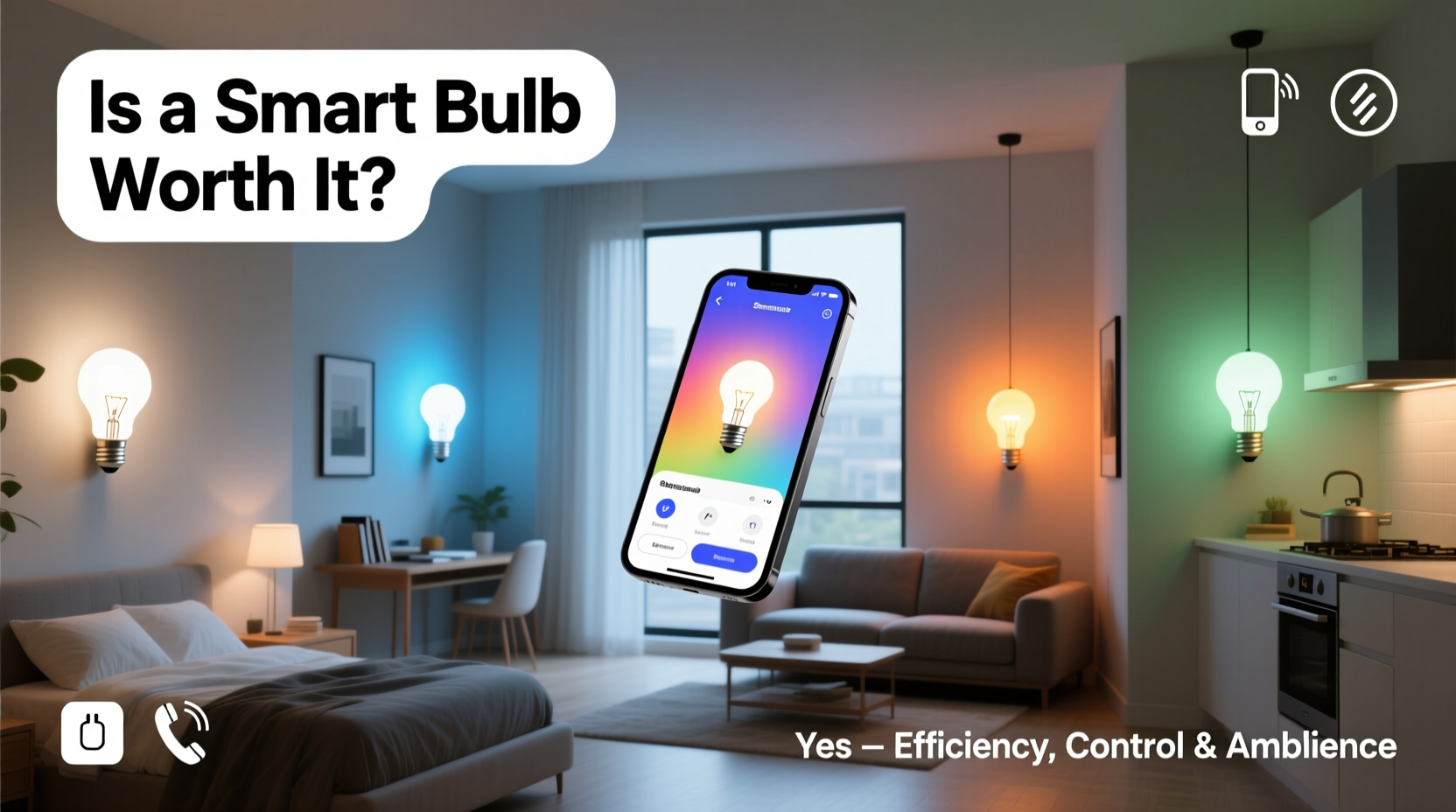
Smart bulbs connect to your home Wi-Fi or a dedicated hub (like Zigbee or Z-Wave) and allow remote control via smartphone apps, voice assistants (Alexa, Google Assistant, Siri), or automation routines. Most models support dimming, color temperature adjustment, and in some cases, millions of color options.
They can be scheduled to turn on at sunset, mimic sunrise in the morning, or create mood lighting for movie nights. Advanced systems integrate with motion sensors, security cameras, and thermostats to build cohesive smart home ecosystems.
However, limitations exist. Not all smart bulbs are compatible with dimmer switches unless specifically designed for it. Latency—especially with Wi-Fi models—can cause delays between command and response. And while energy-efficient, their always-on radios consume a small amount of power even when off.
“Smart lighting is most effective when used purposefully—not just for novelty, but to solve real problems like safety, accessibility, or daily routine efficiency.” — Daniel Park, Home Automation Consultant
Room-by-Room Value Assessment
Not every room benefits equally from smart bulbs. Here's a breakdown of where they add the most value—and where they might be overkill.
| Room | Benefits | Considerations |
|---|---|---|
| Living Room | Great for ambiance, entertainment lighting, voice control during relaxation. | High visibility means color accuracy and brightness matter; invest in quality bulbs. |
| Bedroom | Supports circadian rhythms with warm-to-cool transitions; enables hands-free control. | Use dimmable, warm-toned bulbs; avoid blue light before sleep. |
| Kitchen | Task lighting automation; useful for early mornings or late-night snacks. | Bulbs must be bright (800+ lumens); enclosed fixtures may affect heat dissipation. |
| Bathroom | Morning wake-up routines; mirror lighting for grooming. | Ensure bulbs are rated for damp locations; moisture resistance is critical. |
| Garage / Basement | Remote activation improves safety; integrates with security systems. | Often overlooked, but high utility for motion-triggered lighting. |
| Closet / Pantry | Limited use; short-duration lighting doesn’t justify smart features. | Standard LED or motion-sensor non-smart bulbs are more cost-effective. |
Cost vs. Long-Term Value: Is It Worth the Investment?
A single smart bulb typically ranges from $10 to $25, depending on brand and features. For a six-room home with two bulbs per room, that’s $120–$300 upfront—plus potential hub costs (e.g., Philips Hue Bridge: $60). Factor in time spent setting up automations, troubleshooting connectivity, and managing firmware updates.
Energy savings come primarily from automation—turning lights off when not in use—and efficient LED technology. While smart bulbs use slightly more standby power than regular LEDs, studies show households with automated lighting reduce consumption by 10–20% due to reduced human error.
The true value lies beyond energy savings. Consider:
- Safety: Simulate presence during vacations using random on/off schedules.
- Accessibility: Voice control helps elderly or disabled individuals manage lighting independently.
- Routine Support: Gentle wake-up lighting improves sleep hygiene; bedtime routines reduce screen exposure.
- Entertainment: Sync lighting with music or movies for immersive experiences.
For families with young children, programmable nightlights or calming bedroom hues can ease bedtime struggles. For remote workers, tunable white light can boost focus during work hours and relax in the evening.
When Smart Bulbs Fall Short
Despite their appeal, smart bulbs aren’t universally beneficial. In homes with unreliable Wi-Fi, frequent disconnections can render them useless. Older electrical systems with incompatible dimmers or three-way switches may cause flickering or failure.
Privacy is another concern. Cloud-connected bulbs collect usage data, which could theoretically be accessed through breaches. While major brands encrypt data, minimizing connected devices reduces attack surface.
“We’ve seen cases where homeowners regretted full installations because they couldn’t turn off the ‘smart’ aspect when they just wanted a simple light switch.” — Lisa Tran, Smart Home Auditor
Step-by-Step Guide to Smart Bulb Implementation
Instead of retrofitting every room at once, follow this phased approach to maximize value and minimize frustration.
- Assess Your Needs: Identify which rooms see the most activity and would benefit from automation or ambiance control.
- Start Small: Begin with one or two bulbs in the bedroom or living room. Test responsiveness, app usability, and integration with existing voice assistants.
- Choose the Right Protocol: Wi-Fi bulbs are easy to set up but strain your network. Zigbee or Z-Wave (with a hub) offer better reliability and scalability.
- Set Up Automation: Create routines like “Good Morning” (gradual brightening) or “Movie Time” (dimmed ambient lighting).
- Evaluate Performance: After 2–4 weeks, assess whether the investment improved convenience or energy use.
- Scale Thoughtfully: Expand only to rooms where the initial benefits were clear. Skip low-utility areas.
- Secure Your System: Change default passwords, enable two-factor authentication, and update firmware regularly.
Mini Case Study: The Miller Family’s Smart Lighting Journey
The Millers, a family of four in Portland, installed smart bulbs throughout their home after seeing ads promising energy savings and futuristic convenience. Excited, they replaced all 18 bulbs across the house with Wi-Fi-enabled color-changing models.
Within weeks, issues emerged. The kitchen lights lagged when voice commands were issued. The guest bathroom bulb disconnected frequently due to weak signal. Their youngest child accidentally changed the bedroom to strobe mode during a tantrum. Most frustratingly, they realized they rarely used advanced features—they mostly just turned lights on and off.
After consulting a smart home technician, they revised their strategy. They kept smart bulbs in the living room, master bedroom, and porch (for security). The rest were replaced with standard dimmable LEDs and automatic motion-sensor switches. The result? Lower stress, reliable performance, and nearly the same level of convenience—at half the original cost.
Their experience highlights a common pitfall: equating “smart” with “better.” Technology should serve function, not novelty.
Checklist: Is Whole-Home Smart Lighting Right for You?
Before committing, review this checklist:
- ✅ Do you already use a smart speaker or home assistant?
- ✅ Are your Wi-Fi coverage and router capacity sufficient?
- ✅ Do specific rooms require scheduled or adaptive lighting?
- ✅ Are you comfortable managing device settings and updates?
- ✅ Have you considered alternatives like smart switches or plug-in adapters?
- ✅ Will you actually use color changing, scenes, or voice control regularly?
- ❌ Are you doing this just because it seems “cool” or trendy?
If most answers are “yes,” a selective rollout makes sense. If “no” dominates, reconsider the scope.
Frequently Asked Questions
Can I mix smart bulbs with regular switches?
Yes, but with caution. Turning off a smart bulb at the wall switch cuts power and disconnects it from the network. For best results, leave switches on and control bulbs via app or voice. Use smart switches instead if you prefer physical control.
Do smart bulbs work during a power outage?
No. Like all bulbs, they require electricity. However, if paired with a UPS (uninterruptible power supply) or generator, they can remain functional briefly. Note that Wi-Fi routers also need backup power for remote access.
Are there health concerns with smart lighting?
Poorly configured smart bulbs—especially those emitting high blue light at night—can disrupt melatonin production and sleep. Use warm tones (2700K–3000K) in evenings and enable “night mode” or circadian settings if available.
Conclusion: Smart, But Not Everywhere
Smart bulbs are a powerful tool—but like any technology, their value depends on how and where they’re used. Installing them in every room often leads to wasted money, unnecessary complexity, and underutilized features. The smarter approach is strategic deployment: prioritize high-impact areas like bedrooms, living spaces, and entry points, while relying on simpler, cheaper solutions elsewhere.
The goal isn’t to make every light “smart,” but to make your home more livable, efficient, and secure. When chosen wisely, smart bulbs enhance quality of life. When over-applied, they become digital clutter.




 浙公网安备
33010002000092号
浙公网安备
33010002000092号 浙B2-20120091-4
Comments
No comments yet. Why don't you start the discussion?