
For property managers and landlords, the decision to install smart locks in rental units isn’t just about convenience—it’s a strategic choice that balances modern appeal with long-term security and legal responsibility. As more tenants expect tech-enabled living, smart locks have surged in popularity. But are they truly worth the investment, or do they introduce new vulnerabilities that could compromise tenant safety and landlord liability?
The answer depends on implementation, maintenance, and transparency. When deployed correctly, smart locks can enhance access control, streamline move-in/move-out logistics, and reduce key-related costs. However, poor installation, weak cybersecurity practices, or lack of tenant communication can turn a high-tech upgrade into a liability. This article explores the full picture: benefits, risks, real-world considerations, and actionable steps to make smart locks a secure, value-adding feature for your rental property.
Benefits of Smart Locks in Rental Properties
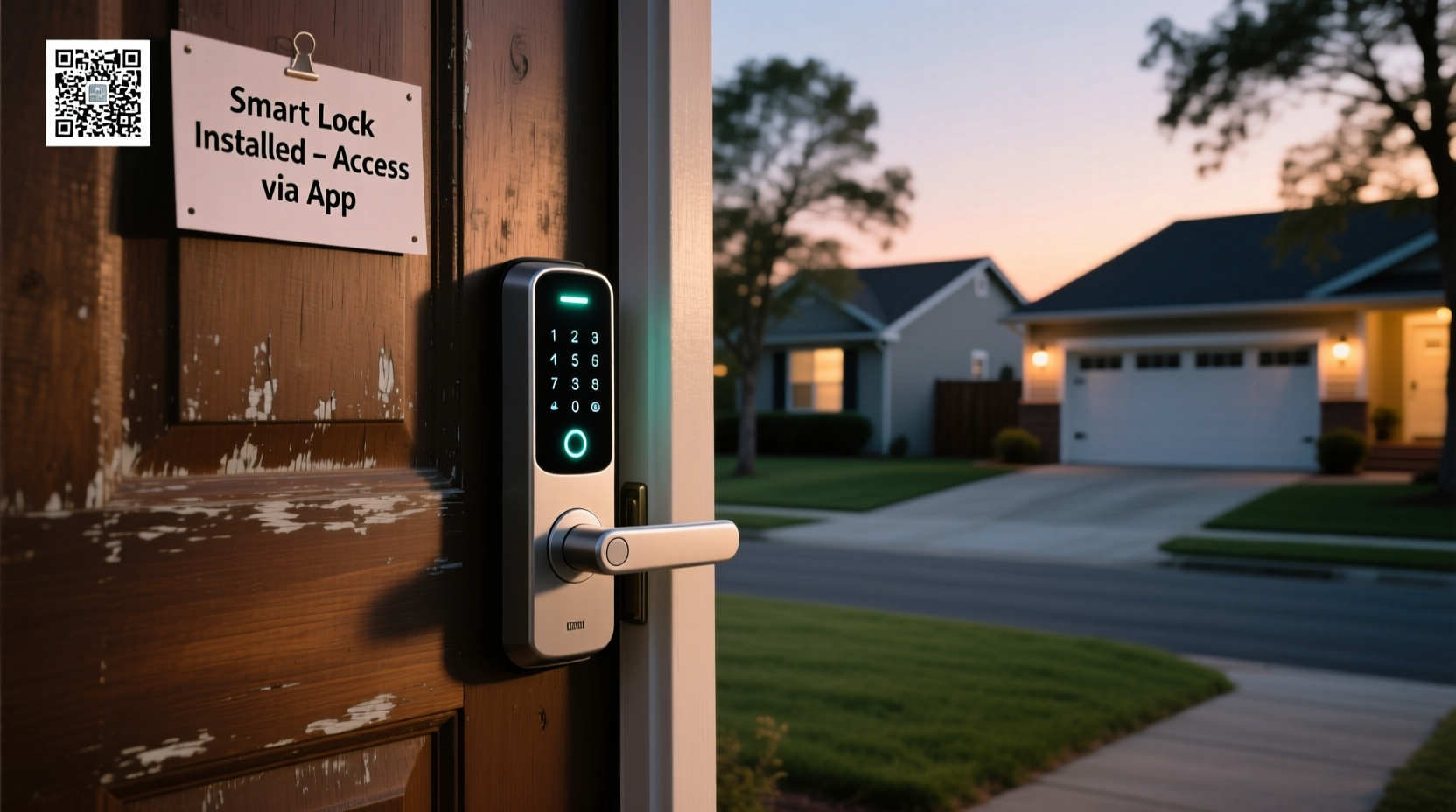
Smart locks offer several compelling advantages over traditional keyed entry systems, especially in multi-unit or frequently leased properties.
- Remote Access Management: Landlords or property managers can grant temporary access to maintenance staff, cleaners, or prospective tenants without being physically present.
- No More Key Duplication: Eliminates the cost and risk of lost or copied keys. Tenants can’t make unauthorized duplicates.
- Automated Move-In/Move-Out: Digital codes can be deactivated instantly when a lease ends, reducing rekeying expenses.
- Access Logs: Many smart locks record who entered and when, providing valuable data during disputes or security incidents.
- Tenant Satisfaction: Tech-savvy renters often view smart locks as a premium amenity, potentially increasing occupancy rates and rent premiums.
Security Risks and Potential Drawbacks
Despite their benefits, smart locks come with inherent risks—especially in rental environments where control is shared and turnover is frequent.
Cybersecurity Vulnerabilities: Like any internet-connected device, smart locks can be hacked. Weak passwords, unpatched firmware, or insecure Wi-Fi networks create entry points for malicious actors. In 2022, researchers demonstrated how certain Bluetooth-based smart locks could be bypassed using off-the-shelf tools.
Power Failure Concerns: Most smart locks run on batteries. If not monitored, dead batteries can lock tenants out—or worse, leave doors unlocked. Some models include physical key overrides, but this reintroduces the risk of key loss.
Lack of Standardization: Not all smart locks comply with ANSI/BHMA Grade 1 or 2 standards for residential durability and forced entry resistance. A sleek design doesn’t guarantee robust security.
Tenant Privacy Issues: Continuous logging of entry times may raise privacy concerns. In some jurisdictions, constant monitoring without consent could violate tenant rights.
“Smart locks are only as secure as the ecosystem around them. A poorly configured system can be less secure than a basic deadbolt.” — David Lin, Cybersecurity Consultant at UrbanShield Security Group
Do’s and Don’ts: Smart Lock Installation Checklist
To maximize benefits and minimize risks, follow this practical checklist before and after installation.
| Do’s | Don’ts |
|---|---|
| Choose ANSI Grade 1 or 2 certified smart locks | Install non-certified or novelty-style smart locks |
| Enable two-factor authentication (2FA) for admin accounts | Use default passwords or share master codes via text/email |
| Provide tenants with written access policies and code change procedures | Withhold information about how the lock works or who has access |
| Schedule quarterly battery checks and firmware updates | Ignore low-battery alerts or skip software patches |
| Use unique access codes per tenant, not shared passwords | Set one permanent code used by multiple parties |
Real-World Example: A Landlord’s Experience in Austin, TX
In 2023, Maria Thompson, a property manager overseeing 14 units in East Austin, replaced all traditional locks with smart models after experiencing repeated issues with lost keys and unauthorized subletting. She chose a reputable brand with end-to-end encryption, audit trails, and mobile app management.
Within six months, she saved over $1,200 in rekeying costs and reduced emergency lockout calls by 70%. However, one incident raised red flags: a former tenant claimed he was still receiving entry notifications. Upon investigation, Maria realized she had forgotten to deactivate his user profile after lease termination. Though no breach occurred, it highlighted the importance of standardized deactivation protocols.
She now uses a digital checklist integrated with her property management software, ensuring every tenant transition includes code revocation, lock testing, and confirmation emails. “The system pays for itself,” she says, “but only if you treat it like a critical system—not just a gadget.”
Step-by-Step Guide to Secure Smart Lock Deployment
Implementing smart locks responsibly requires planning and consistency. Follow this timeline to ensure a smooth, secure rollout across your rental portfolio.
- Assess Your Property Needs (Week 1): Determine which units will get smart locks. Prioritize high-turnover or hard-to-access units.
- Select Certified Hardware (Week 2): Choose locks with ANSI Grade 2+ ratings, strong encryption, and reliable customer support. Brands like August Pro, Schlage Encode, and Yale Assure are widely trusted.
- Review Local Laws (Week 3): Consult local housing regulations. Some cities require landlords to disclose surveillance technologies. Others mandate physical key backups.
- Install with Professional Help (Week 4): Hire a licensed locksmith or technician familiar with smart hardware. Improper installation can weaken door integrity.
- Train Tenants & Staff (Ongoing): Provide clear instructions on code usage, battery alerts, and what to do in case of failure. Offer a 24/7 contact for support.
- Establish Maintenance Routines (Monthly): Monitor battery levels remotely, update firmware, and audit access logs quarterly.
- Deactivate Upon Move-Out (Within 24 Hours): Remove all tenant access immediately after lease end. Test the lock and issue a new primary code.
Frequently Asked Questions
Can tenants install their own smart locks?
In most cases, no—unless explicitly permitted in the lease agreement. Landlords retain responsibility for structural components like doors and locks. Allowing tenant-installed devices may void insurance or create compatibility and security issues. If permitted, require prior approval and compliance with building standards.
What happens if the smart lock fails or the Wi-Fi goes down?
Most quality smart locks operate independently of Wi-Fi, using Bluetooth or Zigbee for local control. They also include backup methods such as PIN codes, physical keys, or offline access via encrypted NFC cards. Always verify fail-safe mechanisms before purchase. Tenants should be trained on manual override procedures.
Are smart locks legal for rentals in all states?
While not outright banned, their use is regulated. For example, California’s Civil Code § 1940.8 restricts landlords from remotely locking out tenants, even with smart technology. Similarly, New York requires landlords to provide alternative entry if electronic systems fail. Always confirm compliance with state and municipal laws before deployment.
Expert Recommendations for Risk Mitigation
Security experts emphasize that smart locks should be part of a layered security strategy—not a standalone solution.
“Think of smart locks as one component of a broader system,” advises Lin. “Pair them with good lighting, peephole cameras, and tenant education. And never assume ‘smart’ means ‘secure.’”
Additional safeguards include:
- Using a dedicated, segmented network for IoT devices to prevent cross-network breaches.
- Requiring annual cybersecurity training for property staff handling access systems.
- Conducting third-party vulnerability assessments every 12–18 months.
- Maintaining logs for at least six months in case of disputes or investigations.
Conclusion: A Calculated Upgrade Worth Considering
Smart locks are not inherently risky—but they are not foolproof. For rental property owners, the decision to adopt them should be based on careful evaluation, not trend-chasing. When installed on certified hardware, managed with disciplined protocols, and communicated transparently to tenants, smart locks can significantly improve operational efficiency and perceived property value.
The key lies in treating them as mission-critical infrastructure, not consumer gadgets. With proper setup, ongoing maintenance, and respect for legal and privacy boundaries, smart locks can be a secure, cost-effective upgrade that benefits both landlords and tenants.




 浙公网安备
33010002000092号
浙公网安备
33010002000092号 浙B2-20120091-4
Comments
No comments yet. Why don't you start the discussion?