
In an era where smart homes are no longer science fiction but everyday reality, voice assistants like Amazon’s Alexa have become central fixtures in many households. With devices ranging from Echo Dots to smart displays, it's easier than ever to place Alexa in nearly every room. But convenience comes with questions: Is it truly beneficial to have Alexa listening everywhere? Does constant connectivity enhance life—or erode privacy? The answer isn’t a simple yes or no. It depends on how you use it, what you value, and how much control you maintain over your digital environment.
The Appeal of Ubiquitous Alexa
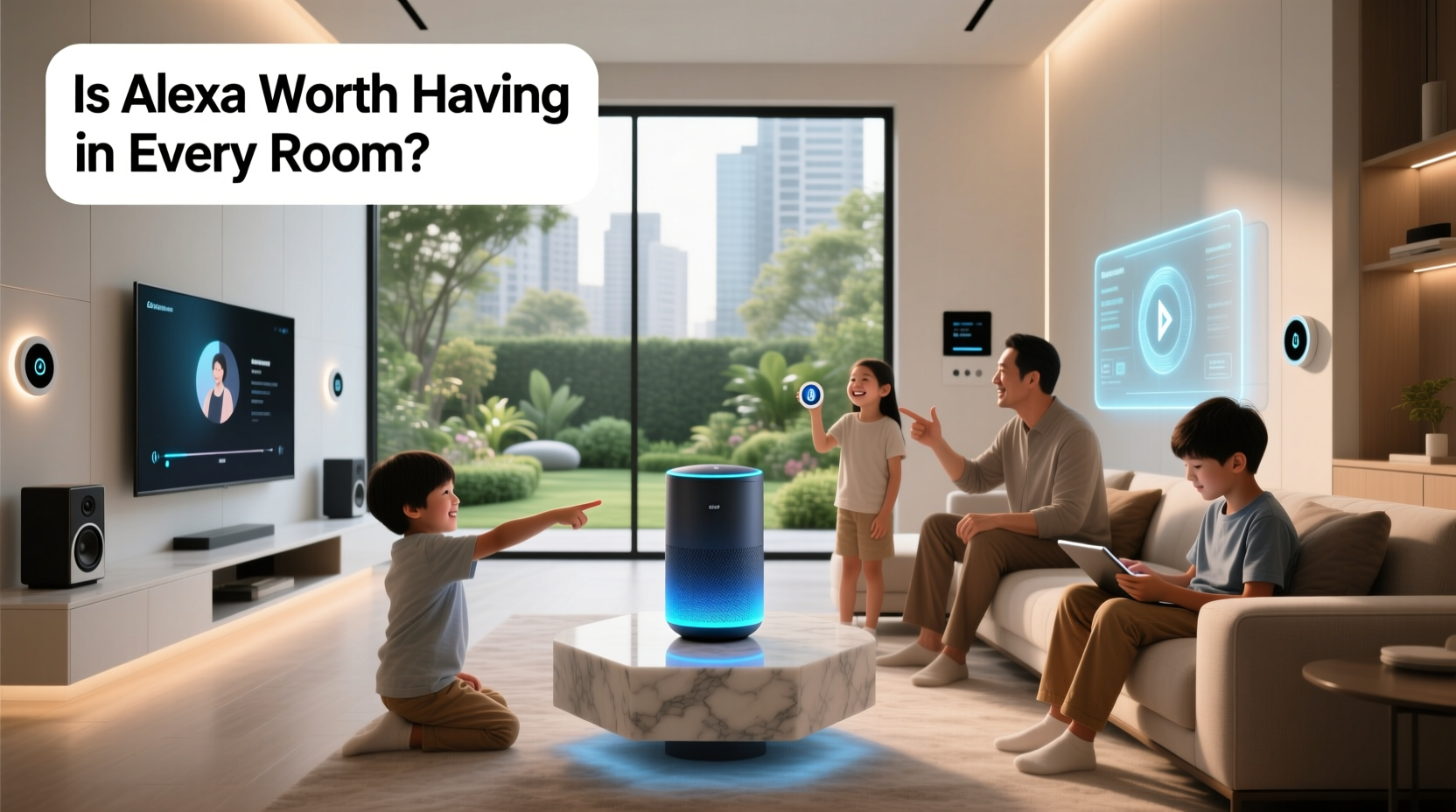
Having Alexa in multiple rooms offers undeniable convenience. Imagine turning off lights in the bedroom while brushing your teeth in the bathroom, checking dinner recipes hands-free in the kitchen, or pausing music as you move from the living room to the garage—all through voice commands. This seamless integration can streamline daily routines and reduce friction in household management.
For families, distributed Alexa units allow shared access to calendars, reminders, and communication. Parents can announce dinner time across all devices, teens can set homework timers without reaching for their phones, and elderly relatives can call for help using simple voice prompts. In homes where mobility or vision presents challenges, voice-first technology becomes more than convenient—it becomes empowering.
Real-World Example: The Johnson Family Setup
The Johnsons installed Echo Dots in five rooms: kitchen, living room, master bedroom, kids’ playroom, and home office. Initially skeptical about privacy, they adjusted settings to disable microphones at night and limit data retention. Over time, they found real value in voice-based coordination. Morning routines improved with synchronized weather and traffic updates. The kids used Alexa for educational quizzes during homework. Even the dog walker received automated door codes via Alexa announcements when arriving. Their experience shows that thoughtful deployment—rather than blanket installation—can yield meaningful benefits without compromising comfort.
Privacy: The Elephant in Every Room
The core concern with having Alexa always listening is privacy. While Amazon insists that recordings are only stored after the wake word (“Alexa”) is detected, the idea of a microphone constantly active—even in standby—makes many uneasy. Security breaches, accidental recordings, and third-party skill permissions add layers of risk.
A 2023 report by the Electronic Frontier Foundation highlighted cases where Alexa had mistakenly sent private conversations to contacts or stored unintended audio clips. Though rare, such incidents reinforce the need for vigilance. Moreover, voice data can be subpoenaed in legal proceedings, raising ethical questions about consent and digital footprint ownership.
“Voice assistants blur the line between convenience and surveillance. Users must understand not just what data is collected, but how long it’s kept and who can access it.” — Dr. Lena Patel, Digital Privacy Researcher at MIT
To mitigate risks, users should regularly review voice history, delete old recordings, and disable features like voice purchasing. Devices with physical mute buttons offer peace of mind—flipping the switch ensures no audio is captured, even if the system misfires.
Do’s and Don’ts of Multi-Room Alexa Deployment
| Do | Don't |
|---|---|
| Place Alexa in common areas like kitchens and living rooms where utility is high | Install devices in private spaces like bedrooms or bathrooms unless absolutely necessary |
| Use strong PINs for voice purchases and sensitive actions | Allow children to enable skills without parental review |
| Set up routines that save time and energy | Leave default settings unchanged—customize privacy controls |
| Regularly audit connected apps and permissions | Assume deleted recordings are permanently gone—check retention policies |
When More Alexa Makes Sense (and When It Doesn’t)
Not all rooms benefit equally from Alexa integration. Context matters. Here’s a breakdown of room-by-room suitability:
- Kitchen: High utility. Ideal for timers, recipe reading, grocery lists, and smart appliance control.
- Living Room: Great for entertainment—music, video playback, smart TV control, and ambient lighting.
- Bedroom: Moderate value. Useful for alarms and sleep sounds, but raises privacy concerns due to intimate conversations.
- Bathroom: Generally unnecessary. Humidity damages devices, and privacy risks outweigh minor conveniences like weather updates.
- Home Office: Beneficial for productivity—calendar checks, note dictation, meeting reminders—but avoid during confidential calls.
- Garage/Utility Room: Niche use. Can control smart tools or water sensors, but often underutilized.
Instead of deploying Alexa everywhere, consider a tiered approach: full functionality in high-use zones, limited features in transitional spaces, and none in private areas. This balances accessibility with discretion.
Optimizing Your Alexa Ecosystem: A Step-by-Step Guide
Maximizing Alexa’s value while minimizing risk requires intentional setup. Follow this sequence to build a smart, secure, and sustainable voice assistant network:
- Assess Room Needs: Identify which rooms would genuinely benefit from voice interaction. Prioritize shared, functional spaces.
- Select Appropriate Devices: Choose form factors wisely—Echo Show for visual tasks, Echo Dot for audio-only zones, portable speakers for flexibility.
- Customize Wake Words: Change “Alexa” to “Echo,” “Amazon,” or “Computer” to reduce false triggers in multi-device homes.
- Configure Privacy Settings: Visit alexa.amazon.com or the app to disable voice shopping, auto-delete recordings every 3 or 18 months, and turn off personalized ads.
- Review Skills & Permissions: Remove unused third-party integrations. Only enable skills from trusted developers with clear privacy policies.
- Create Routines: Automate morning, evening, and away modes. For example, “Good Morning” could read news, adjust thermostat, and start coffee maker.
- Establish Household Rules: Set guidelines for children, guests, and caregivers on acceptable use and microphone etiquette.
- Maintain Regular Audits: Monthly, check voice history, device activity, and connected accounts. Delete unwanted entries promptly.
This structured approach transforms Alexa from a passive listener into an active, accountable tool—one that serves the household without overstepping boundaries.
Expert Insight: Balancing Automation and Autonomy
“We’re entering a phase where convenience is no longer the only metric. People want intelligent systems that respect their autonomy. That means giving users real control—not just the illusion of it.” — Dr. Marcus Tran, Human-Computer Interaction Specialist, Stanford University
Dr. Tran emphasizes that the future of smart homes lies in adaptive intelligence: devices that know when to listen, when to act, and when to stay silent. Until then, user awareness remains the best defense against overreach.
Frequently Asked Questions
Can Alexa hear me even when it’s not activated?
Technically, yes—but only to detect the wake word. The device processes audio locally until “Alexa” is spoken, at which point it begins recording and sending data to the cloud. However, accidental triggers do occur. To minimize risk, use a physical mute button when privacy is critical.
Does having Alexa in every room slow down my Wi-Fi?
Not significantly. Each Echo device uses minimal bandwidth, comparable to a smartphone on standby. However, streaming music or video across multiple units simultaneously can impact performance, especially on older routers. Upgrade to a mesh network if experiencing lag.
How do I stop Alexa from storing my voice recordings?
You can disable voice recording storage in the Alexa app under Settings > Alexa Privacy > Manage Your Alexa Data. Enable automatic deletion (3 or 18 months), and toggle off “Help Improve Alexa” to prevent recordings from being used for training.
Conclusion: Smart Integration Over Blanket Installation
Is Alexa worth having in every room? Not necessarily. Its true value emerges not from omnipresence, but from intentionality. Deploying Alexa where it adds measurable convenience—kitchens, living areas, offices—while respecting boundaries in private zones strikes the right balance. Equally important is ongoing management: reviewing permissions, deleting old data, and educating household members on responsible use.
Voice assistants will continue evolving, but human oversight must evolve faster. Rather than asking whether Alexa should listen all the time, ask when it should—and whether the trade-off is worth it. Technology should serve life, not surveil it. By making informed choices today, you shape a smarter, safer, and more respectful smart home tomorrow.




 浙公网安备
33010002000092号
浙公网安备
33010002000092号 浙B2-20120091-4
Comments
No comments yet. Why don't you start the discussion?