
In the world of wired networking, two devices often get confused: the Ethernet switch and the network hub. While they may look similar—both are small boxes with multiple Ethernet ports—their internal operations differ drastically. For casual users, the distinction might seem trivial. But for serious gamers and businesses relying on seamless connectivity, choosing the right device can mean the difference between smooth performance and constant lag or downtime.
This article breaks down how switches and hubs function, compares their real-world impact, and explores feedback from actual users in gaming and enterprise environments. The short answer? Yes, an Ethernet switch is significantly better—but understanding why matters just as much.
How Hubs and Switches Work: A Technical Breakdown
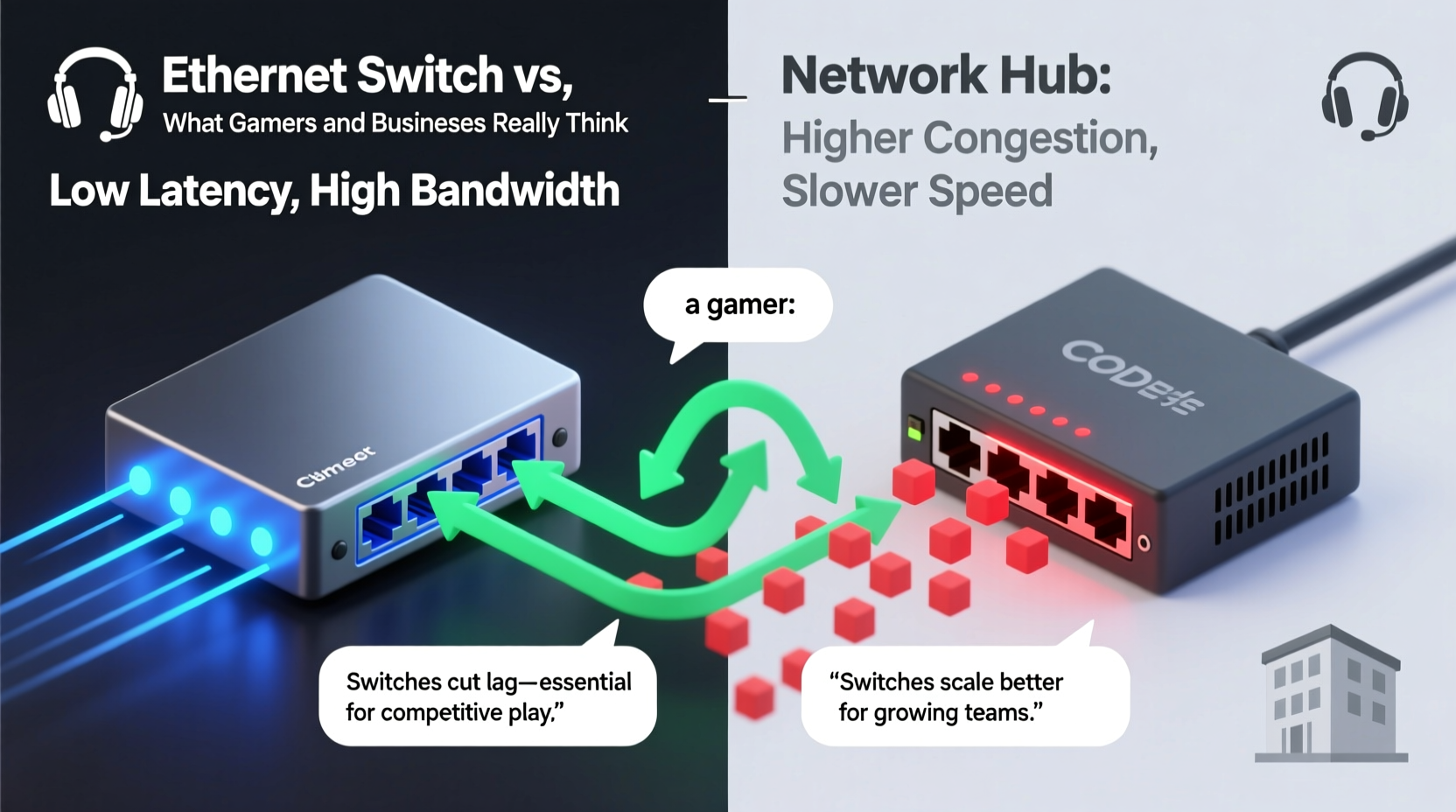
A network hub operates at the physical layer (Layer 1) of the OSI model. When it receives data from one connected device, it broadcasts that data to every other port indiscriminately. This method, known as \"broadcasting,\" leads to unnecessary traffic congestion. If four computers are connected to a hub, any data sent by one will be received—even if not intended—by the other three.
In contrast, an Ethernet switch functions at the data link layer (Layer 2). It learns the Media Access Control (MAC) addresses of all connected devices and intelligently forwards data only to the intended recipient. This targeted delivery reduces network collisions, improves bandwidth utilization, and enhances overall efficiency.
Think of a hub like a public address system in a crowded room: when someone speaks, everyone hears it. A switch, however, acts more like a private messenger who delivers messages directly to the correct person without disturbing others.
Performance Comparison: Latency, Bandwidth, and Collision Domains
The performance gap between hubs and switches becomes most apparent under load. Here’s a side-by-side comparison of key metrics:
| Feature | Ethernet Hub | Ethernet Switch |
|---|---|---|
| Transmission Method | Broadcast to all ports | Targeted to specific port |
| Duplex Mode | Half-duplex only | Full-duplex supported |
| Bandwidth Sharing | Shared across all devices | Per-port dedicated bandwidth |
| Collision Domain | One for all ports | One per port |
| Latency | High due to collisions | Low with direct routing |
| Use Case Today | Legacy or educational setups | Modern homes, offices, data centers |
Because hubs operate in half-duplex mode, devices must take turns sending and receiving data, doubling transmission time compared to full-duplex switches. Additionally, shared bandwidth means that if a 100 Mbps hub connects four devices, each effectively gets less than 25 Mbps during peak usage—far below advertised speeds.
“Switches eliminated packet loss and jitter in our VoIP system overnight. We hadn’t realized how much our old hub was degrading call quality.” — Raj Patel, IT Manager at NexaCorp Solutions
What Gamers Say: Lag, Ping, and Competitive Edge
For online gamers, milliseconds matter. High ping, jitter, and packet loss can turn a winning streak into a frustrating evening. Many competitive players report switching from hub-based networks to managed switches and immediately noticing improvements in responsiveness.
Take the case of Marcus Tran, a semi-professional Apex Legends player based in Austin. He used a five-year-old hub to connect his gaming PC, console, and streaming rig. After experiencing frequent desyncs during ranked matches, he upgraded to a Gigabit Ethernet switch. His average ping dropped from 68ms to 43ms, and frame drops during streams vanished.
“I didn’t think my home network was the issue,” Marcus said. “But once I switched, everything tightened up. My K/D ratio improved within two weeks.”
Switches reduce latency not just through intelligent forwarding but also by supporting Quality of Service (QoS) features in managed models. Gamers can prioritize traffic from their gaming device, ensuring that background downloads or video calls don’t interfere mid-match.
Business Perspectives: Reliability, Scalability, and Security
From small startups to multinational corporations, businesses rely on stable, scalable networks. Hubs simply cannot meet these demands. In fact, using a hub in a business environment today would be considered a critical oversight by most IT professionals.
Switches offer several advantages crucial to enterprise operations:
- Scalability: Easily add new workstations without degrading performance.
- VLAN Support: Segment departments (e.g., HR, Finance) into isolated virtual networks for security.
- Port Mirroring: Monitor traffic for troubleshooting or compliance auditing.
- PoE (Power over Ethernet): Power IP phones, cameras, and access points through the same cable.
A mini case study from Greenfield Credit Union illustrates this well. The branch had been using an aging hub to connect teller stations, ATMs, and surveillance systems. After migrating to a managed PoE switch, transaction times improved by 30%, and camera feeds became consistently reliable.
“We were losing data integrity during peak hours,” said Lisa Nguyen, Network Administrator. “The hub couldn’t handle concurrent transactions and video streams. The switch fixed it instantly.”
Step-by-Step: Upgrading from Hub to Switch
If you’re still using a hub—or considering one due to lower cost—here’s how to make the upgrade safely and effectively:
- Assess Your Needs: Count the number of wired devices and determine required speed (Fast Ethernet vs. Gigabit).
- Choose the Right Switch: For home use, an unmanaged Gigabit switch suffices. For businesses, consider managed switches with VLAN and QoS.
- Back Up Network Settings: Note IP configurations, especially if using static IPs.
- Disconnect the Hub: Power down all connected devices before removing the hub.
- Install the Switch: Connect the switch to your router, then plug in each device.
- Test Connectivity: Verify all devices have internet access and perform a speed test.
- Optimize (Optional): On managed switches, set up QoS rules or VLANs as needed.
Frequently Asked Questions
Can a hub slow down my internet speed?
Yes. While the hub doesn’t limit your ISP-provided bandwidth directly, its inefficient broadcasting and collision-prone design create bottlenecks that degrade effective speed—especially with multiple active devices.
Are Ethernet switches more secure than hubs?
Yes. Because switches send data only to the intended destination, they reduce the risk of packet sniffing. Hubs broadcast all traffic, making it easier for malicious actors on the same network segment to intercept data.
Do I need a switch if I mostly use Wi-Fi?
If you have even one wired device—like a desktop PC, smart TV, or game console—a switch improves overall network stability. Wired connections offload traffic from your Wi-Fi, reducing congestion and improving wireless performance for mobile devices.
Final Thoughts: Why the Switch Wins Every Time
The debate between Ethernet switches and hubs isn’t really a debate anymore. Technologically, switches outperform hubs in every meaningful category: speed, latency, security, and scalability. Gamers benefit from lower ping and consistent connections. Businesses gain reliability, control, and future-proofing.
Hubs are relics of a slower networking era. They may still exist in outdated setups or educational labs, but they have no place in modern digital life. Investing in even a basic $20 unmanaged switch delivers immediate returns in performance and peace of mind.
Whether you're climbing leaderboards or running a company, upgrading from a hub to a switch is one of the simplest, most impactful tech improvements you can make.




 浙公网安备
33010002000092号
浙公网安备
33010002000092号 浙B2-20120091-4
Comments
No comments yet. Why don't you start the discussion?