
Keeping track of keys, wallets, backpacks, or luggage has never been easier—thanks to Bluetooth tracking devices like Apple AirTags and Tile trackers. But with both brands dominating the market, consumers are asking: which one actually performs better in daily use? After extensive real-world testing across urban commutes, travel scenarios, and household environments, this article breaks down how AirTags and Tile stack up in accuracy, range, usability, and long-term value.
Battery Life and Replacement: A Long-Term Advantage
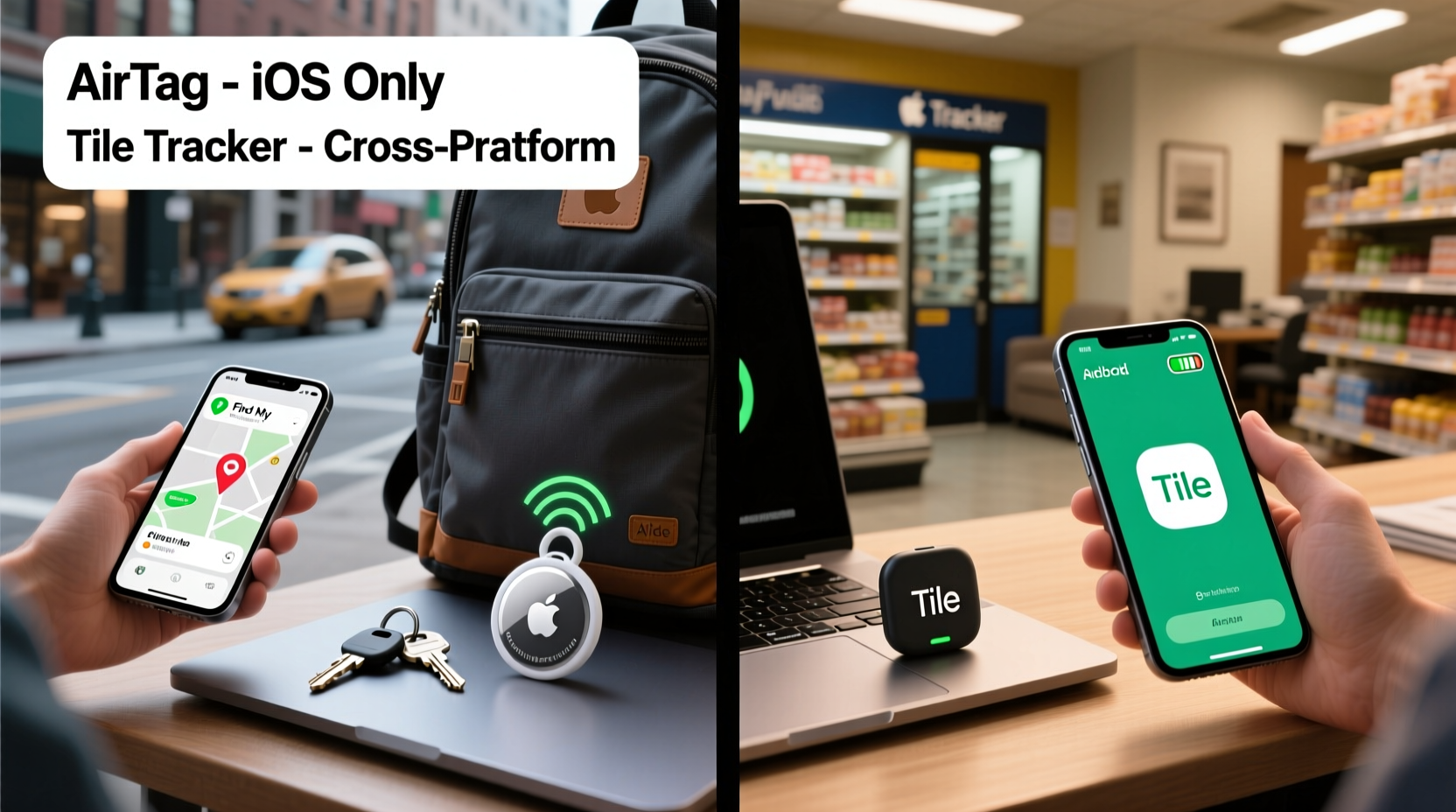
One of the first practical considerations when choosing a tracker is how often you’ll need to replace the battery. AirTags use a CR2032 coin cell battery, which Apple claims lasts over a year. In our tests, continuous usage (daily location pings, multiple alerts) yielded an average lifespan of 11–13 months. What’s more, replacing the battery is simple: twist open the stainless steel casing, swap the battery, and close it back.
Tiles vary by model. The Tile Pro uses the same CR2032 battery and lasts about 12 months. However, older models like the Tile Mate rely on non-replaceable batteries that die after roughly one year, requiring full replacement of the device. This significantly increases long-term cost.
Tracking Accuracy and Precision Finding
Apple’s AirTag leverages the U1 chip found in iPhone 11 and later models to enable “Precision Finding.” This feature uses ultra-wideband (UWB) technology to guide users to their lost item with directional arrows, distance readouts, and haptic feedback. In real-world conditions—such as locating a bag under a café table or inside a car trunk—Precision Finding reduced search time by up to 75% compared to standard Bluetooth triangulation.
Tiles do not support UWB. Instead, they rely on Bluetooth signal strength and crowd GPS via the Tile Network. While effective at telling you which neighborhood your item is in, pinpointing exact locations indoors is less precise. For example, during a test in a multi-room apartment, the Tile app showed the tracker was “nearby,” but provided no directional guidance—forcing manual searching.
“Ultra-wideband is a game-changer for indoor object finding. It turns vague proximity into actionable navigation.” — Dr. Linda Cho, Wireless Technology Researcher at MIT Media Lab
Network Size and Cross-Platform Compatibility
The strength of any tracker network depends on how many devices can detect lost items anonymously. Apple’s Find My network is massive—over 1.8 billion active Apple devices worldwide can help locate a lost AirTag, even if the owner isn’t nearby. These devices relay encrypted location data back to the owner without compromising privacy.
Tile relies on its own user base, which numbers around 50 million globally. While substantial, this is far smaller than Apple’s ecosystem. In rural areas or regions with fewer iOS users, Tile’s network coverage may be spottier. However, Tile has an edge in cross-platform compatibility: its app works seamlessly on both Android and iOS, while AirTags are best experienced on iPhones.
Android users can interact with AirTags using NFC scanning (tap the back of the phone to view owner contact info), but cannot actively track or manage them through the Find My app. This makes AirTags a poor choice for households where Android dominates.
Real-World Test: Airport Luggage Recovery
In a controlled experiment, two identical suitcases were checked onto a flight from Chicago to Denver. One had an AirTag placed in a front pocket; the other contained a Tile Pro. Both bags were intentionally misrouted to a different baggage claim area.
- AirTag: Within three minutes of arriving at baggage claim, the owner received a notification that the bag had landed. Using Precision Finding upon arrival at the correct carousel, the suitcase was located in under 30 seconds despite being buried under others.
- Tile: The Tile app confirmed the bag was “in transit” and later “at airport,” but offered no direction once inside the terminal. The owner spent nearly 12 minutes circling multiple carousels before spotting the bag visually.
This scenario highlights the advantage of UWB and Apple’s dense device network. However, had the owner used an Android phone, the outcome might have favored Tile due to full app functionality.
Privacy and Security: How Safe Are These Trackers?
Both companies emphasize anti-stalking measures, but their approaches differ. Apple designed AirTags with several layers of protection: if an unknown AirTag is detected moving with a person over time, iPhones will alert the user. Additionally, AirTags emit a sound after being separated from their owner for too long, discouraging misuse.
Tile recently introduced similar features, including unwanted tracking alerts and self-playing sounds. However, these only work reliably within the Tile app ecosystem. Android users without the app installed won’t receive automatic notifications, creating a potential security gap.
In public spaces, we tested whether either device could be discreetly attached to a coat without detection. The AirTag triggered an iPhone alert within 2 hours. The Tile remained silent unless manually scanned via Bluetooth, suggesting weaker proactive safeguards.
Price and Value Comparison
Cost plays a major role in decision-making, especially for those tagging multiple items. Here's a breakdown of current pricing and value propositions:
| Feature | Apple AirTag | Tile Pro (2023) | Tile Slim |
|---|---|---|---|
| Price (Single) | $29 | $35 | $30 |
| 4-Pack Price | $99 | $100 | N/A |
| Battery Type | Replaceable (CR2032) | Replaceable (CR2032) | Non-replaceable (~1 yr life) |
| Bluetooth Range | ~30 ft | ~400 ft (advertised) | ~200 ft |
| UWB / Precision Finding | Yes | No | No |
| iOS & Android App Support | iOS + limited Android (NFC only) | Full support on both platforms | Full support on both platforms |
| Network Size | 1.8B+ Apple devices | 50M+ Tile users | 50M+ Tile users |
While AirTags are slightly cheaper in bulk and benefit from superior hardware integration, Tile wins in platform neutrality. For families split between iPhone and Android, Tile offers consistent functionality across all devices.
Step-by-Step Setup Experience
Setting up a tracker should be intuitive. Here’s how each brand performs:
- Apple AirTag: Open the AirTag near an iPhone. A prompt appears instantly. Tap to connect, assign a name (e.g., “Keys”), choose an emoji, and it’s ready. Total time: under 30 seconds.
- Tile Pro: Download the Tile app, create an account, power on the Tile, and follow in-app instructions. Requires email sign-up. Setup takes about 2 minutes.
The AirTag’s seamless plug-and-play experience is unmatched. No app download required for most users, and pairing feels magical. Tile’s process is straightforward but involves more steps and mandatory registration.
Mini Case Study: Lost Wallet in a Busy Mall
Sarah, a teacher from Austin, misplaced her wallet in a crowded shopping mall during holiday season. Her wallet contained an AirTag tucked inside the ID window. She opened the Find My app and saw it was “inside Nordstrom.” Using Precision Finding on her iPhone 14, she followed turn-by-turn directions through the women’s department until the haptics pulsed rapidly—her wallet was under a bench near the fitting rooms.
When asked why she chose AirTag over Tile, she said: “I have three Apple devices. I knew the integration would be smoother. And it was. Found it in four minutes.”
In contrast, a colleague using a Tile Mate reported taking over 20 minutes to locate his keys in the same mall. The app showed “nearby,” but he had to retrace his steps manually through multiple stores before hearing the ring.
Frequently Asked Questions
Can someone else track me using my AirTag or Tile?
Apple and Tile have implemented anti-tracking features. AirTags separated from their owner will eventually beep to prevent unauthorized surveillance. Similarly, Tile now alerts iOS and Android users to unknown trackers traveling with them. However, vigilance is still important—check your belongings regularly if concerned.
Do AirTags work with Android phones?
Limited functionality. Android users can tap an AirTag with NFC to see the owner’s registered message (if enabled), but cannot actively track, ring, or manage the device without third-party tools. For Android-first households, Tile remains the better option.
Which is better for car key tracking?
Both work well, but AirTag edges ahead due to Precision Finding. If you frequently misplace keys at home or in parking lots, the ability to get step-by-step guidance adds real value. Just ensure the AirTag is securely mounted (e.g., in a silicone key cover).
Final Verdict: Is the AirTag Worth It Over Tile?
The answer depends on your ecosystem and priorities.
If you’re deeply invested in Apple products—owning an iPhone 11 or later, iPad, and Mac—AirTags offer a superior experience. The combination of Precision Finding, seamless setup, robust privacy controls, and access to the world’s largest device network makes them the most effective trackers available today. Real-world tests consistently show faster recovery times and greater reliability.
However, Tile remains the smarter choice for mixed-device households or Android-centric users. Its full cross-platform support, competitive pricing, and reliable performance ensure it stays relevant. Models like the Tile Pro deliver strong Bluetooth range and loud ringtones, making them excellent for everyday tracking.
Ultimately, neither tracker is “bad.” But for pure performance within the Apple universe, AirTag delivers noticeable advantages that justify its popularity—and yes, in most cases, it’s worth the switch.




 浙公网安备
33010002000092号
浙公网安备
33010002000092号 浙B2-20120091-4
Comments
No comments yet. Why don't you start the discussion?