
For years, the Apple Pencil has been marketed as a tool for creatives—illustrators, designers, and digital painters. Its precision, low latency, and pressure sensitivity make it ideal for sketching and photo editing. But its potential extends far beyond the canvas. For students, knowledge workers, researchers, and lifelong learners, the Apple Pencil paired with an iPad offers a transformative note-taking experience that rivals—and in many ways surpasses—traditional pen and paper.
The shift from analog to digital note-taking often raises skepticism: Is it really better? Does it justify the cost? And most importantly, does it improve learning, retention, or productivity? The answer, backed by both cognitive science and real-world use, is increasingly yes—especially when the right tools are used intentionally.
Digital Note-Taking That Feels Analog
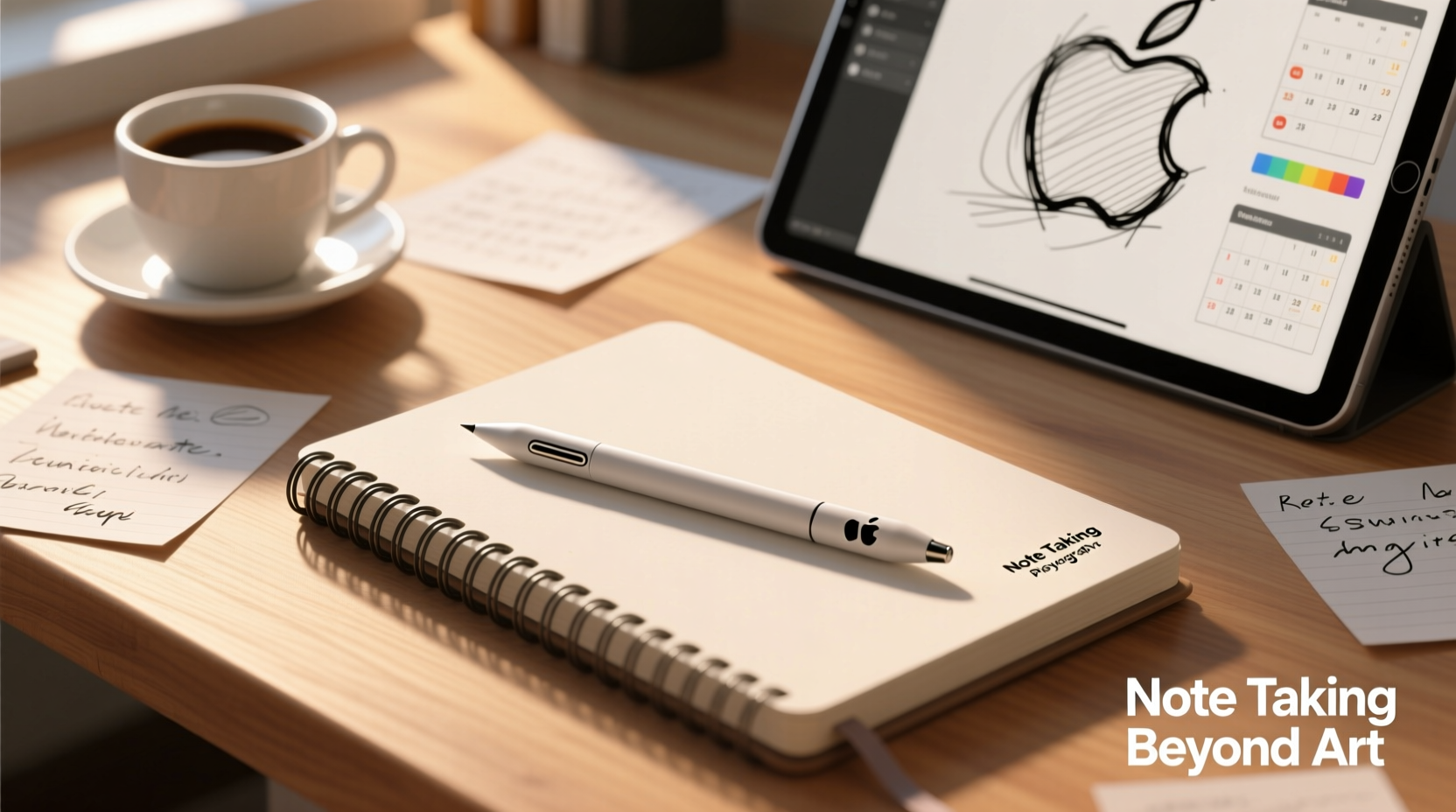
One of the biggest hurdles with digital note-taking has always been the lack of tactile feedback and natural flow. Typing on a keyboard may be fast, but it’s not conducive to freeform thinking, diagramming, or capturing ideas during lectures or meetings. This is where the Apple Pencil excels.
With near-zero lag and pixel-perfect accuracy, writing with the Apple Pencil feels remarkably close to using a real pen. Apps like Notability, GoodNotes, and Apple Notes have optimized their interfaces for handwritten input, supporting features like:
- Instant search within handwritten notes
- Audio recording synced to written content (ideal for lectures)
- Handwriting-to-text conversion
- Shape recognition for clean diagrams
- Multi-layered organization with folders, tags, and notebooks
These capabilities turn the iPad and Apple Pencil into a dynamic workspace—not just for storing information, but for actively engaging with it.
Cognitive Benefits of Handwriting with the Apple Pencil
Research consistently shows that writing by hand improves memory retention and comprehension compared to typing. A landmark study by Mueller and Oppenheimer (2014) found that students who took notes longhand performed better on conceptual questions than those who typed verbatim. The act of summarizing and rephrasing information manually creates deeper cognitive processing.
The Apple Pencil preserves this cognitive advantage while adding digital benefits. You're still forming letters by hand, organizing thoughts spatially, and sketching connections—just now, your notes are searchable, shareable, and secure in the cloud.
“Handwriting engages motor pathways in the brain that typing doesn’t. When we write, we’re not just recording—we’re thinking through our hands.” — Dr. Virginia Berninger, Cognitive Psychologist, University of Washington
This makes the Apple Pencil especially valuable in environments where understanding matters more than speed—such as law school, medical training, graduate research, or executive strategy sessions.
Who Else Benefits Beyond Artists?
While artists remain core users, several non-creative professional and academic groups report significant gains from using the Apple Pencil for note-taking:
Students and Academics
From high schoolers annotating textbooks to PhD candidates mapping complex theories, digital handwriting allows for structured yet flexible note systems. Equations, chemical structures, timelines, and mind maps can all be drawn naturally and later organized into searchable archives.
Professionals in Knowledge Work
Lawyers, consultants, and engineers often need to annotate documents, sketch workflows, or diagram systems during client meetings. The Apple Pencil enables real-time collaboration and documentation without switching between devices.
Lifelong Learners and Journalers
Personal development enthusiasts use the Apple Pencil for bullet journaling, habit tracking, gratitude logs, and goal setting. The ability to back up journals across devices ensures these reflections aren’t lost over time.
People with Accessibility Needs
Users with mobility or vision challenges benefit from adjustable font sizes, voice-over integration, and the option to convert messy handwriting into clear text. Voice memos linked to notes also support users who process auditory information better.
Comparing Analog vs. Digital Note-Taking
| Feature | Paper & Pen | Apple Pencil + iPad |
|---|---|---|
| Tactile Experience | Excellent | Very Good (with matte screen protector) |
| Searchability | None | Full text search (including handwriting) |
| Backup & Sync | Manual scanning required | Automatic iCloud backup |
| Editing Flexibility | Difficult (cross-outs, rewrites) | Easy (drag, delete, resize) |
| Battery Dependency | None | Yes (iPad + Pencil charging) |
| Cost Over Time | Low (refill pens, buy notebooks) | Higher upfront, but reusable indefinitely |
| Eco Impact | Moderate (paper waste) | Lower long-term footprint |
The table reveals a trade-off: while paper wins in simplicity and independence from power, the Apple Pencil system outperforms in organization, retrieval, and long-term usability.
Real-World Case: Medical Student Using Apple Pencil Daily
Alex Rivera, a third-year medical student at Johns Hopkins, transitioned from Moleskine notebooks to an iPad Air with Apple Pencil during her pre-clinical years. She initially doubted the switch would help, fearing distraction or loss of focus.
Within weeks, she noticed improvements. During lectures, she used Notability to record audio while drawing anatomical diagrams and jotting down key terms. Later, she could tap any part of her notes to hear what was being said at that moment—a game-changer for reviewing complex topics like neuroanatomy.
She also created color-coded notebooks for each subject, tagged recurring concepts (like pharmacological mechanisms), and exported summaries to share with study groups. Her exam scores rose noticeably, particularly in subjects requiring visual memorization.
“I used to spend hours rewriting messy notes,” Alex says. “Now I spend that time practicing clinical reasoning. The Apple Pencil didn’t replace my brain—it freed it up for higher-level work.”
Step-by-Step: Setting Up Your iPad for Effective Note-Taking
Getting the most out of your Apple Pencil starts with intentional setup. Follow this sequence to build a sustainable system:
- Choose the Right iPad Model: At minimum, go for an iPad Air (4th gen or later) or iPad mini (6th gen). The base iPad works, but newer models offer center-stage compatibility and better palm rejection.
- Invest in a Matte Screen Protector: A paper-like film (e.g., Paperlike or ZAGG) enhances friction and reduces glare, making writing feel more authentic.
- Pick One Primary App: Start with either GoodNotes or Notability. Avoid juggling multiple apps—consistency beats variety.
- Create a Notebook Structure: Organize by project, course, or theme. Use templates for meeting notes, daily logs, or reading annotations.
- Enable Cloud Sync: Turn on iCloud backups so your notes survive device failure.
- Practice Daily for Two Weeks: Use the Apple Pencil for every meeting, lecture, or idea capture—even if it feels awkward at first.
- Review Weekly: Spend 20 minutes each week searching, tagging, and archiving old notes to maintain clarity.
This routine builds muscle memory and digital hygiene, turning sporadic use into a reliable workflow.
Common Misconceptions About Digital Notes
Despite growing adoption, several myths persist about digital note-taking:
- Myth: It’s too distracting. Reality: With Focus Mode enabled and notifications silenced, the iPad can be a minimalist workspace.
- Myth: Writing on glass feels unnatural. Reality: A matte screen protector changes the texture dramatically—many users forget they’re not on paper.
- Myth: You’ll lose access if the device breaks. Reality: With iCloud or third-party sync (e.g., Dropbox), notes are recoverable across devices.
- Myth: It’s only for young tech-savvy people. Reality: Retirees, executives, and educators over 60 regularly adopt the system once introduced properly.
Checklist: Is the Apple Pencil Right for Your Note-Taking Needs?
Answer yes to three or more of these to confirm suitability:
- Do you take notes frequently (daily or weekly)?
- Do you struggle to find or organize past notes?
- Do you draw diagrams, equations, or sketches in your work?
- Would searchable handwritten notes save you time?
- Are you already using an iPad for reading or studying?
- Do you value portability and reducing physical clutter?
If so, the investment likely pays off in efficiency and peace of mind.
Frequently Asked Questions
Can the Apple Pencil recognize my handwriting accurately?
Yes. iOS supports full handwriting recognition across Apple Notes, QuickType, and third-party apps. In Apple Notes, you can even search for words you wrote by hand. Accuracy improves with consistent letter formation, though cursive may require slight adjustment.
Is the 1st or 2nd generation Apple Pencil better for note-taking?
Both work well, but the 2nd generation offers magnetic attachment, wireless charging, and double-tap gesture control. If you own a compatible iPad (Pro or Air), the 2nd gen provides a smoother daily experience. The 1st gen remains excellent for budget-conscious users.
Does using the Apple Pencil drain the iPad battery quickly?
No. The Apple Pencil charges from the iPad (or via adapter) and consumes minimal power. Typical usage adds less than 5–10% to daily battery draw. Most users charge the Pencil overnight or top it up during breaks.
Maximizing Value: Tips for Long-Term Success
To ensure lasting value, treat your setup like a toolkit—not a gadget. Regularly audit your note organization, delete obsolete content, and experiment with new templates. Many users plateau after initial excitement; sustained benefit comes from deliberate refinement.
Conclusion: More Than a Luxury—A Productivity Lever
The Apple Pencil is no longer just a stylus for artists. For anyone serious about learning, thinking, and creating knowledge, it’s a powerful extension of the mind. It bridges the intuitive nature of handwriting with the intelligence of digital systems, enabling faster retrieval, better organization, and deeper engagement with ideas.
While the upfront cost—iPad plus Pencil—can exceed $500, the long-term return in time saved, insights retained, and mental clarity gained often justifies the expense. Like a high-quality notebook or fountain pen, it’s an investment in how you think.
If you’ve been hesitating because you don’t consider yourself “creative,” reconsider. Creativity isn’t limited to art—it lives in how you solve problems, structure arguments, and connect concepts. The Apple Pencil helps you do all of that more fluidly.




 浙公网安备
33010002000092号
浙公网安备
33010002000092号 浙B2-20120091-4
Comments
No comments yet. Why don't you start the discussion?