
For gamers and power users alike, choosing between building a custom PC and purchasing a prebuilt gaming rig is one of the most consequential decisions in their tech journey. On the surface, both options promise high-performance computing tailored for modern games, streaming, and creative workloads. However, the differences run deep—impacting everything from upfront cost and upgrade flexibility to long-term satisfaction and troubleshooting control.
The answer isn’t universal. For some, assembling components offers unmatched personalization and learning value. For others, especially those short on time or technical confidence, a well-chosen prebuilt system delivers convenience without compromise. Understanding the real trade-offs requires looking beyond marketing claims and into practical realities: pricing, component quality, support models, and future scalability.
Cost Comparison: What You Actually Pay For
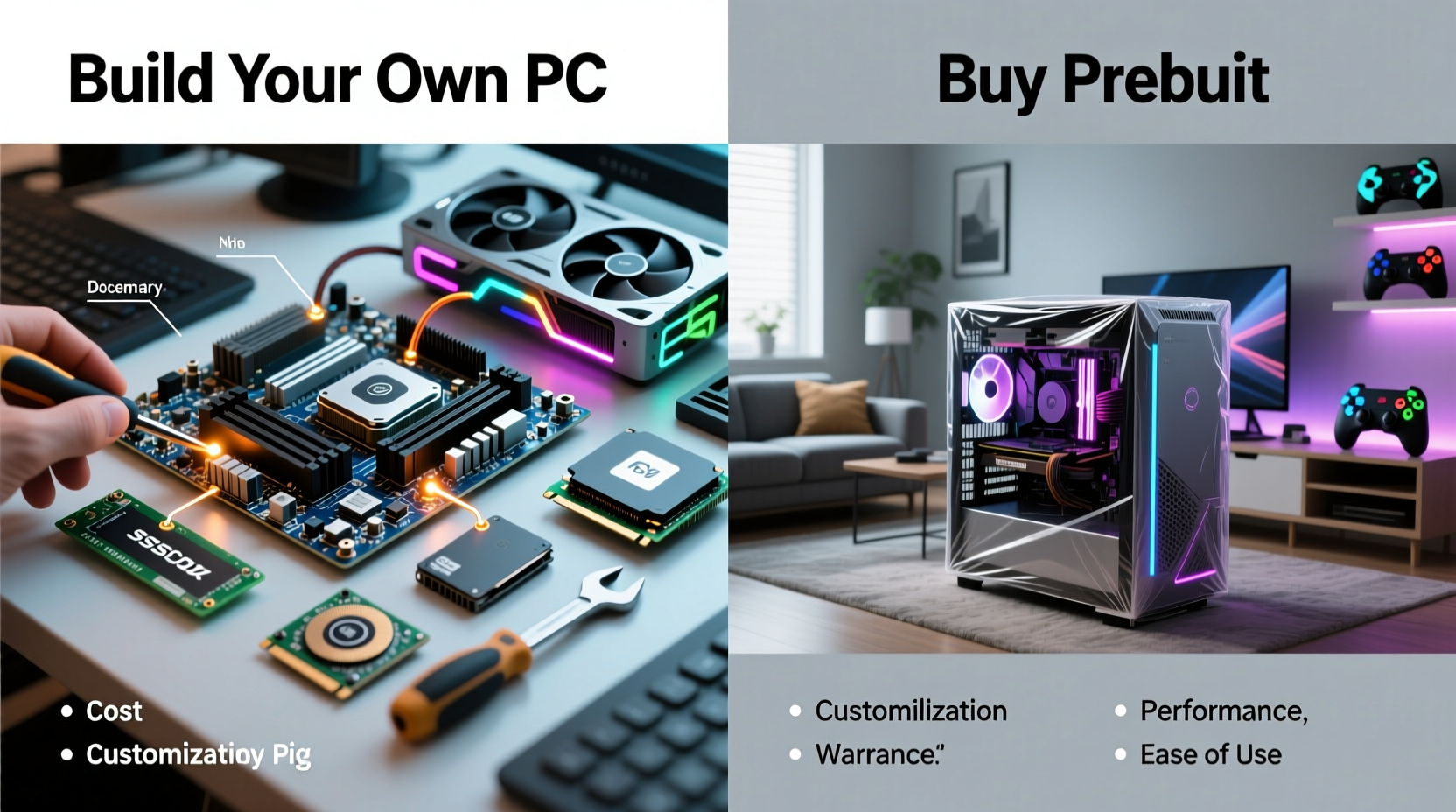
One of the most cited advantages of building your own PC is cost efficiency. In theory, you avoid the “builder’s premium” charged by OEMs (Original Equipment Manufacturers) who assemble and brand complete systems. This markup can range from 15% to as high as 30%, depending on the brand and model.
However, the savings aren’t automatic. Building requires research, sourcing compatible parts, and managing logistics. A novice builder might inadvertently overspend by selecting overpriced or mismatched components due to lack of experience. Conversely, experienced builders often find deals through sales, rebates, or bundled purchases, maximizing value per dollar.
| Factor | Custom Build | Prebuilt Rig |
|---|---|---|
| Upfront Cost (for similar specs) | Typically lower (by ~10–25%) | Higher due to assembly & branding fees |
| Shipping & Handling | Paid per component (can add up) | Included in final price |
| Labor & Assembly | Free (DIY) | Built-in cost (~$100–$300 value) |
| Warranty Coverage | Per-component (varies by brand) | Single-point system warranty (often 1–3 years) |
| Upgrade Flexibility | Full control over future changes | Limited by proprietary designs (e.g., PSU, case layout) |
While DIY builds often win on paper, real-world savings depend heavily on discipline and knowledge. A poorly planned build with incompatible motherboards or oversized coolers can lead to returns, delays, and unexpected expenses.
Performance and Component Quality
Performance isn't just about raw specs—it's also about how components are implemented. Prebuilt systems sometimes use OEM-specific variants of GPUs or PSUs that differ from retail models. For example, a manufacturer may include a lower-wattage or non-modular power supply rated just above the recommended minimum, leaving little headroom for upgrades.
Similarly, cooling solutions in prebuilts can be underwhelming. Many mid-tier rigs ship with basic air coolers or closed-loop liquid coolers that struggle under sustained loads, leading to thermal throttling during long gaming sessions or rendering tasks.
On the other hand, when building yourself, you choose every part. Want a high-static-pressure fan setup for better airflow? Done. Prefer a larger tower cooler for quieter operation? Selectable. This level of control ensures optimal thermal performance and noise management based on your environment and preferences.
“OEMs optimize for cost and compactness, not longevity or cooling efficiency.” — David Ng, Senior Hardware Engineer at TechInsight Labs
Another hidden issue with prebuilts is GPU downgrades. Some brands advertise an “RTX 4070” but include a factory-overclocked model with aggressive boost clocks—yet pair it with a weak VRM motherboard or insufficient case ventilation. The result? The card quickly hits thermal limits and drops back to base clock speeds, negating any performance gain.
Customization and Long-Term Upgradability
Building a PC gives you full ownership of the design philosophy. You decide the case size, lighting scheme, cable management approach, and even the aesthetic theme—stealth black, RGB explosion, or minimalist white build.
More importantly, you control the foundation for future upgrades. Choosing a motherboard with extra M.2 slots, PCIe lanes, and DDR5 support means your system stays relevant longer. Need more storage? Add another NVMe drive. Planning to upgrade your GPU in two years? Ensure your PSU has enough wattage and the correct connectors now.
Prebuilt systems often cut corners here. Brands like CyberPowerPC, iBuyPower, or even higher-end ones like Alienware may use proprietary cases that limit airflow or non-standard PSUs that aren’t easily replaceable. Upgrading beyond RAM or storage can become a complex disassembly project—if it's possible at all.
Checklist: Questions to Ask Before Buying a Prebuilt
- Does the PSU have at least 100W overhead above my GPU’s requirement?
- Are all internal components standard ATX sizes (not proprietary)?
- Is the BIOS up-to-date and unlocked for potential CPU upgrades?
- Can I physically fit a larger GPU or additional drives?
- Does the warranty allow self-repairs without voiding coverage?
A Real-World Example: Alex’s Dilemma
Alex, a college student passionate about gaming and video editing, had $1,200 to spend on a new machine. He was torn between a popular prebuilt advertised online with an RTX 4060 Ti and Ryzen 5 7600 for $1,150, or building his own using similar parts.
He initially leaned toward the prebuilt for its plug-and-play appeal. But after opening the case (during a return window), he discovered several red flags: a 500W non-modular PSU, a cramped micro-ATX case with poor cable routing, and a GPU with only two heat pipes instead of the reference three.
He returned the system and spent the next weekend building his own. Using the same budget, he sourced a 650W 80+ Gold modular PSU, a roomier mid-tower case with mesh front panel, and a better-cooled RTX 4060 Ti variant. The total came to $1,170—with $30 left for a Windows license.
Two years later, Alex upgraded his GPU to an RTX 4070 Super without changing anything except the graphics card and adding one PCIe cable. His original investment in a robust PSU and case paid off. The prebuilt he almost kept wouldn’t have supported the new GPU at all.
Time, Skill, and Support Considerations
Building a PC isn’t difficult, but it does require time, patience, and a willingness to learn. If you’ve never handled static-sensitive components or installed RAM before, expect a few hours for assembly, plus troubleshooting if something doesn’t POST (Power On Self Test).
The learning curve has flattened significantly in recent years. Modern motherboards feature clear labeling, tool-less drive bays, and BIOS flashback buttons that simplify firmware updates. Video tutorials, forums, and community guides make the process accessible to most adults with basic dexterity and attention to detail.
Still, there are situations where prebuilts shine. Professionals who need a reliable workstation immediately—say, for a freelance animation deadline—may not have the luxury of waiting days for parts or debugging boot issues. In such cases, paying a premium for guaranteed functionality makes sense.
Support is another major differentiator. With a prebuilt, one company handles repairs, replacements, and diagnostics. With a custom build, you deal with multiple vendors—each with their own RMA processes. A faulty RAM stick means contacting Corsair; a dead GPU goes back to ASUS or MSI. This fragmented support can be frustrating during critical downtime.
Step-by-Step Guide to Building Your First Gaming PC
- Define your budget and primary use case (gaming, streaming, 3D modeling).
- Select the core trio: CPU, GPU, and motherboard—ensuring socket and chipset compatibility.
- Add RAM and storage: Aim for 16GB DDR5 minimum and a 1TB NVMe SSD.
- Choose a case and PSU: Match form factors and ensure 15–20% power headroom.
- Order parts from reputable vendors with good return policies.
- Assemble in a clean, static-free environment: Start with the PSU and motherboard, then install CPU, cooler, RAM, and drives.
- Connect all power and data cables, double-checking 24-pin, 8-pin CPU, and PCIe GPU connections.
- Power on and enter BIOS to confirm detection of all hardware.
- Install operating system via USB drive and update drivers.
- Stress-test the system using tools like Prime95 (CPU), FurMark (GPU), and CrystalDiskInfo (storage health).
Frequently Asked Questions
Can I save money by building a gaming PC?
Yes, typically 10–25% compared to a similarly specced prebuilt. Savings come from avoiding assembly markups and choosing cost-effective, non-branded components. However, inexperienced builders may lose savings through mistakes or rushed purchases.
Are prebuilt PCs lower quality than custom builds?
Not inherently. High-end prebuilts from companies like Origin PC or Falcon Northwest offer excellent craftsmanship and premium parts. However, mass-market models often prioritize profit margins, resulting in weaker PSUs, poor cooling, and restrictive cases. Always inspect the internal configuration before buying.
What happens if my custom-built PC won’t turn on?
Start with basic troubleshooting: verify power switch connections, test the PSU with a paperclip method, reseat RAM and GPU, and listen for beep codes. Most issues stem from loose cables or improperly seated components. Online communities like r/buildapc on Reddit offer fast, free help.
Conclusion: Choose Based on Values, Not Just Specs
Ultimately, whether building a PC is better than buying a prebuilt comes down to personal priorities. If you value control, long-term upgradability, and the satisfaction of creating something with your own hands, building is the superior path. It empowers you to understand your machine at a deeper level and adapt it precisely to your evolving needs.
If, however, your priority is immediacy, simplicity, and single-vendor accountability, a carefully vetted prebuilt can be a smart and stress-free option—especially if you're not interested in tinkering under the hood.
The technology landscape rewards informed choices. Whether you decide to screw in the first SATA cable or unbox a fully assembled rig, what matters most is making a decision grounded in facts, not fear or hype. Take the time to evaluate your skills, timeline, and goals. Then build—or buy—with confidence.




 浙公网安备
33010002000092号
浙公网安备
33010002000092号 浙B2-20120091-4
Comments
No comments yet. Why don't you start the discussion?