
For millions of iPhone users in the U.S., the decision to upgrade isn't just about which model to choose—it's also about how to get it. Two common paths dominate: purchasing directly from Apple or upgrading through a carrier like Verizon. Each option comes with distinct advantages and trade-offs in pricing, payment structure, device freedom, and customer support. Understanding these differences is crucial for making a financially sound and logistically convenient decision.
While both routes can deliver the same phone, the long-term implications on your wallet, contract obligations, and ownership rights vary significantly. Whether you prioritize upfront savings, monthly convenience, or full control over your device, this guide breaks down what really matters when choosing between Apple and Verizon for your next iPhone.
Cost Comparison: Upfront vs. Monthly Payments
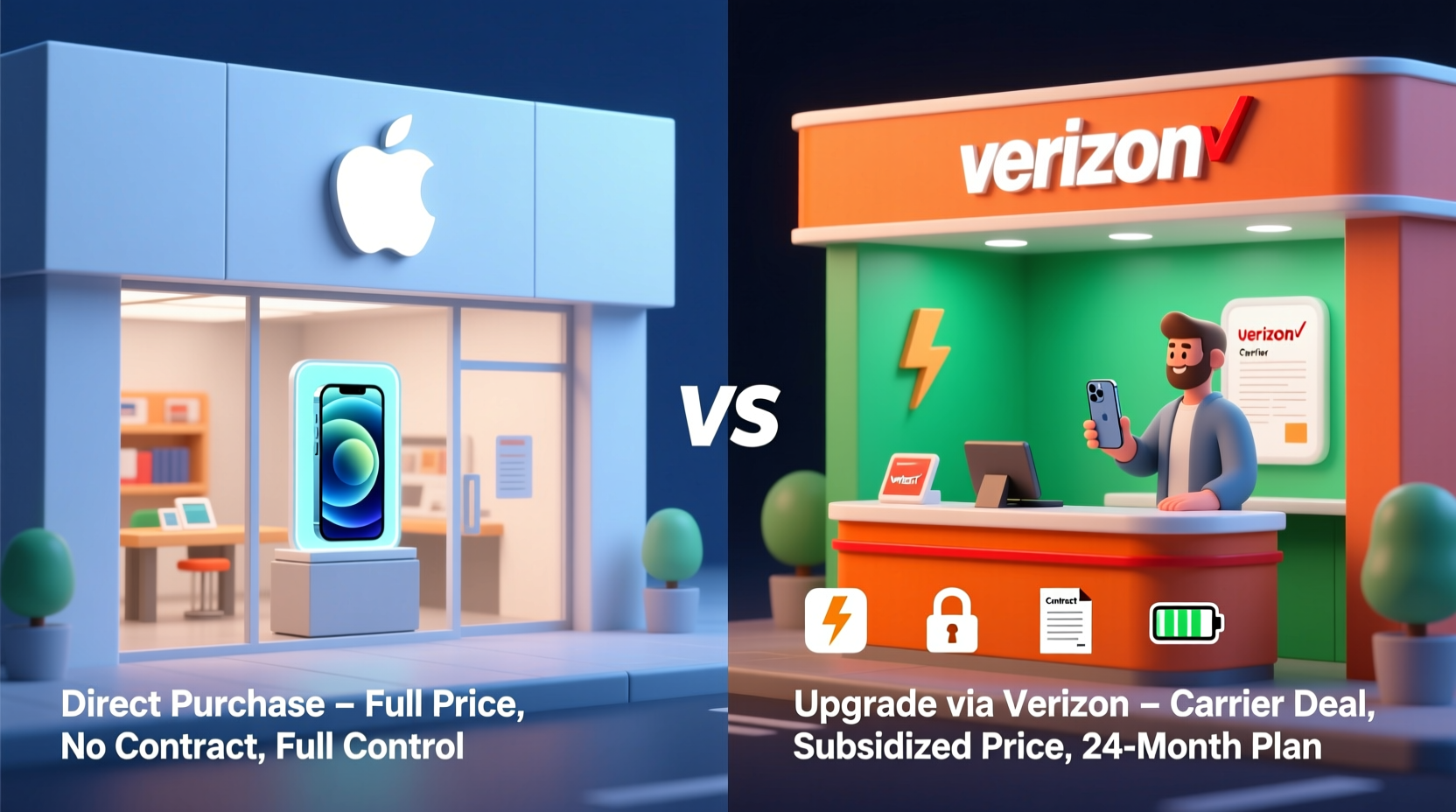
The most immediate difference between buying from Apple versus upgrading through Verizon lies in cost structure. Apple offers transparent, interest-free installment plans via Apple Card or standard credit, allowing you to pay for the full price of the iPhone over 24 months with no carrier markup. For example, an iPhone 15 priced at $799 translates to approximately $33.29 per month—no hidden fees.
Verizon, on the other hand, often promotes \"free\" or heavily discounted upgrades—but only if you're enrolled in a specific plan such as Verizon’s “Upgrade Your World” or its Device Payment Program (DPP) tied to Unlimited plans. These discounts usually require trading in your old device and maintaining service for a set period. However, the lower monthly payment on the phone is frequently offset by higher plan costs. A “$0-down” iPhone might come with a requirement to stay on a premium unlimited plan that costs $30–$60 more per month than a basic SIM-only plan.
“Carriers advertise low phone payments, but consumers often overlook the inflated service costs that make the total package far more expensive.” — Sarah Lin, Consumer Tech Analyst at Wirecutter
Flexibility and Ownership Control
Buying from Apple gives you full ownership of the device immediately upon purchase—even if you're paying in installments. The phone is unlocked by default (if purchased outright or with an Apple Card), meaning you can switch carriers anytime without penalty. This flexibility is invaluable if you travel internationally, want to switch to a cheaper MVNO (like Mint Mobile or Visible), or change your data needs.
In contrast, phones acquired through Verizon are typically locked to the network for at least 60 days and may remain tied to your account until paid off. Even after payoff, some users report delays in unlocking. More importantly, if you terminate service before completing your device agreement, Verizon may charge an early termination fee or demand the remaining balance of the phone.
Trade-In Value and Discounts: Who Offers Better Deals?
Both Apple and Verizon offer trade-in programs, but their valuation methods differ. Apple uses a standardized grading system and partners with certified recyclers to assess devices. Their trade-in credits are applied directly to your purchase and are consistent across regions. You can even receive a refund if your device is worth more than expected after inspection.
Verizon’s trade-in values often appear higher at first glance, especially when bundled with promotional offers like “Get an iPhone 15 for $800 off.” But these high discounts usually depend on stacking multiple conditions: staying on a specific plan, trading in a high-value device, and signing a new two-year agreement. If you cancel early or downgrade your plan, the carrier can claw back those promotional credits as bill adjustments.
| Factor | Apple Purchase | Verizon Upgrade |
|---|---|---|
| Upfront Cost | $0–full price | $0 (with trade-in + promo) |
| Monthly Phone Payment | Fixed, interest-free (e.g., $33/mo) | Lower advertised, but tied to plan |
| Service Plan Requirement | None | Mandatory (often premium plan) |
| Device Lock | Unlocked (by default) | Locked initially |
| Switch Carriers Mid-Contract | Yes, anytime | No—balance due or fees apply |
| Trade-In Simplicity | Transparent, instant credit | Complex, conditional credits |
Real Example: Sarah’s Upgrade Dilemma
Sarah, a freelance designer in Austin, was ready to upgrade her aging iPhone 12. She received a text from Verizon offering her an iPhone 15 for “$0 down and $0/month for 24 months” with a trade-in. Excited, she brought her phone into the store—only to learn the deal required her to upgrade to Verizon’s Ultimate Unlimited plan, increasing her monthly bill from $60 to $95.
Curious, she checked Apple’s website. She could buy the same iPhone 15 for $799, pay $33.29/month over 24 months, and keep her current $60 plan with Visible (a Verizon MVNO). After factoring in the extra $35/month for three years, Sarah realized the “free” phone would actually cost her over $1,200 more in service fees alone. She chose Apple’s direct route, kept her budget-friendly plan, and now owns an unlocked device she can use anywhere.
Step-by-Step: How to Decide What’s Best for You
- Evaluate your current plan: Are you on a premium unlimited plan already? If not, calculate the true cost of upgrading to meet carrier requirements.
- Check your trade-in value: Get quotes from both Apple and Verizon using identical device conditions. Note whether credits are instant or conditional.
- Review your usage: Do you need unlimited data and hotspot access, or would a leaner plan suffice? This affects how much you’ll overpay for carrier bundling.
- Consider future mobility: Will you travel abroad, switch jobs with different telecom perks, or consider cutting costs later? Unlocked phones offer greater freedom.
- Run the numbers: Add up total cost over 24 months: phone payments + any increased service fees. This reveals the real price difference.
Frequently Asked Questions
Can I use an Apple-purchased iPhone on Verizon?
Yes. All iPhones sold by Apple are compatible with Verizon’s network, provided they support the necessary LTE and 5G bands. Simply insert a Verizon SIM card or activate eSIM settings.
Does Verizon report my payments to Apple if I finance through them?
No. When you finance through Verizon, you’re entering a contract with the carrier, not Apple. Your payment history does not affect your Apple ID, credit with Apple, or eligibility for Apple’s own financing.
What happens if I leave Verizon before paying off my phone?
You’ll be required to pay the remaining balance in full. Verizon may also place a hold on your account or restrict future upgrades until the debt is settled.
Final Recommendation: When to Choose Which Option
Buying directly from Apple is generally the smarter financial move if you value transparency, flexibility, and ownership. It’s ideal for users who want to avoid carrier lock-in, maintain control over their service plan, or plan to resell or travel with their phone.
Upgrading through Verizon makes sense only if you’re already on—or fully intend to stay on—a qualifying unlimited plan, and you’re certain you won’t change carriers or downgrade service. The convenience of bundling phone and service can simplify billing, but it rarely saves money in the long run.
“The cheapest-looking upgrade today can become the most expensive decision tomorrow if you don’t read the fine print.” — Mark Tran, Senior Editor at Consumer Reports
Take Control of Your Next Upgrade
Your iPhone is more than a device—it’s a long-term investment in connectivity, productivity, and personal use. How you acquire it should align with your financial habits and lifestyle needs. Don’t let flashy carrier promotions obscure the bigger picture. By comparing total cost, understanding contractual strings, and prioritizing freedom, you can make a choice that benefits you beyond launch day.




 浙公网安备
33010002000092号
浙公网安备
33010002000092号 浙B2-20120091-4
Comments
No comments yet. Why don't you start the discussion?