
Purchasing electronics has become increasingly expensive. As prices for smartphones, laptops, and tablets continue to climb, many consumers are turning to refurbished models as a cost-effective alternative. But one question lingers: Is it truly safe to buy refurbished electronics—even when they come from trusted sources? The answer isn’t a simple yes or no. It depends on who you're buying from, what condition the device is in, and how transparent the seller is about the product’s history.
The good news is that when sourced from reputable vendors, refurbished electronics can be just as reliable—and sometimes even more rigorously tested—than brand-new devices. With proper due diligence, buyers can enjoy significant savings without compromising performance or safety.
What Does “Refurbished” Actually Mean?
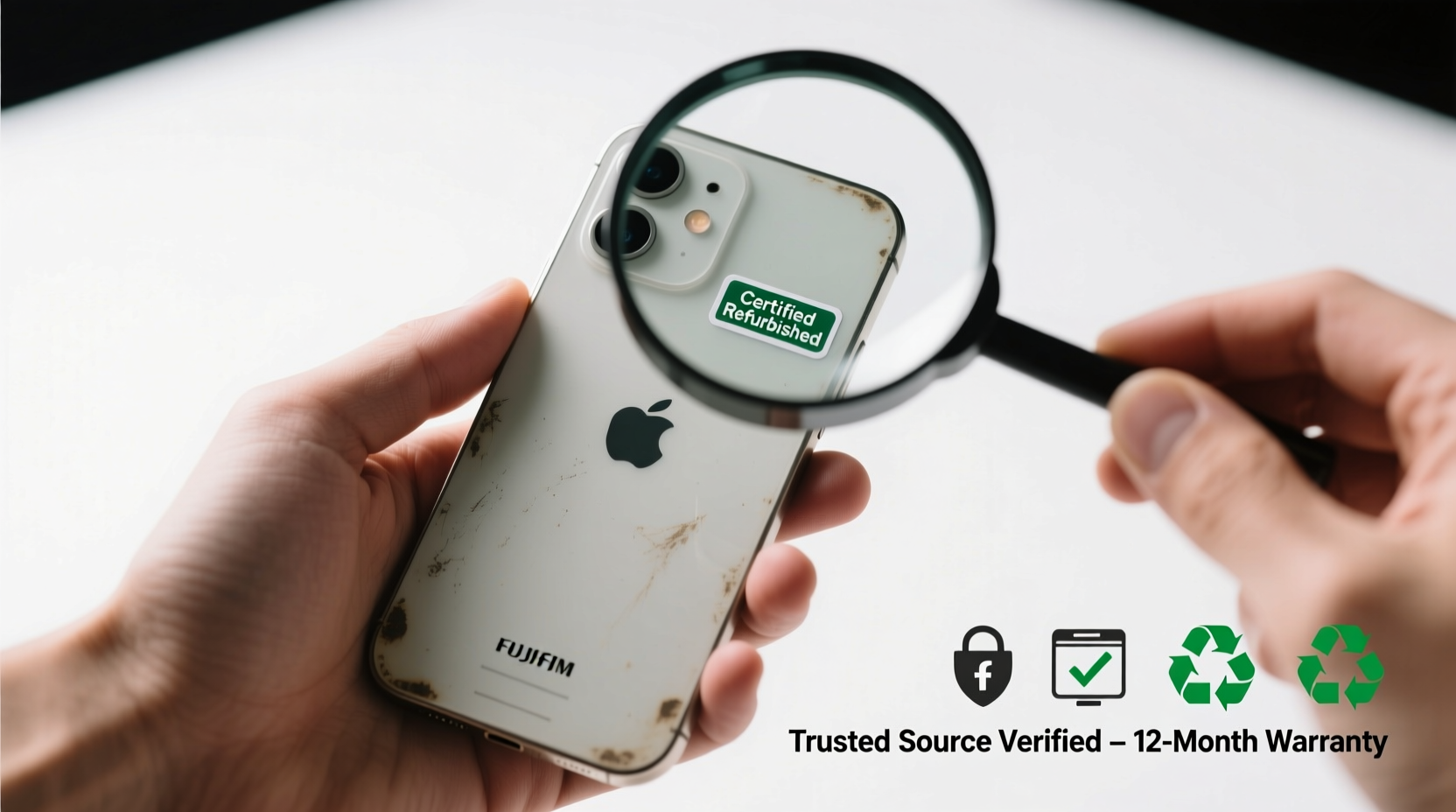
The term “refurbished” refers to electronic devices that were returned, used briefly, or had minor defects, then repaired, cleaned, and restored to working condition before being resold. These items may have been returned due to buyer’s remorse, cosmetic flaws, or technical issues that have since been resolved by certified technicians.
There are different levels of refurbishment:
- Manufacturer-refurbished: Devices repaired and resold directly by the original manufacturer (e.g., Apple Certified Refurbished, Dell Outlet).
- Retailer-refurbished: Sold by major retailers like Best Buy or Amazon Renewed after inspection and repair.
- Third-party refurbished: Handled by independent companies not affiliated with the brand. Quality varies widely here.
The key distinction lies in accountability. When a manufacturer or authorized retailer handles the refurbishment, there's typically a standardized process involving diagnostics, part replacements, software resets, and quality assurance checks.
“Refurbished doesn’t mean broken—it means renewed. A properly refurbished device undergoes testing equivalent to new units.” — James Lin, Senior Tech Analyst at Consumer Insights Group
Why Trusted Sources Matter
Not all refurbished electronics are created equal. The safety and reliability of your purchase hinge largely on the credibility of the source. Buying from an unknown marketplace or unverified seller increases the risk of receiving a poorly repaired device with hidden issues.
Trusted sources implement strict protocols:
- Full diagnostic testing of hardware components (battery, screen, camera, ports)
- Replacement of worn or defective parts
- Factory reset and reinstallation of original operating system
- Cosmetic grading (e.g., \"Like New,\" \"Good\") based on visible wear
- Inclusion of warranty and return policies
For example, Apple’s Certified Refurbished program includes a complete functional test, replacement of any non-perfect components, repackaging with new accessories, and a standard one-year warranty—identical to what comes with a new device.
How to Evaluate a Refurbished Purchase: A Step-by-Step Guide
Making a safe decision requires more than trusting a brand name. Follow this timeline to ensure you’re getting a high-quality refurbished device:
- Research the Seller (Day 1): Confirm the company’s reputation through customer reviews, BBB ratings, and tech forums. Avoid sellers with inconsistent return policies or vague descriptions.
- Check Warranty Terms (Day 1–2): Reputable sellers offer at least a 90-day warranty; top-tier programs provide up to one year. Ensure coverage includes both parts and labor.
- Review Cosmetic Grading (Day 2): Most sellers use grades like “Excellent,” “Good,” or “Fair.” Choose based on your tolerance for scratches or dents. Photos should match the description.
- Verify Battery Health (Day 3): For phones and laptops, check battery cycle count and capacity. On iPhones, look for ≥80% health. Laptops should have ≤300 cycles for optimal longevity.
- Test Immediately Upon Arrival (Day of Delivery): Power on the device, connect to Wi-Fi, run basic functions (camera, speakers, charging), and confirm serial number matches the listing.
- Initiate Return if Needed (Within 14 Days): Use the return window if anything feels off. Don’t wait until the deadline expires.
Comparing Risk Levels: Where to Buy vs. Where to Avoid
| Source Type | Safety Level | Warranty | Red Flags |
|---|---|---|---|
| Manufacturer-certified (Apple, Dell, etc.) | High | 1 year standard | None if genuine |
| Major retailer (Amazon Renewed, Best Buy Outlet) | Medium-High | 90 days – 1 year | Vague condition labels, mixed seller pool |
| Authorized third-party refurbishers | Medium | 30–90 days | Limited support, inconsistent grading |
| Online marketplaces (eBay, Facebook Marketplace) | Low-Medium | Varies widely | No testing proof, final sale tags, fake listings |
| Unknown local shops or pop-up websites | Low | Rarely offered | No traceability, no returns |
This comparison underscores a critical point: trust is earned through transparency and accountability. The safest refurbished purchases come from entities with skin in the game—those whose brand reputation depends on customer satisfaction.
Real Example: Sarah’s Smart Switch to Refurbished
Sarah, a freelance graphic designer from Portland, needed a powerful laptop but couldn’t justify spending $2,500 on a new MacBook Pro. After researching options, she found an Apple Certified Refurbished 16-inch model with M1 Pro chip, 16GB RAM, and 1TB SSD priced at $1,899—nearly $600 less than retail.
She checked Apple’s refurbishment details: new battery, new outer shell, full diagnostic passed, one-year warranty included, and eligibility for AppleCare+. She also verified the serial number online before purchase.
Three months later, the laptop performs flawlessly. “I was nervous at first,” she said, “but now I tell everyone this was one of my best tech decisions. It looks brand new and runs faster than my old machine.”
Sarah’s experience highlights how a methodical approach—choosing a trusted source, verifying specs, and understanding warranty terms—can lead to a satisfying and secure purchase.
Do’s and Don’ts of Buying Refurbished Electronics
“Buying refurbished isn’t risky if you treat it like buying a used car—you inspect it, check the history, and go through a trusted dealer.” — Linda Park, Electronics Consumer Advocate
| Do | Don't |
|---|---|
| Buy from manufacturer-certified programs | Assume “refurbished” means “like new” without checking condition grade |
| Look for at least a 90-day warranty | Purchase from sellers with no return policy |
| Compare pricing with new models to assess value | Ignore battery health metrics on mobile devices |
| Read recent customer reviews mentioning long-term reliability | Fall for deals that seem too good to be true |
| Keep original packaging and receipts for warranty claims | Delay testing the device upon arrival |
FAQ: Common Questions About Refurbished Electronics
Does “refurbished” mean the device was damaged?
Not necessarily. Many devices are returned simply because the buyer changed their mind or opened the box. Others may have had minor issues—like a faulty charging port—that were professionally repaired. Refurbished only indicates the item was previously owned and restored, not that it was severely damaged.
Are refurbished electronics slower or less reliable than new ones?
No, not inherently. Once fully restored, a refurbished device operates identically to a new one. In fact, some manufacturers stress-test refurbished units more rigorously than new stock to ensure durability. Performance depends on the refurbishment quality, not the status itself.
Can I get the latest software updates on a refurbished phone?
Absolutely. Refurbished phones receive the same over-the-air updates as new models. As long as the device is within its supported lifecycle (e.g., iPhone 12 and newer for iOS updates), you’ll get security patches and feature upgrades just like any other user.
Final Checklist Before You Buy
Before clicking “Add to Cart,” run through this concise checklist to protect your investment:
- ✅ Is the seller authorized by the manufacturer?
- ✅ Does the listing include detailed photos and a clear condition grade?
- ✅ Is there a minimum 90-day warranty?
- ✅ Can you return the device if it doesn’t meet expectations?
- ✅ Is the price significantly lower than retail without seeming unrealistic?
- ✅ Has the battery been replaced or tested (especially for phones and laptops)?
- ✅ Are original accessories included, or are they clearly listed as replacements?
If you can answer “yes” to most of these, you're likely dealing with a trustworthy option. This checklist acts as a filter against misleading listings and poor-quality inventory.
Conclusion: Make Informed Choices, Not Fear-Based Ones
Budget-conscious shopping doesn’t have to mean taking unnecessary risks. Buying refurbished electronics from trusted sources is not only safe—it can be smarter. You gain access to premium technology at reduced prices, often backed by warranties and rigorous quality control. The key is knowing where to look and what questions to ask.
Manufacturers and major retailers have built entire divisions around refurbishment because they recognize the demand for affordable, sustainable tech. When you choose certified programs, you're not settling for second-best; you're making a strategic, informed decision.




 浙公网安备
33010002000092号
浙公网安备
33010002000092号 浙B2-20120091-4
Comments
No comments yet. Why don't you start the discussion?