
In an era where technology evolves at breakneck speed, the allure of cutting-edge devices often comes with a steep price tag. Many consumers are turning to refurbished electronics as a cost-effective alternative—saving 20% to 50% compared to brand-new models. But with savings comes skepticism: Is buying refurbished tech actually safe? Can you trust the device’s history, performance, and longevity? The answer isn’t a simple yes or no. It depends on where you buy, how the device was refurbished, and what protections are in place. This guide cuts through the noise, revealing which sources are trustworthy, what red flags to watch for, and how to make informed decisions that protect both your wallet and your data.
What Does “Refurbished” Really Mean?
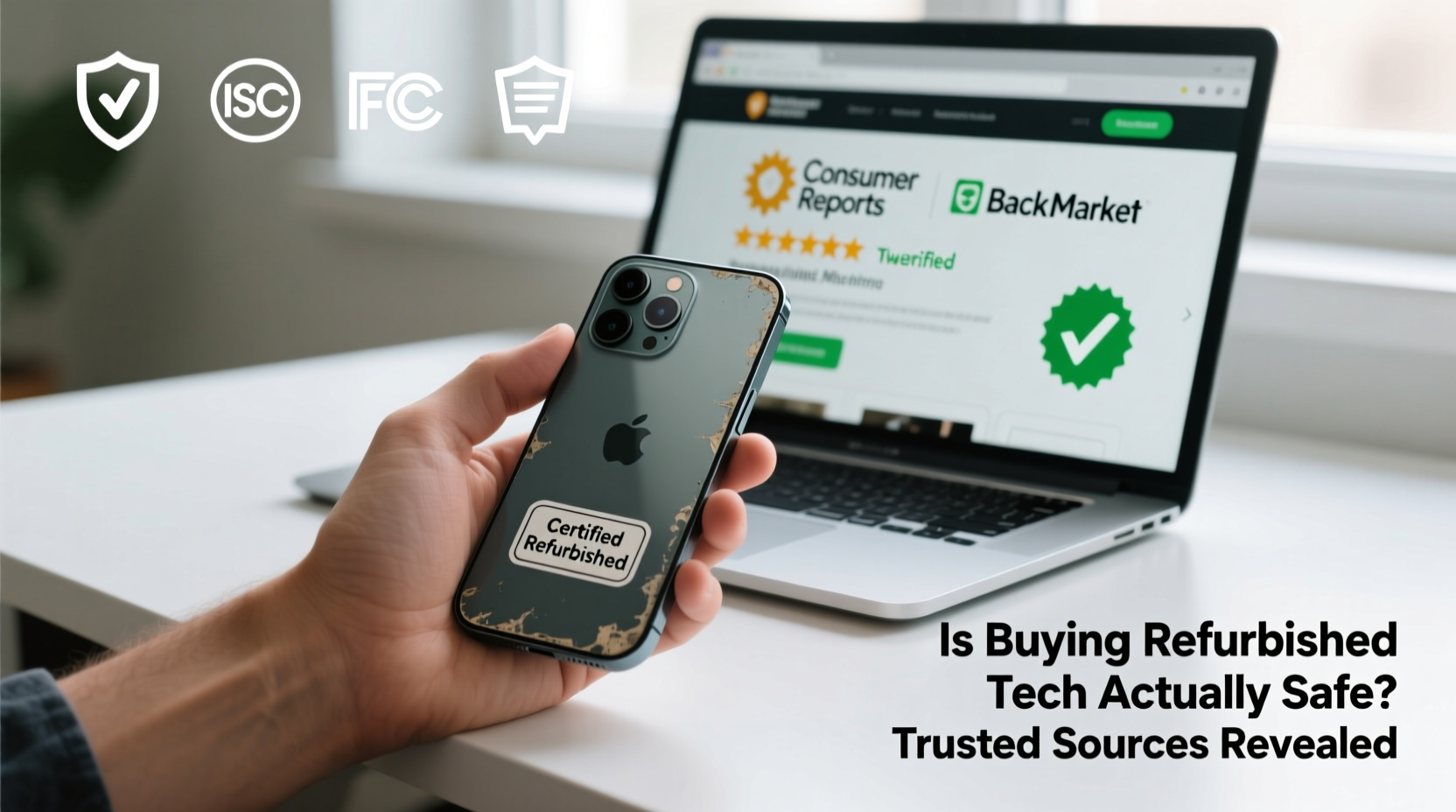
The term “refurbished” is often misunderstood. It doesn’t mean “broken and barely fixed.” Instead, it refers to a product that was returned, used briefly, or displayed, then restored to working condition by a qualified technician. Refurbishment typically includes:
- Thorough inspection for hardware damage
- Replacement of defective components (battery, screen, charging port)
- Software reset and OS reinstallation
- Testing for functionality and performance
- Cosmetic cleaning and repackaging
However, not all refurbishment is created equal. There are three main categories:
- Manufacturer-refurbished: Devices restored by the original company (e.g., Apple, Dell). These come with warranties and strict quality control.
- Seller-refurbished: Restored by third-party retailers or resellers. Quality varies widely depending on the seller’s standards.
- Open-box or lightly used: Items returned shortly after purchase, often still in pristine condition but repackaged as refurbished.
The safest route is manufacturer-refurbished gear, where the same team that built the device handles its restoration.
Trusted Sources for Buying Refurbished Tech
Not all online marketplaces are equally reliable when it comes to refurbished electronics. Some platforms have rigorous vetting processes; others allow anyone to list a used phone as “like new.” Here’s a breakdown of the most trusted sources:
| Source | Type | Warranty | Return Policy | Why It’s Trusted |
|---|---|---|---|---|
| Apple Certified Refurbished | Manufacturer | 1-year warranty | 14-day return window | Same build quality, tested by Apple engineers, includes new battery and外壳 |
| Dell Outlet | Manufacturer | Up to 3 years | 30 days | Built and tested in Dell facilities, full software reload, enterprise-grade testing |
| Microsoft Store Renewed | Manufacturer | 90-day warranty | 30 days | Surface devices fully inspected, cleaned, and updated by Microsoft |
| Amazon Renewed | Third-party seller | 90-day minimum | 30 days | Vetted sellers only, but quality varies; best for mid-tier brands |
| Best Buy Outlet | Retailer-refurbished | Geek Squad coverage available | 15 days | In-house refurbishment, accessible support, good for laptops and appliances |
While Amazon Renewed offers convenience, it’s essential to filter results by “Ships from and sold by Amazon” to avoid unreliable third-party vendors. eBay’s “Refurbished” section can also be useful if you stick to sellers with 98%+ positive feedback and clear return policies.
“Buying refurbished directly from the manufacturer eliminates guesswork. You’re getting a device that meets the same standards as new, just without the premium packaging.” — Lena Tran, Senior Editor at TechValue Insights
Hidden Risks and How to Avoid Them
Even reputable sources carry some risk. The key is knowing what to look for—and what to walk away from.
Data Security Concerns
One of the biggest fears with used or refurbished devices is residual personal data. A poorly wiped phone or laptop could expose passwords, photos, or financial records. Reputable refurbishers use Department of Defense-level data erasure tools (DoD 5220.22-M), ensuring complete sanitization.
Battery Degradation
Lithium-ion batteries degrade over time. A refurbished phone might work perfectly, but if the battery has 70% capacity, it won’t last a full day. Always check the battery health report—on iPhones, go to Settings > Battery > Battery Health. For other devices, diagnostic tools like CoconutBattery (Mac) or AccuBattery (Android) can help.
Cosmetic Misrepresentation
Some sellers label heavily scratched devices as “minor wear,” especially on marketplace platforms. Read reviews carefully and look for phrases like “scratches on back” or “screen has micro-scratches.” If no photos are provided, assume the worst.
Step-by-Step Guide to Buying Refurbished Tech Safely
Follow this sequence to minimize risk and maximize value when purchasing refurbished electronics:
- Determine your needs: Are you looking for a phone, laptop, tablet, or smartwatch? Prioritize performance requirements and intended use (e.g., gaming vs. office work).
- Set a budget: Decide how much you’re willing to spend and compare refurbished prices to new models. Aim for at least 30% savings.
- Choose a trusted source: Stick to manufacturer outlets or authorized retailers. Avoid unknown websites offering deals that seem too good to be true.
- Verify warranty and return policy: Ensure there’s at least a 90-day warranty and a no-questions-asked return window.
- Check device specifications: Confirm storage size, RAM, model number, and included accessories (charger, cable, box).
- Read customer reviews: Look for feedback about reliability, shipping time, and post-purchase support.
- Inspect upon arrival: Test all functions—camera, speakers, touchscreen, charging port—within the first 24 hours.
- Reset and secure: Perform a factory reset again, set up two-factor authentication, and install security updates.
Real Example: Sarah’s Smart Switch to Refurbished
Sarah, a freelance graphic designer from Portland, needed a powerful laptop for her growing business but couldn’t justify spending $2,500 on a new MacBook Pro. After researching options, she found a refurbished 16-inch MacBook Pro (2021 model) on Apple’s Certified Refurbished store for $1,899—a $600 savings.
The device came with a one-year warranty, new battery, and outer shell, and passed Apple’s 174-point inspection. She received it in sealed packaging with all original accessories. After six months of daily use—including video editing and multitasking across design apps—she reports zero issues. “It runs faster than my old iMac,” she says. “I even upgraded the SSD myself using guides online. Total cost, including upgrades: still under $2,000.”
Sarah’s experience highlights the potential of buying refurbished from trusted sources: premium performance at a smarter price, backed by confidence in quality.
Refurbished vs. New: A Practical Comparison
Many buyers wonder whether the savings are worth the perceived risk. Here’s a side-by-side comparison based on real-world usage:
| Factor | Refurbished (Certified) | New |
|---|---|---|
| Average Price | $800 (for iPhone 14) | $999+ |
| Performance | Identical to new | Identical |
| Warranty | 90 days to 1 year | 1 year standard |
| Environmental Impact | Reduces e-waste, lowers carbon footprint | Higher resource consumption |
| Availability of Latest Features | May be 1–2 generations behind | Immediate access |
| Resale Value | Slightly lower due to prior ownership | Higher initial depreciation |
The data shows that for most users, the functional difference between a certified refurbished device and a new one is negligible. The environmental benefit alone makes it a compelling choice—electronics waste is the fastest-growing waste stream globally, and extending device lifespans reduces demand for raw materials.
Frequently Asked Questions
Can refurbished devices be hacked or compromised?
Only if purchased from untrustworthy sources. Certified refurbishers wipe all data using military-grade protocols. To be extra safe, perform your own factory reset after purchase and monitor for unusual behavior.
Do refurbished phones come with chargers?
It depends on the seller and region. Apple’s refurbished iPhones include a USB-C to Lightning cable but no power adapter. Dell laptops usually come with chargers. Always check the product description before buying.
How long do refurbished devices typically last?
A well-maintained, manufacturer-refurbished device can last just as long as a new one—often 3 to 5 years. Battery life may degrade slightly faster if the replacement battery isn’t new, so verify battery condition at purchase.
Final Checklist Before You Buy
Before clicking “Buy Now,” run through this quick checklist to ensure you’re making a safe, smart decision:
- ✅ Is the seller the original manufacturer or an authorized partner?
- ✅ Does the listing clearly state “certified refurbished”?
- ✅ Is there a warranty of at least 90 days?
- ✅ Can I return the item if it doesn’t meet expectations?
- ✅ Are customer reviews consistently positive (4.5+ stars)?
- ✅ Are the specs (storage, RAM, model) exactly what I need?
- ✅ Has the device been tested for screen, camera, sound, and connectivity?
Conclusion: Smart Savings Without the Risk
Buying refurbished tech isn’t just safe—it’s often the smarter choice. When sourced from reputable manufacturers or certified retailers, these devices offer the same performance, reliability, and security as new models at a fraction of the cost. The stigma around “used” electronics is fading as more consumers recognize the value and sustainability of refurbished gear.
The key is diligence: know where to buy, understand what’s covered, and inspect your device upon arrival. With the right approach, you can upgrade your tech stack, reduce electronic waste, and keep hundreds of dollars in your pocket—all without compromising on quality.




 浙公网安备
33010002000092号
浙公网安备
33010002000092号 浙B2-20120091-4
Comments
No comments yet. Why don't you start the discussion?