
The way we play games is evolving rapidly. What once required a powerful console or high-end PC under the TV can now stream directly to devices through the internet. Cloud gaming services like Xbox Cloud Gaming (formerly xCloud), NVIDIA GeForce NOW, and PlayStation Plus Premium promise instant access to AAA titles without hardware constraints. Meanwhile, traditional console gaming remains dominant with systems like the PlayStation 5 and Xbox Series X offering local processing power and guaranteed performance. But when it comes to core factors like latency and visual quality, which approach truly delivers a better experience?
This isn't just about convenience versus raw power—it's about responsiveness, image fidelity, and whether your gameplay feels fluid or frustrating. The answer depends heavily on your internet connection, location, expectations, and how you define \"better.\" Let’s break down both models across key technical and practical dimensions.
Understanding Latency: The Core Challenge in Cloud Gaming
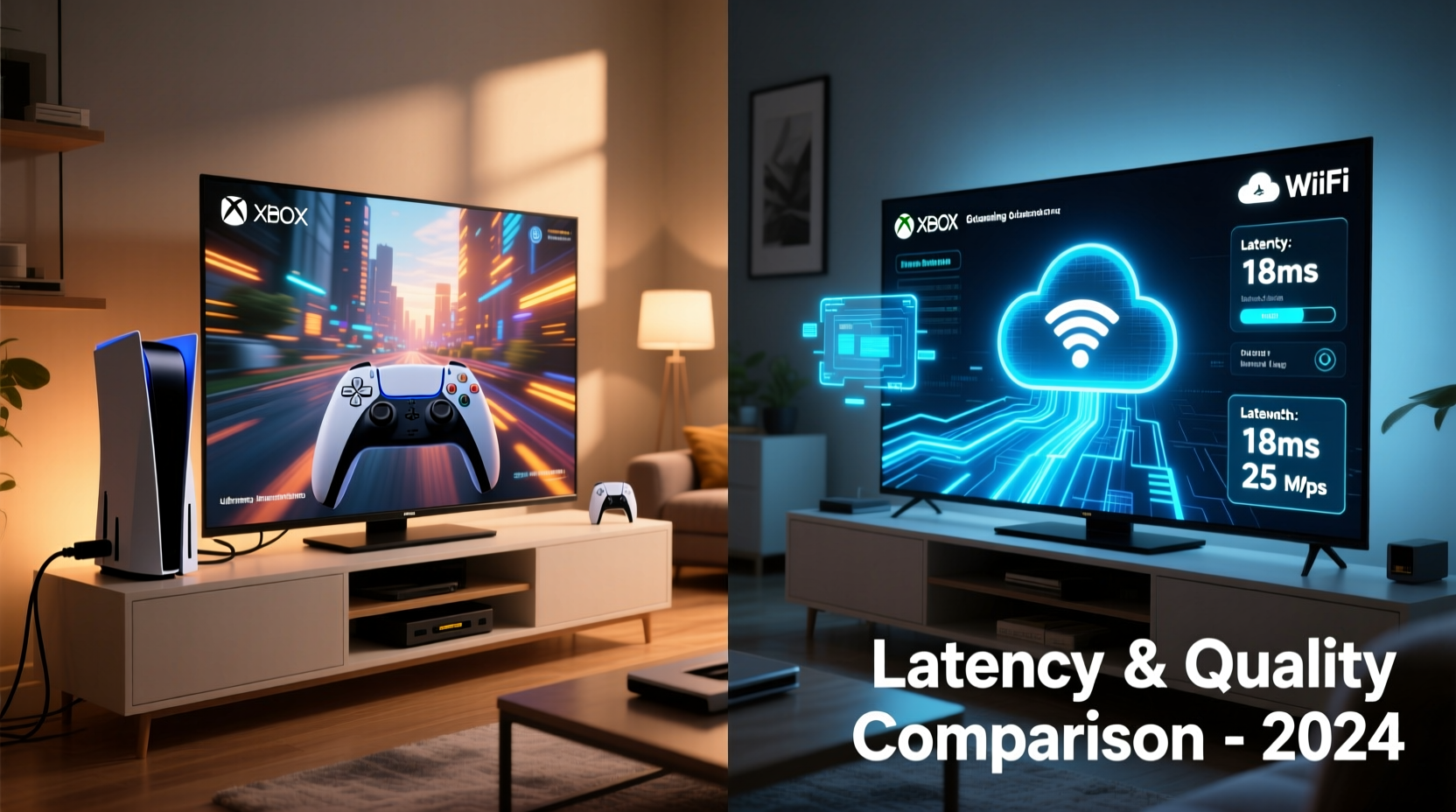
Latency—the delay between pressing a button and seeing the action on screen—is arguably the most critical factor in gaming performance. In competitive titles like first-person shooters or fighting games, even a few milliseconds can determine victory or defeat. With console gaming, input travels directly from controller to console to display, resulting in minimal lag—typically under 40ms depending on the TV and settings.
In contrast, cloud gaming introduces multiple stages of signal travel:
- Controller input sent to your device
- Data transmitted over the internet to a remote server
- Game processes the input on powerful hardware in a data center
- Video output encoded and streamed back to your device
- Decoded and displayed on your screen
This round-trip journey adds unavoidable delay. While providers optimize every step—using low-latency encoders, edge computing, and predictive input buffering—latency still averages between 60–100ms for most users, even on excellent connections.
“Even with perfect compression and fast networks, cloud gaming will always have higher latency than local rendering due to physics. The goal is making that difference imperceptible.” — Dr. Alan Chen, Network Optimization Researcher at MIT Media Lab
Visual Quality: Resolution, Frame Rate, and Compression Trade-offs
Console gaming offers consistent, predictable visual performance. On a PS5 or Xbox Series X, games typically run at native 4K resolution with HDR support, up to 120 frames per second, and full access to graphical features like ray tracing and dynamic lighting. Output quality depends only on your display and HDMI setup.
Cloud gaming, however, must compress video streams for transmission. Most platforms cap output at 1080p at 60fps, though some offer 4K (GeForce NOW Ultimate tier). Even then, the image is not native—it's a compressed stream decoded in real time. This leads to visible artifacts during fast motion, reduced color depth, and occasional blurring, especially if bandwidth fluctuates.
Compression efficiency varies by provider. Google Stadia used VP9 encoding; GeForce NOW uses AV1 on supported devices for better efficiency. Still, no streaming protocol matches the clarity of a direct HDMI signal from a local console.
Video Quality Comparison: Console vs. Cloud
| Feature | Console Gaming | Cloud Gaming |
|---|---|---|
| Max Resolution | Up to 4K native | Up to 4K (streamed) |
| Frame Rate | 60–120 FPS stable | Up to 60–120 FPS (varies by service) |
| Color Depth / HDR | Full HDR support | Limited HDR availability |
| Image Clarity | No compression loss | Visible compression in motion |
| Consistency | Stable, hardware-controlled | Depends on internet stability |
For casual players who prioritize accessibility over pixel perfection, cloud gaming’s visual trade-offs may be acceptable. But for enthusiasts investing in high-end TVs and surround sound, the lack of true HDR and artifacting during explosions or rapid camera pans can be immersion-breaking.
Real-World Performance: A Mini Case Study
Consider Sarah, a gamer living in Austin, Texas, with a 150 Mbps fiber-optic connection. She owns a mid-tier 4K TV and loves playing Fortnite and Horizon Forbidden West. After subscribing to PlayStation Plus Premium, she tried streaming Horizon to her TV via the cloud instead of using her PS5.
Initially impressed by the instant launch and lack of downloads, she noticed issues within minutes. During chase sequences, textures appeared smeared. When Aloy fired her bow rapidly, frame pacing stuttered briefly after network dips. Most critically, aiming felt slightly delayed—she missed several headshots she would normally land.
She switched back to her PS5. Instantly, the world snapped into sharper focus. Animations were smoother, colors richer, and controls more responsive. Despite paying for both services, she found herself returning to the console for serious play sessions.
Sarah’s experience reflects a common trend: cloud gaming works well for casual or secondary use, but often falls short when precision and fidelity matter most.
Cost and Accessibility: Where Cloud Shines
While cloud gaming lags in latency and quality, it excels in flexibility and upfront cost. Buying a new console costs $400–$500. High-end gaming PCs start above $1,000. Cloud services, by comparison, operate on subscription models:
- Xbox Cloud Gaming: Included in Game Pass Ultimate ($17/month)
- GeForce NOW: Starts at $10/month (Priority tier)
- PlayStation Plus Premium: $18/month
These fees grant access to large game libraries without purchasing individual titles or hardware. You can play on smartphones, tablets, smart TVs, or older laptops—ideal for travelers, renters, or those avoiding bulky setups.
Additionally, cloud gaming eliminates long download times, disc swaps, and storage management. Games start in seconds, and saves sync across devices. For families or shared households, this ease of access is transformative.
Checklist: Is Cloud Gaming Right for You?
Answer these questions to determine if cloud gaming suits your needs:
- Do you have a stable internet connection with at least 25 Mbps (preferably 50+ Mbps)?
- Are you primarily playing single-player or turn-based games rather than competitive multiplayer?
- Do you value portability and multi-device access over maximum graphics quality?
- Are you looking to reduce upfront hardware costs?
- Can you tolerate occasional compression artifacts or minor input lag?
If you answered “yes” to most, cloud gaming could be an excellent fit. If you’re a competitive player or own premium display equipment, a dedicated console likely remains superior.
Future Outlook: Can Cloud Catch Up?
Proponents argue that cloud gaming will eventually match—and surpass—local consoles. Advances in 5G, edge computing, AI-powered frame prediction, and next-gen codecs like AV1 and VVC are reducing latency and improving stream efficiency.
Microsoft, for instance, has invested billions in Azure data centers optimized for gaming workloads. Their vision is a world where game ownership shifts entirely to the cloud, much like music moved from CDs to Spotify.
However, infrastructure limitations remain significant. True low-latency streaming requires data centers within 500 miles of users—currently impossible in rural or developing regions. Bandwidth caps and data throttling also hinder adoption in areas without unlimited internet plans.
Consoles, meanwhile, continue evolving. The next generation may feature faster SSDs, AI-enhanced rendering, and deeper integration with VR/AR. Local processing still holds advantages in consistency, customization, and offline play.
Frequently Asked Questions
Can I reduce cloud gaming lag?
Yes. Use a wired Ethernet connection, close background apps, choose servers geographically close to you, and ensure your Wi-Fi router supports 5GHz bands. Some services allow adjusting stream quality to lower resolution for reduced latency.
Does cloud gaming use a lot of data?
Yes. Streaming at 1080p/60fps consumes roughly 2.4 GB per hour. At 4K, usage can exceed 7 GB/hour. Check your internet plan’s data cap before extended sessions.
Can I play offline with cloud gaming?
No. Cloud gaming requires constant internet connectivity. Unlike consoles, you cannot download and play games without a live connection (except for select hybrid models like Steam Remote Play).
Conclusion: It Depends on Your Priorities
So, is cloud gaming better than console gaming in terms of latency and quality? Technically, no—not yet. Consoles deliver lower latency, higher visual fidelity, and more consistent performance. They remain the gold standard for immersive, high-performance gaming experiences.
But cloud gaming offers compelling benefits: affordability, instant access, cross-device continuity, and freedom from hardware upgrades. For many users, especially those prioritizing convenience over millisecond-level precision, it represents the future of accessible entertainment.
The choice isn’t binary. Many gamers now use both—playing competitively on console while relying on cloud for travel or secondary screens. As technology improves, the gap will narrow. Until then, the best platform depends not on specs alone, but on how, where, and why you play.




 浙公网安备
33010002000092号
浙公网安备
33010002000092号 浙B2-20120091-4
Comments
No comments yet. Why don't you start the discussion?