
The promise of cloud gaming has long been tantalizing: play AAA games on any device, anywhere, without needing a high-end console or PC. With services like Xbox Cloud Gaming, NVIDIA GeForce NOW, PlayStation Plus Premium, and Amazon Luna now mature and widely available, the question is no longer whether cloud gaming works—but whether it’s ready to replace traditional consoles by 2025.
This shift hinges on two critical factors: latency—the responsiveness between player input and on-screen action—and library depth, including access to new releases, exclusives, and backward compatibility. While convenience and accessibility have improved dramatically, fundamental technical and economic challenges remain. Let’s analyze where cloud gaming stands today and what must change for it to truly dethrone the console.
Latency: The Achilles’ Heel of Cloud Gaming
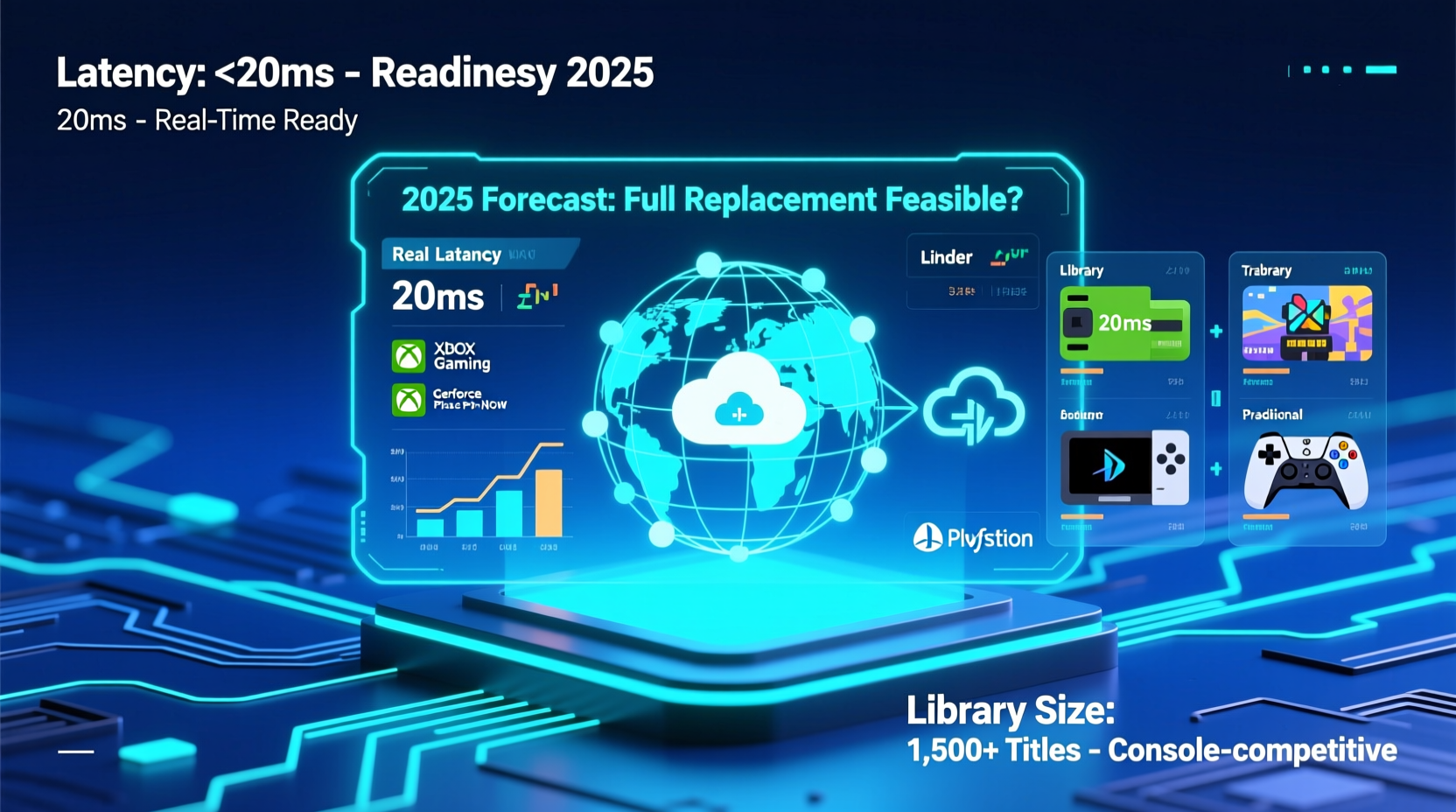
Latency is the most significant barrier to cloud gaming replacing consoles. Traditional consoles process inputs locally, delivering near-instantaneous response times. In contrast, cloud gaming relies on sending controller data over the internet to remote servers, rendering frames in data centers, compressing them, and streaming them back—all within milliseconds.
Even under ideal conditions, this round-trip introduces unavoidable delays. According to Microsoft's internal benchmarks, Xbox Cloud Gaming averages around 60–90ms of added latency beyond local play. Add network jitter, suboptimal Wi-Fi, or distance from server regions, and that can easily exceed 130ms—well above the 40ms threshold many competitive gamers consider acceptable.
First-person shooters and fighting games suffer the most. A study by Digital Foundry in 2023 found that in Fortnite played via GeForce NOW, perceived input lag made precise aiming noticeably harder compared to native console or PC play. Similarly, rhythm games like Taiko no Tatsujin become nearly unplayable due to timing discrepancies.
“Cloud gaming will never match local hardware for latency-sensitive genres. It’s physics, not marketing.” — Dr. Lena Cho, Network Optimization Researcher at MIT Media Lab
Game Library Comparison: Breadth vs. Exclusivity
A robust game library is essential for any gaming platform. Consoles offer curated, exclusive titles that drive hardware sales—God of War, Halo Infinite, The Legend of Zelda. Cloud platforms, meanwhile, depend on licensing agreements, subscription models, and publisher cooperation.
Here’s how major services stack up as of early 2025:
| Service | Library Size | New Releases Day One? | Exclusive Titles | Backward Compatibility |
|---|---|---|---|---|
| Xbox Cloud Gaming | ~400 titles (via Game Pass) | Yes (first-party & select third-party) | Limited (Xbox exclusives only when subscribed) | Strong (backward compatible Xbox titles) |
| NVIDIA GeForce NOW | 1,500+ (owned or purchased elsewhere) | No (must own games on Steam/Epic) | None | Moderate (depends on user’s library) |
| PlayStation Plus Premium | ~800 titles | No (except rare promotions) | Some PS4/PS5 classics; few new exclusives streamed | Excellent (PS1, PS2, PSP, PS4, PS5 support) |
| Amazon Luna | ~200 titles | Limited (mostly indie and mid-tier) | None | Poor |
While GeForce NOW boasts the largest potential library, it requires prior game purchases—limiting appeal. Xbox leads in first-party integration, offering day-one access to new Microsoft titles like Fable (2025) and Starfield. However, Sony remains cautious, streaming only a fraction of its PS5 exclusives, often months after release.
Third-party publishers are also hesitant. Activision Blizzard, for example, does not allow Call of Duty titles to be streamed via subscription unless bundled with Xbox Game Pass. EA Play offers limited cloud access through Xbox, but full Origin purchases still require local installation for optimal performance.
Real-World Performance: A Case Study
Consider Maria, a 28-year-old graphic designer living in Denver. She owns a mid-range laptop and a 4K smart TV but no console. Interested in playing Forza Motorsport (2023), she subscribes to Xbox Game Pass Ultimate and uses her home Wi-Fi (150 Mbps down, 20 Mbps up) to stream via browser.
On paper, her connection meets Microsoft’s recommended 20 Mbps for 1080p streaming. Yet during peak evening hours, her ping fluctuates between 35ms and 90ms, and packet loss occasionally spikes. She notices input lag during tight cornering and occasional frame drops during multiplayer races. When she switches to her office’s gigabit connection during lunch breaks, performance improves significantly—demonstrating how variable real-world networks impact experience.
Maria loves the flexibility but finds herself frustrated during crucial moments. “It’s great for casual play,” she says, “but I wouldn’t trust it in a ranked race.” Her story reflects a broader truth: cloud gaming works well in controlled environments but falters under everyday conditions.
Infrastructure Limitations and Regional Gaps
Server proximity is critical. Microsoft operates 70+ Azure regions globally, enabling low-latency access in North America, Western Europe, Japan, and Australia. But in South America, Southeast Asia, and Africa, coverage is sparse or nonexistent. Gamers in Jakarta or Buenos Aires often connect to distant servers, adding 100ms+ of baseline delay before gameplay even begins.
Compression technology helps reduce bandwidth needs—Xbox Cloud Gaming uses H.265 encoding to deliver 1080p at ~15 Mbps—but visual fidelity still lags behind native output. Texture pop-in, audio sync issues, and dynamic resolution scaling are common complaints. Even at high bitrates, streamed video cannot match the clarity and consistency of locally rendered graphics.
Moreover, business models create friction. Most cloud services require ongoing subscriptions ($15–$20/month). Over five years, that totals $900–$1,200—more than the cost of a PS5 or Xbox Series X. While there’s no upfront hardware cost, long-term value depends heavily on usage frequency and game ownership.
Step-by-Step: How to Optimize Your Cloud Gaming Experience in 2025
If you're considering cloud gaming as a primary method, follow this practical sequence to maximize performance:
- Test your internet speed using fast.com or speedtest.net. Aim for at least 30 Mbps download and consistent ping below 50ms.
- Use a wired Ethernet connection whenever possible. Avoid Wi-Fi congestion from other devices.
- Select the nearest server region in your cloud gaming app settings (e.g., choose “East US” instead of “Central US” if closer).
- Close bandwidth-heavy apps like video calls, downloads, or streaming services during gameplay.
- Invest in a compatible controller—Xbox Wireless, DualSense, or supported third-party options with Bluetooth or USB.
- Start with less demanding games—RPGs, strategy, or turn-based titles—to gauge stability before trying fast-paced shooters.
- Monitor service uptime and maintenance via official status dashboards (e.g., Xbox Status, GeForce NOW Status).
Future Outlook: Can Cloud Catch Up by 2025?
By 2025, cloud gaming will be more capable than ever, but not universally ready to replace consoles. Improvements are coming:
- Edge computing will bring servers closer to users, reducing latency by 20–40ms in supported cities.
- AV1 encoding is being adopted by NVIDIA and Microsoft, improving visual quality at lower bitrates.
- AI-powered prediction may compensate for lag by anticipating player inputs—a technique already tested in Google Stadia prototypes.
- Integrated ISP partnerships (e.g., AT&T bundling GeForce NOW with fiber plans) could prioritize gaming traffic.
However, physical limitations persist. No amount of optimization can eliminate the speed-of-light delay between Denver and a Dallas data center. And until publishers fully embrace cloud-first releases—and consumers accept recurring fees over ownership—consoles will retain their edge in performance, reliability, and game access.
Frequently Asked Questions
Can I play new AAA games on cloud the same day they release?
Only if they’re part of a subscription bundle like Xbox Game Pass. Most third-party AAA titles (e.g., Assassin’s Creed Shadows) are not available on day one via cloud unless you already own them digitally and the service supports it.
Do I need a powerful device to use cloud gaming?
No. Since processing happens in the cloud, even smartphones, tablets, or budget laptops can run high-end games. However, a stable internet connection and compatible controller are essential for a good experience.
Is cloud gaming cheaper than buying a console?
Short-term, yes. You avoid the $400–$500 upfront cost. But after three years of subscription fees (~$20/month), you’ll have spent more than a console. Long-term savings depend on how often you play and whether you’d otherwise buy games individually.
Final Verdict: Complement, Not Replacement
As of 2025, cloud gaming is a powerful complement to—not a replacement for—traditional consoles. It excels in portability, instant access, and lowering entry barriers. Casual players, travelers, or those with secondary devices benefit greatly. But for hardcore gamers seeking precision, consistent performance, and full control over their libraries, local hardware remains superior.
The dream of a console-free future still faces hurdles: infrastructure inequality, latency physics, licensing fragmentation, and consumer habits. While progress continues, true parity is likely years away. For now, the smart approach is hybrid—using cloud for flexibility and consoles (or gaming PCs) for peak performance.
“The future isn’t cloud versus console. It’s about giving players choice—where, when, and how they want to play.” — Amir Chen, Head of Interactive Streaming at IEEE Games & Media Forum




 浙公网安备
33010002000092号
浙公网安备
33010002000092号 浙B2-20120091-4
Comments
No comments yet. Why don't you start the discussion?