
Gaming has evolved far beyond the living room TV. With portable devices now capable of delivering console-grade experiences, more players are asking: can a tablet truly replace a dedicated handheld console like the Nintendo Switch, Steam Deck, or Playdate? While tablets have made impressive strides in processing power and display quality, they differ fundamentally from purpose-built gaming devices. The answer isn’t a simple yes or no—it depends on what kind of gamer you are, what games you play, and how much you value control, optimization, and ecosystem support.
Tablets offer versatility. They’re work tools, communication hubs, media centers, and yes—gaming machines. But that jack-of-all-trades nature comes with trade-offs when stacked against handhelds designed solely for gaming. Let’s break down the key factors that determine whether a tablet can match or surpass a dedicated handheld console.
Performance and Hardware: Power vs. Optimization
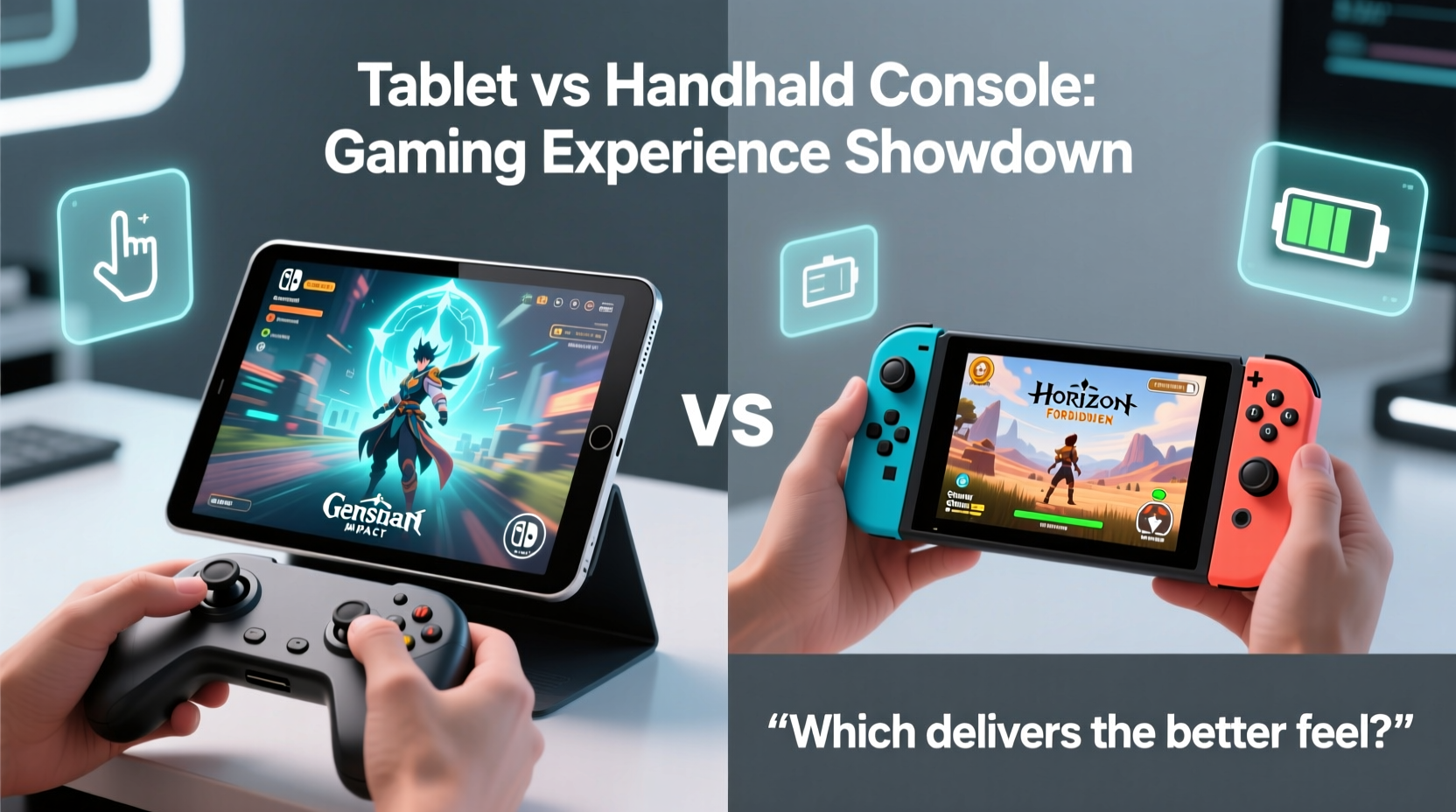
On paper, high-end tablets often outshine handheld consoles. Devices like the iPad Pro or Samsung Galaxy Tab S9 pack flagship mobile chipsets—Apple’s M2 or Qualcomm’s Snapdragon 8 Gen 2—that rival mid-tier laptops in raw computational power. These chips handle graphically intensive games like *Genshin Impact* or *PUBG Mobile* with ease, offering smooth frame rates and stunning visuals on large, high-resolution displays.
However, raw power doesn’t tell the whole story. Dedicated handhelds prioritize sustained performance and thermal management. The Steam Deck, for example, uses a custom AMD APU built for extended gaming sessions. It throttles less under load because its chassis is engineered to dissipate heat efficiently. Tablets, by contrast, are thin, lightweight, and not always optimized for long gameplay bursts. After 30–45 minutes of intense gaming, many tablets begin to throttle, reducing frame rates to prevent overheating.
Battery life also diverges significantly. While a top-tier tablet might last 8–10 hours during video playback, gaming drains the battery much faster—often cutting that time in half. Handheld consoles, meanwhile, are calibrated for gaming efficiency. The Nintendo Switch lasts 4–9 hours depending on the title, while the Steam Deck achieves 2–8 hours in performance mode, but with user-adjustable settings to extend playtime.
Controls: Touchscreen vs. Physical Input
This is where the gap widens most dramatically. Tablets rely primarily on touchscreens, which lack tactile feedback and precision. Virtual joysticks and buttons occupy screen space, obscure visuals, and can feel imprecise during fast-paced action. While some games adapt well—especially puzzle titles, strategy games, or casual mobile experiences—titles requiring quick reflexes (like platformers or shooters) suffer without physical controls.
Dedicated handhelds solve this with ergonomically placed analog sticks, face buttons, triggers, and d-pads. These allow muscle memory to develop, making gameplay more intuitive and responsive. Even budget-friendly options like the Anbernic RG series or the Miyoo Mini+ offer full physical controls that enhance immersion and accuracy.
That said, tablets aren’t helpless. Many support Bluetooth controllers such as the Xbox Wireless Controller, PlayStation DualSense, or 8BitDo pads. When paired, a tablet can deliver a near-console experience. But this adds cost and complexity—now you’re carrying two devices instead of one integrated unit. For spontaneous gaming, pulling out a single device with built-in controls remains more convenient.
“Input lag and lack of haptics make touchscreen gaming feel detached. Physical buttons create connection between player and game.” — Marcus Lin, Game Interface Designer at IndieDev Studio
Game Library and Ecosystem
The software ecosystem is another critical differentiator. Tablets run on iOS or Android, giving access to millions of apps and games through the App Store and Google Play. However, the vast majority are free-to-play titles monetized through ads or in-app purchases—many designed for short play sessions rather than deep engagement.
In contrast, dedicated handhelds offer curated libraries focused on premium gaming experiences. The Nintendo Switch boasts exclusives like *The Legend of Zelda: Tears of the Kingdom*, *Metroid Dread*, and *Hollow Knight: Silksong*. Steam Deck gives full access to your Steam library, including AAA titles like *Elden Ring* and *Cyberpunk 2077*, optimized for handheld play.
While tablets can run emulators and cloud gaming services like Xbox Cloud Gaming or GeForce Now, these require technical setup or strong internet connections. Native support for complex games is limited. You won’t find native ports of major PC or console titles unless they’re specifically adapted for mobile—a process developers often skip due to fragmentation across Android devices.
| Feature | High-End Tablet | Dedicated Handheld Console |
|---|---|---|
| Raw Processing Power | ★★★★★ | ★★★★☆ |
| Thermal Management | ★★★☆☆ | ★★★★★ |
| Native Controls | ★☆☆☆☆ | ★★★★★ |
| Premium Game Library | ★★★☆☆ | ★★★★★ |
| Battery Life (Gaming) | ★★★☆☆ | ★★★★☆ |
| Versatility | ★★★★★ | ★★☆☆☆ |
Real-World Example: Sarah’s Commute Upgrade
Sarah, a 29-year-old graphic designer, used her iPad Air daily for sketching and reading. She loved mobile games but grew frustrated trying to play *Dead Cells* with on-screen controls. After watching gameplay videos of the Steam Deck, she decided to try a dedicated device. She bought a used ROG Ally and paired it with a clip-on phone controller mount for her commute.
Within a week, her gaming habits changed. She completed *Hades* for the first time—something she’d struggled with on her tablet. “The difference wasn’t just the controls,” she said. “It was knowing I could jump into a real RPG or roguelike without compromises. My tablet feels like a toy now.”
Still, she didn’t abandon her iPad. She uses it for quick puzzle games like *Monument Valley* or word challenges during short breaks. But for immersive sessions, she reaches for her handheld. Her experience reflects a growing trend: dual-device usage, where tablets serve casual needs and handhelds handle serious gaming.
When a Tablet Wins—and When It Doesn’t
There are clear scenarios where a tablet shines over a dedicated handheld. For families, students, or travelers who want one device for productivity and light entertainment, a tablet makes sense. Educational games, drawing apps with stylus support, and streaming services integrate seamlessly. Parents don’t need to buy a separate gadget for kids’ gaming if the tablet already exists.
Additionally, tablets dominate in display quality. Many feature 120Hz OLED screens with exceptional color accuracy—superior even to the base Switch. For visually rich games or cloud-streamed content, the viewing experience is unmatched.
But for gamers seeking depth, responsiveness, and long-term investment in titles, dedicated handhelds win. They offer consistent input, better cooling, longer-term software support, and ecosystems built around progression and achievement. Emulation is smoother, indie games are more accessible, and save management is standardized.
Step-by-Step: Choosing the Right Device for Your Needs
Follow this decision framework to determine which device suits your lifestyle:
- Assess your primary use case: Do you want gaming as a side function of an existing device, or are you investing in gaming as a core hobby?
- Evaluate your game preferences: If you play mostly mobile-first titles (*Among Us*, *Stardew Valley Mobile*), a tablet suffices. If you crave ported AAA games or retro emulation, lean toward a handheld.
- Test control comfort: Try playing a platformer or shooter on your current tablet. If you struggle with precision, physical controls will improve your experience.
- Consider budget: High-end tablets cost $600–$1,200. A Steam Deck starts at $399. Factor in extra costs for controllers, cases, or storage upgrades.
- Check connectivity: Do you have reliable Wi-Fi for cloud gaming? If not, offline-native handhelds are more practical.
FAQ
Can I use a Bluetooth controller with my tablet?
Yes, most modern tablets support Bluetooth gamepads. iOS and Android both pair easily with Xbox, PlayStation, and third-party controllers like 8BitDo. This significantly improves gameplay but requires carrying additional hardware.
Are there any handhelds that run Android games?
Yes. Devices like the ASUS ROG Ally (with Android emulation layers), AYN Odin, or Retroid Pocket series run Android natively and can install APKs directly. These bridge the gap between tablet flexibility and handheld ergonomics.
Will tablets ever catch up to dedicated handhelds?
They may close the gap in processing power, but fundamental design differences remain. Until manufacturers build tablets with integrated controls and gaming-centric firmware, they’ll continue serving different audiences. Convergence is possible—imagine an iPad with detachable joystick modules—but not yet mainstream.
Conclusion
A tablet can be a great gaming device—if your expectations align with its strengths. It excels at casual, visual, and hybrid-use gaming, especially when combined with accessories. But when it comes to deep, responsive, and uninterrupted gameplay, dedicated handheld consoles still hold the crown. They offer superior ergonomics, tailored software, and a commitment to the gaming experience that general-purpose devices can’t replicate.
The best choice depends on your priorities. If gaming is one of many activities, stick with your tablet and enhance it with a controller. But if you’re passionate about games, consider adding a dedicated handheld to your tech lineup. The difference isn’t just technical—it’s emotional. There’s a reason so many players describe picking up a Switch or Steam Deck as “coming home.”




 浙公网安备
33010002000092号
浙公网安备
33010002000092号 浙B2-20120091-4
Comments
No comments yet. Why don't you start the discussion?