
For decades, the default choice for college students was clear: bring a laptop. But with rapid advancements in tablet technology—especially models like the iPad Pro, Microsoft Surface, and Samsung Galaxy Tab S-series—the debate has shifted. Many students now wonder: is a tablet truly a better tool for note-taking than a traditional laptop?
The answer isn’t universal. It depends on your learning style, course load, budget, and how you use technology daily. Tablets offer portability, handwriting support, and long battery life. Laptops deliver full multitasking, powerful software, and robust typing capabilities. This article breaks down both sides of the equation with real-world insights, expert opinions, and practical comparisons to help you make an informed decision.
Portability and Daily Carry: The Weight Factor
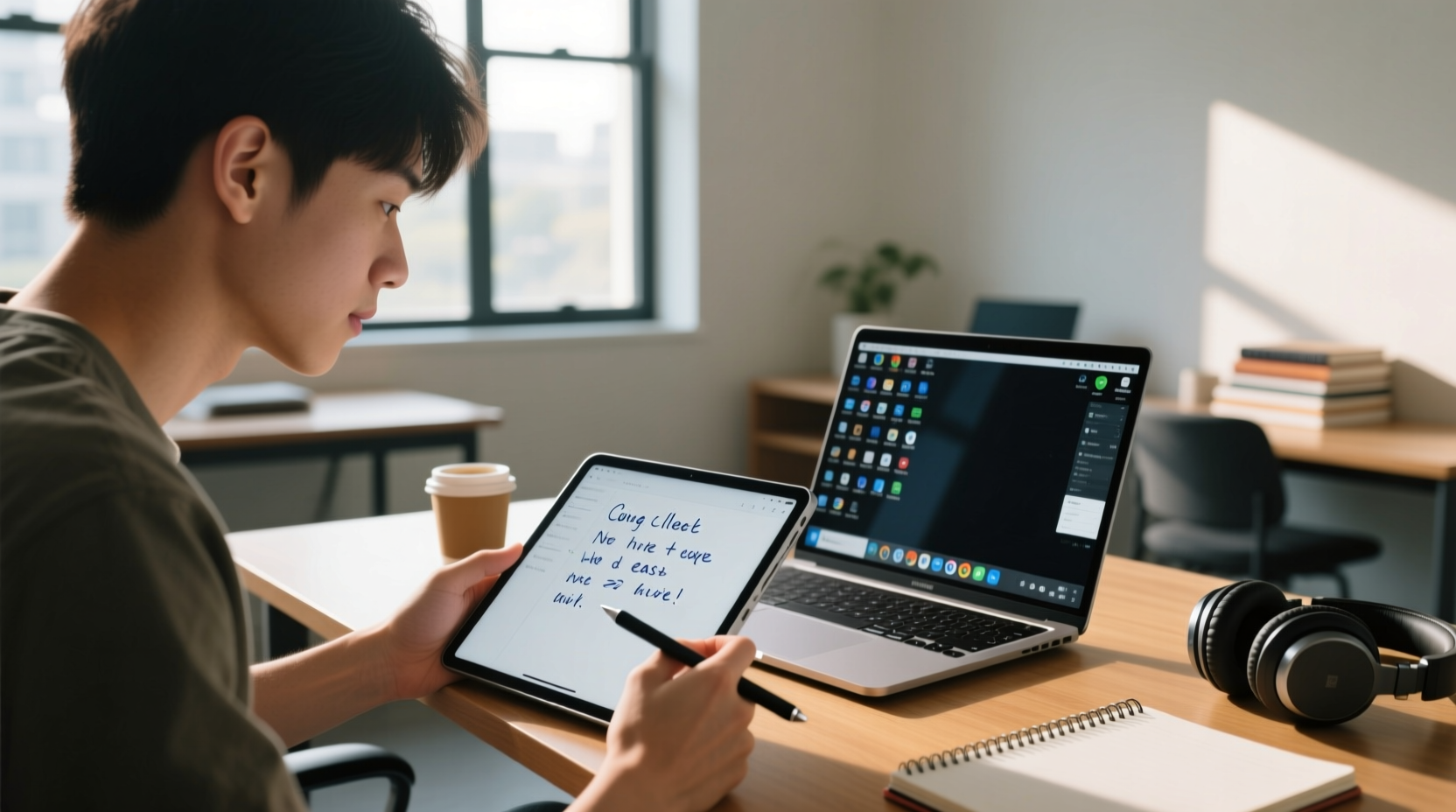
One of the most immediate differences between tablets and laptops is physical size and weight. A typical 13-inch laptop weighs between 2.5 and 4 pounds. Add a charger, case, and possibly a mouse, and you're carrying nearly 5 pounds across campus. In contrast, most high-end tablets weigh under 1.5 pounds—including their cases and styluses.
This difference becomes significant over time. Students attending multiple classes per day, walking between buildings, or commuting via public transit often report less fatigue when using a tablet. The compact form factor also makes it easier to take notes during lectures without blocking sightlines or requiring large desks.
However, portability comes with trade-offs. While a tablet fits easily into a backpack or even a large coat pocket, its smaller screen can make extended reading or research sessions tiring. Some students compensate by pairing their tablet with a portable keyboard, but that reintroduces bulk and defeats part of the lightweight advantage.
Performance and Functionality: What Can Each Device Actually Do?
Laptops run full desktop operating systems—Windows, macOS, or Linux—giving access to professional-grade software like MATLAB, SPSS, Adobe Creative Suite, and coding environments. For engineering, computer science, or design majors, this capability is non-negotiable. Even humanities students may need to use citation managers, statistical tools, or video editors that aren’t available—or are severely limited—on mobile platforms.
Tablets, particularly iPads, have made impressive strides. With apps like GoodNotes, Notability, OneNote, and Microsoft Office, they handle note-taking, PDF annotation, and basic document editing exceptionally well. When paired with a stylus like the Apple Pencil or Samsung S Pen, they replicate the natural flow of handwriting and sketching—ideal for diagrams in biology, math equations, or architectural sketches.
Yet limitations remain. File management on tablets is often more restrictive. Multitasking is possible (split-screen, slide-over windows), but not as fluid as on a laptop. External monitor support, USB-C peripherals, and local storage expansion are either limited or absent on many models.
“Students in STEM fields rarely benefit from switching fully to tablets unless they maintain a secondary device for heavy computing tasks.” — Dr. Lena Patel, Educational Technology Researcher at MIT
Comparison Table: Tablet vs Laptop for College Use
| Feature | Tablet | Laptop |
|---|---|---|
| Weight | 0.7–1.5 lbs (with case) | 2.5–5 lbs (with accessories) |
| Battery Life | 8–12 hours | 6–10 hours |
| Handwriting Support | Excellent (with stylus) | Limited (only on convertibles) |
| Typing Experience | Good (with external keyboard) | Excellent (built-in keyboard) |
| Software Flexibility | Moderate (app-based) | High (full OS) |
| Multitasking | Basic to moderate | Advanced |
| Price Range | $350–$1,200+ | $500–$2,000+ |
Real Student Experience: A Mini Case Study
Jessica, a third-year biology major at the University of Colorado, switched from a MacBook Air to an iPad Pro with Magic Keyboard after her sophomore year. “I was drowning in lecture notes,” she said. “Most of my classes involved diagrams—cell structures, biochemical pathways—and typing them out didn’t help me remember.”
She started using Notability to handwrite notes directly on lecture slides. She could highlight, circle, and annotate in real time. “It felt like I was back in a notebook, but searchable and backed up to the cloud.” Her grades improved slightly, but more importantly, she reported feeling more engaged during class.
However, challenges emerged. “When I had to write lab reports, I missed having two windows open—one for data, one for writing. I ended up connecting a Bluetooth keyboard and using split-screen, but it wasn’t seamless.” By mid-semester, she bought a used MacBook for $400 to keep at home for heavier work. “The iPad is my go-to for class, but the laptop handles the heavy lifting.”
Jessica’s story reflects a growing trend: hybrid usage. Rather than choosing one device over the other, many students now use tablets as primary note-taking tools and rely on laptops—or even desktops—for intensive assignments.
Cost Considerations and Long-Term Value
At first glance, tablets seem cheaper. An entry-level iPad starts at $329, while a capable stylus adds $99 and a keyboard case another $180–$250. That brings the total close to $600—a price point overlapping with budget laptops like Chromebooks or low-end Windows machines.
But value isn’t just about upfront cost. Laptops typically last 4–6 years with regular use. Tablets, especially if used heavily, may slow down after 3–4 years due to software updates or battery degradation. Repair costs for cracked screens or water damage are also higher on tablets, which often lack replaceable parts.
Additionally, subscription costs add up. Apps like Notability or GoodNotes offer free versions, but premium features (unlimited notebooks, advanced search, iCloud sync) require one-time purchases or subscriptions. Cloud storage beyond the free tier (e.g., iCloud+, Google One) is almost essential for backing up handwritten notes.
Step-by-Step Guide: Choosing the Right Device for You
Instead of assuming one device fits all, follow this decision-making process:
- Assess your academic needs. Are you in a field that requires specialized software? If yes, a laptop is likely necessary.
- Evaluate your note-taking style. Do you prefer typing, handwriting, or a mix? If handwriting is important, prioritize tablet compatibility with styluses.
- Consider your mobility. How far do you walk each day? Will you be taking notes in cramped lecture halls or outdoor settings?
- Test both options. Visit a campus tech store or borrow devices from friends. Try taking actual notes in a simulated class environment.
- Budget for accessories. Include the cost of a stylus, keyboard, case, and any required apps in your total estimate.
- Plan for longevity. Think about whether the device will serve you through all four years—or if you’ll need to upgrade sooner.
Checklist: Is a Tablet Right for Your College Note-Taking?
- ✅ I take lots of handwritten notes or draw diagrams frequently.
- ✅ I attend classes in tight spaces where a laptop is impractical.
- ✅ I value long battery life and instant-on functionality.
- ✅ My major doesn’t require heavy-duty software (e.g., CAD, programming IDEs).
- ✅ I’m comfortable managing files in a mobile ecosystem (iCloud, OneDrive, etc.).
- ✅ I can afford the full setup: tablet, stylus, keyboard, and protective case.
If you answered “yes” to most of these, a tablet may be a smart investment. If not, a laptop—or a combination of both—might serve you better.
Frequently Asked Questions
Can a tablet completely replace a laptop for college students?
For some students—particularly those in liberal arts, education, or health sciences—it can. However, most STEM, business, or technical majors will still need a laptop for software compatibility, coding, or complex data analysis. A tablet can reduce reliance on a laptop but rarely eliminates the need entirely.
Are there affordable alternatives to high-end tablets?
Yes. The standard iPad (starting at $329) with an affordable stylus like the Logitech Crayon or a third-party alternative offers strong functionality for note-taking. Android tablets like the Samsung Galaxy Tab A series or Lenovo M10 provide budget-friendly options, though app ecosystems may be less polished.
Do professors notice a difference in student engagement with tablets vs laptops?
Some do. A 2022 study published in *Educational Psychology Review* found that students using tablets for handwritten notes were less likely to engage in off-task browsing during lectures compared to laptop users. Handwriting appears to promote deeper cognitive processing and fewer distractions.
Conclusion: Make the Choice That Fits Your Workflow
The question isn’t whether tablets are universally better than laptops for college note-taking—it’s whether they’re better for you. Tablets excel in mobility, handwriting, and focused learning environments. Laptops dominate in power, flexibility, and multitasking. The ideal solution might not be one or the other, but a thoughtful blend of both.
Technology should enhance learning, not complicate it. Whether you choose a sleek tablet, a reliable laptop, or both, the goal is to capture knowledge efficiently and retain it effectively. Don’t follow trends blindly. Test, reflect, and build a system that supports your academic journey.




 浙公网安备
33010002000092号
浙公网安备
33010002000092号 浙B2-20120091-4
Comments
No comments yet. Why don't you start the discussion?