
In an era where remote communication defines both professional and personal interactions, choosing the right video calling platform matters. Two options frequently come up in conversations: Google Meet, a cloud-based video conferencing tool from Alphabet, and Samsung Video Call, built directly into Galaxy devices using carrier-supported technologies like RCS and VoLTE. While Google Meet dominates headlines and corporate workflows, Samsung’s native solution offers seamless integration for mobile users. But is one genuinely better—or is the perception driven more by marketing and ecosystem loyalty than actual performance?
This article breaks down both platforms across critical dimensions—features, reliability, accessibility, security, and user experience—to determine whether Google Meet's widespread acclaim is justified or if Samsung Video Call deserves more credit than it receives.
Understanding the Core Differences
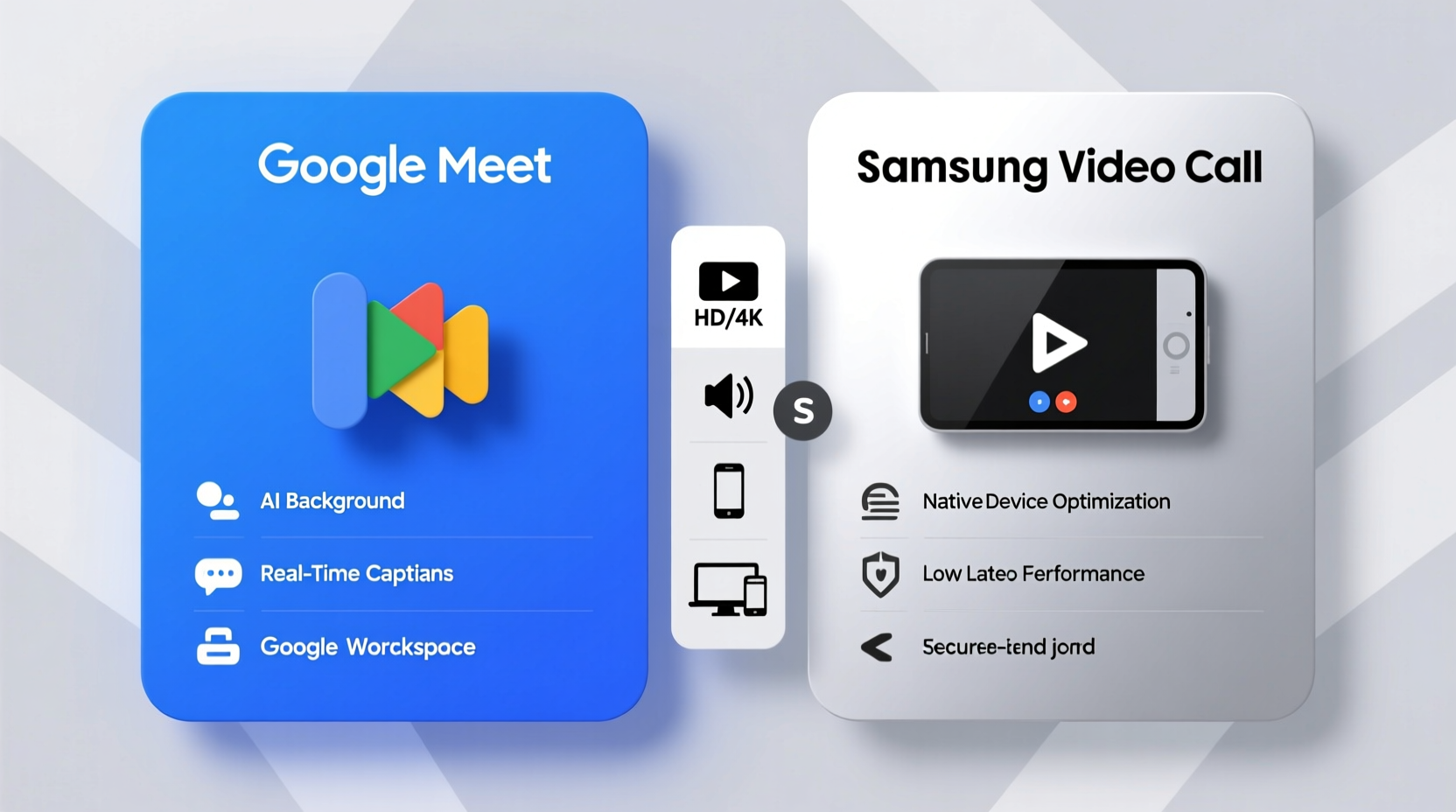
Before comparing features, it's essential to clarify what each service actually is. Google Meet and Samsung Video Call operate on fundamentally different models.
Google Meet is a full-featured video conferencing platform designed for enterprise and consumer use. It supports group meetings of up to 100 participants (or 500 with paid plans), screen sharing, live captions, recording, chat, and calendar integration via Google Workspace. Accessible through web browsers, iOS, Android, and desktop apps, it functions independently of hardware.
Samsung Video Call, on the other hand, refers primarily to high-definition voice and video calls made over cellular networks using Voice over LTE (VoLTE) and Rich Communication Services (RCS). These are one-on-one or small group calls initiated through the default Phone or Messages app on Samsung Galaxy devices. They don’t require third-party apps but depend heavily on carrier support and network quality.
This distinction is crucial: Google Meet is a standalone communication suite; Samsung Video Call is a device-level telephony enhancement. Comparing them isn’t apples-to-apples—but users often face a practical choice between launching Meet for clarity and control versus tapping “video call” in the dialer for speed and simplicity.
Feature Comparison: Where Each Platform Excels
| Feature | Google Meet | Samsung Video Call |
|---|---|---|
| Group Capacity | Up to 100–500 people (depending on plan) | Typically 2–4 people max |
| Screen Sharing | Yes, including presentations and windows | No |
| Recording | Available (Workspace subscribers) | No |
| End-to-End Encryption | Limited (in development for all meetings) | Only in RCS chats with verified encryption indicators |
| Accessibility | Web, Android, iOS, desktop apps | Galaxy phones only (with carrier support) |
| Call Quality | Adaptive bitrate, stable over Wi-Fi/data | HD when network permits; drops under weak signal |
| Integration | Gmail, Calendar, Drive, Workspace | Phone, Messages, Contacts |
The table highlights a clear divergence in purpose. Google Meet targets structured, multi-user collaboration. Samsung Video Call prioritizes instant, frictionless communication between individuals who already share a mobile ecosystem.
User Experience and Real-World Performance
To assess real-world value, consider how each performs outside ideal conditions.
Google Meet adapts well to variable internet speeds, dynamically adjusting resolution to maintain audio continuity. In low-bandwidth environments, it defaults to audio-only without dropping the session—a critical advantage for users on unstable connections. The interface is clean, intuitive, and consistent across devices. Joining a meeting requires only a link or code, making it accessible even to non-tech-savvy participants.
Samsung Video Call delivers excellent HD quality when both parties have strong LTE coverage. However, it lacks fallback mechanisms. If the signal dips, the call often reverts to standard definition or disconnects entirely. There’s no option to switch to audio-only gracefully. Additionally, cross-platform compatibility is limited: iPhone users cannot receive RCS video calls, eliminating its utility in mixed-device households or teams.
“Reliability under pressure separates enterprise tools from convenience features. Google Meet was built for unpredictability; most native calling systems were not.” — Lena Torres, Senior UX Researcher at TechCom Insights
A Mini Case Study: Remote Team Coordination
Jamal leads a five-member project team spread across three cities. Two members use Samsung Galaxy S23 devices; the others use iPhones and older Android phones. Initially, the team tried coordinating via Samsung’s video calling function due to its ease of access. However, two members couldn’t join at all, and connection instability caused frequent dropouts during critical updates.
Switching to Google Meet resolved these issues. Everyone could join via browser or app, screen sharing allowed real-time document review, and meetings were recorded for absent members. Though slightly more involved to set up, the gains in inclusivity and functionality were decisive.
This scenario illustrates a broader truth: convenience favors simplicity, but scalability demands robustness. For anything beyond casual peer-to-peer interaction, Google Meet proves superior.
Security and Privacy: What You’re Not Told
Privacy concerns are increasingly shaping platform choices. Google Meet encrypts data in transit and offers advanced admin controls for Workspace customers. While end-to-end encryption (E2EE) is available for one-on-one meetings, it’s disabled by default and not yet extended to group calls.
Samsung Video Call, when operating over RCS, can support E2EE if both users are on supported carriers and have chat encryption enabled. However, this applies only to messaging threads—not standalone video calls initiated from the phone dialer. Most traditional VoLTE video calls remain unencrypted, exposing them to potential interception on public networks.
If data sensitivity is a priority—such as in healthcare, legal consultations, or HR discussions—Google Meet, especially under a paid Workspace plan, offers stronger governance, audit logs, and compliance certifications (e.g., HIPAA, GDPR).
Practical Checklist: Choosing the Right Tool
Use this checklist to decide which platform fits your needs:
- ✅ Do you need to host more than four participants? → Choose Google Meet
- ✅ Is screen sharing or meeting recording required? → Choose Google Meet
- ✅ Are participants using non-Samsung or non-Android devices? → Choose Google Meet
- ✅ Is this a quick, informal call with someone nearby or at home? → Samsung Video Call may suffice
- ✅ Do you lack reliable Wi-Fi and rely on strong cellular signal? → Samsung Video Call might be more stable
- ✅ Are privacy and compliance critical? → Lean toward Google Meet (paid tier)
Frequently Asked Questions
Can I use Google Meet without a Google account?
Yes. As of recent updates, anyone can join a Google Meet call without signing in. Hosts must have a Google account, but guests can participate via a shared link directly in their browser—even on iOS or non-Chrome browsers.
Why can't my friend receive my Samsung video call?
This usually happens because the recipient uses a non-RCS-capable device (like an iPhone) or their carrier doesn’t support advanced calling features. Also, ensure that “Enhanced calling” or “HD Voice” is enabled in your Samsung device settings.
Is Samsung planning to build a Meet-like app?
Not officially. Samsung has partnered with Microsoft Teams and Zoom for enterprise solutions rather than developing its own full-scale conferencing platform. Its focus remains on optimizing native calling within the Android framework.
Final Verdict: Beyond the Hype
Google Meet isn’t better simply because it’s more popular—it earns its reputation through versatility, resilience, and depth of functionality. It addresses real-world challenges: spotty internet, diverse devices, large groups, and the need for documentation. Samsung Video Call excels in immediacy and integration but falters in flexibility and reach.
The “hype” around Google Meet reflects actual utility, particularly in professional and hybrid environments. That said, dismissing Samsung Video Call would be unfair. For spontaneous, personal conversations between Galaxy users, it offers unmatched simplicity. It’s fast, battery-efficient, and doesn’t drain data unnecessarily.
The smart approach isn’t to pick one permanently, but to match the tool to the task. Use Samsung Video Call for quick check-ins with family. Rely on Google Meet when clarity, inclusion, and structure matter.




 浙公网安备
33010002000092号
浙公网安备
33010002000092号 浙B2-20120091-4
Comments
No comments yet. Why don't you start the discussion?