
If you're already deep into the Amazon ecosystem with an Echo Dot on your nightstand, kitchen counter, or living room shelf, the idea of adding a Google Nest Hub might seem redundant. After all, both devices respond to voice commands, play music, control smart home gadgets, and deliver weather updates. But appearances can be deceiving. While they serve overlapping functions, the Google Nest Hub brings unique capabilities that the Echo Dot—lacking a screen—simply can't match. Whether it's worth the investment depends on how you use your smart assistant, what kind of smart home setup you have, and which digital ecosystems align best with your daily habits.
The answer isn’t a simple yes or no. For some users, the Nest Hub is a game-changer. For others, especially those fully committed to Alexa’s ecosystem, it may feel like an unnecessary second opinion from a different tech giant. Let’s explore the tangible benefits, subtle trade-offs, and real-life scenarios where the Nest Hub adds meaningful value—even when you already rely on an Echo Dot.
Understanding the Core Differences
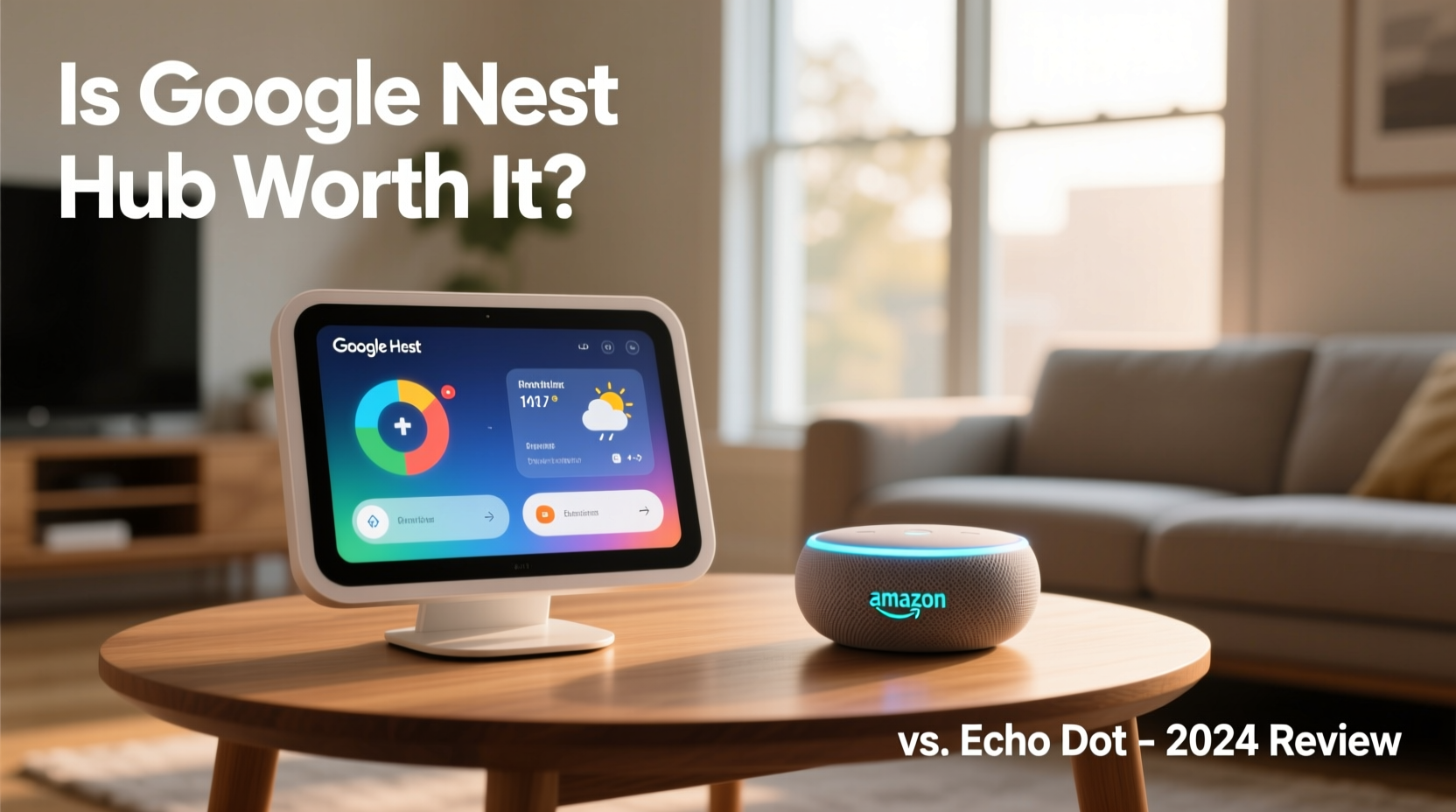
The most obvious distinction between the Echo Dot and the Google Nest Hub is the presence of a screen. The Echo Dot (4th gen and newer) is a compact, speaker-first device with far-field microphones and basic LED light indicators. It excels at audio-based tasks: playing podcasts, setting timers, answering questions, and controlling smart lights. But it offers zero visual feedback.
In contrast, the Google Nest Hub features a 7-inch touchscreen display (or 5.6 inches on the Nest Hub (2nd gen)), enabling visual interactions. You can see recipes while cooking, view security camera feeds, follow guided workouts, watch YouTube videos, and interact with photos from your Google Photos library. This visual layer transforms the device from a voice responder into a contextual assistant.
When the Nest Hub Adds Real Value
Even if you’re satisfied with your Echo Dot, there are several scenarios where the Nest Hub enhances—not duplicates—your smart home experience.
1. Visual Recipes and Cooking Assistance
Trying to follow a recipe with only voice guidance is frustrating. “How much garlic again?” “What’s the next step?” With the Nest Hub, you can pull up any recipe from the web, pin it to the screen, and let Google Assistant guide you hands-free with voice prompts while the steps remain visible. No need to unlock your phone with flour-covered fingers.
2. Smart Home Monitoring at a Glance
If you have indoor cameras, doorbell cams, or environmental sensors, the Nest Hub can display live feeds automatically when motion is detected—or on command. Saying “Hey Google, show me the front door” instantly streams video from your doorbell. The Echo Dot can tell you someone’s at the door, but only the Nest Hub lets you *see* them.
3. Morning Routines with Context
Both devices can deliver morning briefings, but the Nest Hub shows your calendar, traffic conditions, weather forecast with radar, and news headlines—all in one glance. This contextual awareness helps you make faster decisions about your day.
4. Fitness and Wellness Guidance
Google Fit integration and guided breathing exercises make the Nest Hub useful in bedrooms or home gyms. You can follow along with yoga routines or meditation sessions displayed on-screen, using voice controls to pause or skip. The Echo Dot supports fitness skills, but without visual cues, the experience is less immersive.
“Screens change how we interact with assistants. They reduce cognitive load by showing rather than telling.” — Dr. Lena Patel, Human-Computer Interaction Researcher, Stanford University
Comparing Ecosystems: Google vs. Amazon
Your choice isn’t just about hardware—it’s about software ecosystems. Each platform integrates more deeply with certain services, apps, and third-party devices.
| Feature | Google Nest Hub | Echo Dot |
|---|---|---|
| Primary Assistant | Google Assistant | Alexa |
| Display | 7\" or 5.6\" touch screen | No screen |
| Video Calling | Yes (via Google Duo/Facetime-like app) | Limited (requires compatible device) |
| Streaming Services | YouTube, YouTube Music, Netflix, Disney+, Hulu | Prime Video, Hulu, Netflix, Spotify |
| Photo Display | Yes (Google Photos integration) | Limited (Alexa Photo Flash Briefing) |
| Smart Home Compatibility | Broad (Matter/Thread, Works with Google) | Broad (Works with Alexa, Matter) |
| Calendar & Email Sync | Best with Gmail/Google Calendar | Best with Outlook, Microsoft 365, Apple |
| Voice Recognition | Multiple user profiles with personalized results | Multi-user recognition with tailored responses |
Notice the subtle but important differences. If you use Gmail, Google Calendar, and YouTube as your primary tools, the Nest Hub integrates seamlessly. On the other hand, if you're subscribed to Amazon Prime, use Outlook, and shop frequently on Amazon, Alexa feels more natural.
Real-World Example: The Dual-Assistant Household
Consider Sarah, a busy professional and parent of two. She uses an Echo Dot in the kitchen to manage her Amazon grocery list, set timers while cooking, and control her Philips Hue lights. But she recently added a Nest Hub to her bedroom.
Every morning, she says, “Good morning,” to the Nest Hub. It responds with a full visual briefing: today’s meetings, school pickup reminders, a weather forecast with rain chances, and a curated playlist based on her mood. Later, while helping her kids with homework, she asks the Nest Hub to “show me a diagram of the water cycle”—and it displays an interactive educational graphic. At night, it dims the screen and plays a wind-down meditation with visual breath cues.
Meanwhile, the Echo Dot remains her go-to for turning off lights, reordering coffee pods, and checking package deliveries. Both devices coexist because they serve different needs—one auditory and transactional, the other visual and contextual.
Sarah didn’t replace her Echo Dot. She expanded her toolkit. And that’s the key insight: the Nest Hub doesn’t have to replace Alexa. It can complement it.
Step-by-Step: How to Decide If You Need a Nest Hub
Follow this decision framework to determine whether adding a Nest Hub makes sense for your home:
- Assess Your Current Use of the Echo Dot: List everything you use it for. Is it mostly music, timers, and smart home controls? Or do you wish it could show you something?
- Identify Gaps in Functionality: Are there tasks you currently use your phone for that a screen-based assistant could handle? (e.g., recipes, calendars, photo viewing)
- Evaluate Your Digital Ecosystem: Do you use Google services daily? If yes, the Nest Hub will feel more integrated.
- Consider Placement: Where would a screen be useful? Bedrooms, kitchens, and home offices benefit most from visual feedback.
- Test Compatibility: Check if your smart home devices work with Google Assistant. Most do, but some niche brands are Alexa-only.
- Weigh the Cost: The Nest Hub starts around $70–$100. Is that justified by the added utility, or would a tablet suffice?
If three or more of these steps point toward added value, the Nest Hub is likely worth it—even with an Echo Dot in the house.
Common Concerns and Misconceptions
Some users hesitate due to myths or misunderstandings about dual-assistant setups.
- \"It’ll create confusion.\" In practice, most households assign roles: “Alexa” for shopping and lights, “Hey Google” for info and media. Context usually dictates which assistant you call upon.
- \"They’ll interfere with each other.\" Modern voice assistants have improved wake-word accuracy. Placing them in separate rooms minimizes cross-talk.
- \"I don’t want another subscription.\" Neither device requires a paid subscription for core functionality. Optional services (YouTube Premium, Amazon Music Unlimited) are separate.
Frequently Asked Questions
Can I use Google Assistant on my Echo Dot?
No. The Echo Dot runs exclusively on Alexa. While you can link some Google services (like Calendar or Music), the assistant itself cannot be replaced.
Will having both devices cause conflicts with smart home commands?
Not typically. As long as devices are properly linked to both ecosystems, you can control them via either assistant. Just ensure naming conventions are consistent (e.g., “kitchen light” not “light 1”).
Is the Nest Hub better than a tablet for this purpose?
For dedicated, hands-free use in fixed locations, yes. Tablets require unlocking, manual app launching, and frequent charging. The Nest Hub stays always-on, always-listening, and auto-displays relevant info.
Action Plan: Getting the Most Out of Both Devices
If you decide to add a Nest Hub, maximize its value with this checklist:
- ✅ Link your Google Account (Gmail, Calendar, Photos)
- ✅ Connect compatible smart home devices (Nest, Ring, Ecobee, etc.)
- ✅ Set up bedtime and morning routines with visual elements
- ✅ Enable Face Match to personalize the dashboard for different users
- ✅ Use it as a digital photo frame with Google Photos albums
- ✅ Position it where visual + voice interaction adds convenience (e.g., kitchen counter, bedside table)
- ✅ Disable microphone/camera when privacy is a concern (physical switch on some models)
At the same time, keep leveraging your Echo Dot for its strengths: voice shopping, quick queries, and whole-home audio sync with other Echo speakers.
Final Verdict: Complement, Not Replace
The Google Nest Hub isn’t a replacement for the Echo Dot. It’s a companion. If your needs are purely audio-based—playing music, setting alarms, checking the weather—the Echo Dot does that well enough. But if you find yourself reaching for your phone to check a recipe, view a calendar event, or peek at your doorbell camera, the Nest Hub eliminates that friction.
Technology doesn’t have to be an either/or proposition. Just as you might use an iPhone and a Windows laptop depending on the task, running both Alexa and Google Assistant in your home allows you to choose the right tool for the moment. The Nest Hub brings vision to voice, turning abstract answers into actionable visuals.
In homes where information, context, and convenience matter, the Nest Hub earns its place on the countertop—even when an Echo Dot is already nearby.




 浙公网安备
33010002000092号
浙公网安备
33010002000092号 浙B2-20120091-4
Comments
No comments yet. Why don't you start the discussion?