
For many casual gamers, the idea of upgrading to a mechanical gaming mouse might seem excessive. After all, if you're not competing professionally or spending hours each day in fast-paced shooters, does precision matter that much? The answer isn't as straightforward as yes or no—it depends on how you define value. While mechanical gaming mice are often marketed toward competitive players, their benefits extend into everyday use, even for those who play just a few rounds of a casual game on weekends.
This article breaks down whether the investment makes sense for non-hardcore users by examining build quality, responsiveness, longevity, ergonomics, and overall user experience. By the end, you'll have a clearer picture of whether stepping up from your standard optical mouse is truly worthwhile—or simply overkill.
Understanding Mechanical Gaming Mice: What Sets Them Apart?
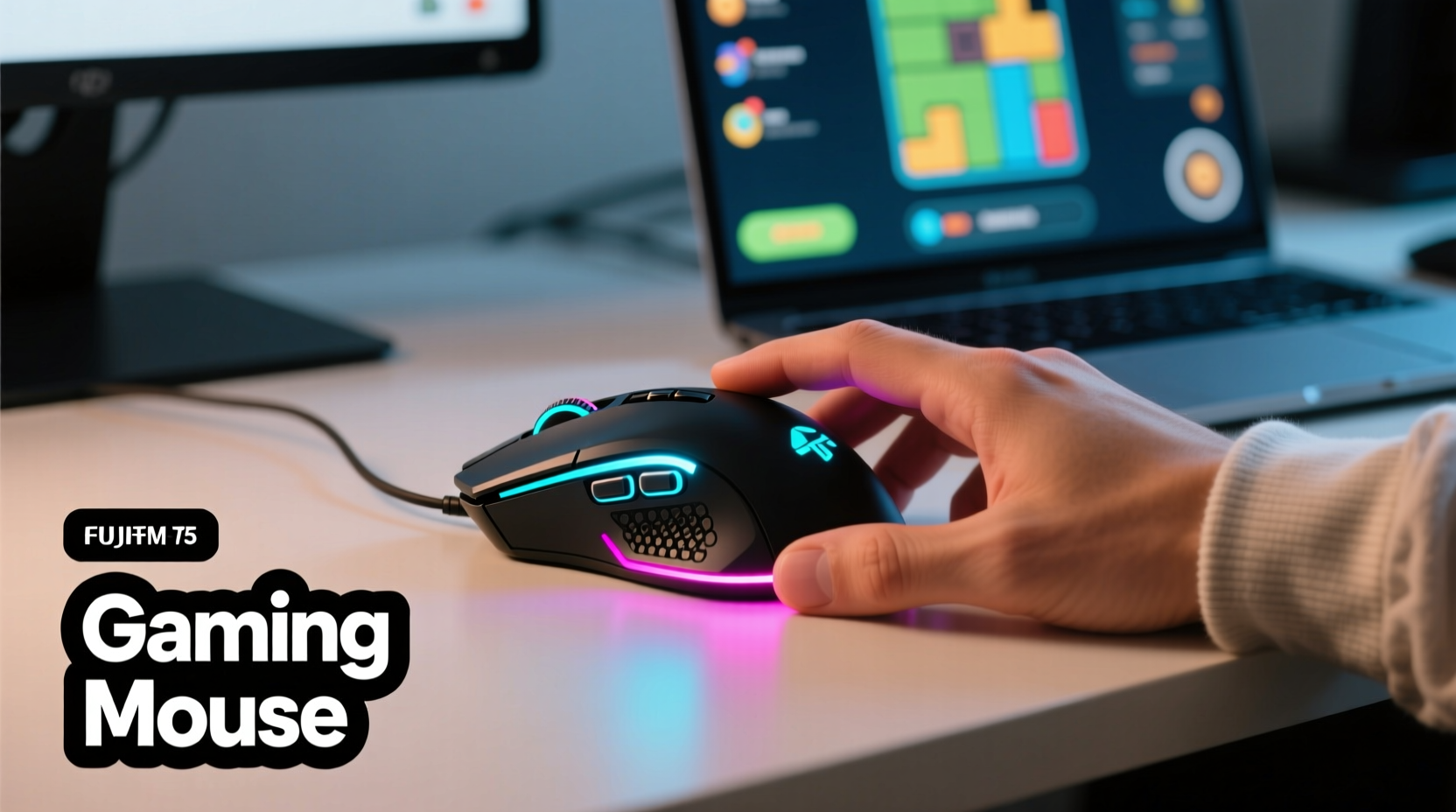
A mechanical gaming mouse uses physical microswitches under each button, typically rated for tens of millions of clicks. These switches provide tactile feedback and faster actuation compared to the rubber dome mechanisms found in most budget and office mice. In gaming contexts, this translates to quicker response times, more consistent input registration, and enhanced durability.
The term “mechanical” refers specifically to the internal switch technology—not the sensor or tracking system. Most modern gaming mice also feature high-DPI optical sensors, customizable DPI settings, programmable buttons, and RGB lighting, but the mechanical switch remains the core differentiator in terms of feel and long-term reliability.
Common switch types include Omron, Kailh, and custom branded variants (like Logitech’s Romer-G or Razer’s Optical-Mechanical). Each offers slightly different actuation force, travel distance, and auditory feedback—important considerations for comfort during extended use.
Performance vs. Practicality: Do Casual Gamers Need Speed?
Gaming mice often boast response times as low as 1ms and polling rates of 1000Hz, meaning they report position to your PC every millisecond. For professional esports athletes, these specs can mean the difference between landing a headshot or missing entirely. But what about someone playing puzzle games, turn-based strategy titles, or an occasional round of *Minecraft*?
In reality, most casual games don’t require split-second reflexes. A standard office mouse with a 125Hz polling rate (reporting four times per second) is more than sufficient for navigating menus, clicking UI elements, or moving characters at a relaxed pace. However, there's a subtle but noticeable improvement in fluidity when using a higher-performance device—even outside intense gameplay.
Consider web browsing: scrolling through articles, dragging tabs, or selecting text feels smoother with a responsive sensor and precise tracking. Over time, these small improvements add up to a more enjoyable computing experience, not just in games but across all tasks.
“Even light gamers benefit from better ergonomics and reduced input lag. It’s like driving a well-tuned car versus one with stiff steering—you might not race, but the ride feels better.” — David Lin, Peripheral Design Consultant at TechInput Labs
Durability and Long-Term Value
One of the strongest arguments for investing in a mechanical gaming mouse is longevity. Standard mice often fail within 1–2 years due to worn-out buttons or inaccurate sensors. Mechanical switches, on the other hand, are commonly rated for 50 million to 100 million clicks. That means even with moderate daily use, a good gaming mouse can last five years or more.
While entry-level gaming mice start around $40–$60, premium models can exceed $120. But when you factor in replacement costs of cheaper alternatives every 12–18 months, the break-even point comes surprisingly fast. Consider this comparison:
| Mousetype | Avg. Lifespan | Cost | Total Cost Over 5 Years |
|---|---|---|---|
| Budget Office Mouse | 1.5 years | $20 | $60–$80 (3–4 replacements) |
| Mid-Range Mechanical Gaming Mouse | 5+ years | $60 | $60 (one purchase) |
| Premium Mechanical Gaming Mouse | 7+ years | $110 | $110 (with potential resale value) |
As shown, a single mid-tier mechanical mouse can save money over time while delivering superior performance throughout its lifespan. Additionally, many models support firmware updates, button remapping, and profile storage via companion software—features that keep them relevant as your needs evolve.
Ergonomics and Comfort: More Than Just Gaming
Casual players often overlook ergonomics until discomfort sets in. Yet, even light usage—such as weekend gaming sessions or prolonged streaming—can lead to wrist strain if the mouse doesn’t fit your hand properly. Mechanical gaming mice come in a wide range of shapes: ambidextrous, palm grip, claw grip, and fingertip styles, allowing users to choose based on comfort rather than compromise.
Many also feature contoured grips, textured side panels, and adjustable weights. These design choices aren’t just aesthetic—they reduce slippage, minimize fatigue, and improve control during both gameplay and general computer use.
For example, someone working from home might use the same mouse for editing documents, browsing social media, and playing a casual game at night. A well-designed mechanical mouse serves all these functions effectively, eliminating the need for multiple devices.
Mini Case Study: Sarah’s Upgrade Experience
Sarah, a 34-year-old graphic designer and occasional *Stardew Valley* player, used a basic wireless mouse for three years. She experienced frequent double-click issues and mild wrist soreness after long workdays. On a friend’s recommendation, she purchased a mid-range mechanical gaming mouse ($55) with ergonomic right-handed design and silent switches.
Within a week, she noticed fewer accidental clicks and improved cursor accuracy in design software. Her weekend gaming felt more immersive due to smoother movement and tactile feedback. After six months, she reported no signs of wear and said the initial hesitation about “overbuying” had faded. “It’s not just for games,” she noted. “It made my whole digital life easier.”
What to Look for When Choosing a Mechanical Gaming Mouse
Not all gaming mice are created equal, especially for casual users who prioritize comfort and reliability over extreme specs. Here’s a checklist to help you make a smart decision without overspending:
- Switch Type: Opt for durable, medium-actuation switches (e.g., Omron 50M) or low-noise variants if you share a workspace.
- Ergonomic Fit: Match the mouse shape to your grip style—palm, claw, or fingertip.
- DPI Range: 800–3200 DPI is sufficient for most displays and games; avoid ultra-high ranges unless needed.
- Weight & Balance: Lightweight mice (80–100g) reduce fatigue; some offer tunable weights.
- Cable or Wireless: Wired ensures zero latency; modern wireless (e.g., Logitech Lightspeed, Razer HyperSpeed) offers near-instant response with rechargeable batteries.
- Software Support: Check if the brand provides stable configuration tools for customization.
- Build Quality: Look for braided cables, PTFE feet, and sturdy scroll wheels.
Action Checklist Before Buying
- Identify your primary use case (gaming, productivity, mixed).
- Determine your hand size and preferred grip style.
- Set a realistic budget between $40–$80 for best value.
- Read recent user reviews focusing on durability and comfort.
- Verify return policy in case the fit isn’t right.
Debunking Common Myths About Gaming Mice
Several misconceptions deter casual players from considering mechanical gaming mice. Let’s address the most persistent ones:
- Myth: They’re too flashy. While RGB lighting exists, most models allow full disablement through software. You can run them completely dark if preferred.
- Myth: They’re only for hardcore gamers. Their benefits in precision, durability, and comfort apply universally, including office work and creative tasks.
- Myth: They wear out quickly. The opposite is true—mechanical switches outlast traditional buttons by years.
- Myth: All gaming mice are heavy. Many modern options weigh under 85 grams, designed specifically for agility and comfort.
The stigma around gaming peripherals being \"gimmicky\" persists, but today’s market offers mature, refined products focused on usability, not just aesthetics.
Frequently Asked Questions
Do I need high DPI as a casual player?
Not necessarily. DPI (dots per inch) affects cursor speed, not accuracy. Most casual users find 800–1600 DPI ideal for 1080p screens. Higher DPI is useful only if you use ultrawide or 4K monitors and want minimal hand movement. Adjustable DPI buttons let you switch between sensitivity levels on demand.
Are mechanical gaming mice noisy?
Some are, especially those with clicky Blue-type switches. However, many brands now offer silent mechanical switches (e.g., Logitech’s WhisperClick, Razer’s Silent Omron) that reduce noise by up to 90% while maintaining tactile feedback. Always check switch type before purchasing if noise is a concern.
Can I use a gaming mouse for everyday tasks?
Absolutely. In fact, many professionals—from video editors to coders—use gaming mice for their responsiveness and comfort. Features like programmable buttons can be mapped to shortcuts (e.g., copy/paste, undo, browser navigation), boosting productivity beyond gaming.
Final Verdict: Is It Worth It?
Investing in a mechanical gaming mouse as a casual player isn’t about chasing competitive advantage—it’s about upgrading your overall digital experience. The combination of longer lifespan, superior build quality, enhanced comfort, and cross-functional performance makes it a sensible choice for anyone who values reliability and ease of use.
You don’t need the most expensive model with 16,000 DPI and 15 programmable buttons. Instead, focus on finding a well-built, ergonomically sound mouse with proven switch durability. At $50–$70, such a device pays for itself in fewer replacements and delivers tangible improvements in both work and play.
If your current mouse is showing signs of wear, feels imprecise, or causes discomfort, now may be the perfect time to upgrade. Think of it not as buying a “gaming” mouse, but as investing in a better tool for everything you do on your computer.




 浙公网安备
33010002000092号
浙公网安备
33010002000092号 浙B2-20120091-4
Comments
No comments yet. Why don't you start the discussion?