
For developers on the move, the dream of coding from an iPhone with the full power of Visual Studio Code is tempting. With Apple’s devices becoming increasingly capable, many wonder: can you truly run full VS Code on an iPhone? The short answer is no—not natively. But there are compelling alternatives that come close, each with trade-offs worth understanding.
iOS restricts direct installation of desktop-grade applications like VS Code due to architectural and security limitations. However, through remote development environments, web-based editors, and third-party tools, developers can access a near-full VS Code experience directly from their iPhones. The real question isn’t just technical feasibility—it’s about usability, performance, and practicality.
Why Full VS Code Can’t Run Natively on iPhone
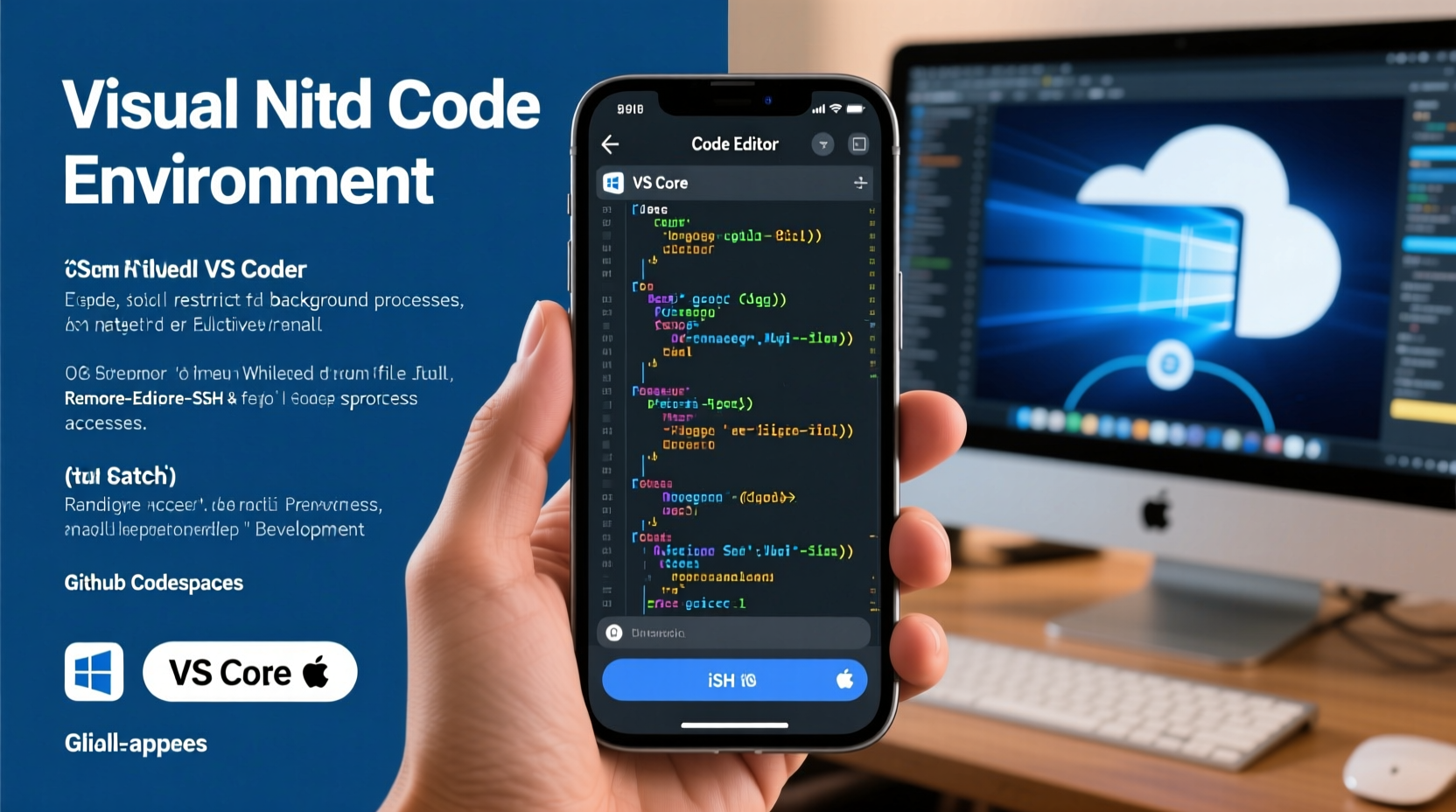
Visual Studio Code is built on Electron, a framework that combines Chromium and Node.js to create cross-platform desktop apps. This architecture depends on x86-64 or ARM64 processors running a full operating system like Windows, macOS, or Linux. While modern iPhones use powerful ARM64 chips, iOS itself is not designed to support Electron applications or unrestricted background processes.
Apple enforces strict app sandboxing, limiting what apps can do for security and battery life. Unlike macOS, iOS doesn’t allow arbitrary code execution or deep file system access—two essentials for a full-fledged code editor. Even if Microsoft attempted to port VS Code to iOS, it would need to be a heavily modified version, sacrificing core functionality.
“iOS prioritizes user safety and app stability over developer flexibility. That means powerful tools like native VS Code simply don’t fit the ecosystem.” — Alex Rivera, Mobile Development Architect at DevStack Labs
Workarounds That Bring VS Code to iPhone
While you can’t install VS Code directly, several methods simulate the experience effectively:
1. GitHub Codespaces + Safari (Web-Based VS Code)
Microsoft’s GitHub Codespaces provides a cloud-hosted development environment with a browser-based version of VS Code. Open github.com/codespaces in Safari on your iPhone, and you’ll see a responsive interface nearly identical to the desktop app.
This version supports syntax highlighting, IntelliSense, Git integration, terminal access (via web shell), and even debugging in some configurations. Since all processing happens in the cloud, your iPhone only needs a stable internet connection.
2. SSH into a Remote Machine with a Terminal App
If you have a Linux server, Raspberry Pi, or a cloud VM running VS Code Server or accessible via SSH, you can connect using iOS terminal apps like a-Shell, Blink Shell, or Termius. Once connected, launch VS Code remotely or use command-line editors like Vim or Nano.
Better yet, set up code-server (an open-source project that runs VS Code in a browser) on your remote machine. Access it via Safari using your phone’s IP address or a custom domain. This gives you full control over extensions, settings, and projects.
3. Third-Party Apps with VS Code-Like Interfaces
Apps such as Textastic, Pythonista, or Working Copy offer limited coding capabilities with syntax highlighting and Git integration. While not full VS Code replacements, they’re useful for light edits, reviewing pull requests, or managing scripts.
Some newer entrants, like Replit and StackBlitz, also provide mobile-friendly IDEs that sync with GitHub and support real-time collaboration—ideal for quick fixes or learning.
Comparison: Methods to Use VS Code on iPhone
| Method | Pros | Cons | Best For |
|---|---|---|---|
| GitHub Codespaces (Web) | Full VS Code UI, extensions, terminal, zero setup | Requires subscription, internet-dependent, limited free hours | Professional developers needing full tooling |
| code-server on VPS | Self-hosted, full control, persistent workspace | Setup complexity, ongoing cost, maintenance required | Tech-savvy users wanting privacy and customization |
| SSH + Terminal App | Lightweight, secure, works offline once connected | No GUI, steep learning curve, no IntelliSense | Quick edits, server management, emergency fixes |
| Mobile Coding Apps | Offline use, simple UI, low data usage | Limited language support, no extension ecosystem | Students, hobbyists, light scripting |
Real-World Example: A Developer’s Workflow on iPhone
Jamal, a freelance full-stack developer, travels frequently and relies on his iPhone during transit. He uses a $5/month DigitalOcean droplet running Ubuntu, where he installed code-server. His workflow:
- Connects to his home Wi-Fi hotspot for stable bandwidth.
- Opens Safari and navigates to his secured code-server instance (behind HTTPS and password protection).
- Pairs a foldable Bluetooth keyboard for typing efficiency.
- Edits React components, runs tests via integrated terminal, and commits changes using Git.
Though screen space is limited, Jamal finds the setup sufficient for bug fixes, documentation updates, and light feature development. “It’s not ideal,” he admits, “but when I’m stuck at the airport with two hours to kill, being able to push a critical fix beats doing nothing.”
Step-by-Step: Setting Up code-server on a Cloud VM
If you want full control over your mobile coding environment, here’s how to deploy code-server:
- Create a cloud server (e.g., Ubuntu 22.04 on DigitalOcean, AWS, or Google Cloud).
- SSH into the server and download code-server:
curl -fsSL https://code-server.dev/install.sh | sh
- Start the service:
code-server --bind-addr 0.0.0.0:8080
- Set a strong password when prompted (stored in ~/.config/code-server/config.yaml).
- Configure firewall to allow port 8080 (and optionally set up a reverse proxy with Nginx and Let’s Encrypt for HTTPS).
- Access from iPhone: Open Safari and go to
https://your-server-ip:8080.
Once logged in, you’ll see the familiar VS Code interface, complete with extensions marketplace, themes, and settings sync.
Frequently Asked Questions
Can I install VS Code from the App Store?
No. There is no official “VS Code” app for iOS. Any app claiming to be full VS Code is either misleading or offering a limited text editor with similar branding.
Does GitHub Codespaces work well on iPhone?
Yes, surprisingly well. The web interface is touch-optimized, supports keyboard shortcuts (with external keyboards), and maintains session persistence. Performance depends on internet speed, but most interactions feel responsive.
Are there any security risks in using remote VS Code on iPhone?
Yes. Exposing code-server or SSH ports increases attack surface. Always use strong passwords, enable two-factor authentication, and consider using a reverse proxy with TLS encryption. Avoid public Wi-Fi without a VPN.
Final Thoughts and Recommendations
The dream of running full VS Code on an iPhone remains unfulfilled—but not entirely out of reach. Thanks to cloud computing and progressive web technologies, developers now have viable pathways to maintain productivity while away from their desks.
The catch? You’re trading local execution for remote dependency, native performance for accessibility, and offline reliability for constant connectivity. These trade-offs make mobile coding best suited for lightweight tasks, urgent fixes, or learning—not full-scale development sprints.




 浙公网安备
33010002000092号
浙公网安备
33010002000092号 浙B2-20120091-4
Comments
No comments yet. Why don't you start the discussion?