
Leaving devices plugged in overnight is a common habit—phones, tablets, laptops, smartwatches, and even wireless earbuds all need regular charging. For convenience, many people connect several of these devices to a single power strip while they sleep. While this setup saves space and reduces outlet clutter, it raises an important question: Is it truly safe to charge multiple devices from one power strip overnight?
The answer isn’t a simple yes or no. Safety depends on multiple factors, including the quality of the power strip, the total power draw of your devices, the condition of your home’s electrical system, and whether you’re following manufacturer guidelines. Understanding these elements can help you avoid fire hazards, equipment damage, and long-term energy waste.
How Power Strips Work and Their Limitations
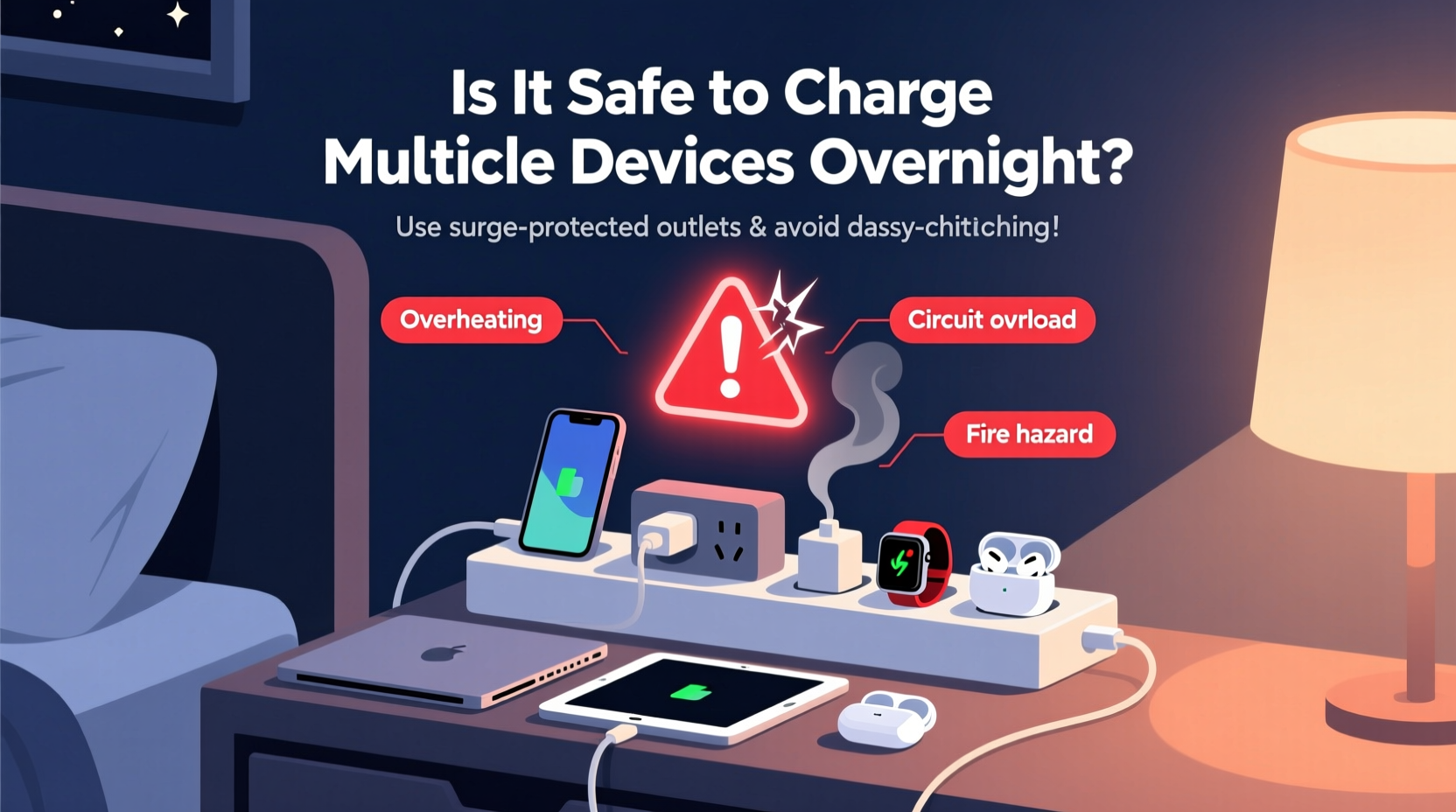
A power strip is more than just a block with multiple outlets—it's a distribution point that channels electricity from one wall socket to several devices. However, most standard power strips are not designed to handle high cumulative loads over extended periods. They typically have a maximum load capacity, often rated between 1250 and 1875 watts for a 15-amp circuit at 120 volts.
Exceeding this limit—even temporarily—can cause overheating, melting of internal components, or tripped breakers. Worse, if the strip lacks surge protection or overload safeguards, it becomes a silent risk factor in your bedroom or living room.
It’s crucial to understand that not all power strips are created equal. There are three main types:
- Basic power strips: Simple extension blocks with no surge protection or circuit breaker.
- Surge-protected strips: Include built-in protection against voltage spikes from lightning or grid fluctuations.
- Smart power strips: Feature automatic shutoff, individual outlet control, or energy monitoring via apps.
Only surge-protected or smart strips should be used for overnight charging, especially when powering multiple devices.
Calculating Your Charging Load: What You’re Actually Drawing
To determine whether your setup is safe, calculate the total power consumption of all devices connected to the strip. Most electronics list their power requirements on the charger or device label in watts (W) or volts (V) and amps (A).
Use this formula: Watts = Volts × Amps.
For example:
- Smartphone charger: 5V × 2A = 10W
- Tablet charger: 12V × 2.5A = 30W
- Laptop charger: 20V × 4.5A = 90W
- Wireless earbuds: ~2W
- Smartwatch: ~5W
If you're charging all five simultaneously, your total load is about 137 watts—well under the 1500-watt limit of most strips. However, problems arise when users also plug in high-draw appliances like space heaters, hair dryers, or gaming consoles into the same strip.
A common mistake is assuming “low-power” devices are harmless in bulk. While each may use little energy, poor-quality chargers or aging cables can increase resistance and heat output, raising the risk of short circuits.
“Many electrical fires start from seemingly minor overloads. A power strip running near capacity for hours can degrade insulation and spark a fire—especially if dust accumulates inside.” — James Holloway, Licensed Electrician and NFPA Contributor
Do’s and Don’ts of Overnight Charging via Power Strip
To minimize risk, follow these practical Do’s and Don’ts when using a power strip for overnight charging.
| Do’s | Don’ts |
|---|---|
| ✔ Use a surge-protected power strip with a built-in circuit breaker | ✘ Plug in high-wattage appliances (heaters, irons, microwaves) |
| ✔ Keep the strip in an open, ventilated area away from bedding or curtains | ✘ Cover the strip with fabric, books, or rugs |
| ✔ Inspect cords and plugs regularly for fraying or overheating | ✘ Use damaged or coiled charging cables |
| ✔ Unplug devices once fully charged, if possible | ✘ Daisy-chain multiple power strips together (“daisy-chaining”) |
| ✔ Choose certified chargers (UL, ETL, CE marked) | ✘ Use counterfeit or unbranded charging accessories |
Following these guidelines significantly reduces the likelihood of thermal runaway, electrical arcing, or fire ignition—especially during unattended nighttime use.
Real-World Scenario: A Close Call in a Shared Apartment
In early 2023, a college student in Austin, Texas, left four devices charging overnight on a basic $10 power strip: a laptop, phone, tablet, and e-reader. The strip was tucked behind a nightstand, partially covered by a blanket. By 3 a.m., neighbors reported a burning smell. Firefighters arrived to find the power strip partially melted, with scorch marks on the wall outlet.
No fire spread occurred due to quick detection, but the incident could have been fatal. Investigation revealed that the student had also plugged in a small desk lamp and used a third-party fast charger drawing 65W. Though within theoretical limits, poor ventilation and degraded wiring caused excessive heat buildup.
This case illustrates how seemingly safe habits can become dangerous when combined with low-quality equipment and improper placement. After the incident, the student replaced the strip with a UL-certified model featuring overload protection and began charging devices in a dedicated charging station on a non-flammable surface.
Step-by-Step Guide to Safe Overnight Charging
To ensure your multi-device charging routine is as safe as possible, follow this six-step process:
- Assess your power strip: Confirm it has surge protection and a circuit breaker. Look for certification labels (UL, ETL). Replace any strip without these features.
- Calculate total load: Add up the wattage of all devices you plan to charge. Stay below 80% of the strip’s maximum rating.
- Inspect all components: Check cords, plugs, and adapters for wear, fraying, or discoloration. Replace damaged items immediately.
- Choose a safe location: Place the strip on a hard, non-flammable surface (like wood or tile), away from bedding, curtains, or paper.
- Avoid daisy-chaining: Never plug one power strip into another. This bypasses safety mechanisms and increases fire risk.
- Monitor and maintain: Every few months, unplug everything and clean dust from outlets. Feel the strip after prolonged use—if it’s warm, reduce the load or upgrade.
For added safety, consider investing in a smart power strip that automatically cuts power when devices are fully charged or detects abnormal current flow.
Expert Recommendations and Industry Standards
According to the National Fire Protection Association (NFPA), electrical distribution equipment—including power strips—is involved in an estimated 3,300 home structure fires annually in the U.S., resulting in dozens of deaths and millions in property damage.
The Underwriters Laboratories (UL) emphasizes that only power strips labeled as “relocatable power taps” and bearing a UL 1363 certification should be used for permanent setups. These models undergo rigorous testing for heat resistance, durability, and overload response.
“The safest charging practice is using one device per outlet whenever possible. If you must use a power strip, treat it like a tool—not a permanent fixture—and inspect it monthly.” — Dr. Linda Chen, Electrical Safety Researcher at UL Solutions
Additionally, modern lithium-ion batteries are designed with built-in protection circuits that stop charging once full. However, keeping them plugged in for hours after reaching 100% can lead to “trickle charging,” which stresses the battery and generates excess heat—especially if the charger or device is poorly ventilated.
Frequently Asked Questions
Can charging multiple devices overnight cause a fire?
Yes, under certain conditions. Fires can occur if the power strip is overloaded, placed near flammable materials, made of low-quality components, or exposed to damaged wiring. While rare, the risk increases with poor maintenance and improper use.
Is it okay to leave my phone charging all night?
Modern smartphones are designed to stop charging at 100%, so occasional overnight charging is generally safe. However, doing so daily can accelerate battery degradation. For optimal longevity, use scheduled charging (available on iOS and Android) to finish charging just before you wake up.
What’s the difference between a power strip and a surge protector?
All surge protectors are power strips, but not all power strips are surge protectors. A surge protector includes circuitry that diverts excess voltage during electrical spikes (e.g., from storms or appliance cycling). Look for a joule rating (e.g., 1000+ joules) to confirm surge protection.
Final Checklist: Is Your Setup Safe?
Before leaving devices to charge overnight, run through this quick checklist:
- ✅ Power strip has surge protection and a visible circuit breaker
- ✅ Total wattage of devices is under 80% of strip’s capacity
- ✅ Strip is placed on a hard, open surface—not under pillows or rugs
- ✅ No daisy-chaining or extension cord loops
- ✅ All chargers are genuine or certified third-party models
- ✅ No signs of heat, buzzing, or discoloration during use
- ✅ Devices are updated and free of battery swelling or malfunctions
Conclusion: Smart Habits for Safer Charging
Charging multiple devices from one power strip overnight isn't inherently unsafe—but it demands awareness, quality equipment, and responsible habits. With the right precautions, you can maintain convenience without compromising safety.
Start by upgrading to a certified surge-protected strip, calculating your actual power needs, and eliminating hidden risks like poor ventilation or frayed cables. Small changes today can prevent emergencies tomorrow.




 浙公网安备
33010002000092号
浙公网安备
33010002000092号 浙B2-20120091-4
Comments
No comments yet. Why don't you start the discussion?