
Charging your phone overnight has become a routine for millions of people. Plugging in before bed ensures a full battery in the morning, but growing awareness about battery health raises an important question: Is this habit actually harming your device? While modern smartphones are designed with advanced safeguards, understanding the science behind lithium-ion batteries reveals that convenience may come at a cost over time. This article explores the real impact of overnight charging, separates myths from facts, and provides practical steps to extend your phone’s battery lifespan.
How Lithium-Ion Batteries Work
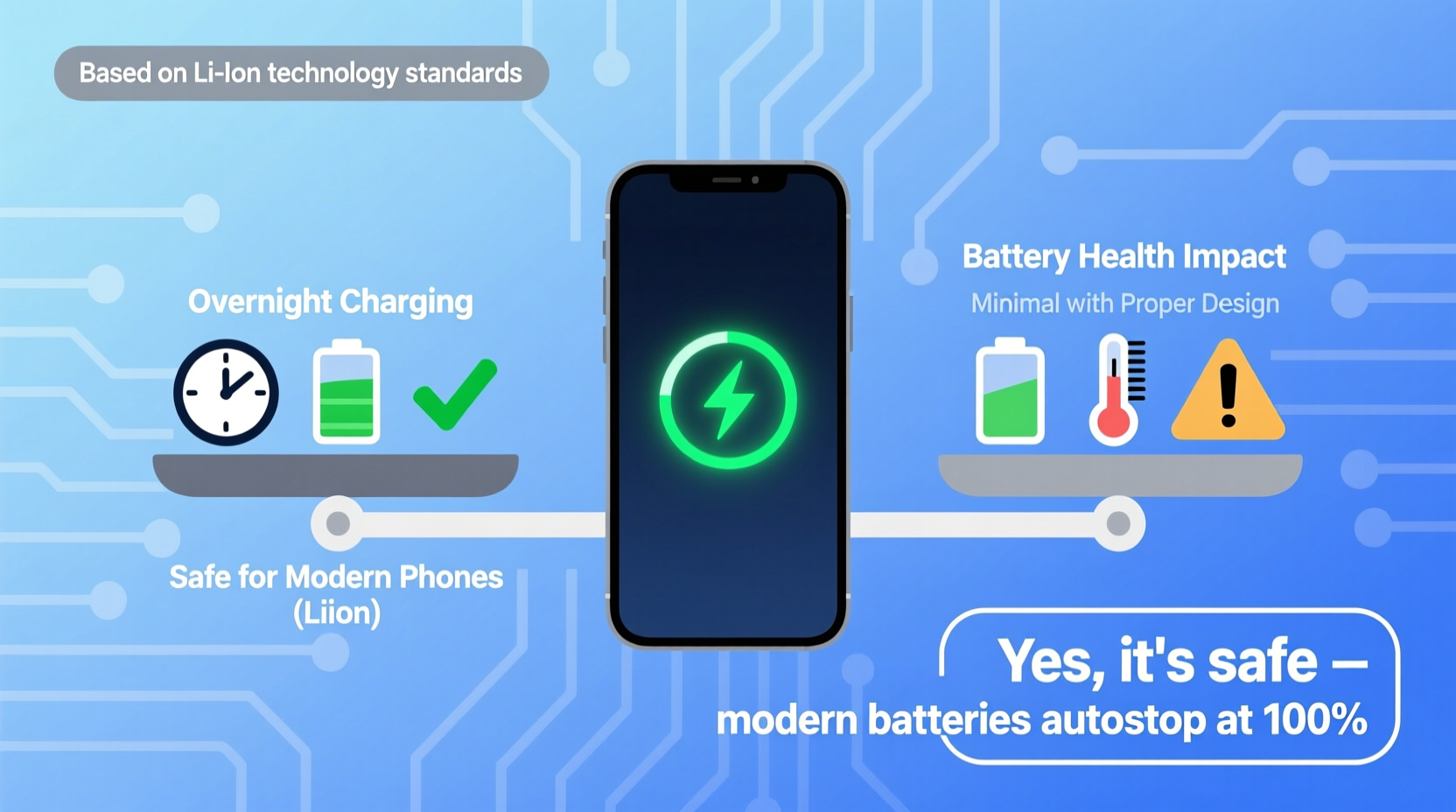
Today’s smartphones rely on lithium-ion (Li-ion) batteries, which have replaced older nickel-based technologies due to their higher energy density, lighter weight, and lack of memory effect. These batteries function by moving lithium ions between a positive cathode and a negative anode through an electrolyte. During charging, ions move from the cathode to the anode; during use, they return, releasing energy.
Lithium-ion batteries perform best when kept between 20% and 80% charge. Operating outside this range—especially near 0% or 100%—increases stress on the internal chemistry. Prolonged exposure to high voltage (i.e., being fully charged) accelerates degradation, reducing overall capacity and shortening the battery’s useful life.
“Even with smart charging systems, keeping a lithium-ion battery at 100% for hours increases electrochemical strain, which wears out the cells faster.” — Dr. Rajiv Shah, Battery Research Scientist, MIT Energy Initiative
Modern Safeguards: Why Overnight Charging Isn’t as Dangerous as It Seems
Smartphone manufacturers are well aware of battery degradation risks. As a result, most modern devices include built-in protections to mitigate damage from extended charging. Once your phone reaches 100%, the charging circuit stops sending current. Instead, it uses a “trickle charge” system—replenishing tiny amounts of power only when the battery dips slightly below full.
Additionally, software features like Apple’s Optimized Battery Charging (introduced in iOS 13) and Samsung’s Adaptive Battery learn your daily routine and delay charging past 80% until just before you typically wake up. Google also includes similar functionality in Pixel phones under “Battery Protection” settings.
These systems reduce the amount of time your battery spends at 100%, significantly lowering stress. So while technically your phone is still charging overnight, it’s not continuously charging in a harmful way.
When Overnight Charging Can Still Be Harmful
Despite these advancements, several factors can undermine safety and accelerate battery degradation—even with smart charging enabled.
Heat Buildup
One of the biggest threats to battery health is heat. Charging generates warmth, and leaving your phone under a pillow, on a bed, or inside a thick case traps heat. Elevated temperatures increase internal resistance and speed up chemical breakdown. Studies show that exposing a Li-ion battery to temperatures above 35°C (95°F) for prolonged periods can permanently reduce its capacity.
Poor-Quality Chargers
Using third-party or counterfeit chargers can bypass safety protocols. Cheap cables or adapters may not regulate voltage properly, leading to overcharging, inconsistent current flow, or overheating. Always use manufacturer-approved or certified (e.g., MFi for Apple) accessories.
Frequent Full Cycles
Regularly charging from 0% to 100%—especially overnight every night—contributes to cumulative wear. While one cycle isn’t damaging, doing this daily over months reduces the number of effective charge cycles the battery can deliver before noticeable decline.
Battery Longevity: What the Data Says
Lithium-ion batteries are typically rated for around 500 full charge cycles before capacity drops to about 80% of original. A “full cycle” means using 100% of the battery’s capacity—not necessarily charging from 0 to 100 in one go. For example, two charges from 50% to 100% equal one full cycle.
If you charge from 80% to 100% each night, you’re only using 20% of a cycle per day. That would take roughly 2,500 nights (about seven years) to reach 500 cycles—far longer than most people keep a phone. However, if you drain to 20% and charge to 100%, that’s 80% of a cycle per day, reaching 500 cycles in just over 15 months.
The takeaway: partial charging preserves battery life more effectively than full charging, regardless of timing.
“From a longevity standpoint, charging habits matter more than duration. Avoiding extremes—both in charge level and temperature—is key.” — Dr. Lena Torres, Electrochemistry Lab, Stanford University
Best Practices for Charging Your Phone Safely
You don’t need to stop charging overnight entirely, but adopting smarter habits will help maintain peak performance longer. Here’s a checklist to follow:
- ✅ Use original or certified chargers and cables
- ✅ Remove thick cases while charging to prevent overheating
- ✅ Keep the phone in a cool, ventilated area—never under blankets
- ✅ Enable built-in battery protection features (e.g., Optimized Charging)
- ✅ Avoid letting the battery drop below 20% regularly
- ✅ Try to keep charge levels between 30% and 80% when possible
- ✅ Turn on Airplane Mode or Do Not Disturb during long charges to reduce background activity
Step-by-Step: Optimize Your Nightly Charging Routine
- Plug in when convenient: Don’t wait until your phone dies. Plug in when it reaches 30–40% to avoid deep discharge.
- Use a nightstand or open surface: Place the phone on a hard, cool surface away from bedding or direct sunlight.
- Remove protective case: Especially if it’s silicone or leather, which insulates heat.
- Enable battery optimization: On iPhone, go to Settings > Battery > Battery Health & Charging > Optimized Battery Charging. On Android, look for “Battery Protection” in battery settings.
- Charge earlier, unplug earlier: If you don’t need the full eight hours, consider unplugging once it hits 80–90%. Alternatively, use a timer outlet to cut power after a set period.
- Monitor temperature: If the phone feels warm, stop charging and let it cool down.
Real-World Example: Two Users, Two Outcomes
Consider two users with identical iPhone 14 models purchased on the same day:
- User A: Charges from 5% to 100% every night, leaves the phone under a pillow, uses a generic $5 charger, and keeps the phone in a bulky rubber case. After 18 months, the battery health drops to 76%, and the device shuts down unexpectedly during moderate use.
- User B: Uses the original charger, removes the case while charging, enables Optimized Battery Charging, and usually starts charging around 30%. The phone stays on a nightstand. After 18 months, battery health remains at 89%, with no performance issues.
This scenario illustrates that while both users charged overnight, differences in accessories, environment, and settings led to significantly different battery outcomes. Behavior matters more than timing alone.
Do’s and Don’ts of Smartphone Charging
| Do’s | Don’ts |
|---|---|
| Charge between 30% and 80% when possible | Let your battery drop to 0% regularly |
| Use manufacturer-approved chargers | Use cheap, uncertified charging cables |
| Keep your phone cool during charging | Charge under pillows or blankets |
| Enable battery health features | Ignore battery health warnings |
| Unplug once fully charged if not using optimization | Leave phone plugged in for days at 100% |
Frequently Asked Questions
Can charging my phone overnight cause a fire?
While extremely rare, fires from smartphone charging are usually linked to faulty hardware—like damaged batteries, defective chargers, or extreme overheating. Modern phones have multiple safety circuits to prevent overcurrent and thermal runaway. Using genuine accessories and avoiding charging under flammable materials (like beds) greatly reduces any risk.
Does turning off the phone while charging help battery life?
It can slightly improve efficiency and reduce heat, since no background processes are running. However, the difference in long-term battery health is minimal. If you're using battery optimization features, turning the phone off isn't necessary for protection.
Is it better to charge my phone multiple times a day instead of overnight?
Yes, in terms of battery chemistry. Frequent top-ups between 30% and 80% are less stressful than full cycles. This “partial charging” approach aligns with how lithium-ion batteries degrade most slowly. Think of it like eating small meals throughout the day versus one large, heavy meal—it’s gentler on the system.
Conclusion: Smart Charging for a Longer-Lasting Phone
Charging your phone overnight isn’t inherently dangerous, thanks to modern engineering and intelligent software. However, doing so every night without attention to heat, charger quality, or charge limits can gradually degrade your battery. The goal isn’t to eliminate overnight charging but to practice it wisely.
By enabling battery protection features, using proper equipment, and maintaining a cool charging environment, you can enjoy a full battery each morning without sacrificing long-term health. Small adjustments today can extend your phone’s usable life by months—or even years—saving money and reducing electronic waste.




 浙公网安备
33010002000092号
浙公网安备
33010002000092号 浙B2-20120091-4
Comments
No comments yet. Why don't you start the discussion?