
Robot vacuums have transformed home cleaning, offering convenience and automation with minimal effort. Many users wonder whether they can safely run these devices while sleeping or away from home—especially overnight. While modern models are engineered with multiple safety features, leaving a robot vacuum unattended for extended periods introduces potential risks that shouldn’t be ignored. Understanding the balance between convenience and safety is essential for responsible ownership.
This guide examines the real dangers of running a robot vacuum overnight, including fire hazards, battery issues, and navigation failures. It also provides actionable steps to minimize risk, ensuring your smart device works efficiently without compromising household safety.
Understanding the Risks of Overnight Operation
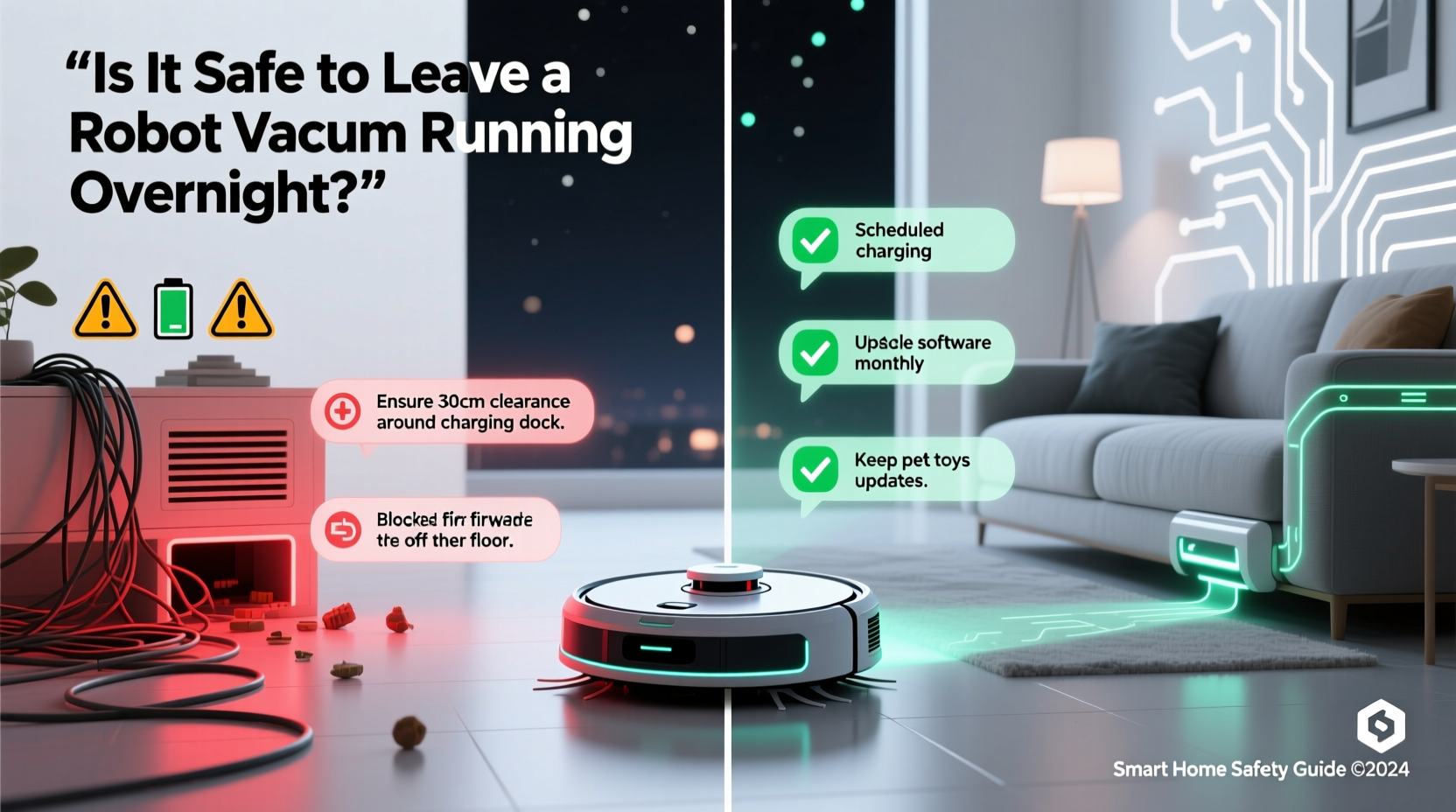
Leaving any electronic device running unattended carries inherent risks, and robot vacuums are no exception. Although manufacturers design them with safeguards, several factors can contribute to malfunctions when left alone for hours.
Battery Overheating and Fire Hazards
The most serious concern is lithium-ion battery overheating. These batteries power nearly all modern robot vacuums due to their high energy density and rechargeability. However, if damaged, improperly charged, or subjected to poor ventilation, they can overheat, swell, or in rare cases, catch fire.
A 2022 report by the U.S. Consumer Product Safety Commission (CPSC) noted an increase in incidents involving lithium-ion batteries in consumer electronics, including robotic appliances. While robot vacuum fires remain statistically rare, they are more likely during charging cycles or prolonged operation—both common during overnight runs.
Obstruction and Motor Strain
Robot vacuums navigate autonomously, but they aren’t immune to getting stuck. If the device becomes trapped under furniture, tangled in cords, or lodged on rugs, its motors may continue working at full capacity, generating excess heat. Prolonged strain can damage internal components or trigger thermal shutdowns—or worse, ignite nearby flammable materials like paper or fabric.
Additionally, debris buildup in brushes or filters can restrict airflow, reducing cooling efficiency and increasing the chance of motor burnout.
Data Privacy and Network Security
Many robot vacuums use Wi-Fi connectivity and built-in cameras or sensors to map homes. Running these devices overnight means continuous data collection—even when you're asleep. If the device lacks strong encryption or has outdated firmware, it could become a target for hackers seeking access to your home network or floor plans.
In 2021, cybersecurity researchers demonstrated how certain robot vacuum models could be exploited to reconstruct room layouts, potentially revealing sensitive information about a home’s interior.
Safety Features in Modern Robot Vacuums
Manufacturers are well aware of these risks and have integrated numerous safety mechanisms into newer models. Understanding these protections helps assess whether overnight use is appropriate for your specific unit.
- Thermal Sensors: Monitor internal temperature and shut down the device if overheating occurs.
- Auto-Docking and Charging: Most robots return to their dock after completing a job, reducing runtime exposure.
- Obstacle Detection: Infrared and camera-based systems help avoid collisions and entrapment.
- Overcharge Protection: Prevents the battery from charging beyond capacity once full.
- Stall Detection: Shuts off motors if the robot detects it's stuck or struggling excessively.
“Modern robot vacuums are generally safe when used as directed, but unattended operation always carries some residual risk. Users should follow manufacturer guidelines and inspect devices regularly.” — Dr. Alan Reed, Electrical Safety Engineer at UL Solutions
Best Practices for Safe Overnight Use
If you choose to run your robot vacuum overnight, taking preventive measures significantly reduces potential hazards. The following checklist outlines essential precautions.
Pre-Operation Checklist
- ✅ Clear the floor of loose cables, small objects, and clutter
- ✅ Ensure the dustbin is empty and filters are clean
- ✅ Verify that wheels and brushes rotate freely
- ✅ Confirm the charging dock is placed in an open, well-ventilated area
- ✅ Update firmware to the latest version
- ✅ Disable mopping function (if applicable) to prevent water leaks
Environmental Preparation
Before starting an overnight cycle, prepare your environment to reduce risks:
- Secure Cords: Tuck away electrical cords and phone chargers. Robots often mistake them for obstacles or get tangled, leading to motor stress.
- Close Pet Gates or Baby Doors: Prevent the robot from entering restricted areas where it might fall down stairs or access wet zones like bathrooms.
- Remove Flammable Materials: Keep papers, curtains, and bedding away from the robot’s path and docking station.
- Use Virtual Boundaries: Set up no-go zones via the app to keep the robot out of high-risk areas like kitchens with grease or cluttered offices.
When Not to Run Your Robot Vacuum Overnight
Certain conditions make overnight operation unsafe or inadvisable. Recognizing these red flags helps prevent accidents.
| Condition | Risk Level | Recommendation |
|---|---|---|
| Older model (5+ years) | High | Avoid unattended use; batteries degrade over time |
| Visible battery swelling | Extreme | Stop using immediately and replace battery |
| Frequent error messages | Moderate | Troubleshoot before scheduling night runs |
| No Wi-Fi or app connectivity | Moderate | Cannot monitor progress or remotely stop the device |
| Home with infants or pets | Low-Moderate | Supervise initially; ensure no choking hazards exist |
Real-Life Example: A Near-Miss Incident
In early 2023, a homeowner in Austin, Texas, reported that their two-year-old robot vacuum became lodged under a sofa during an overnight clean. The device continued attempting to free itself for over 40 minutes, causing the motor to overheat. Smoke began emanating from the unit, triggering a smart smoke detector. Fortunately, the homeowner was still awake and able to intervene. Upon inspection, the side brush had snapped, and hair was wrapped tightly around the axle.
After contacting customer support, they learned that delayed maintenance and infrequent filter cleaning had contributed to reduced performance and increased mechanical strain. The company replaced the unit under warranty but advised against future unsupervised operation until regular upkeep was established.
This case underscores how seemingly minor maintenance lapses can escalate into dangerous situations when combined with unattended runtime.
Step-by-Step Guide to Safe Scheduling
If you decide overnight cleaning fits your lifestyle, follow this timeline to maximize safety and efficiency.
- Week 1 – Baseline Testing: Run the robot during waking hours to observe behavior, identify navigation issues, and confirm successful docking.
- Day 7 – Deep Maintenance: Clean brushes, empty dustbin, wash filters, and inspect for wear. Replace parts as needed.
- Week 2 – Supervised Night Trial: Start a single overnight session while remaining home. Use the app to monitor status and set alerts.
- Day 14 – Evaluate Logs: Check the app history for errors, restarts, or failed docks. Adjust cleaning schedule or layout if necessary.
- Ongoing – Monthly Review: Reassess battery health, update software, and recheck physical condition every 30 days.
Frequently Asked Questions
Can a robot vacuum cause a house fire?
While extremely rare, yes—especially if the lithium-ion battery is damaged, counterfeit, or exposed to extreme heat. Most incidents occur during charging or when the device is obstructed. Proper maintenance and certified equipment greatly reduce this risk.
Should I unplug my robot vacuum after it finishes charging?
It’s not necessary for most modern units, as they include overcharge protection. However, unplugging occasionally—especially during long absences—adds an extra layer of safety. Consider using a smart plug to automate power cutoff after full charge.
Is it okay to run a robot vacuum every night?
Daily use is acceptable if your model supports it and your floors don’t require heavy-duty cleaning each time. However, constant operation accelerates wear on brushes, filters, and batteries. For most households, 3–4 times per week is sufficient and more sustainable.
Final Thoughts: Balancing Convenience and Caution
Leaving a robot vacuum running overnight can be safe—but only with careful preparation and ongoing vigilance. Automation should enhance peace of mind, not compromise home safety. By choosing reputable brands, maintaining your device diligently, and respecting operational limits, you can enjoy the benefits of hands-free cleaning without unnecessary risk.
Technology evolves rapidly, and so do safety standards. Stay informed about recalls, firmware updates, and best practices shared by manufacturers and independent testing labs. Your robot vacuum is a tool, not a toy, and treating it with care ensures it serves you reliably for years.




 浙公网安备
33010002000092号
浙公网安备
33010002000092号 浙B2-20120091-4
Comments
No comments yet. Why don't you start the discussion?