
For millions of PlayStation fans, the transition from PS4 to PS5 isn’t just about new games—it’s about what happens to the library they’ve built over nearly a decade. Backward compatibility is often cited as a major selling point for the PS5, but is that alone enough reason to upgrade? After all, if your PS4 still works, your games load fine, and you’re not chasing next-gen exclusives, the decision isn’t straightforward. This article examines whether backward compatibility justifies the investment in a PS5, weighing technical improvements, practical benefits, and long-term gaming strategy.
The Reality of PS5 Backward Compatibility
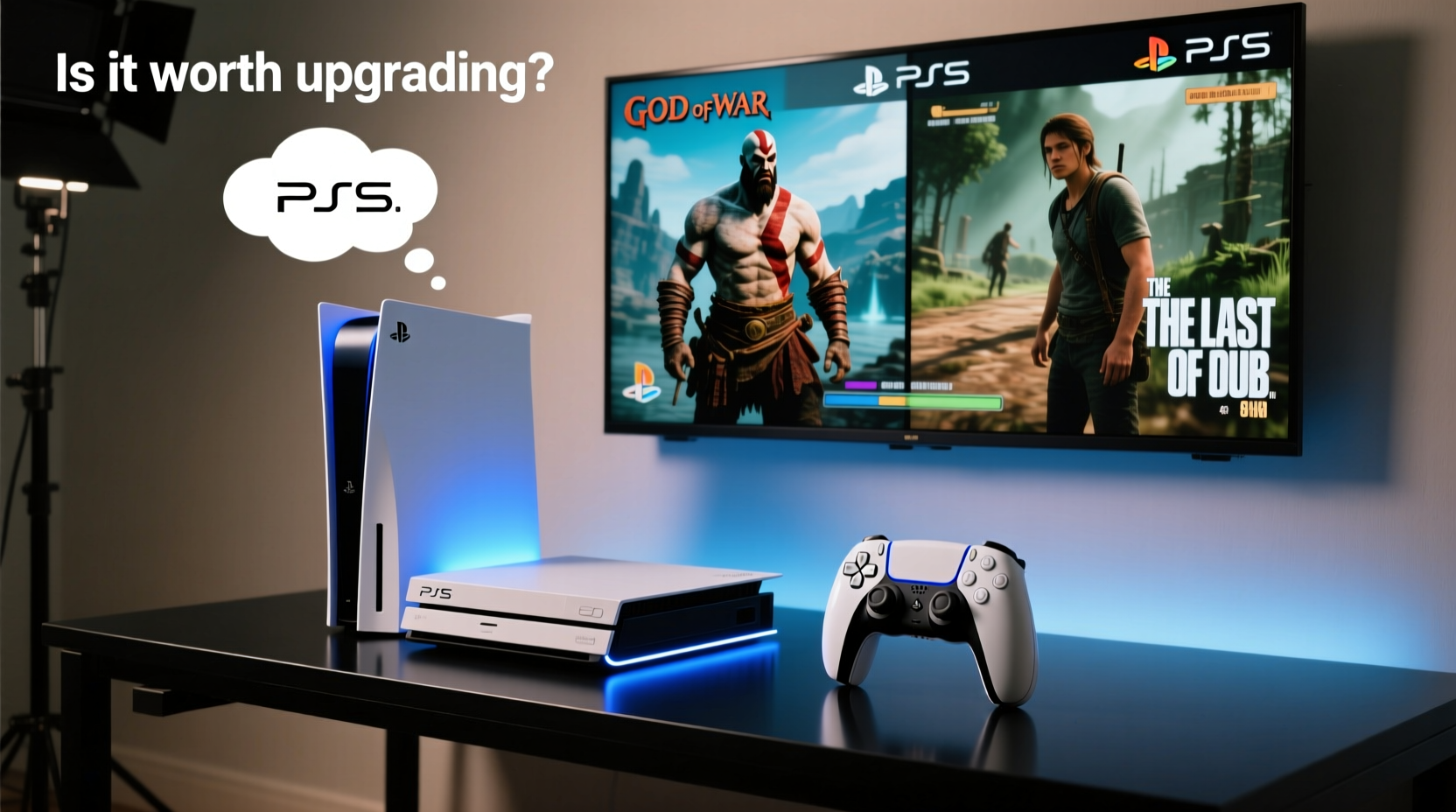
Sony made a significant commitment by ensuring that the PS5 supports more than 99% of the PS4 game library. That includes over 4,000 titles, from indie darlings like Hollow Knight to blockbusters such as God of War (2018) and The Last of Us Part II. But compatibility doesn’t mean identical performance. On the PS5, supported PS4 games benefit from system-level enhancements:
- Faster load times – Thanks to the PS5’s custom SSD, even PS4 games load dramatically quicker.
- Improved frame rates – Some titles run more smoothly due to better hardware utilization.
- Higher resolutions – Games using dynamic resolution scaling often lock in at or near 4K on PS5.
- Better stability – Fewer crashes and fewer frame drops during intense scenes.
These improvements aren’t magic—they depend on how the original game was optimized. A well-coded PS4 title with efficient asset streaming will see more dramatic gains than one that struggled on base hardware. Still, the cumulative effect across dozens of hours of gameplay can be transformative.
Performance Gains: How Much Difference Does the PS5 Actually Make?
To understand whether backward compatibility offers tangible value, consider real-world examples. Take Ghost of Tsushima, a late-generation PS4 title. On a standard PS4 Pro, it targets 1080p or 1440p with checkerboard rendering and averages 30fps, though it frequently dips during combat or fast traversal. On the PS5, via backward compatibility:
- Loading screens between regions drop from 30+ seconds to under 5.
- Frame rate holds closer to 30fps with less fluctuation.
- Resolution stabilizes near native 4K output.
Or consider Spider-Man (2018): on PS4 Pro, fast swinging through Manhattan involves frequent pop-in and texture loading delays. On PS5, the world feels more cohesive—the environment renders faster, enemies appear sooner, and fast travel is nearly instantaneous.
“Backward compatibility on PS5 isn’t just about playing old games—it’s about experiencing them the way they were meant to be played.” — Marcus Reed, Senior Console Analyst at GameTech Weekly
Even games without official PS5 patches benefit from raw hardware superiority. The PS5’s CPU is significantly faster than the PS4’s aging Jaguar architecture, eliminating bottlenecks that previously limited AI behavior, physics calculations, and draw distances.
Comparing the Experience: PS4 vs PS5 for Backward-Compatible Titles
| Feature | PS4 / PS4 Pro | PS5 (Backward Compatible) |
|---|---|---|
| Load Times | 10–60 seconds (varies by game) | 2–10 seconds |
| Resolution | Dynamic 1080p–1440p (Pro); 1080p (base) | Often near-native 4K |
| Frame Rate | Target 30fps, frequent drops | More stable 30fps; some hit 60fps |
| Audio Processing | Standard surround via TV/soundbar | Tempest 3D AudioTech for immersive spatial sound |
| Controller Feedback | DualShock 4: basic rumble | DualSense: adaptive triggers, haptic feedback (if supported) |
Note: Not all PS4 games support DualSense features natively. However, Sony has updated select titles—including Death Stranding and Horizon Zero Dawn—to take advantage of the controller’s advanced haptics when played on PS5.
When Backward Compatibility Isn’t Enough: Missing Features and Limitations
Despite its strengths, PS5 backward compatibility has caveats. First, **not every PS4 game works**. A small number—like VTOL VR and Assassin’s Creed Syndicate at launch—are incompatible or unstable. While most have since been patched, always verify compatibility before upgrading.
Second, **digital-only purchases require re-downloading**. If you own physical PS4 discs, they’ll work—but only if you buy the disc version of the PS5. The digital edition lacks a disc drive, making backward compatibility impossible for disc-based titles unless repurchased digitally.
Third, **save data transfer isn’t automatic**. You must manually migrate saves via USB, cloud (PlayStation Plus), or LAN connection. Cloud saves only sync if the game supports them—and some older titles don’t.
A Real Example: Sarah’s Upgrade Decision
Sarah, a long-time PS4 owner, had invested over $400 in digital games and expansions. She loved Red Dead Redemption 2 and replayed it yearly. But each load screen—averaging 45 seconds—felt longer with time. When she borrowed a friend’s PS5, she tried her PSN account with RDR2 installed. The difference stunned her:
- Fast travel between towns dropped from 40 seconds to 7.
- Texture clarity improved instantly upon spawning.
- The game ran at a smoother 30fps, even in dense urban areas.
She didn’t care much about new PS5 exclusives yet, but the quality-of-life improvements changed her mind. “It felt like I was finally playing the full version,” she said. “I didn’t realize how much I’d tolerated on PS4 until I saw what was possible.”
Sarah upgraded primarily for backward compatibility—and found the experience justified the cost. Her existing library suddenly felt modern again.
Step-by-Step: Should You Upgrade? A Practical Timeline
If you're unsure, follow this timeline to make an informed decision:
- Inventory Your Library (Week 1): List your top 10 most-played PS4 games. Check their backward compatibility status on the official PlayStation website.
- Test Performance Gains (Week 2): If possible, play those games on a PS5—via a friend’s console, rental, or in-store demo.
- Evaluate Your Hardware (Week 3): Is your PS4 failing? Are load times becoming unbearable? Are you using an HDTV capable of 4K/HDR? These factors increase upgrade urgency.
- Assess Future Plans (Week 4): Do you plan to keep gaming on PlayStation? Will you want upcoming titles? If yes, delaying the PS5 only prolongs missing out on both new and enhanced old content.
- Decide and Transfer (Final Week): If upgrading, prepare your data: back up saves, note redeemable codes, and choose between digital or disc model based on your collection.
Checklist: Is a PS5 Upgrade Worth It for You?
Answer these questions honestly:
- ✅ Do I own a large library of PS4 games I still enjoy?
- ✅ Am I frustrated by long load times or frame rate issues?
- ✅ Do I own a 4K TV or plan to get one soon?
- ✅ Do I prefer physical copies (and thus need the disc drive)?
- ✅ Am I likely to play future PlayStation exclusives?
If you answered “yes” to three or more, upgrading makes practical sense—even if backward compatibility is your main motivator.
FAQ: Common Questions About PS4-to-PS5 Upgrades
Can I play all my PS4 games on PS5?
Over 99% of PS4 games are playable on PS5. A few exceptions exist, mostly niche or VR titles. Always check Sony’s official compatibility list before upgrading.
Do I need to rebuy my PS4 games for PS5?
No. Digital purchases tied to your PSN account carry over. Physical discs work on the PS5 Disc Edition. However, some games offer free “next-gen” upgrades (e.g., Ghost of Tsushima Director’s Cut), which may require separate download but no additional purchase.
Does backward compatibility include PS4 VR?
Partially. The PS5 supports PSVR (the original headset) with a free adapter. However, it does not support standalone PS4 VR games without PSVR hardware. PSVR2 is a separate, newer system incompatible with PS4 VR titles.
Conclusion: More Than Just Compatibility—It’s About Longevity
Upgrading from PS4 to PS5 solely for backward compatibility might seem excessive at first glance. But when you consider the real-world impact—near-instant loads, buttery-smooth performance, richer audio, and a future-proof platform—the value becomes clear. You’re not just reliving old games; you’re rediscovering them with modern fidelity.
The PS5 doesn’t obsolete the PS4 experience so much as refine it. For players with deep libraries and high expectations, backward compatibility isn’t a bonus—it’s a bridge to a better way of playing. And once crossed, few want to go back.




 浙公网安备
33010002000092号
浙公网安备
33010002000092号 浙B2-20120091-4
Comments
No comments yet. Why don't you start the discussion?