
For many PC users, especially those on older systems or budget builds, upgrading RAM is often seen as a quick way to boost performance. One common question that arises: Is moving from DDR4 2133MHz to 2400MHz RAM actually beneficial? While the numbers suggest improvement, the real-world impact depends on your system configuration, workload, and expectations. This article breaks down the technical differences, benchmarks potential gains, and helps you decide whether this specific upgrade is worth your time and money.
Understanding RAM Speed and Its Role in System Performance
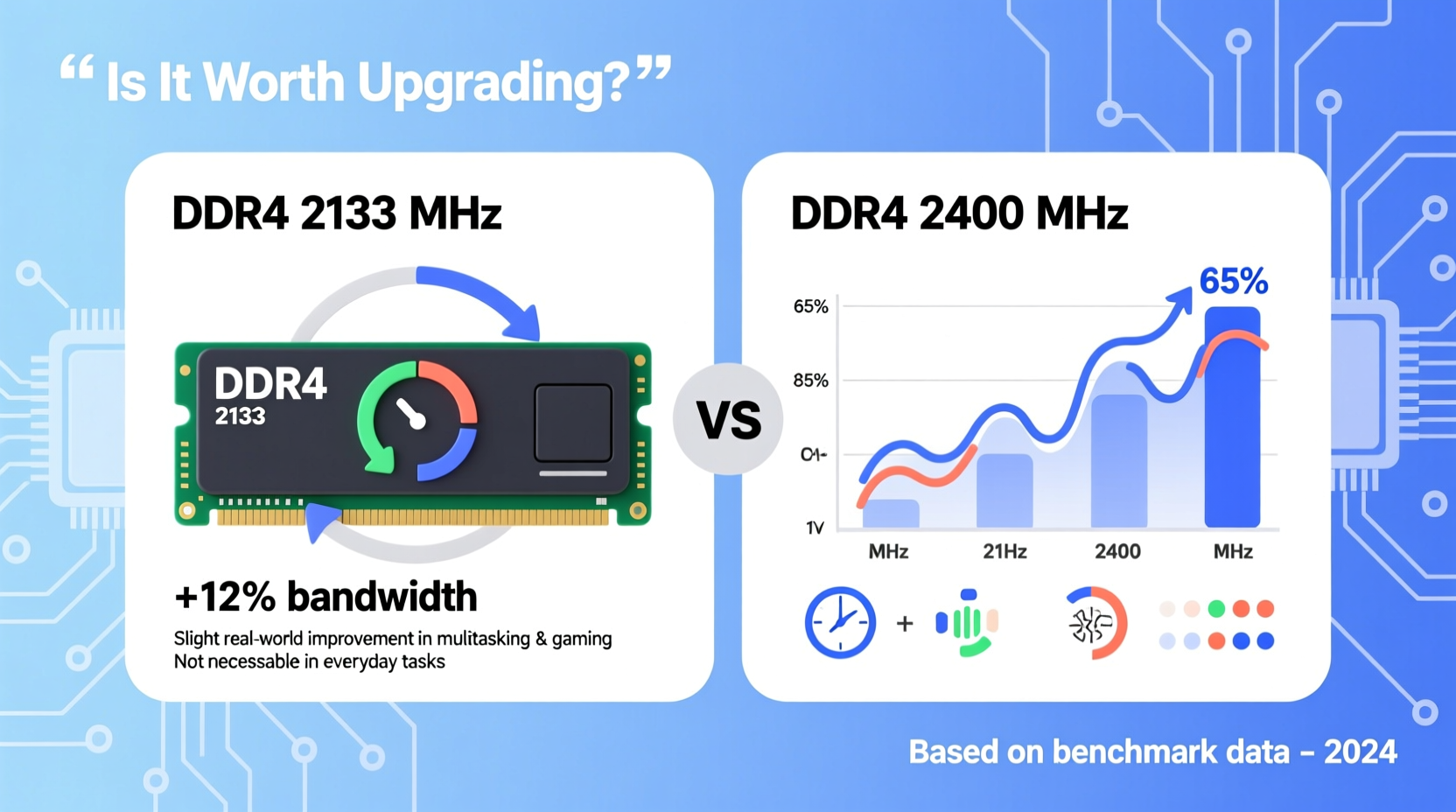
RAM speed, measured in megahertz (MHz), indicates how quickly data can be read from and written to memory. DDR4 2133MHz was the baseline standard when DDR4 launched, but faster modules like 2400MHz, 2666MHz, and beyond soon followed. While higher clock speeds imply better performance, the actual benefit isn't always linear.
The CPU communicates with RAM through the memory controller, typically integrated into modern processors. The speed at which this communication occurs affects overall system responsiveness—especially during multitasking, large file handling, and gaming. However, RAM doesn’t operate in isolation. Its effectiveness is influenced by:
- CPU capabilities and memory controller limits
- Timings (latency) of the RAM module
- System workload type (gaming, video editing, office work)
- Whether XMP (Extreme Memory Profile) is supported and enabled
Simply increasing from 2133MHz to 2400MHz results in a theoretical bandwidth increase of about 12.7%. But does that translate to noticeable real-world improvements?
Performance Gains: Benchmarks and Real-World Impact
To assess the practical value of this upgrade, let’s look at typical performance scenarios:
Gaming
In gaming, RAM speed can influence frame rates, particularly in CPU-bound titles where the processor frequently accesses memory. Games like CS:GO, Fallout 4, and Star Wars: Battlefront have shown measurable gains with faster RAM—especially when paired with high-end CPUs.
However, for most modern games running on mid-range hardware, the jump from 2133MHz to 2400MHz yields only marginal improvements—typically between 3% and 7% in average FPS. In practice, this difference is rarely perceptible unless you're pushing high refresh rates or analyzing frame times closely.
Productivity and Multitasking
For everyday tasks—web browsing, document editing, media playback—the difference between 2133MHz and 2400MHz RAM is negligible. These applications are rarely limited by memory bandwidth. Even with multiple browser tabs and background apps open, the system bottleneck is more likely to be storage speed or available RAM capacity than memory frequency.
However, in memory-intensive workflows such as video rendering, 3D modeling, or virtual machine usage, every bit of bandwidth counts. Here, faster RAM can reduce processing latency and improve export times slightly—though again, the gain from 2133 to 2400MHz alone is modest.
“While RAM speed matters, doubling capacity often provides more tangible benefits than a 10–15% speed bump.” — Dr. Alan Park, Hardware Performance Analyst
Technical Comparison: 2133MHz vs 2400MHz DDR4
| Feature | DDR4 2133MHz | DDR4 2400MHz |
|---|---|---|
| Theoretical Bandwidth (per channel) | 17.0 GB/s | 19.2 GB/s |
| Latency (typical CL15) | 14.1 ns | 12.5 ns |
| CPU Support (Intel/AMD) | Widely supported | Requires compatible motherboard & CPU |
| XMP/DOCP Support Needed? | No (runs at default) | Yes (to run at full speed) |
| Real-World Gain (Average) | Baseline | 3–8% in optimized scenarios |
Note that actual latency also depends on timings (e.g., CL15-15-15-36). A 2400MHz kit with poor timings may perform similarly to a well-timed 2133MHz module. Always consider both speed and latency when evaluating upgrades.
When the Upgrade Makes Sense (And When It Doesn’t)
Not all upgrades are created equal. Whether moving to 2400MHz RAM is worthwhile depends heavily on your current setup and goals.
Situations Where It’s Worth It:
- You’re using an AMD Ryzen processor (which benefits more from faster RAM due to its Infinity Fabric architecture).
- Your motherboard supports XMP and you’re currently not utilizing it.
- You’re building or upgrading a balanced system where small performance gains compound across components.
- You’re troubleshooting low FPS in CPU-heavy games and have already optimized other areas.
Situations Where It’s Not Worth It:
- Your CPU officially supports only up to 2133MHz (e.g., Intel Pentium, older Core i3).
- You’re still running 8GB of RAM—adding more memory would yield far greater benefits.
- You use your PC primarily for web, email, or office applications.
- The cost of new RAM exceeds $20–$25, making the cost-per-performance ratio poor.
Mini Case Study: John’s Office Workstation Upgrade
John uses a 2017 business desktop with an Intel Core i5-7500, 8GB DDR4 2133MHz RAM, and a SATA SSD. He considered upgrading to 2400MHz RAM to make his system “feel faster.” After research, he realized his CPU maxes out at 2133MHz officially. Even if the motherboard allowed 2400MHz via XMP, the CPU wouldn’t benefit. Instead, he upgraded to 16GB of 2133MHz RAM. Result? Noticeably smoother multitasking and no more browser tab crashes. The capacity increase had a far greater impact than speed ever could.
Step-by-Step: How to Determine If You’ll Benefit
- Check your CPU specifications – Use Intel ARK or AMD’s product page to confirm supported memory speeds.
- Verify motherboard compatibility – Consult your motherboard manual or manufacturer site for supported RAM speeds.
- Assess current RAM usage – Open Task Manager (Windows) or Activity Monitor (macOS) to see if you’re regularly exceeding 80% RAM usage.
- Evaluate your workload – Are you gaming, editing videos, or doing light computing? High-demand tasks benefit more from RAM upgrades.
- Compare pricing – If 2400MHz RAM costs only slightly more than 2133MHz, the upgrade is low-risk. If it’s significantly pricier, reconsider.
- Enable XMP/DOCP after installation – Without enabling the profile in BIOS, your 2400MHz RAM will run at 2133MHz anyway.
Frequently Asked Questions
Will 2400MHz RAM work in a 2133MHz system?
Yes, but it will run at 2133MHz unless your motherboard and CPU support higher speeds and you enable XMP/DOCP in BIOS. You won’t gain any performance benefit unless the system runs the RAM at its rated speed.
Is the difference between 2133MHz and 2400MHz visible?
In most cases, no. The performance uplift is subtle and often masked by other system bottlenecks. You might see minor improvements in benchmark scores or loading times, but day-to-day use feels nearly identical.
Should I upgrade RAM speed or capacity first?
Always prioritize capacity over speed. Going from 8GB to 16GB of 2133MHz RAM will dramatically improve system responsiveness. Increasing speed without sufficient capacity offers diminishing returns.
Final Verdict: Is It Worth the Upgrade?
Upgrading from DDR4 2133MHz to 2400MHz RAM delivers a real but minimal performance improvement. For the average user, the change is imperceptible. Gamers with compatible Ryzen systems or those building high-efficiency rigs may appreciate the slight edge. However, for most people, investing in more RAM capacity, a faster SSD, or a better GPU will yield far greater returns.
If you already own 2400MHz RAM and are running it at 2133MHz due to BIOS settings, enabling XMP is a free performance boost—do it. But if you're purchasing new RAM solely for the MHz bump, think twice. Focus on system balance, not isolated specs.




 浙公网安备
33010002000092号
浙公网安备
33010002000092号 浙B2-20120091-4
Comments
No comments yet. Why don't you start the discussion?