
In the fast-evolving world of home networking, the question isn’t just about whether your internet works—it’s about how well it supports your lifestyle. With Wi-Fi 6 now widely available and Wi-Fi 7 on the horizon, many users are left wondering: should they upgrade from their existing Wi-Fi 5 setup? The answer depends on more than just raw speed. It involves understanding your household’s usage patterns, number of connected devices, future-proofing goals, and budget.
Wi-Fi 6 (802.11ax) was introduced in 2019 as a major leap forward in wireless efficiency and capacity. But Wi-Fi 5 (802.11ac), which has been around since 2014, remains capable for many use cases. Before investing in new routers and compatible devices, it's essential to evaluate what each standard offers and where your current setup stands.
Understanding Wi-Fi 5 vs. Wi-Fi 6: Key Differences
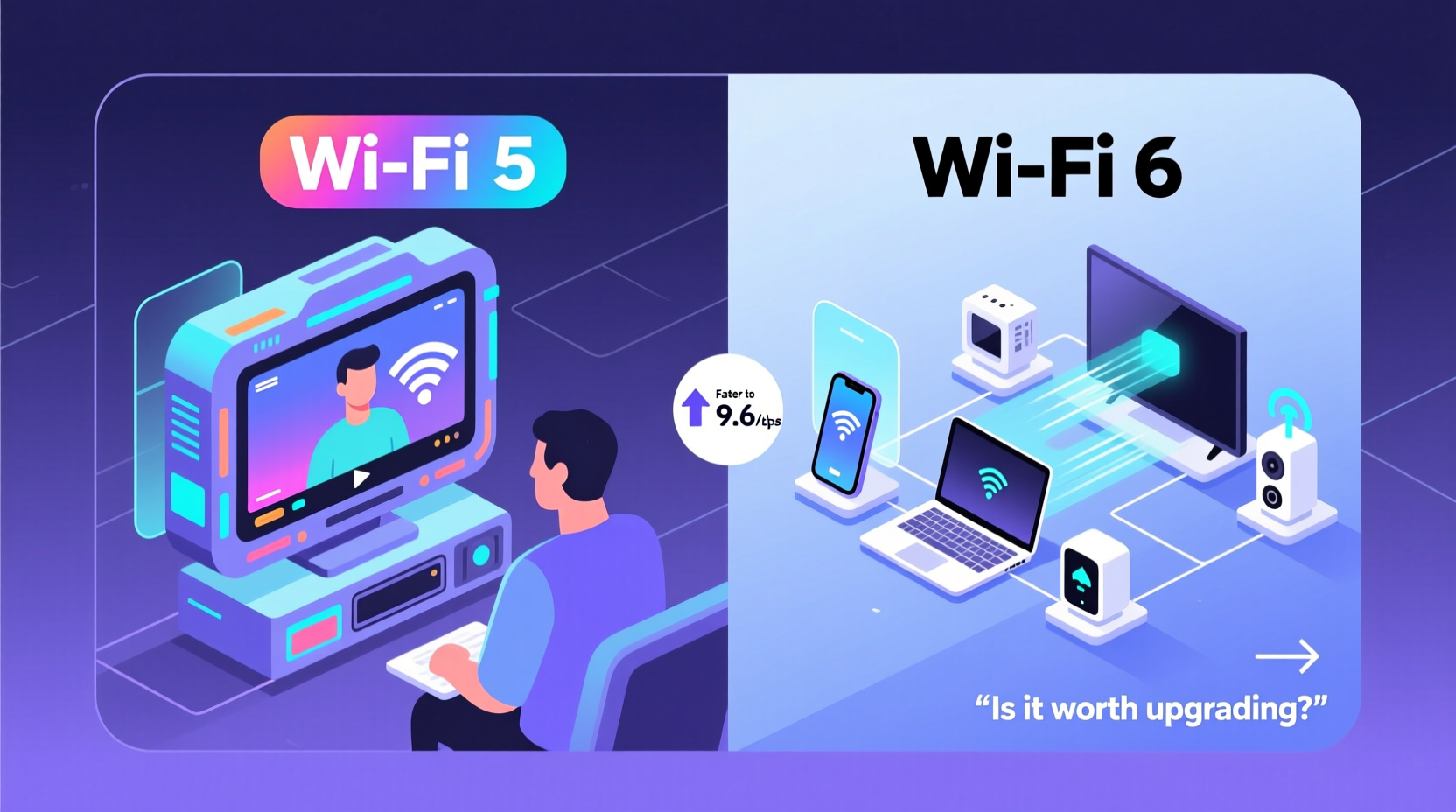
The jump from Wi-Fi 5 to Wi-Fi 6 isn't just about faster download speeds. While peak theoretical throughput increases from 3.5 Gbps on Wi-Fi 5 to up to 9.6 Gbps on Wi-Fi 6, real-world gains are more nuanced. The true improvements lie in network efficiency, reduced latency, and better handling of multiple devices.
- OFDMA (Orthogonal Frequency Division Multiple Access): Allows a router to serve multiple devices simultaneously rather than sequentially, improving responsiveness in busy networks.
- Target Wake Time (TWT): Reduces power consumption by scheduling when devices wake up to send or receive data—ideal for smart home gadgets and mobile phones.
- 1024-QAM modulation: Increases data density per transmission, boosting throughput by about 25% under ideal conditions.
- BSS Coloring: Helps reduce interference in dense environments (like apartment buildings) by distinguishing between overlapping networks.
- Improved MU-MIMO: Wi-Fi 5 supports downlink MU-MIMO (multiple users, multiple input/multiple output), but Wi-Fi 6 adds uplink support, allowing devices to send data back more efficiently at the same time.
These technical enhancements mean that even if your internet plan doesn’t exceed 300 Mbps—a common speed tier—Wi-Fi 6 can still offer smoother streaming, quicker file transfers, and less lag during video calls, especially when multiple people are online.
When Wi-Fi 5 Is Still Sufficient
For many households, Wi-Fi 5 continues to deliver reliable performance. If your usage falls within certain parameters, upgrading may not be urgent or necessary.
Consider sticking with Wi-Fi 5 if:
- You have fewer than five active devices using the network at once.
- Your internet plan is below 300 Mbps.
- You don’t frequently stream 4K content or play competitive online games.
- Most of your devices don’t support Wi-Fi 6 anyway (older smartphones, laptops, or smart TVs).
- You’re on a tight budget and your current router still functions well.
A single-user household using Wi-Fi primarily for browsing, email, and occasional HD streaming likely won’t notice any bottleneck with a modern dual-band Wi-Fi 5 router. In fact, replacing such a setup with a Wi-Fi 6 router without upgrading client devices may yield minimal benefits.
“Wi-Fi 6 shines in high-density environments. For light users, Wi-Fi 5 remains perfectly adequate.” — Dr. Linda Park, Network Engineer at Broadband Insights Group
Where Wi-Fi 6 Delivers Real Value
Wi-Fi 6 becomes a compelling upgrade in specific scenarios where network congestion, latency, and device count matter.
Families with Multiple Users and Devices
Modern homes often have over 20 connected devices—smartphones, tablets, laptops, smart speakers, security cameras, thermostats, and gaming consoles. Wi-Fi 5 struggles to manage this load efficiently, leading to buffering, dropped connections, and slow response times during peak hours.
With OFDMA and enhanced MU-MIMO, Wi-Fi 6 distributes bandwidth more intelligently. Instead of devices waiting their turn, they receive smaller, simultaneous data packets. This means one person can stream a movie, another can attend a Zoom meeting, and a third can play an online game—all without noticeable slowdowns.
Smart Homes and IoT Ecosystems
Internet of Things (IoT) devices typically transmit small amounts of data intermittently. Wi-Fi 5 handles these inefficiently, constantly waking radios and consuming power. Target Wake Time in Wi-Fi 6 allows sensors, doorbells, and wearables to sleep longer and communicate only when needed, extending battery life and reducing network clutter.
Gamers and Remote Workers
Low latency is critical for cloud gaming, VR applications, and real-time collaboration tools. Wi-Fi 6 reduces jitter and improves traffic prioritization through features like Basic Service Set (BSS) Coloring and improved Quality of Service (QoS). Gamers report fewer ping spikes, while remote workers experience clearer video calls and faster cloud backups.
Future-Proofing Your Network
If you plan to keep your router for five years or more, investing in Wi-Fi 6 makes sense. As more devices adopt Wi-Fi 6 and internet speeds increase (especially with fiber expansion), older routers will become bottlenecks. Even if your current ISP plan doesn’t require it, upgrading now avoids obsolescence later.
Real-World Example: The Nguyen Family Upgrade
The Nguyen family lives in a three-bedroom suburban home with two parents, two teenagers, and a home office. Their previous setup used a three-year-old Wi-Fi 5 mesh system. They had frequent complaints: Netflix buffering during dinner, Zoom calls freezing, and the youngest struggling with lag in online games.
After upgrading to a tri-band Wi-Fi 6 mesh system and replacing their main laptops and phones with Wi-Fi 6-compatible models, they noticed immediate improvements. Simultaneous 4K streaming on two TVs, smooth video conferencing, and zero lag in multiplayer gaming became the norm—even during peak evening hours. Their smart lights and cameras also reported longer battery life due to TWT.
The total cost was $450 for the new system, but they avoided calling a technician or upgrading their internet plan. For them, the upgrade wasn’t about chasing speed—it was about reliability and quality of life.
Upgrade Checklist: Are You Ready for Wi-Fi 6?
Before making the switch, assess your current environment with this checklist:
- ✅ Do you have an internet plan of 300 Mbps or higher?
- ✅ Are you frequently using multiple high-bandwidth applications at once?
- ✅ Do you own or plan to buy Wi-Fi 6-compatible devices (phones, laptops, tablets)?
- ✅ Is your current router more than four years old?
- ✅ Do you live in a densely populated area with heavy Wi-Fi congestion?
- ✅ Are you experiencing consistent buffering, disconnections, or slow speeds despite good signal?
- ✅ Do you want to reduce device battery drain from constant connectivity?
If you answered “yes” to three or more, a Wi-Fi 6 upgrade is likely worth considering. Fewer than three suggests Wi-Fi 5 may still suffice.
Performance Comparison: Wi-Fi 5 vs. Wi-Fi 6
| Feature | Wi-Fi 5 (802.11ac) | Wi-Fi 6 (802.11ax) |
|---|---|---|
| Max Theoretical Speed | 3.5 Gbps | 9.6 Gbps |
| Frequency Bands | Dual-band (2.4 GHz & 5 GHz) | Dual/tri-band (2.4, 5, and optional 6 GHz*) |
| MU-MIMO Support | Downlink only | Downlink and uplink |
| OFDMA | No | Yes |
| Target Wake Time (TWT) | No | Yes |
| Modulation | 256-QAM | 1024-QAM |
| Best For | Small households, light usage | Families, smart homes, high-demand users |
*Note: The 6 GHz band is reserved for Wi-Fi 6E and Wi-Fi 7, not standard Wi-Fi 6. Ensure compatibility if considering extended bands.
Frequently Asked Questions
Do I need Wi-Fi 6 if my internet plan is under 100 Mbps?
Not necessarily. If your plan is under 100 Mbps and you have few devices, Wi-Fi 5 can handle it efficiently. However, internal network transfers (like backing up files or streaming from a NAS) may benefit from Wi-Fi 6’s faster local speeds, even with slower internet.
Can I use Wi-Fi 6 devices on a Wi-Fi 5 router?
Yes, but they’ll operate at Wi-Fi 5 speeds and lack access to Wi-Fi 6-specific features like OFDMA and TWT. To unlock the full benefits, both the router and the device must support Wi-Fi 6.
Is Wi-Fi 6 safer than Wi-Fi 5?
All Wi-Fi 6 routers require WPA3 encryption, which offers stronger security than the WPA2 commonly used with Wi-Fi 5. Even if your devices don’t yet support WPA3, the protocol provides better protection against brute-force attacks and password guessing.
Conclusion: Making the Right Decision for Your Home
Upgrading to Wi-Fi 6 isn’t mandatory for everyone—but it’s increasingly becoming the smarter long-term choice. For light users with modest internet plans and few devices, Wi-Fi 5 remains functional and cost-effective. However, as homes grow more connected and digital demands rise, Wi-Fi 6 delivers tangible benefits in speed, efficiency, and stability.
The decision ultimately hinges on your current pain points and future expectations. If you're constantly troubleshooting connectivity issues or planning to expand your smart home ecosystem, investing in Wi-Fi 6 now can save frustration later. On the other hand, if your network runs smoothly and your devices aren’t pushing limits, there’s no urgent need to replace a working system.
Technology evolves quickly, but upgrades should serve your lifestyle—not dictate it. Evaluate your actual needs, check device compatibility, and consider total cost before making a move. When done right, a Wi-Fi 6 upgrade isn’t just about faster downloads—it’s about creating a seamless, responsive digital environment for everything you do online.




 浙公网安备
33010002000092号
浙公网安备
33010002000092号 浙B2-20120091-4
Comments
No comments yet. Why don't you start the discussion?