
The satisfying clack of a mechanical keyboard has become iconic among typists, programmers, and gamers alike. For many, that audible feedback isn’t just background noise—it’s part of the rhythm of productivity. But as remote work blurs the lines between personal and shared spaces, the question arises: Is the mechanical keyboard click worth the noise, or should we be opting for quieter, more discreet alternatives? The answer depends on context, preference, and environment. This article explores the trade-offs between clicky mechanical switches and silent models, helping you make an informed decision based on real-world use cases, ergonomic benefits, and long-term satisfaction.
The Anatomy of a Mechanical Switch
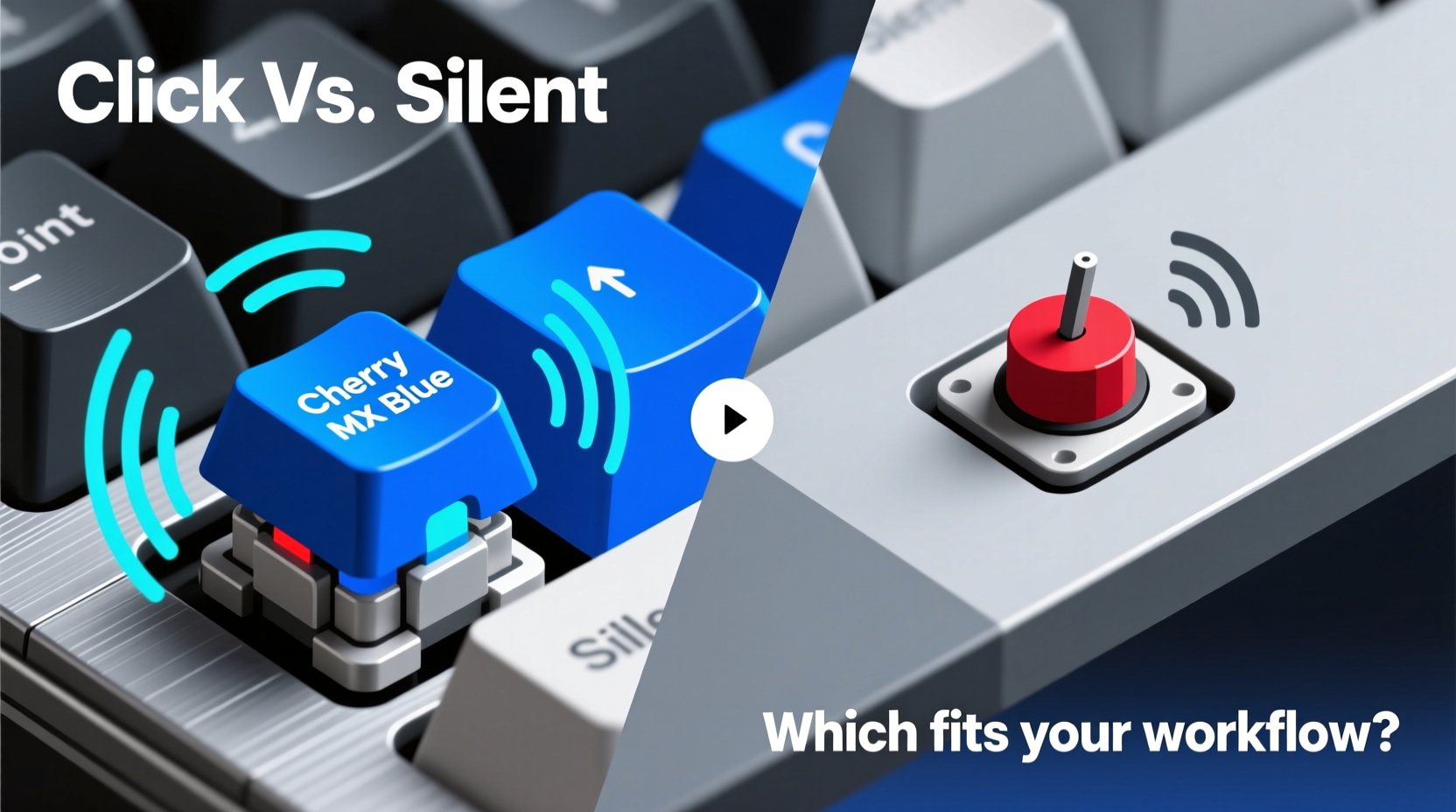
Mechanical keyboards differ from membrane or scissor-switch models by using individual physical switches under each key. These switches come in three primary types: linear, tactile, and clicky. Each offers a distinct feel and sound profile.
- Linear switches provide smooth keystrokes with no bump or click—ideal for fast input but lacking feedback.
- Tactile switches feature a noticeable bump mid-press to confirm actuation, offering physical feedback without loud noise.
- Clicky switches, like the Cherry MX Blue or Kailh Box White, deliver both tactile bump and a sharp auditory \"click\" upon activation.
The click is produced by a small mechanism inside the switch that snaps into place when pressed. This design mimics the typewriter-like sensation many users crave—a sensory cue that a keystroke has registered. However, this same feature can become a liability in quiet environments.
Noise vs. Performance: What Do You Gain From Clicks?
The appeal of clicky switches extends beyond nostalgia. Many users report increased typing accuracy and rhythm due to the dual sensory feedback—both tactile and auditory. When each keystroke produces a crisp sound, it reinforces muscle memory and reduces reliance on visual confirmation.
“Typing on a clicky switch keyboard feels like playing an instrument—you develop a cadence, and the sound becomes part of the process.” — Daniel Reyes, Professional Transcriptionist & Keyboard Enthusiast
In controlled settings—such as home offices, private workspaces, or gaming dens—this level of engagement enhances focus and efficiency. Some studies suggest that consistent auditory feedback may reduce errors during prolonged typing sessions by up to 15%, especially in data entry or coding tasks.
However, performance gains must be weighed against practical limitations. In open-plan offices, libraries, or households with sleeping children, even moderate keyboard noise can disrupt others. One user’s productive rhythm might be another’s distraction.
When Silence Wins: Scenarios That Favor Quiet Switches
Silent mechanical switches—like Cherry MX Silent Reds, Gateron Silent Browns, or optical variants—are engineered to dampen internal contact noise while maintaining the durability and responsiveness of mechanical designs. They typically use rubber dampeners or modified stem mechanisms to suppress sound at the source.
Consider these common situations where silent switches outperform their noisier counterparts:
- Shared living spaces: Roommates, partners, or family members often appreciate reduced ambient noise, particularly during early mornings or late nights.
- Hybrid work environments: Jumping between video calls and deep work requires discretion. A loud keyboard can distract meeting participants or interrupt recordings.
- Public areas: Coworking spaces, cafes, and study halls demand courtesy. Even moderately loud typing can draw unwanted attention.
- Long-duration use: Over time, repetitive clicking can contribute to auditory fatigue—even for the user.
Modern silent switches don’t sacrifice speed or reliability. Most retain actuation forces similar to standard models (typically 45–50g) and offer lifespans exceeding 50 million keystrokes. For users prioritizing peace over punchiness, they represent a balanced compromise.
Comparative Overview: Clicky vs. Silent Switches
| Feature | Clicky Switches (e.g., MX Blue) | Silent Switches (e.g., MX Silent Red) |
|---|---|---|
| Audible Feedback | High – distinct click per keystroke | Low – nearly inaudible operation |
| Tactile Bump | Pronounced | Present (in tactile versions), absent in linear |
| Noise Level (approx.) | 60–70 dB (comparable to normal conversation) | 40–50 dB (near ambient room noise) |
| Typing Speed Accuracy | High – enhanced feedback improves precision | Moderate – relies more on touch/visual cues |
| Suitability for Shared Spaces | Poor – disruptive in quiet environments | Excellent – ideal for co-workers or families |
| Lifespan | 50+ million keystrokes | 50+ million keystrokes |
| Best For | Home offices, enthusiasts, coders who value rhythm | Remote workers, travelers, public typists |
Real-World Example: Balancing Needs in a Hybrid Work Lifestyle
Sarah Kim, a software developer based in Seattle, initially used a custom-built keyboard with Cherry MX Blues. She loved the crisp feedback and rhythmic typing flow it provided during solo coding sessions. However, after transitioning to hybrid work and frequently joining Zoom calls from her apartment, she noticed colleagues commenting on background noise. Her partner also began waking up earlier due to the morning typing clatter.
After experimenting with o-rings and desk pads—which muffled sound but dulled the typing experience—she switched to a low-profile mechanical board with Gateron Silent Browns. The change was subtle but transformative. “I didn’t realize how much mental energy I spent managing my noise until it was gone,” she said. “Now I can type freely at any hour without guilt, and my focus actually improved because I’m not self-monitoring every keystroke.”
This case illustrates a growing trend: users valuing adaptability over pure performance. While Sarah still owns her clicky board for weekend projects, her daily driver now reflects a balance between personal enjoyment and social consideration.
Expert Insight: Ergonomics and Long-Term Typing Health
Beyond acoustics, switch choice impacts physical comfort. Dr. Lena Patel, an occupational therapist specializing in repetitive strain injuries, emphasizes that switch force and travel distance matter more than sound alone.
“The risk of strain comes less from noise and more from actuation force and typing technique. A heavy clicky switch used aggressively may increase finger fatigue over time, whereas a well-dampened silent switch encourages lighter keystrokes.” — Dr. Lena Patel, OTD, Hand & Wrist Rehabilitation Specialist
She recommends users assess not just what feels satisfying in short bursts, but what supports sustainable habits over years of use. Lighter actuation (45g or below), adequate keycap spacing, and proper wrist alignment often outweigh sensory preferences when considering long-term health.
Actionable Checklist: Choosing the Right Switch for Your Life
Before committing to a keyboard, evaluate your environment and usage patterns. Use this checklist to guide your decision:
- ✅ Do you work primarily from home or in a private office? → Clicky may be acceptable.
- ✅ Are you often on voice or video calls? → Lean toward silent switches.
- ✅ Do you share your space with others sensitive to noise? → Silent is likely better.
- ✅ Do you type for more than 4 hours daily? → Prioritize ergonomics and fatigue resistance.
- ✅ Do you value auditory feedback for accuracy? → Test tactile-clicky hybrids first.
- ✅ Will you travel with your keyboard? → Compact silent models are more socially adaptable.
- ✅ Can you try switches before buying? → Always test if possible—feel trumps specs.
Frequently Asked Questions
Can I make a clicky keyboard quieter without changing switches?
Yes, but with trade-offs. O-ring dampeners, desk mats, and foam-inside-case modifications can reduce noise by 10–20%. However, they may alter the keypress feel and won’t eliminate the internal switch click entirely. For significant reduction, switching to silent switches remains the most effective solution.
Are silent switches slower than clicky ones?
No. Actuation speed depends on switch design and keypress depth, not noise level. Most silent switches have identical actuation points (typically 2mm) and response times as their louder counterparts. The perception of slowness often stems from lack of auditory feedback, not mechanical delay.
Do silent switches wear out faster?
No evidence suggests shorter lifespans. Reputable brands engineer silent switches with the same durability standards. Rubber dampeners may degrade slightly over extreme use (10+ years), but typical users will see no difference compared to standard switches.
Final Verdict: It’s Context, Not Just Preference
The debate isn’t truly about whether clicky keyboards are “better” than silent ones—it’s about alignment with your lifestyle. The mechanical click offers undeniable satisfaction and functional benefits for focused, isolated work. There’s a reason why writers, coders, and keyboard aficionados swear by them. But in today’s interconnected, audio-sensitive world, silence often carries equal or greater value.
Rather than defaulting to one type, consider versatility. Dual-mode wireless keyboards, hot-swappable PCBs, and modular designs now allow users to switch between switch types as needed. You might run clicky switches at your desk and swap to silent ones for travel or meetings—all on the same chassis.
Ultimately, the best keyboard is the one that lets you work comfortably, communicate clearly, and respect the people around you—without sacrificing performance.




 浙公网安备
33010002000092号
浙公网安备
33010002000092号 浙B2-20120091-4
Comments
No comments yet. Why don't you start the discussion?