
The tactile feedback and audible click of a mechanical keyboard are often praised by typists, programmers, and gaming enthusiasts alike. That crisp, responsive keystroke delivers a sense of precision unmatched by membrane or scissor-switch keyboards. But when you're working in a shared office, living with roommates, or attending virtual meetings from a home environment, that same satisfying click can become a source of tension. The question isn't just about preference—it's about coexistence. Is the sensory reward of a clicky switch worth the potential disruption it brings to others?
This article examines the trade-offs between performance and peace in shared environments, evaluates real-world scenarios, and offers actionable strategies for balancing personal satisfaction with social responsibility.
The Allure of Clickiness: Why People Love It
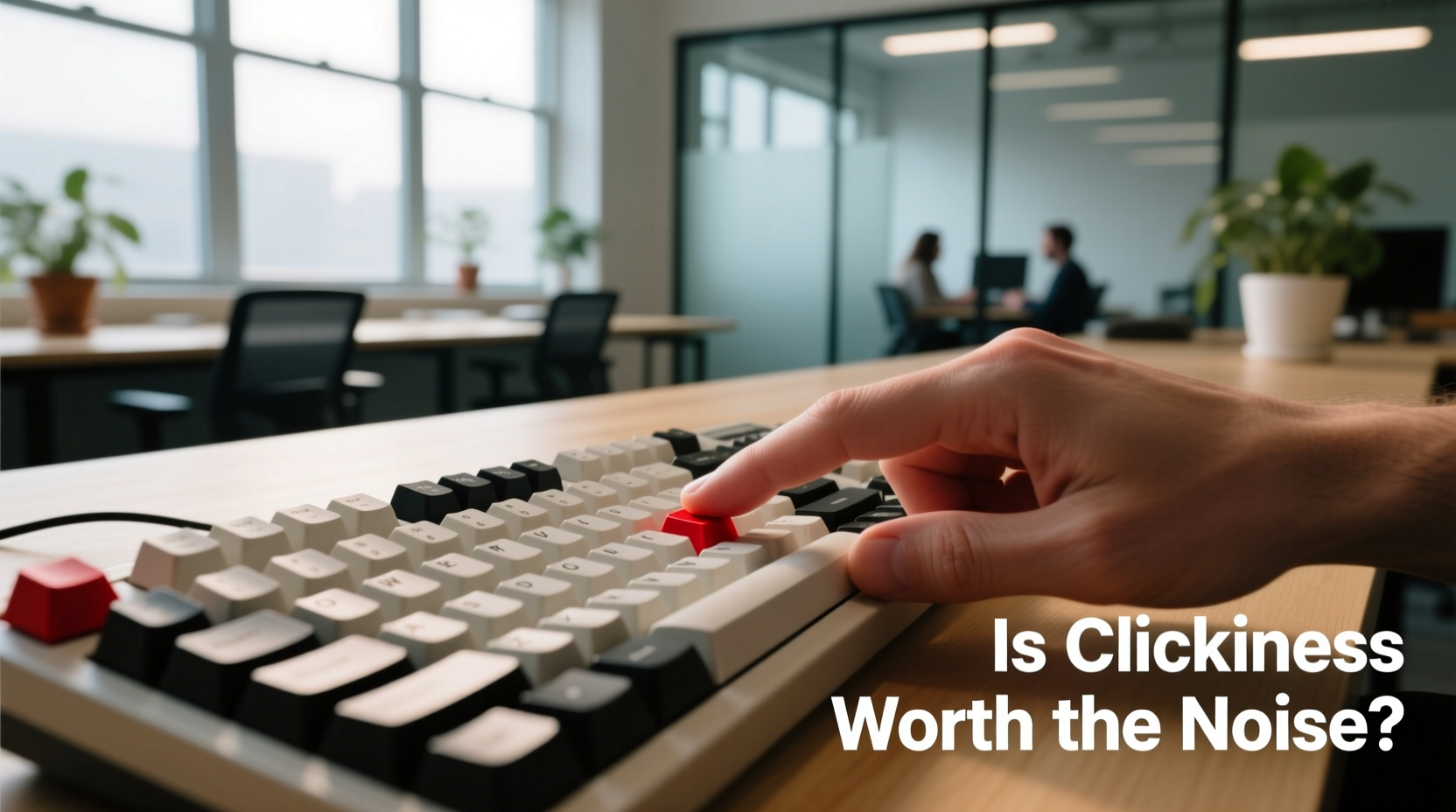
Mechanical keyboards use individual switches under each keycap, and among the most popular types—especially Cherry MX Blue and its clones—are those known for their pronounced tactile bump and sharp auditory feedback. This click serves as both a physical and sonic confirmation of actuation, helping users type faster and with fewer errors.
For many, the sound is part of the experience. Typing becomes rhythmic, almost musical. Some users report increased focus and typing accuracy due to the sensory cues provided by clicky switches. Others appreciate the durability—mechanical switches are rated for tens of millions of keystrokes, far outlasting most alternatives.
“Mechanical keyboards aren’t just tools—they’re an extension of workflow. The right switch can make typing feel effortless.” — David Lin, Ergonomic Equipment Designer at KeyFlow Labs
Beyond function, there’s an emotional component. The sound of a well-tuned keyboard can be deeply satisfying, even therapeutic. For remote workers or creatives spending long hours at their desks, this small pleasure can influence overall job satisfaction.
The Cost of Noise: Real Impact in Shared Environments
While one person may find clicking soothing, another might perceive it as intrusive. In open offices, co-living spaces, or hybrid work setups, constant high-frequency tapping—even if not loud—can contribute to cognitive fatigue and reduced concentration.
A 2022 study published in the *Journal of Environmental Psychology* found that repetitive, unpredictable sounds (like intermittent typing) were more disruptive than continuous background noise such as HVAC systems. The brain treats irregular auditory stimuli as potential threats, triggering micro-distractions that accumulate over time.
In practice, this means your efficient coding session could be undermining your roommate’s ability to focus on a report—or worse, straining relationships without either party realizing why.
Comparing Keyboard Types: A Practical Breakdown
| Switch Type | Noise Level | Tactile Feedback | Best For | Suitable in Shared Spaces? |
|---|---|---|---|---|
| Cherry MX Blue / Kailh Box White | High (sharp click) | Strong bump + click | Typists who want feedback | Rarely |
| Cherry MX Brown / Gateron Brown | Medium (muted bump) | Moderate bump, no click | Balanced typing/gaming | Often acceptable |
| Cherry MX Red / Gateron Red | Low (smooth press) | Linear, no bump | Gaming, fast typists | Generally yes |
| Membrane / Scissor-Switch (e.g., laptop) | Very low | Minimal feedback | Quiet environments | Ideal |
| Optical Switches (linear variants) | Low to medium | Smooth, fast | Hybrid use | Usually acceptable |
This comparison shows that not all mechanical switches are created equal. While \"mechanical\" often implies loudness, many modern options offer mechanical reliability without excessive noise.
Real-World Scenario: The Home Office Dilemma
Consider Mark, a freelance developer working remotely from a two-bedroom apartment he shares with his partner, Lena, who teaches online classes during the day. Mark upgraded to a custom mechanical board with blue switches, loving the responsiveness during long coding sessions. But within a week, Lena began receiving complaints from students unable to hear her instructions clearly over the persistent clicking in the background.
At first, they tried scheduling around each other’s peak hours. Then Mark added foam padding inside the case and switched to O-ring dampeners on keycaps. These helped slightly, but the fundamental issue remained: the switch itself was too loud for simultaneous activities.
Eventually, Mark invested in a second keyboard—a quieter brown-switch model—for daytime use. He kept the clicky one for evenings and weekends. The compromise preserved both productivity and harmony.
“We didn’t realize how much sound traveled through our walls until we had to pay attention. It wasn’t about being selfish—it was about awareness.” — Lena Torres, Online Educator
This scenario reflects a common challenge: personal tools impacting shared comfort. Solutions rarely involve complete sacrifice, but rather thoughtful adaptation.
Actionable Strategies for Minimizing Disruption
You don’t need to abandon your mechanical keyboard to be considerate. Several modifications and behavioral adjustments can significantly reduce noise without sacrificing performance.
1. Choose Quieter Switches
Replace clicky switches with linear or tactile non-clicky variants. Options like Gateron Silent Reds, Tecsee Silent Browns, or Holy Panda hybrids offer mechanical feel with up to 30% noise reduction.
2. Use Sound-Dampening Mods
- O-rings or dampeners: Attach silicone rings beneath keycaps to cushion impact.
- Case foam: Insert acoustic foam inside the keyboard housing to absorb internal resonance.
- Plate foam: Add thin foam between the switch plate and case for vibration control.
- Keycap material: PBT plastic tends to produce deeper, less piercing sounds than ABS.
3. Adjust Typing Technique
Many users unknowingly “bottom out”—pressing keys all the way down with force. Lighter touch typing reduces both noise and finger strain. Practicing touch typing techniques can improve efficiency while lowering volume.
4. Establish Usage Zones and Times
If possible, designate certain times or areas for noisy peripherals. Using the clicky board only after work hours or in a separate room prevents conflict before it starts.
5. Invest in a Secondary Quiet Board
Having two keyboards—one optimized for performance, one for stealth—offers flexibility. Many compact 60% or TKL boards are affordable and easy to switch between via USB hub.
Checklist: Is Your Mechanical Keyboard Appropriate for Shared Spaces?
- ✅ Have I asked others nearby if the noise bothers them?
- ✅ Am I using the lightest effective typing force?
- ✅ Have I installed internal dampening (foam, lubed switches)?
- ✅ Are my keycaps contributing to harsh sounds?
- ✅ Do I have access to a quieter alternative for sensitive situations?
- ✅ Can I limit use to specific hours or locations?
- ✅ Have I considered switching to a silent or linear variant?
Going through this checklist helps assess whether your setup aligns with both your needs and your environment’s expectations.
When Clickiness Makes Sense—and When It Doesn’t
The value of clickiness depends heavily on context. In a private home office, dedicated studio, or isolated workspace, there’s little reason to suppress what enhances your productivity and enjoyment. However, in any setting where others must concentrate, participate in calls, or simply relax, the calculus shifts.
Shared coworking spaces increasingly enforce “quiet zone” policies that explicitly discourage loud peripherals. Even informal settings benefit from unspoken etiquette: minimizing avoidable distractions fosters mutual respect.
That said, eliminating noise entirely shouldn’t come at the cost of ergonomics or typing health. A poorly suited, mushy keyboard may lead to fatigue or injury over time. The goal isn’t silence—it’s balance.
Frequently Asked Questions
Can I make my existing clicky keyboard quieter without replacing it?
Yes. Start with simple fixes: install case and plate foam, add O-rings to keycaps, and ensure switches are properly lubed. You can also try lowering keyboard angle or placing it on a soft surface like a padded wrist rest. These changes can reduce perceived noise by 20–40%.
Are silent mechanical switches truly effective?
Modern silent switches (like Kailh Pro Silent or Gateron Silent variants) integrate rubber dampeners inside the switch housing, reducing sound at the source. They retain full mechanical functionality but cut peak noise levels significantly. Users report only a slight change in feel, making them ideal for shared environments.
Do wireless keyboards tend to be quieter?
Not necessarily. Wireless refers to connectivity, not acoustics. However, many wireless models use low-profile switches or scissor mechanisms (common in ultrabooks), which are inherently quieter than full-height mechanical switches. Always check switch type, not just connection method.
Conclusion: Balancing Satisfaction and Sensitivity
The click of a mechanical keyboard is more than sound—it’s feedback, rhythm, and sometimes identity. For professionals who spend hours typing, that sensory return has real value. But in shared spaces, every decision carries social weight. What feels empowering to one person may feel invasive to another.
Ultimately, the worth of clickiness isn’t measured solely in personal preference, but in how it fits within a broader ecosystem of shared attention and respect. With thoughtful switch selection, smart modifications, and situational awareness, it’s entirely possible to enjoy the benefits of mechanical typing without compromising the comfort of those around you.




 浙公网安备
33010002000092号
浙公网安备
33010002000092号 浙B2-20120091-4
Comments
No comments yet. Why don't you start the discussion?