
For remote workers, the home office is more than just a workspace—it’s a shared environment. It might double as a living room, kitchen nook, or even a bedroom. In such spaces, noise matters. Yet, an increasing number of remote professionals are turning to mechanical keyboards, drawn by their tactile feedback, durability, and satisfying typing rhythm. But with that comes a trade-off: sound. The sharp, rhythmic clack of mechanical switches can echo through quiet homes, raising questions about whether the enhanced typing experience justifies the auditory footprint.
The answer isn’t universal. It depends on work style, household dynamics, personal sensitivity to sound, and even the type of switch used. This article dives into the real-world implications of mechanical keyboard noise for remote workers, comparing benefits against disruptions, offering practical solutions, and helping you decide if the click is truly worth it.
The Allure of Mechanical Keyboards: Beyond the Noise
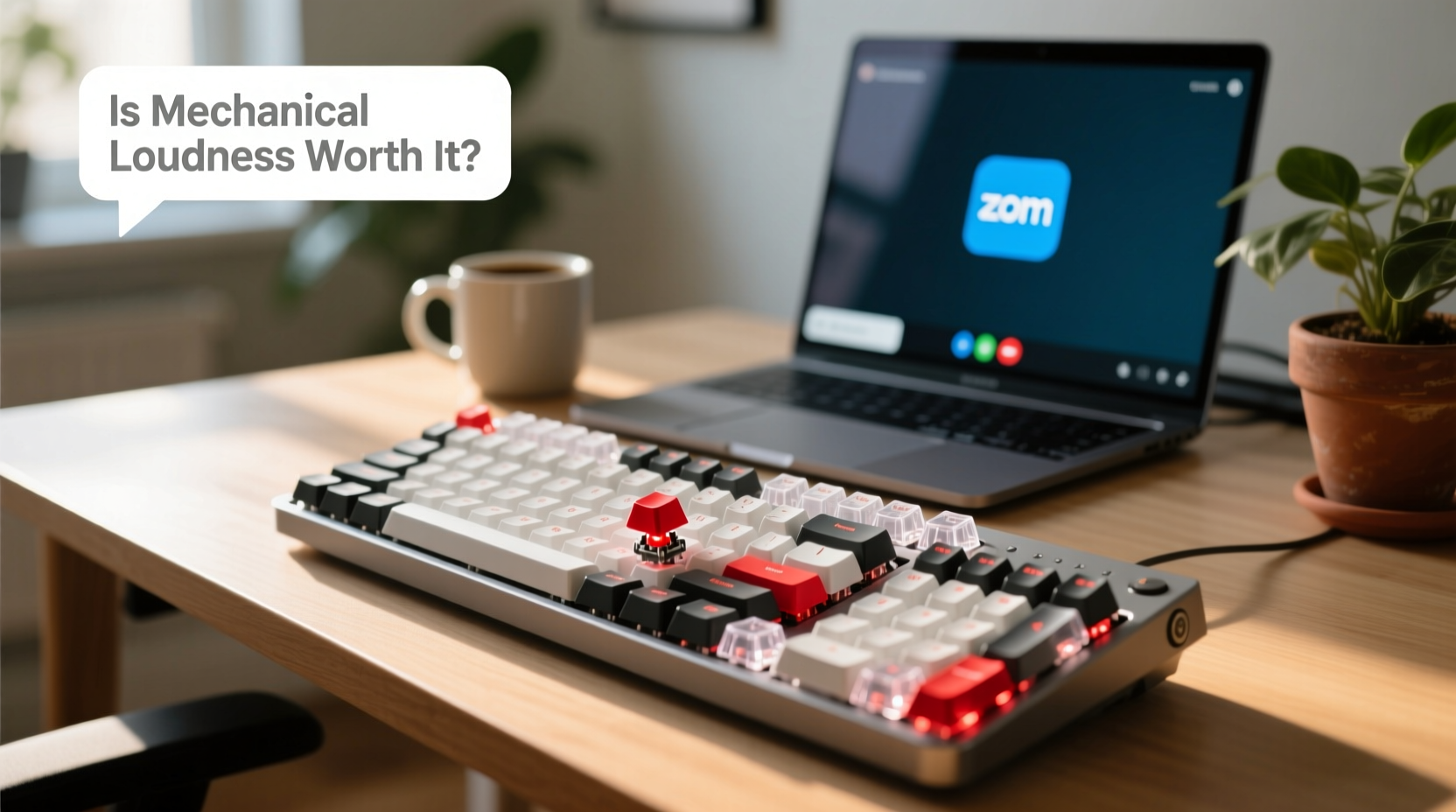
Mechanical keyboards differ from membrane or scissor-switch keyboards in that each key has its own physical switch mechanism. This design offers several advantages:
- Improved tactile feedback: Users can feel when a keystroke registers, reducing errors and finger fatigue.
- Greater durability: Most mechanical switches are rated for 50–100 million keystrokes, far outlasting typical membrane keys.
- Customizability: From keycap materials to switch types and programmable layouts, users can tailor the keyboard to their exact preferences.
- Better typing speed and accuracy: Many typists report increased efficiency due to the precise actuation point and reduced need for bottoming out keys.
These benefits contribute to what enthusiasts call “typing feel”—a sensory satisfaction that turns mundane typing into a pleasurable, almost meditative activity. For writers, coders, and anyone who spends hours at the keyboard, this can significantly impact daily comfort and long-term productivity.
“Switching to a mechanical keyboard was like upgrading from flip-flops to running shoes for my fingers. I didn’t realize how much strain I was under until it was gone.” — Daniel Reeves, Software Developer & Remote Worker Since 2018
Noise Levels: How Loud Are We Talking?
Not all mechanical keyboards are created equal when it comes to volume. The sound varies dramatically based on switch type, keycap material, case construction, and typing force. Some produce a soft thock; others emit a sharp, staccato click.
To understand the scale, consider that normal conversation ranges between 60–70 decibels (dB). A loud mechanical keyboard—especially one with linear or clicky switches—can reach 70–80 dB when typing rapidly, comparable to a vacuum cleaner or city traffic. In contrast, a quiet laptop keyboard operates around 40–50 dB.
Common Switch Types and Their Sound Profiles
| Switch Type | Sound Level | Tactile Feedback | Best For |
|---|---|---|---|
| Clicky (e.g., Cherry MX Blue) | High – very audible click | Strong bump + audible click | Typists who love feedback and work solo |
| Tactile (e.g., Cherry MX Brown) | Medium – subtle bump, no click | Moderate bump, quieter | Remote workers needing balance |
| Linear (e.g., Cherry MX Red) | Low to medium – smooth press | No bump, consistent force | Gamers, fast typists, shared spaces |
| Quiet Linear (e.g., Gateron Silent Red) | Low – muffled sound | Smooth with dampened noise | Open offices, apartments, late-night use |
As shown, choosing the right switch can dramatically reduce noise without sacrificing the mechanical advantage. Quiet variants often include internal dampeners or rubber pads to suppress sound while maintaining actuation quality.
Real-World Impact: When Noise Becomes a Problem
Jenna, a freelance editor living in a two-bedroom apartment with her partner and toddler, switched to a mechanical keyboard early in her remote career. She loved the responsiveness of her new Cherry MX Blue setup—until she started receiving complaints during Zoom meetings.
“My husband would mute me mid-call because my typing sounded like someone hammering nails. My daughter would cover her ears and say, ‘Mommy, too loud!’ I had no idea how disruptive it was until it affected my family.”
Jenna eventually replaced her keyboard with a Gateron Silent Red model. The difference was immediate. Her typing remained efficient, but the noise dropped by nearly half. She regained focus during calls and restored peace at home.
This scenario is common. Remote work blurs professional and personal boundaries. What feels empowering in isolation can become intrusive in shared environments. Children, partners, roommates, or neighbors may be sensitive to repetitive sounds, especially during video conferences, phone calls, or early/late hours.
Solutions for Balancing Experience and Etiquette
You don’t have to abandon mechanical keyboards to be considerate. Several strategies allow you to enjoy the typing experience while minimizing disruption.
1. Choose Quieter Switches
Opt for linear or silent switches instead of clicky ones. Gateron Silent Reds, Kailh Box Jades, or ZealPC Teals offer tactile precision with reduced noise. Even standard Browns are significantly quieter than Blues.
2. Use O-Rings or Dampeners
Small silicone o-rings installed beneath keycaps absorb impact and reduce the \"clack\" sound when keys bottom out. They’re inexpensive, easy to install, and reversible.
3. Upgrade to a Foam-Modded Keyboard
Many modern mechanical keyboards come pre-filled with sound-dampening foam inside the case. This reduces internal echo and resonance. If building your own, adding DIY foam (like EVA or PE) can cut noise by up to 10–15%.
4. Type with Lighter Force
Heavy-handed typing amplifies noise. Practicing a lighter touch—just enough to actuate the switch—can make a noticeable difference. Some users train themselves using keyboard trainers or by focusing on wrist posture.
5. Set Boundaries and Schedules
If you must use a louder board, establish quiet hours with housemates. Reserve noisy typing for times when others aren’t sleeping, studying, or on calls.
6. Use a Secondary Quiet Keyboard for Calls
Keep a low-profile keyboard (like a laptop or ultra-thin Bluetooth model) nearby for meetings where silence is critical. Switch temporarily when needed.
“Hybrid setups are becoming the norm. One keyboard for deep work, another for collaboration. It’s not overkill—it’s professionalism.” — Lena Park, Remote Work Consultant & Founder of FlexOffice Labs
Checklist: Is a Mechanical Keyboard Right for Your Remote Setup?
Before buying or fully committing, ask yourself these questions:
- Do I spend more than 4 hours a day typing?
- Am I experiencing hand or wrist fatigue with my current keyboard?
- Do I work primarily alone, or do others share my space?
- Are there children, pets, or light sleepers nearby?
- Do I frequently join audio or video calls?
- Can I test the keyboard in person or return it if too loud?
- Am I willing to modify or adapt my setup for noise control?
If you answered “yes” to questions 1 and 2, a mechanical keyboard could improve your ergonomics and comfort. If you said “yes” to 3–5, prioritize quiet switches or alternative solutions. Questions 6 and 7 help mitigate risk—many brands now offer 30-day trials.
When the Typing Experience Outweighs the Noise
For some remote workers, the benefits of mechanical keyboards are non-negotiable. Consider developers writing code for eight hours straight, authors drafting novels, or data entry specialists processing forms all day. In these cases, the reduction in finger fatigue and error rate can translate directly into higher output and lower burnout.
Moreover, the psychological aspect shouldn’t be underestimated. Many users report a sense of flow and focus when typing on a responsive mechanical board. The auditory feedback—ironically the source of the problem—can serve as a rhythm that enhances concentration. For neurodivergent individuals, such as those with ADHD, the sensory input can actually improve attention and task persistence.
The key is context. A freelance programmer working from a soundproofed basement may thrive with a loud, clicky board. A customer support agent on back-to-back calls in a studio apartment likely should not.
Frequently Asked Questions
Can I make my mechanical keyboard quieter without replacing it?
Yes. Start by installing silicone o-rings on keycaps or adding internal case foam. Lubricating switches (switch lubing) can also smooth action and reduce noise, though it requires technical skill. Alternatively, place the keyboard on a padded surface like a mousepad with wrist rest or fabric mat to dampen vibrations.
Are there completely silent mechanical keyboards?
Nothing is truly silent, but some come close. Brands like Logitech (with their Romer-G or Silent Pebble series), Microsoft (Modern Mobile Keyboard), and certain models from Keychron (e.g., K3 with Gateron Low-Noise switches) are engineered for minimal sound. These blend mechanical reliability with near-membrane acoustics.
Do wireless mechanical keyboards affect performance?
Modern wireless mechanical keyboards using Bluetooth 5.0 or 2.4 GHz dongles offer near-zero latency. Brands like Logitech, Keychron, and Ducky provide reliable wireless options without compromising typing feel. Battery life is typically strong—often lasting weeks or months on a single charge.
Conclusion: Finding Your Balance
The question isn’t whether mechanical keyboards are inherently worth the noise—it’s whether they’re worth it *for you*, in your specific remote work environment. For many, the answer is a resounding yes, provided they make informed choices. The tactile precision, ergonomic advantages, and sheer enjoyment of typing well can elevate daily productivity and job satisfaction.
But professionalism in remote work extends beyond output. It includes awareness of your surroundings and respect for shared spaces. With the right switch type, modifications, and habits, you can enjoy the best of both worlds: a rich, responsive typing experience without disturbing those around you.
The evolution of remote work demands tools that support both performance and harmony. A mechanical keyboard doesn’t have to be a nuisance. It can be a thoughtful extension of your workflow—one that respects your body, your craft, and your household.




 浙公网安备
33010002000092号
浙公网安备
33010002000092号 浙B2-20120091-4
Comments
No comments yet. Why don't you start the discussion?