
For years, mechanical keyboards have been both celebrated and criticized—praised by typists and gamers for their tactile feedback, yet mocked in open offices for their clatter. The debate often boils down to a simple question: Is a mechanical keyboard truly better for typing comfort, or is it just an unnecessarily loud accessory favored by enthusiasts? The answer isn't binary. It depends on how you type, where you work, and what you value in a daily tool. This article examines the mechanics behind mechanical keyboards, compares them with alternatives, and offers practical guidance on whether upgrading is worth the noise.
The Anatomy of Typing Comfort
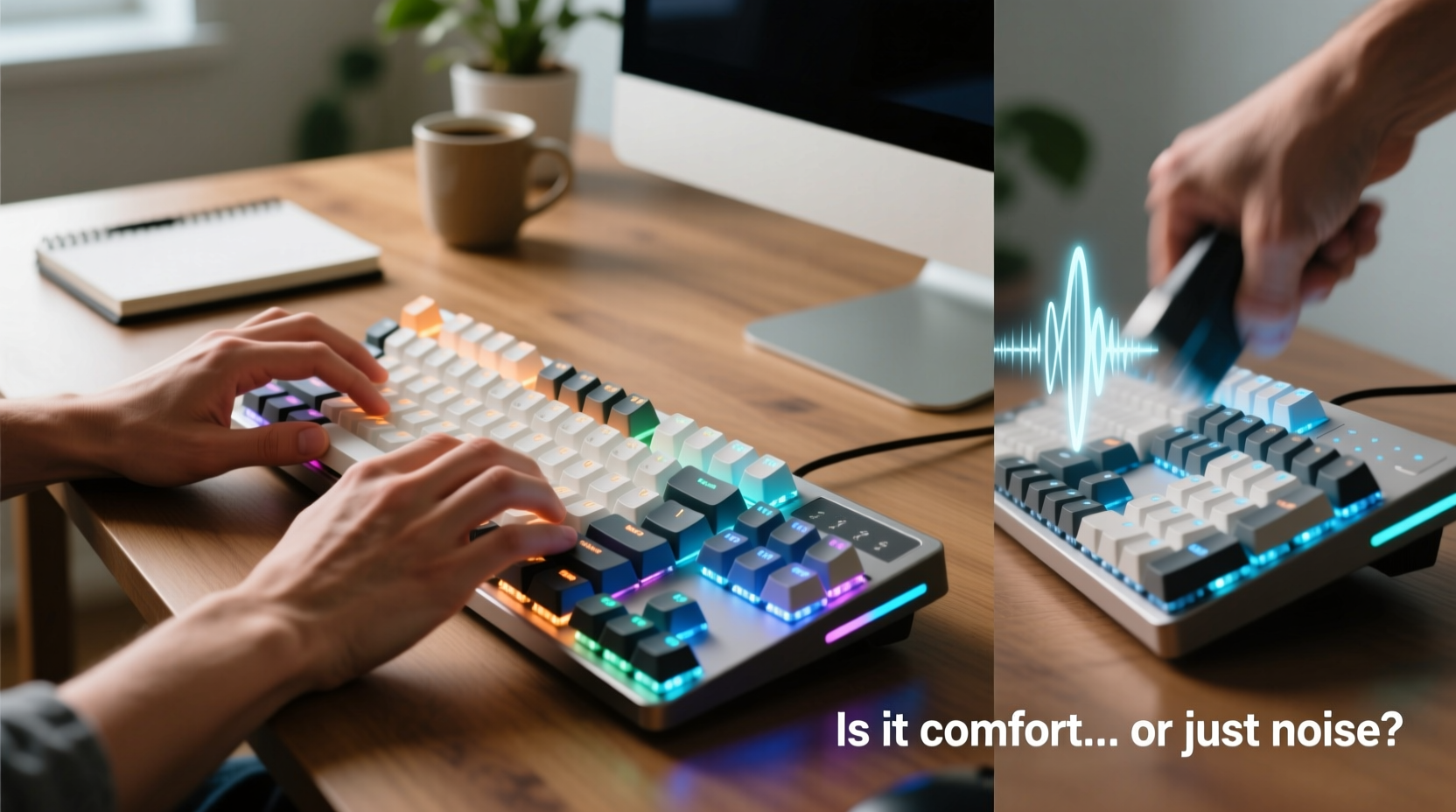
Typing comfort isn’t just about how soft or firm the keys feel—it’s influenced by actuation force, key travel distance, tactile feedback, and ergonomic design. Mechanical keyboards use individual mechanical switches under each key, unlike membrane or scissor-switch keyboards that rely on rubber domes or flat mechanisms. These switches come in various types—linear, tactile, and clicky—each affecting the typing experience differently.
Linear switches, like Cherry MX Reds, offer a smooth press with no bump or audible click, making them popular among gamers. Tactile switches, such as Cherry MX Browns, provide a subtle bump mid-press, giving typists feedback without excessive noise. Clicky switches, like Cherry MX Blues, deliver both tactile resistance and a sharp audible click, ideal for those who enjoy sensory confirmation with every keystroke.
The physical design contributes significantly to comfort. Mechanical keyboards typically feature higher actuation points (the point at which a keystroke registers), reducing finger fatigue over long typing sessions. Additionally, many models support keycap customization and ergonomic layouts, allowing users to tailor the keyboard to their hand size and typing style.
Noise vs. Functionality: Separating Myth from Reality
One of the most persistent criticisms of mechanical keyboards is their noise level. A room full of MX Blue switches can sound like a vintage typewriter convention—energetic but disruptive. However, not all mechanical keyboards are loud. Switch selection plays a decisive role. Linear switches like Reds or Blacks are quieter than clicky variants, and modern designs often include sound-dampening features such as O-rings, foam padding inside the case, or silent switch variants (e.g., Gateron Silent Reds).
Conversely, some users find the sound motivating. Research from the University of California, Irvine suggests that auditory feedback can improve typing accuracy and rhythm. For writers, coders, or anyone engaged in deep work, the rhythmic click of a well-tuned board may enhance focus rather than hinder it.
The key issue isn’t whether mechanical keyboards are inherently loud, but whether the noise aligns with your environment. In shared spaces—offices, libraries, or households with light sleepers—noise discipline matters. But in home offices or private workspaces, a louder board might be a non-issue or even a benefit.
“Sound isn’t just noise—it’s information. Auditory cues help typists self-correct in real time.” — Dr. Alan Reed, Human-Computer Interaction Researcher, MIT Media Lab
Comparative Analysis: Mechanical vs. Membrane vs. Laptop Keyboards
To understand whether mechanical keyboards are necessary, it helps to compare them directly with common alternatives. The table below outlines key differences across performance, comfort, durability, and cost.
| Feature | Mechanical Keyboard | Membrane Keyboard | Laptop Keyboard (Scissor-Switch) |
|---|---|---|---|
| Actuation Force | 45–70g (varies by switch) | 50–80g (less consistent) | 55–70g (shallow travel) |
| Key Travel | 3.5–4.0mm | 3.0–3.5mm | 1.0–1.5mm |
| Tactile Feedback | Yes (configurable) | Minimal or none | Slight bump in premium models |
| Noise Level | Low to high (switch-dependent) | Low | Low to moderate |
| Durability | 50–100 million keystrokes per switch | 5–10 million keystrokes | 5–10 million keystrokes |
| Customization | High (keycaps, switches, firmware) | None | Very limited |
| Price Range | $60–$250+ | $15–$50 | Included with device ($1000+ laptops may have better quality) |
The data shows mechanical keyboards outperform others in durability and feedback precision. However, they also come at a higher cost and require more consideration regarding noise. For casual users who type infrequently, a membrane or laptop keyboard may suffice. But for professionals who spend hours typing emails, reports, or code, the long-term investment in comfort and efficiency can justify the upgrade.
Who Actually Benefits from a Mechanical Keyboard?
Not everyone needs a mechanical keyboard. The decision should be based on usage patterns, physical comfort, and environmental factors. Consider the following profiles:
- Professional Writers & Editors: Long-form typing demands consistency and low fatigue. A tactile mechanical switch reduces errors and supports faster correction through sensory feedback.
- Software Developers: Programmers often type repetitive syntax and navigate via keyboard shortcuts. A responsive, durable board improves workflow efficiency.
- Gamers: While gaming emphasizes speed, many players also type in chat or documentation. Mechanical keyboards offer dual advantages in responsiveness and longevity.
- Remote Workers in Shared Homes: Noise sensitivity becomes critical. A silent linear switch or a well-damped board may be essential to avoid disturbing others.
- Students: Budget-conscious users may find membrane keyboards adequate unless they’re writing extensive theses or coding regularly.
A mini case study illustrates this well: Sarah, a technical writer based in Austin, upgraded from her laptop to a Tenkeyless mechanical keyboard with Gateron Brown switches after experiencing wrist strain during long editing sessions. Within two weeks, she reported a 30% reduction in typing corrections and less shoulder tension. Her productivity improved—not because the keyboard was flashy, but because the tactile response allowed her fingers to “feel” each keystroke accurately, reducing mental load.
How to Choose the Right Mechanical Keyboard (Step-by-Step Guide)
Selecting the right mechanical keyboard involves more than picking a brand. Follow this step-by-step process to ensure your choice enhances comfort without unnecessary noise.
- Assess Your Typing Volume: Estimate daily typing hours. If you type less than 1 hour/day, a mechanical board may be overkill.
- Evaluate Your Environment: Are you in a quiet office or shared living space? Opt for linear or silent switches if noise is a concern.
- Determine Layout Preference: Full-size (104 keys), TKL (87 keys), 75%, or compact 60%? Smaller layouts save desk space but may sacrifice function keys.
- Choose the Right Switch Type:
- Clicky (e.g., MX Blue): Best for feedback lovers in private spaces.
- Tactile (e.g., MX Brown): Balanced option for general typing.
- Linear (e.g., MX Red): Smooth and quiet; good for gaming or fast typists.
- Consider Ergonomics: Look for split designs, tenting kits, or low-profile options if you have wrist discomfort.
- Test Before Committing: Purchase from retailers with return policies or try switch tester kits.
- Budget Wisely: Entry-level mechanical boards start around $60. Avoid ultra-cheap clones with poor build quality.
Checklist: Is a Mechanical Keyboard Right for You?
Before making a purchase, ask yourself these questions:
- ✅ Do I type for more than 2 hours daily?
- ✅ Have I experienced finger or wrist fatigue with my current keyboard?
- ✅ Am I in a position to control ambient noise (e.g., home office)?
- ✅ Do I value customization and long-term durability?
- ✅ Am I willing to invest $70–$150 for a potentially decade-long tool?
If you answered “yes” to three or more, a mechanical keyboard is likely a worthwhile upgrade.
Frequently Asked Questions
Are mechanical keyboards bad for office environments?
Not necessarily. While traditional clicky switches can be disruptive, many mechanical keyboards use quiet linear or silent switches. Brands like Logitech, Keychron, and Ducky offer office-friendly models with minimal noise. Adding O-rings or using a desk mat with padding can further reduce sound transmission.
Can a mechanical keyboard reduce typing errors?
Yes, especially tactile and clicky switches. The physical feedback helps typists confirm keystrokes without looking at the keyboard, improving accuracy over time. Studies show that consistent tactile response can reduce error rates by up to 15% in prolonged typing tasks.
Do mechanical keyboards last longer than regular ones?
Absolutely. Most mechanical switches are rated for 50 million keystrokes or more, compared to 5–10 million for membrane keyboards. With proper care, a mechanical keyboard can last over a decade, making it a cost-effective choice despite the higher upfront price.
Conclusion: Comfort Over Hype
A mechanical keyboard isn’t a magic solution for everyone, nor is it merely a noisy trend. Its value lies in its ability to support sustained, comfortable typing through superior build quality, precise feedback, and long-term durability. For frequent typists, the investment pays off in reduced strain, fewer errors, and greater satisfaction. For others, a well-made membrane or laptop keyboard remains perfectly functional.
The real question isn’t whether mechanical keyboards are loud—but whether they serve your needs better than the alternative. If you spend significant time at a keyboard, comfort shouldn’t be an afterthought. Evaluate your habits, test options, and choose based on function, not fashion.




 浙公网安备
33010002000092号
浙公网安备
33010002000092号 浙B2-20120091-4
Comments
No comments yet. Why don't you start the discussion?