
For many people, the idea of upgrading to a mechanical keyboard conjures images of gamers hammering away in dimly lit rooms or coders deep in flow state, fingers flying across tactile switches. But what about the average user—someone who spends their day checking emails, browsing news sites, filling out online forms, and occasionally writing short documents? Is investing in a mechanical keyboard overkill for such routine tasks?
The answer isn’t a simple yes or no. While mechanical keyboards offer tangible benefits in durability, feedback, and customization, they also come with trade-offs in noise, cost, and ergonomics. Understanding whether a mechanical keyboard suits your lifestyle requires looking beyond marketing hype and examining how its features align with your actual usage patterns.
Understanding Mechanical vs. Membrane Keyboards
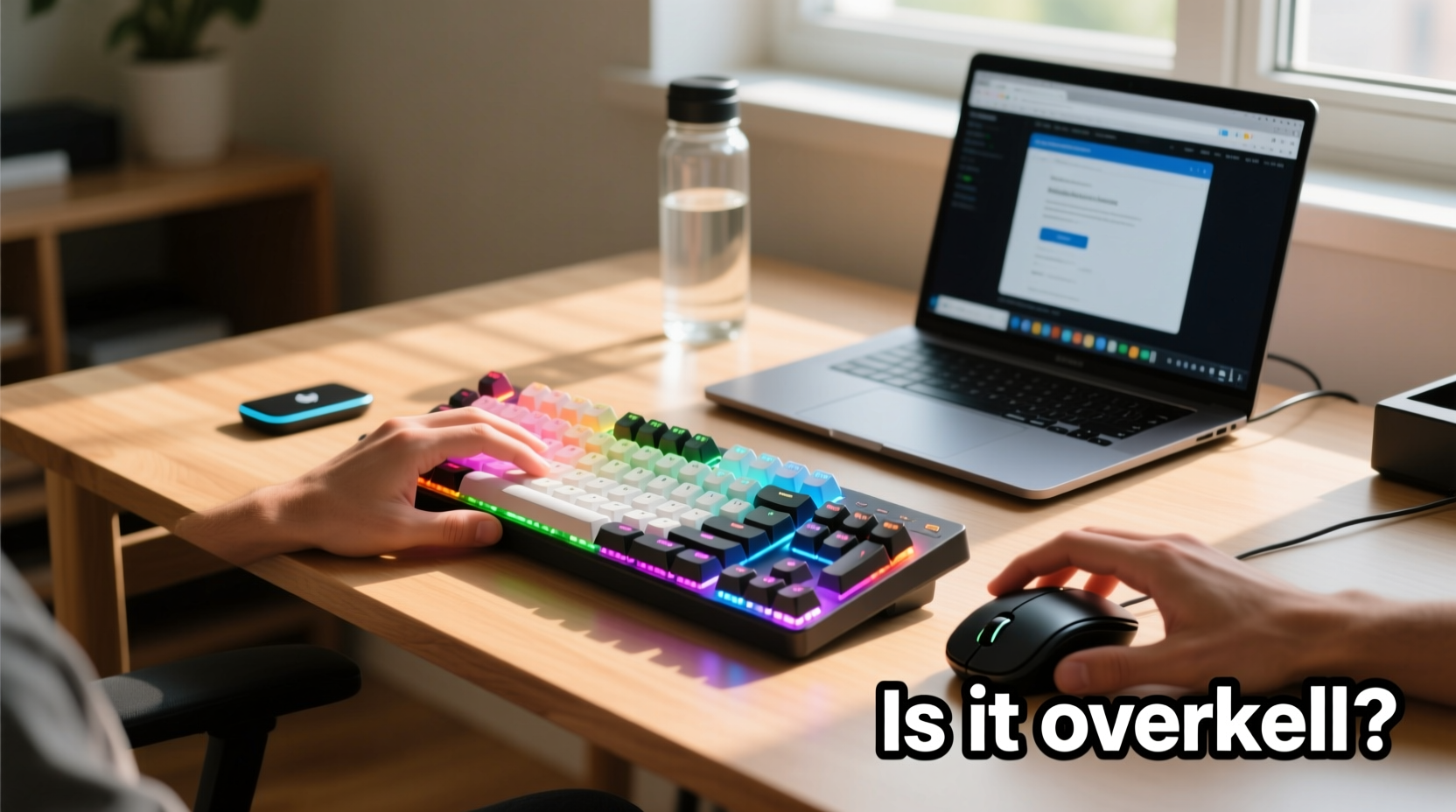
To assess whether a mechanical keyboard is excessive for casual use, it’s essential to understand the fundamental difference between mechanical and membrane keyboards.
Membrane keyboards—the type that comes standard with most laptops and budget desktop setups—use a layered rubber or silicone membrane beneath the keys. When you press a key, it pushes down on this membrane, completing an electrical circuit and registering the keystroke. These keyboards are typically quieter, lighter, and less expensive. However, they often lack precision and can feel mushy over time as the rubber degrades.
Mechanical keyboards, on the other hand, use individual mechanical switches under each key. Each switch contains metal contacts and a spring mechanism that provides consistent actuation force and tactile feedback. This design results in more precise keystrokes, longer lifespan (often rated for 50 million keystrokes per switch), and greater customization options.
When Mechanical Keyboards Shine (and When They Don’t)
Mechanical keyboards excel in scenarios demanding high input accuracy, extended typing sessions, or frequent use. Writers, programmers, and data entry professionals often report reduced fatigue and increased typing speed after switching. The distinct tactile bump or audible click of certain switches helps users know when a keystroke has been registered without bottoming out, potentially improving efficiency.
However, for someone who types sporadically—perhaps 30 minutes a day across various websites and documents—the marginal gains may not justify the upgrade. Casual browsing doesn’t require rapid-fire inputs or prolonged keyboard engagement. Scrolling, clicking, and light form-filling don’t stress a membrane keyboard’s limitations.
Moreover, mechanical keyboards tend to be louder. A full-sized model with clicky Blue switches can produce sound levels comparable to a quiet office conversation. This becomes problematic in shared spaces like living rooms, co-working areas, or late-night use where noise sensitivity matters.
“Switch choice makes all the difference. Not every mechanical keyboard is loud or fatiguing. For casual users, a linear or quiet tactile switch can offer the benefits without the drawbacks.” — Jordan Lee, Peripheral Designer at Typewise Labs
Cost vs. Value: Is It Worth the Investment?
A decent mechanical keyboard starts around $70 and can easily exceed $200 for premium models with custom keycaps, RGB lighting, and wireless functionality. In contrast, reliable membrane keyboards can be purchased for under $30. For a casual user, that price gap raises a valid question: does the added performance deliver proportional value?
Consider long-term ownership. Mechanical keyboards are built to last. Many users keep the same board for a decade or more, replacing only worn keycaps. Membrane keyboards, especially lower-end ones, often degrade within two to three years, developing unresponsive keys or inconsistent feedback.
If you plan to keep your computer setup for several years, the upfront cost of a mechanical keyboard may balance out over time. But if you frequently change devices, travel often, or rely on laptops with excellent built-in keyboards, the investment might not pay off.
| Feature | Mechanical Keyboard | Membrane Keyboard |
|---|---|---|
| Lifespan | 50M+ keystrokes | 5M–10M keystrokes |
| Typing Feedback | Precise, tactile, customizable | Soft, inconsistent over time |
| Noise Level | Moderate to high (depends on switch) | Low |
| Price Range | $70–$250+ | $15–$50 |
| Portability | Bulkier, heavier | Lightweight, compact |
Real-World Example: Sarah’s Home Office Setup
Sarah works part-time as a freelance editor but spends most of her computer time managing personal finances, shopping online, and reading articles. Her previous keyboard was a basic membrane model that came with her desktop. After seeing social media posts about mechanical boards, she invested $120 in a tenkeyless mechanical keyboard with Brown tactile switches.
At first, she loved the crisp feedback and build quality. But within a week, she noticed the keyboard took up more desk space than she had anticipated. The tactile bumps, while satisfying at first, became slightly fatiguing during long Netflix browsing sessions with heavy subtitle reading. Worse, her partner complained about the tapping noise during evening TV time.
Sarah eventually switched to a low-profile mechanical keyboard with silent red switches. It offered the durability and responsiveness she liked but in a smaller footprint and significantly quieter operation. Her experience illustrates a common journey: initial enthusiasm followed by practical adjustments based on real-world use.
The takeaway? Mechanical keyboards aren’t inherently overkill—but choosing the right one matters more than simply owning one.
How to Choose the Right Mechanical Keyboard for Light Use
If you're a casual typist considering a mechanical keyboard, focus on minimizing downsides while preserving benefits. Here’s a step-by-step guide to making a smart decision:
- Identify your primary use cases. Are you typing emails, filling web forms, taking light notes? Or do you mostly navigate with a mouse? The more typing you do—even casually—the more a mechanical board may help.
- Test switch types. Visit an electronics store or order a switch tester. Clicky (Blue), tactile (Brown), and linear (Red) switches offer different experiences. For quiet environments, consider silent variants like Gateron Silent Reds or Kailh Low Noise Browns.
- Consider size and layout. Full-sized keyboards are unnecessary for browsing. Compact options like 75% or 60% layouts save space and reduce wrist movement.
- Evaluate noise tolerance. If you share a room or use your device at night, prioritize quieter switches and avoid audible clicks.
- Look for ergonomic features. Adjustable feet, wrist rests, and sculpted key profiles can improve comfort even during short sessions.
- Decide on wired vs. wireless. Wireless models offer cleaner desks but may introduce slight input lag and require charging. For pure browsing, either works—but wired tends to be more reliable and affordable.
Checklist: Is a Mechanical Keyboard Right for You?
- ✅ Do you type for more than 30 minutes daily, even if casually?
- ✅ Do you value typing accuracy and feedback?
- ✅ Is noise not a concern in your environment?
- ✅ Are you willing to spend $70+ on a peripheral with long-term use?
- ✅ Do you prefer durable, repairable hardware over disposable gadgets?
- ✅ Are you open to learning about switch types and layouts?
If you answered “yes” to most of these, a mechanical keyboard could enhance your everyday computing—even without heavy workloads. If most answers were “no,” a high-quality membrane or scissor-switch keyboard (like those on premium laptops) might serve you better.
Frequently Asked Questions
Can a mechanical keyboard improve typing speed for casual users?
Not dramatically, but it can help. The consistent actuation point and tactile feedback reduce errors and finger fatigue, which may lead to modest improvements in speed and comfort over time. However, for someone typing infrequently, the gains are likely negligible.
Are there mechanical keyboards designed specifically for quiet use?
Yes. Many manufacturers offer “silent” mechanical switches that dampen both the downstroke and upstroke noise. Brands like Logitech (with their Romer-G silent switches), Matias, and ZSA make excellent quiet mechanical options. Additionally, foam padding inside the case and O-ring dampeners can further reduce sound.
Do I need to maintain a mechanical keyboard?
Minimal maintenance is required, but occasional cleaning improves longevity. Dust and debris can accumulate under keycaps, affecting switch performance. Remove keycaps every few months and clean with compressed air or a soft brush. Lubricating switches is optional and typically done by enthusiasts.
Conclusion: Overkill or Underestimated?
Calling mechanical keyboards “overkill” for casual typing and browsing oversimplifies a nuanced decision. For some, the upgrade offers little benefit and introduces unwanted noise and bulk. For others, even light daily use can be enhanced by the precision, durability, and satisfaction of a well-built mechanical board.
The key lies in alignment: does the keyboard match your habits, environment, and expectations? A loud, full-sized gaming keyboard with rainbow backlighting is likely excessive for someone checking Gmail and reading Reddit. But a compact, quiet mechanical model with smooth linear switches? That could quietly elevate your everyday digital experience without any fanfare.
Technology should serve the user—not the other way around. Whether mechanical or membrane, the best keyboard is the one that feels natural, lasts long, and supports your lifestyle without drawing attention to itself. If a mechanical keyboard fits that description for you, it’s not overkill. It’s thoughtful optimization.




 浙公网安备
33010002000092号
浙公网安备
33010002000092号 浙B2-20120091-4
Comments
No comments yet. Why don't you start the discussion?