
Ray tracing has become one of the most talked-about features in modern gaming. Promising cinematic lighting, realistic reflections, and immersive shadows, it’s easy to see why players are drawn to it. But there’s a catch: turning on ray tracing often comes at a steep cost—dropped frame rates. For many gamers, especially those without top-tier hardware, this raises a critical question: is ray tracing worth enabling if it drops your FPS?
The answer isn’t universal. It depends on your priorities, your setup, and the games you play. Some players value visual fidelity above all else; others won’t tolerate anything below 60 frames per second. This article dives deep into the trade-offs, explores real-world examples, and provides actionable guidance so you can make an informed decision based on your own needs.
Understanding Ray Tracing and Its Performance Cost
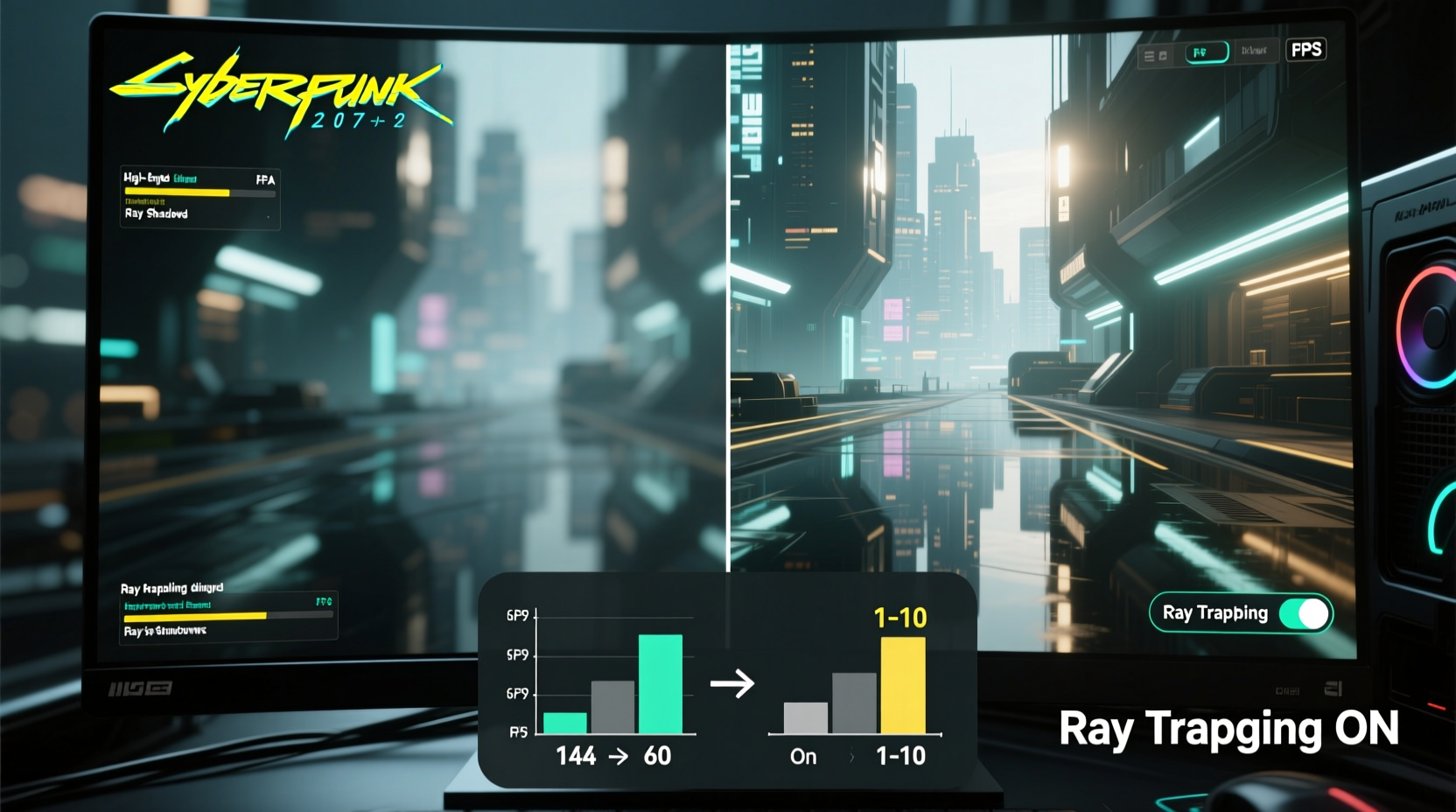
Ray tracing simulates the physical behavior of light by tracing the path of individual rays as they bounce off surfaces in a scene. Unlike traditional rasterization, which approximates lighting and reflections, ray tracing calculates how light interacts with objects in real time, producing more accurate shadows, ambient occlusion, and reflective surfaces.
However, this realism comes with a computational burden. Each ray must be calculated individually, and complex scenes with multiple light sources or reflective materials multiply the workload exponentially. Even high-end GPUs like the NVIDIA RTX 4090 or AMD RX 7900 XTX struggle to maintain stable frame rates in demanding titles when ray tracing is enabled at 4K resolution.
In practice, enabling ray tracing can reduce performance by 30% to 50%, depending on the game and settings. In titles like Cyberpunk 2077 or Control, turning on full ray tracing can drop frame rates from 60 FPS to under 40—even on powerful systems. That kind of hit forces players to make a choice: visual authenticity or smooth gameplay.
“Ray tracing fundamentally changes how we perceive digital environments—it's not just a graphical upgrade, it’s a perceptual shift.” — Mark Seremet, Senior Graphics Engineer at Epic Games
When Visual Fidelity Matters Most
For certain genres and experiences, ray tracing adds meaningful immersion. Open-world RPGs, narrative-driven adventures, and horror games benefit significantly from enhanced lighting and environmental realism.
In Resident Evil Village, for example, ray-traced shadows create unpredictable patterns that heighten tension. A flickering candle casts dynamic, jagged silhouettes across stone walls, making it harder to distinguish between real threats and illusions. The psychological impact is real—players report feeling more on edge when ray tracing is active.
Likewise, in Spider-Man: Miles Morales, puddles on rain-soaked streets reflect skyscrapers and moving vehicles with stunning clarity. These details don’t just look impressive—they reinforce the setting, making New York City feel alive in a way rasterized rendering cannot replicate.
When Smooth Gameplay Should Take Priority
Conversely, competitive multiplayer titles like Call of Duty: Warzone, Apex Legends, or Counter-Strike 2 demand responsiveness. In these scenarios, every millisecond counts. Dropping from 120 FPS to 70 FPS due to ray tracing can mean the difference between winning and losing a gunfight.
High frame rates improve input lag, motion clarity, and target tracking. Competitive players often disable all non-essential graphics effects—including ray tracing—to maximize performance. Even if ray-traced reflections look incredible on a car hood during a drive, they offer no tactical advantage in fast-paced combat.
Additionally, monitor compatibility plays a role. If you’re using a 144Hz display, dropping below 100 FPS means you’re not fully utilizing your hardware. V-Sync or frame pacing issues may also introduce stutter, further degrading the experience.
Performance vs. Immersion: A Practical Comparison
| Scenario | Ray Tracing Benefit | Performance Trade-off | Recommended? |
|---|---|---|---|
| Narrative Single-Player Game (e.g., The Last of Us Part I) | High – realistic lighting enhances mood and storytelling | Moderate to High FPS drop | ✅ Yes, especially at 30–60 FPS |
| Open-World Exploration (e.g., Horizon Forbidden West) | Medium – improved reflections and shadows add depth | Moderate FPS drop | ✅ Optional, depending on preference |
| Competitive Multiplayer (e.g., Fortnite, Valorant) | Low – minimal gameplay impact | Significant FPS drop | ❌ No, disable for performance |
| Casual Gaming on Mid-Range PC | Low to Medium – visuals improve but inconsistently | Severe FPS drop | ❌ Not recommended unless upscaling is used |
| High-End Gaming Rig (RTX 4080 or better) | High – full ray tracing feasible with DLSS/FSR | Manageable with upscaling | ✅ Yes, with optimizations |
Optimizing for Both: How to Balance Ray Tracing and FPS
You don’t always have to choose between visuals and performance. Modern technologies allow hybrid approaches that let you enjoy ray tracing without crippling frame rates.
Use Upscaling Technologies
Solutions like NVIDIA DLSS, AMD FSR, and Intel XeSS use AI or spatial upscaling to render games at a lower internal resolution and upscale them to your display’s native resolution. This dramatically boosts FPS while maintaining sharp image quality.
For instance, enabling DLSS “Balanced” mode in Alan Wake 2 can increase performance by 50–70%, making ray tracing playable at 60 FPS on an RTX 4070. Similarly, FSR 3 with frame generation has brought ray-traced Star Wars Jedi: Survivor within reach of mid-tier GPUs.
Selective Ray Tracing Settings
Many games allow granular control over ray tracing features. You can enable only specific effects—like ray-traced ambient occlusion or reflections—while disabling heavier ones like global illumination or shadows.
For example, in Cyberpunk 2077, enabling only “Ray Traced Reflections” adds significant visual polish without the extreme performance cost of full “Overdrive Mode.” This selective approach gives you a noticeable visual upgrade while keeping FPS within acceptable limits.
Adjust Resolution and Refresh Rate Expectations
If you're running a 4K display but notice severe FPS drops with ray tracing, consider dropping to 1440p. The difference in visual clarity is often imperceptible on smaller screens, but the performance gain can be substantial.
Alternatively, cap your frame rate slightly below your monitor’s maximum refresh rate to maintain consistency. Running at a steady 55–58 FPS may feel smoother than fluctuating between 45 and 70 FPS, especially with adaptive sync (G-Sync or FreeSync).
Hardware Considerations
- GPU Power: Ray tracing requires dedicated hardware. NVIDIA’s RT cores and AMD’s RDNA 2+ architectures handle ray tracing more efficiently than older cards.
- VRAM: High-resolution textures combined with ray tracing can exceed 8GB VRAM limits, leading to stuttering. 12GB or more is ideal for 1440p+ ray tracing.
- CPU Bottleneck: Ray tracing increases GPU load, but a weak CPU can still limit performance, especially in open-world games with heavy simulation.
Real-World Example: A Gamer’s Dilemma
Consider Alex, a gamer who owns an RTX 3070 and a 1440p 144Hz monitor. He loves both single-player epics and competitive shooters. When Baldur’s Gate 3 launched with optional ray tracing, he decided to test it.
At native 1440p with max settings and ray tracing enabled, his frame rate hovered around 45 FPS with frequent dips into the 30s. While the lighting was breathtaking—sunlight filtering through forest canopies looked almost photorealistic—the inconsistency made exploration frustrating.
He experimented with DLSS Quality mode and lowered the ray tracing intensity to “Medium.” Frame rates stabilized at 58–62 FPS—close enough to his target 60. The visuals remained impressive, and gameplay felt smooth. For him, the compromise worked.
But when he switched to Warzone, he immediately disabled ray tracing. His average FPS jumped from 85 to 115, giving him a tangible edge in firefights. The reflection of a helicopter on a window wasn’t worth missing a headshot.
His takeaway? Context matters. There’s no one-size-fits-all rule—only what works best for each game and playstyle.
Action Plan: How to Decide What’s Right for You
- Evaluate your hardware: Check if your GPU supports ray tracing efficiently. Cards below RTX 3060 or RX 6700 XT will struggle severely.
- Test in your favorite games: Enable ray tracing and measure actual FPS drops using tools like MSI Afterburner or in-game benchmarks.
- Enable upscaling: Turn on DLSS, FSR, or XeSS in “Quality” or “Balanced” mode to recover lost performance.
- Prioritize by genre: Use ray tracing in single-player, story-driven games. Disable it in competitive or fast-paced titles.
- Adjust settings selectively: Don’t enable all ray tracing effects at once. Start with reflections or ambient occlusion, then assess performance.
- Monitor stability: Ensure temperatures and power draw remain safe during extended sessions with ray tracing enabled.
Frequently Asked Questions
Does ray tracing always ruin FPS?
No—not always. On high-end systems with upscaling enabled, ray tracing can run smoothly at 60 FPS or higher. However, on mid-range or older hardware, the performance hit is typically significant and may not be worth the visual gains.
Can I enable ray tracing only for reflections?
Yes, many modern games allow selective ray tracing. Titles like Cyberpunk 2077, Control, and Watch Dogs: Legion let you enable ray-traced reflections independently of shadows or global illumination, offering a balanced middle ground.
Is ray tracing worth it on consoles?
On PlayStation 5 and Xbox Series X, ray tracing is supported but often comes with performance modes that cap frame rates at 30 FPS. For console players, it depends on preference: if you value visuals over fluidity, it can be worth it. But many opt for performance modes to maintain 60 FPS, especially in action-heavy games.
Conclusion: Make the Choice That Fits Your Playstyle
Ray tracing isn’t inherently “worth it” or “not worth it.” Its value lies in how it aligns with your personal gaming experience. For cinematic, visually rich single-player titles, the atmospheric enhancement can justify a lower frame rate. But in fast-paced, competitive environments, smooth performance should take precedence.
Modern tools like DLSS and FSR have narrowed the gap, allowing more players to enjoy ray tracing without extreme compromises. Still, the decision ultimately rests on your hardware, preferences, and priorities.
Instead of following trends or chasing benchmarks, focus on what makes your gaming experience fulfilling. Test settings, trust your eyes and instincts, and optimize for enjoyment—not just specs.




 浙公网安备
33010002000092号
浙公网安备
33010002000092号 浙B2-20120091-4
Comments
No comments yet. Why don't you start the discussion?