
Every month, millions of internet users pay their Internet Service Provider (ISP) an extra $10 to $15 just to rent a modem or gateway device. On the surface, it seems convenient—plug in the box they send, and you’re online. But over time, that small monthly fee adds up. After three years, you could have paid $540 for a device worth less than $150 at retail. Is this just a service fee, or is renting a modem from your ISP actually a financial trap disguised as convenience?
The truth is nuanced. While not every rental arrangement is a “scam” in the legal sense, many ISPs profit significantly from long-term rentals while offering subpar equipment and limited consumer choice. When you examine the total cost of ownership, performance quality, control, and flexibility, purchasing your own modem often emerges as the smarter, more economical decision.
How Modem Rentals Work—and Why They’re So Common
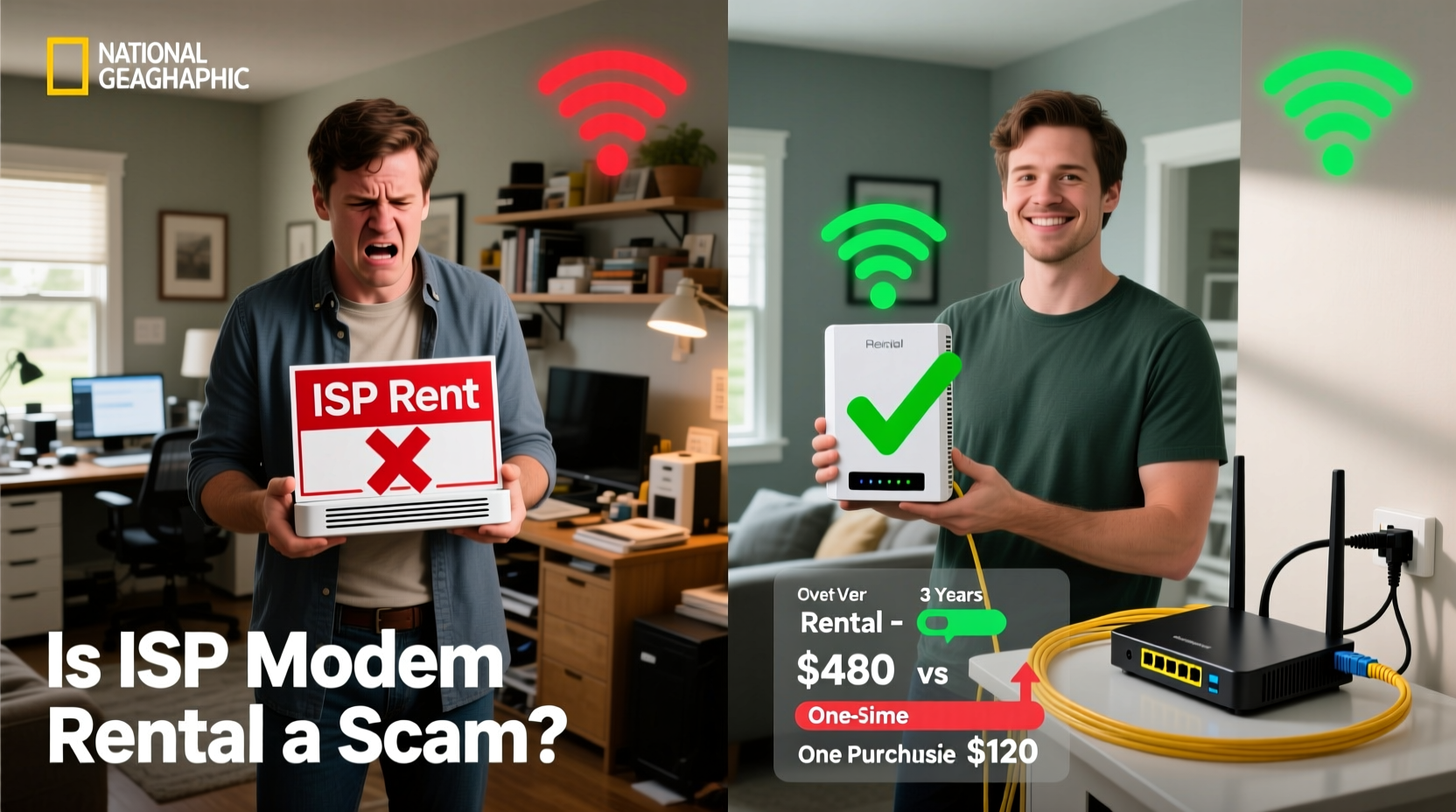
ISPs like Comcast (Xfinity), Spectrum, Cox, and AT&T typically offer a rental model where they provide a combined modem-router unit (often called a gateway) for a monthly fee. This fee usually ranges from $10 to $15 per month. Some providers include free installation, remote management, and automatic firmware updates as part of the package, which can sound appealing.
The convenience factor is real: no need to research compatible hardware, no upfront cost, and instant support if something goes wrong. However, this ease comes at a steep long-term price. Most consumers don’t realize they’re leasing outdated or mid-tier equipment that limits performance, security, and customization.
Consider this: if you pay $12 per month to rent a modem, that’s $144 annually. Over five years, you’ve paid $720—more than enough to buy two high-end modems and a top-tier router.
The Real Cost Comparison: Renting vs. Buying
To understand whether renting is a poor financial decision, let’s compare the total expenses over time.
| Option | Upfront Cost | Monthly Fee | Total After 1 Year | Total After 3 Years | Total After 5 Years |
|---|---|---|---|---|---|
| Renting from ISP | $0 | $12 | $144 | $432 | $720 |
| Buying Your Own (One-Time) | $130 | $0 | $130 | $130 | $130 |
Even with conservative estimates, buying your own modem pays for itself in under a year. After that, you’re saving over $100 annually. And unlike leased devices, your modem remains yours indefinitely—even if you switch ISPs (provided it's compatible).
Beyond direct savings, owning your modem gives you better hardware. Rental units are often older DOCSIS 3.0 models or combo devices with mediocre Wi-Fi performance. In contrast, a self-purchased modem like the Netgear CM2000 or Motorola MB8600 supports DOCSIS 3.1, future-proofing your connection for gigabit speeds.
Performance and Control: The Hidden Advantages of Ownership
When you rent a modem, you’re locked into whatever hardware the ISP decides to deploy. These gateways frequently suffer from:
- Limited Wi-Fi range and speed
- Frequent overheating due to poor ventilation
- Outdated firmware with delayed security patches
- Inflexible settings and restricted admin access
Many users report improved network stability and faster Wi-Fi after switching to a self-owned modem paired with a dedicated router. Separating the modem from the router eliminates single-point failure risks and allows for advanced features like Quality of Service (QoS), guest networks, parental controls, and mesh networking.
“Most ISP-provided gateways are designed for mass deployment, not peak performance. For serious home networking, a user-owned setup offers superior reliability and customization.” — David Lin, Network Engineer and Tech Educator
Additionally, when you own your equipment, you control when it gets upgraded. No more waiting for your ISP to roll out newer models—many of which still come with higher rental fees.
Step-by-Step Guide to Replacing Your Rented Modem
Switching from a rented to a purchased modem is straightforward if you follow these steps:
- Check your ISP’s approved modem list. Visit your provider’s website and search for “compatible modems.” Only use models listed as approved.
- Determine your internet plan speed. If you have gigabit service, ensure the modem supports DOCSIS 3.1. For speeds under 400 Mbps, DOCSIS 3.0 may suffice.
- Purchase a standalone modem or modem-router combo. For best results, buy a standalone modem and pair it with a high-performance router like an ASUS RT-AX86U or TP-Link Deco XE75.
- Contact your ISP to deactivate the old device. Some providers require you to call or chat support to remove the rental from your account.
- Connect your new modem. Plug in the coaxial cable, power on the device, and wait for all status lights to stabilize (usually takes 5–10 minutes).
- Activate the modem through your ISP’s portal. Log in to your account and follow activation prompts using the modem’s MAC address (found on the label).
- Test your connection. Run a speed test and verify both download/upload rates and latency.
Most users complete this process in under 30 minutes. Once done, review your next bill to confirm the rental fee has been removed.
Real Example: How One Family Saved $600 in Five Years
The Thompson family in Austin, Texas, had been paying Spectrum $11 per month to rent their modem. They never questioned the charge—it was just part of the bill. Then, their son, a computer science student, noticed their Wi-Fi lag during Zoom classes and gaming sessions.
He researched compatible modems, bought a Motorola MG7700 for $120 (on sale), and set it up over a weekend. Not only did their average speeds increase from 130 Mbps to 180 Mbps, but their router coverage expanded to the backyard shed, previously a dead zone.
More importantly, their monthly bill dropped by $11. Over five years, that’s $660 in savings. “We got better performance and saved money,” said Mrs. Thompson. “Why didn’t we do this sooner?”
This case isn’t unique. Thousands of households unknowingly overpay for outdated technology while missing out on better alternatives.
Common Objections—and Why They Don’t Hold Up
Some consumers hesitate to buy their own modem due to common concerns. Let’s address them directly.
- “What if it breaks?” Most quality modems come with a 1–2 year warranty. Even if it fails later, replacement costs are still lower than years of rental fees.
- “I’ll lose free support.” ISPs still support connectivity issues regardless of your equipment. If the problem is with your modem, support will tell you to contact the manufacturer or replace it.
- “It might not be compatible.” As long as you choose from your ISP’s approved list, compatibility is guaranteed. Double-check model numbers carefully.
- “I don’t want to deal with setup.” Setup takes less than 15 minutes for most users. Online tutorials and customer support make the process simple.
These objections often stem from misinformation or inertia. The reality is that taking control of your networking hardware leads to better performance, long-term savings, and greater autonomy.
Checklist: How to Decide Whether to Buy or Keep Renting
Use this checklist to determine the best path for your household:
- ☐ My ISP allows customer-owned modems
- ☐ I can find a compatible modem under $150
- ☐ My current rental fee is $10 or more per month
- ☐ I experience Wi-Fi dead zones or slow speeds
- ☐ I value control over my network settings
- ☐ I plan to stay with my ISP for at least 12 months
If you checked four or more boxes, buying your own modem is likely the better choice.
FAQ: Your Top Questions Answered
Will my ISP charge me extra if I use my own modem?
No. Federal regulations prohibit ISPs from charging extra for customer-owned equipment, as long as it meets technical and security standards. You should see a reduction in your monthly bill once the rental is removed.
Can I use any modem with my ISP?
No. Each ISP maintains a list of approved modems. Using an unapproved model may result in activation failure or lack of support. Always verify compatibility before purchasing.
Do I still need to pay for router rental if I buy a modem?
If you purchase a standalone modem, you’ll need a separate router. However, you can either use an existing router or buy a new one—avoiding monthly fees entirely. Alternatively, buy a modem-router combo unit to consolidate devices.
Conclusion: Take Back Control of Your Internet Experience
Renting a modem from your ISP isn’t illegal or fraudulent—but it is financially inefficient and often technologically limiting. What starts as a small monthly charge becomes a significant long-term expense, all for hardware you’ll never own and can’t fully control.
By investing in your own modem, you gain faster speeds, better reliability, and immediate monthly savings. The setup is simple, the benefits are lasting, and the return on investment is undeniable. This isn’t about rejecting ISP services—it’s about making informed choices that align with your needs and budget.




 浙公网安备
33010002000092号
浙公网安备
33010002000092号 浙B2-20120091-4
Comments
No comments yet. Why don't you start the discussion?