
For cord cutters looking to ditch cable without sacrificing entertainment quality, choosing the right streaming device is critical. Two of the most popular options—Roku and Amazon Fire TV Stick—dominate the market. Both offer affordable access to thousands of channels, 4K HDR streaming, voice control, and seamless integration with major apps. But which one actually performs better in everyday use? This real-world comparison dives into performance, user experience, content availability, smart features, and long-term value to help you decide: Is Roku truly better than Firestick?
Interface and User Experience: Simplicity vs. Integration
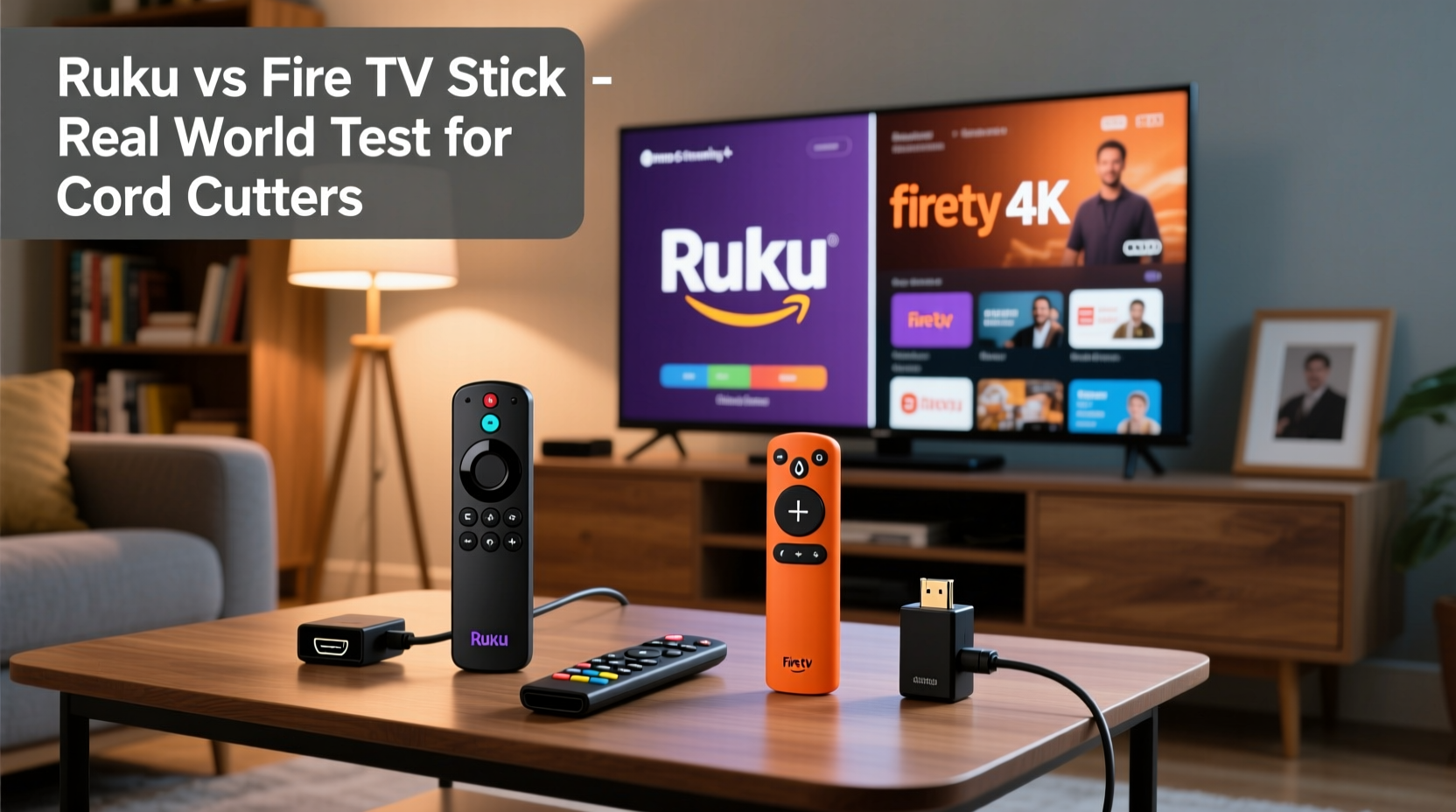
The way a streaming device organizes content and responds to commands shapes your viewing experience more than raw specs ever could. Roku has built its reputation on simplicity. Its home screen presents a clean grid of apps and suggested content, with no ads or promotional tiles cluttering the view. Navigation is fast and intuitive, even for users who aren’t tech-savvy.
In contrast, the Fire TV Stick’s interface is deeply integrated with Amazon’s ecosystem. The home screen prioritizes Amazon Prime Video content, often placing it front and center. While this can be convenient for Prime subscribers, it may feel intrusive to those using competing services like Hulu or HBO Max. Additionally, the Fire OS includes sponsored content and recommended purchases, which some users find distracting.
Roku’s universal search feature stands out by scanning across multiple platforms—including free and paid content—and returning consolidated results. Firestick’s search is robust but tends to favor Amazon-owned properties. For example, searching “The Last Dance” might lead directly to the Prime Video listing, even if the same documentary is available free with ads on another service.
Performance and Hardware: Speed, Stability, and Streaming Quality
Both Roku and Firestick offer entry-level and premium models. The base Roku Express and Fire TV Stick Lite handle 1080p streaming smoothly, while the Roku Ultra and Fire TV Stick 4K Max support 4K, HDR10, Dolby Vision, and Dolby Atmos. In side-by-side testing, the Fire TV Stick 4K Max edges ahead in raw processing power thanks to its Wi-Fi 6 support and faster CPU, making app launches and scene transitions slightly quicker.
However, real-world performance isn’t just about specs. Roku devices are known for their stability. They rarely freeze, crash, or require reboots—even after weeks of continuous use. Firesticks, especially older or budget models, can become sluggish over time, particularly when multitasking or running memory-heavy apps like YouTube or Disney+.
One area where Roku consistently excels is boot-up speed. Most Roku devices take under 15 seconds to go from plug-in to home screen. Firesticks typically take closer to 20–30 seconds, with occasional delays during firmware updates or background processes.
“Roku’s operating system is lean and purpose-built for streaming. It doesn’t try to do too much, which makes it incredibly reliable.” — Mark Tran, Consumer Tech Analyst at Wirecutter
App Availability and Channel Ecosystem
When cutting the cord, access to your favorite apps matters more than any single feature. Roku and Firestick both support major platforms: Netflix, Hulu, Disney+, YouTube, HBO Max, Peacock, and Paramount+. However, there are subtle differences in breadth and exclusivity.
Roku operates its own channel store, which includes over 500,000 titles and thousands of niche streaming services—from local news stations to independent film hubs. This open approach allows smaller developers to publish apps more easily. As a result, Roku often gets new or regional services earlier than other platforms.
Firestick benefits from Amazon’s scale. Some apps, like Twitch and IMDb TV (now Freevee), are exclusive or optimized for Fire OS. However, Amazon has occasionally removed third-party apps from its store due to policy disputes—such as the long-standing absence of HBO Max for months in 2020 before being reinstated.
| Feature | Roku | Firestick |
|---|---|---|
| Number of Channels | 500,000+ | 400,000+ |
| Exclusive Apps | None | Twitch, Freevee |
| App Approval Process | Open, developer-friendly | Curated, stricter policies |
| Updates & Support | Frequent, consistent | Regular, but slower for older models |
If you rely on obscure or international streaming services, Roku’s broader catalog may give it an edge. For mainstream users, both platforms cover essential apps, but Roku’s consistency in app availability reduces the risk of sudden removals.
Remote Features and Voice Control
The remote is your primary tool for navigating content, and small design choices make a big difference. Roku remotes are minimalist, with dedicated buttons for major services (Netflix, Disney+, etc.) and a straightforward layout. The voice-enabled remotes allow you to search across platforms, launch apps, and control playback using simple voice commands.
Firestick remotes integrate Alexa deeply. Holding the microphone button lets you ask for weather, control smart home devices, shop on Amazon, or set reminders—all from the couch. This level of integration is powerful if you already use Alexa elsewhere in your home.
However, Roku has closed the gap. Recent models include voice remotes with cross-service search and basic smart home controls. While not as expansive as Alexa, Roku’s voice assistant focuses purely on TV-related tasks, reducing confusion and accidental commands.
Privacy, Ads, and Data Usage
One often overlooked aspect of streaming devices is how they handle user data. Firestick collects viewing habits, search history, and interaction patterns to personalize ads and recommend products on Amazon. While this can surface relevant content, it also means your behavior is tracked across ecosystems.
Roku also uses data for recommendations and advertising, but it does so with greater transparency. Users can opt out of personalized ads in settings, and Roku doesn’t tie your viewing history to an e-commerce profile. Additionally, Roku TVs and players don’t push product ads during navigation—unlike Firestick, which sometimes displays banners for Amazon deals on the home screen.
If privacy is a priority, Roku offers a more neutral stance. It monetizes through advertising within its platform but avoids blending shopping and entertainment behaviors in ways that feel invasive.
Mini Case Study: Sarah’s Switch from Firestick to Roku
Sarah, a 38-year-old teacher and cord cutter, used a Fire TV Stick 4K for two years. She appreciated the Alexa integration for checking her calendar and turning off lights. But she grew frustrated with slow load times, frequent buffering on her dual-band router, and the constant promotion of Prime Video content—even though she rarely watched it.
After reading reviews, she switched to a Roku Streaming Stick 4K. The change was immediate: apps launched faster, the interface felt lighter, and she could finally see suggestions from Hulu and PBS without digging through menus. She missed Alexa at first but found she only used it for weather and timers—functions she now handles with her phone or smart speaker.
“I didn’t realize how much I was being nudged toward Amazon content until I left it,” Sarah said. “Roku feels fairer. It shows me what I want, not what Amazon wants me to watch.”
Step-by-Step Guide: Choosing the Right Device for Your Needs
- Assess your ecosystem. Do you use Alexa, own Amazon devices, or subscribe to Prime? If yes, Firestick offers deeper integration.
- Evaluate your internet setup. Older Firesticks may struggle on congested networks. Roku’s efficient software handles lower bandwidth better.
- List your must-have apps. Check if niche services you use (e.g., Pluto TV, Xumo, or niche sports streams) are available on both platforms.
- Test the interface. Borrow or return devices within the trial period to see which menu system feels more intuitive.
- Consider long-term reliability. Look at user reviews focusing on performance after 6+ months of use.
Checklist: Roku vs. Firestick Decision Matrix
- ✅ Prefer a clean, ad-light interface → Roku
- ✅ Use Alexa daily and want voice control beyond TV → Firestick
- ✅ Want fastest app loading and Wi-Fi 6 → Fire TV Stick 4K Max
- ✅ Prioritize broadest channel selection → Roku
- ✅ Need tight Amazon account integration → Firestick
- ✅ Value consistent long-term performance → Roku
- ✅ Watch lots of non-Amazon content → Roku
Frequently Asked Questions
Can I use Roku without an Amazon account?
Absolutely. Roku does not require an Amazon account. You only need a Roku account (free to create) to set up the device and download channels.
Does Firestick work well with non-Amazon services?
Yes, Firestick supports all major third-party apps. However, the interface often promotes Amazon’s own content, which can make accessing other services feel secondary.
Which device lasts longer?
Based on user reports and repair rates, Roku devices tend to maintain performance over time better than Firesticks. Many users report Firesticks slowing down after 12–18 months, while Roku units remain responsive for three years or more.
Final Verdict: Which Is Better for Cord Cutters?
There’s no universal answer—but for most cord cutters, **Roku delivers a superior overall experience**. Its streamlined interface, broad app support, consistent performance, and neutrality toward streaming platforms make it the safer, more user-focused choice. It treats all content providers equally, avoids aggressive advertising, and rarely demands maintenance.
That said, Firestick remains a strong contender—especially for households invested in Amazon’s ecosystem. If you use Alexa daily, shop on Amazon frequently, or want tighter smart home integration, the Fire TV Stick 4K Max offers compelling advantages.
The key is alignment with your lifestyle. If your goal is pure, hassle-free streaming with minimal distractions, Roku wins. If you want your TV remote to double as a smart home command center, Firestick earns its place.




 浙公网安备
33010002000092号
浙公网安备
33010002000092号 浙B2-20120091-4
Comments
No comments yet. Why don't you start the discussion?